

Publish, promote and
sell out your events
without leaving WordPress
HappenBoard is a block-native events plugin: 21 blocks, real recurring events, free RSVPs with capacity limits, and paid tickets with Pro through Stripe or WooCommerce. Server-rendered pages that Google indexes, in the editor you already know.
Publish, promote and sell with HappenBoard
Built by the team behind SEOPress
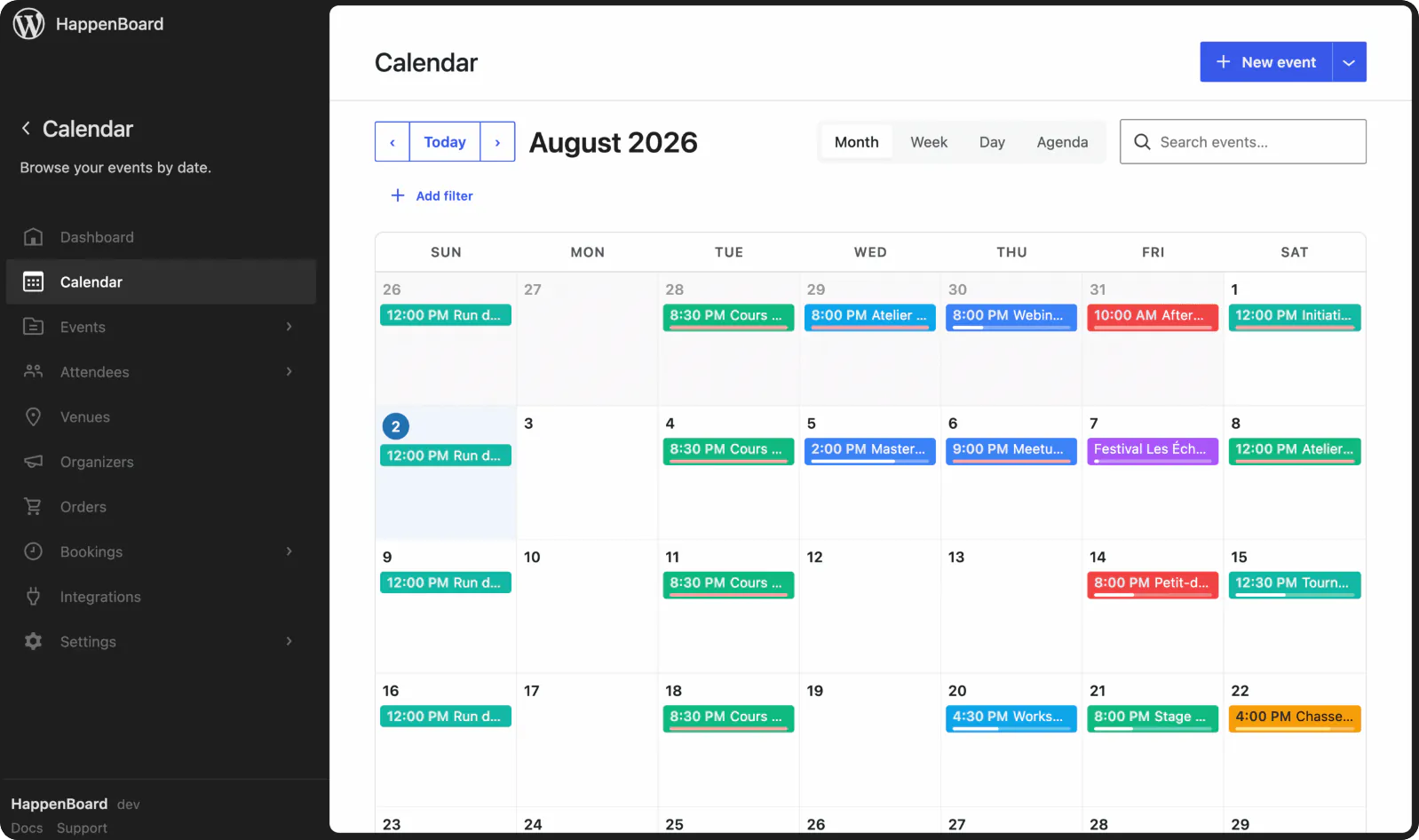
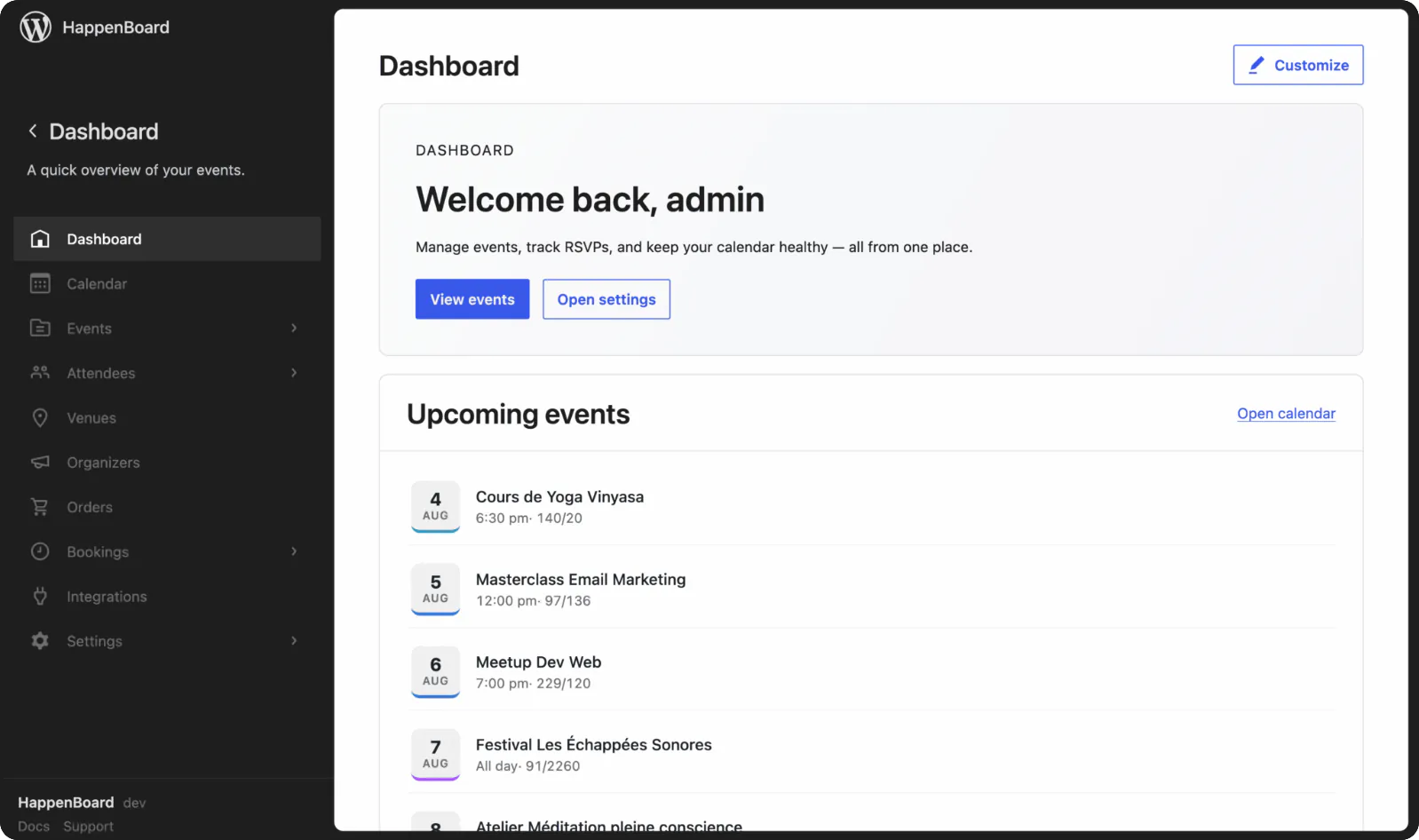
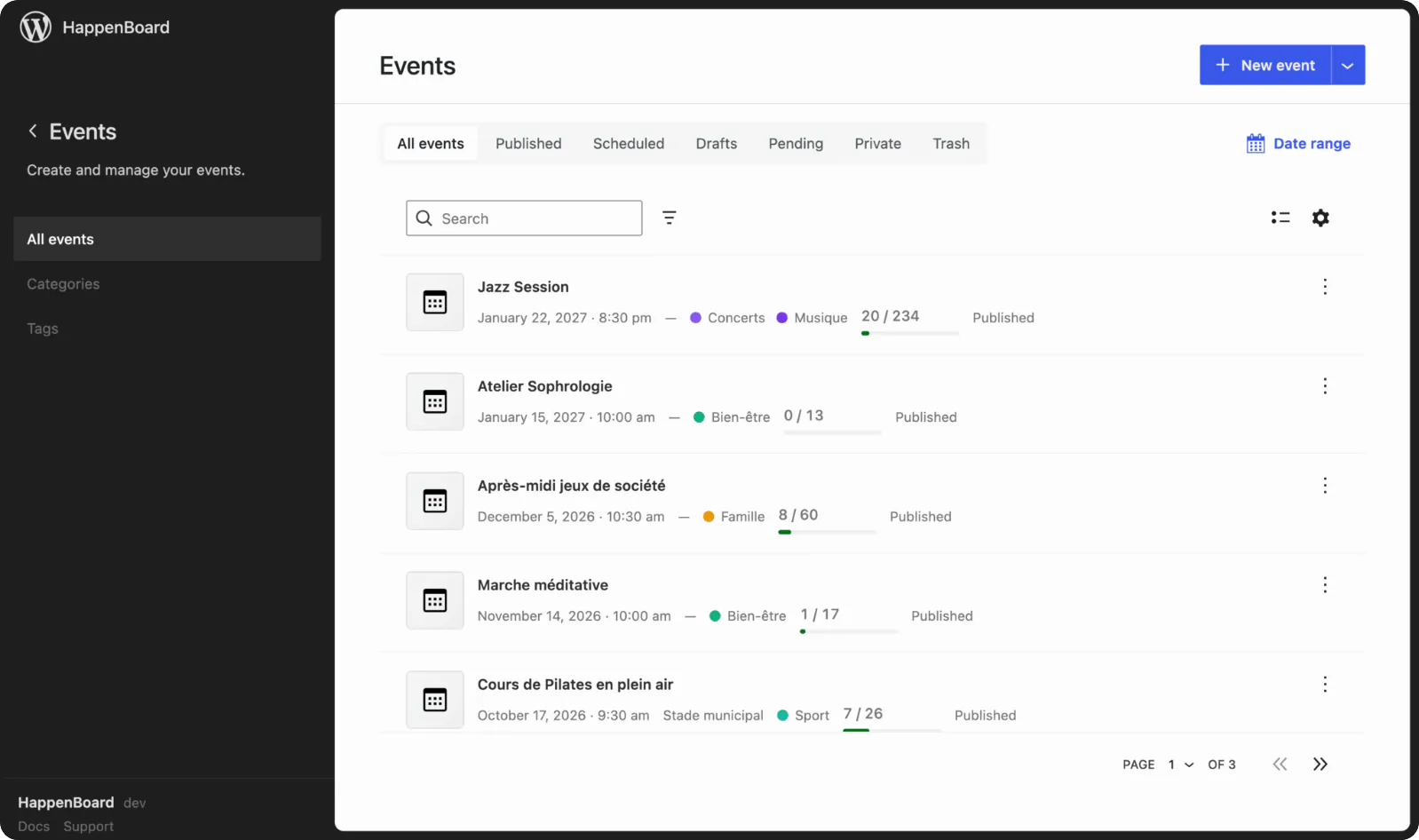
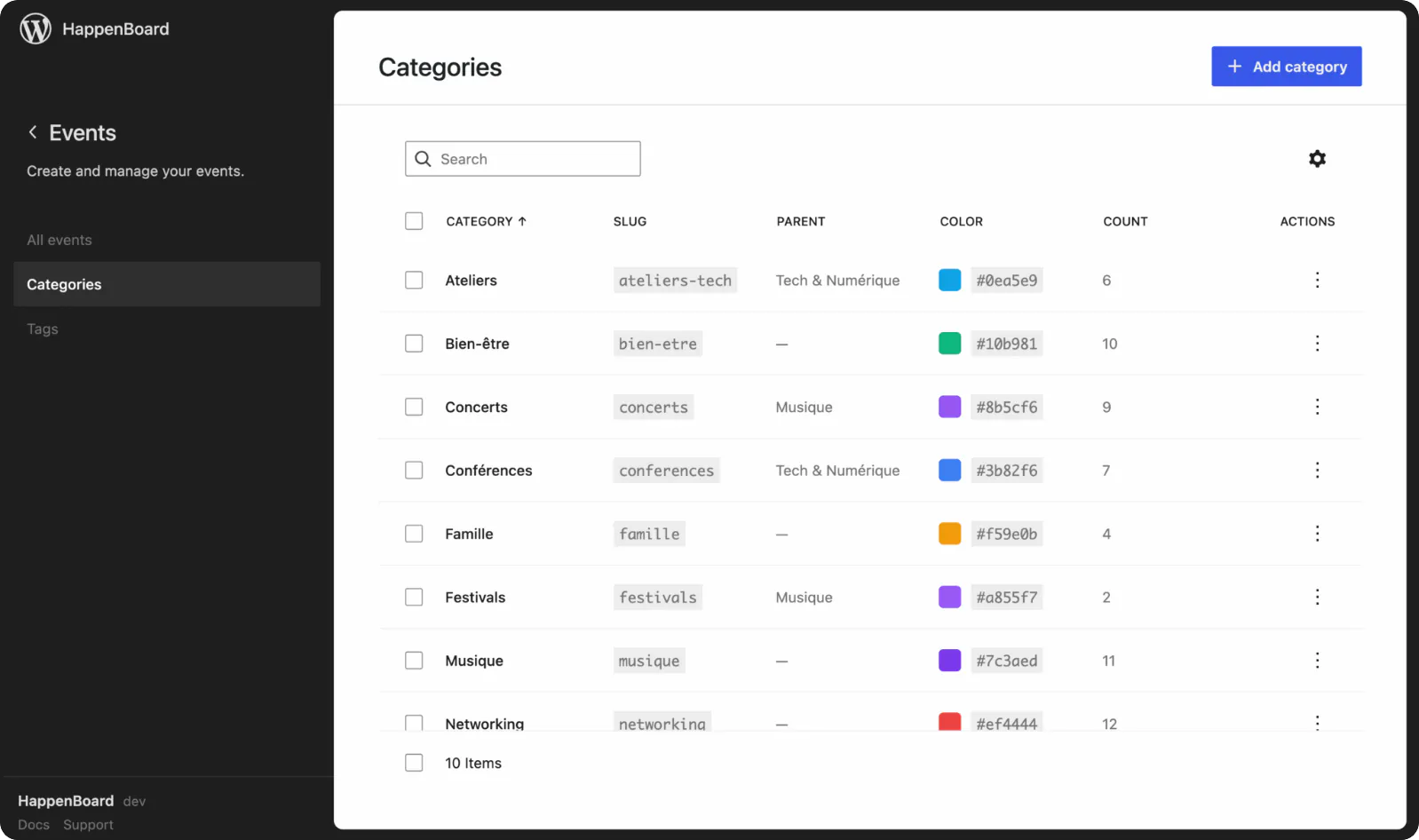

Publish
Month, week, day and agenda calendars, lists, grids and a query loop. All real blocks, styled by your theme.

Promote
Event schema for Google, iCal feeds and add-to-calendar buttons. Server-rendered pages search engines read.

Sell
Capacity limits, confirmation and reminder emails in Free. Stripe, WooCommerce and QR check-in in Pro.
No credit card required

Create, publish and manage events with a flexible WordPress event calendar built for any kind of event.
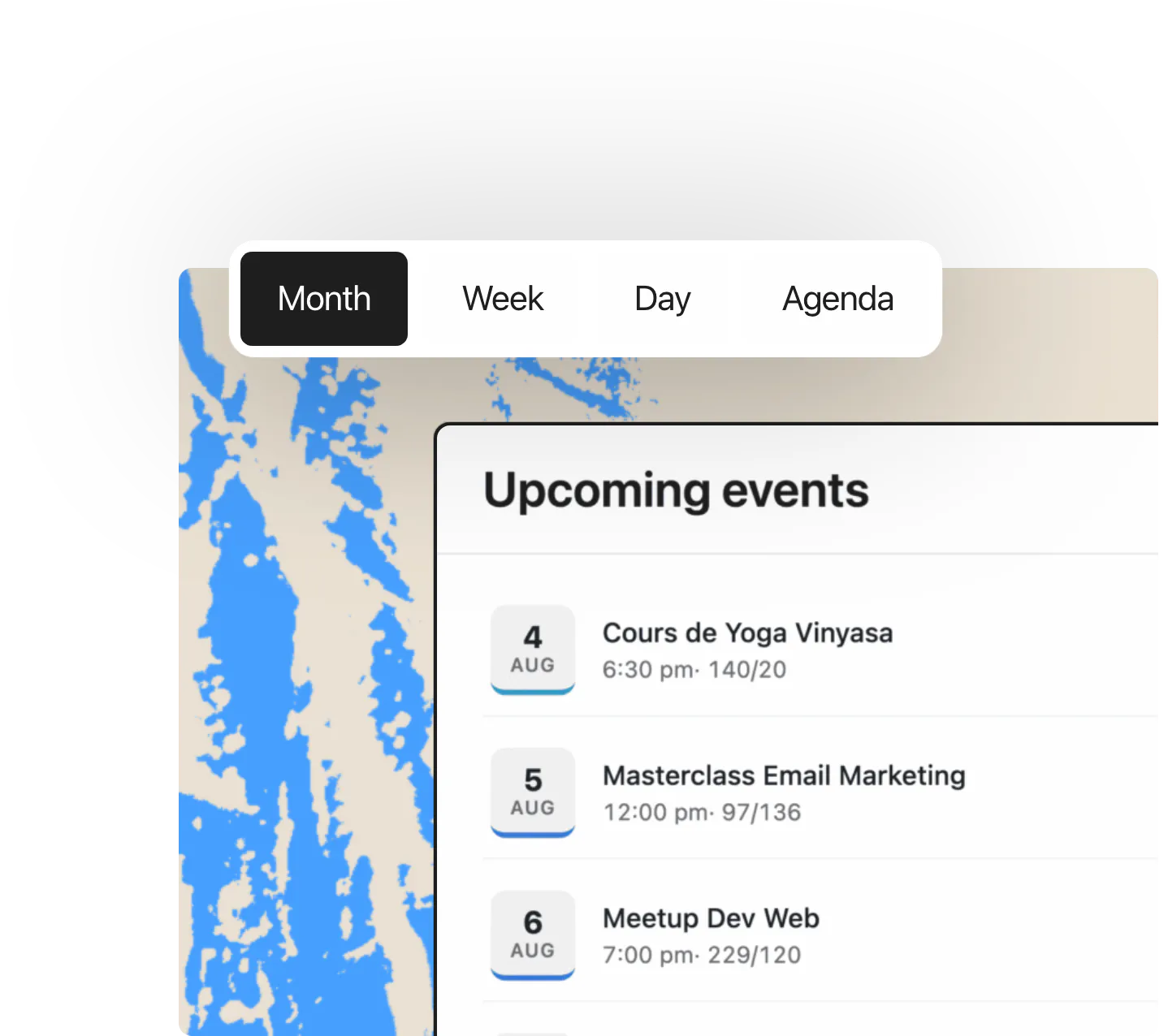
Event calendar & views
Showcase upcoming events with flexible calendar and list views.
Recurring events
Easily create events that repeat daily, weekly, monthly or yearly.
Venues, maps & discovery
Add locations, maps and venue details to make events easy to find.

Get your events seen, shared and discovered with built-in SEO and automated promotion tools.
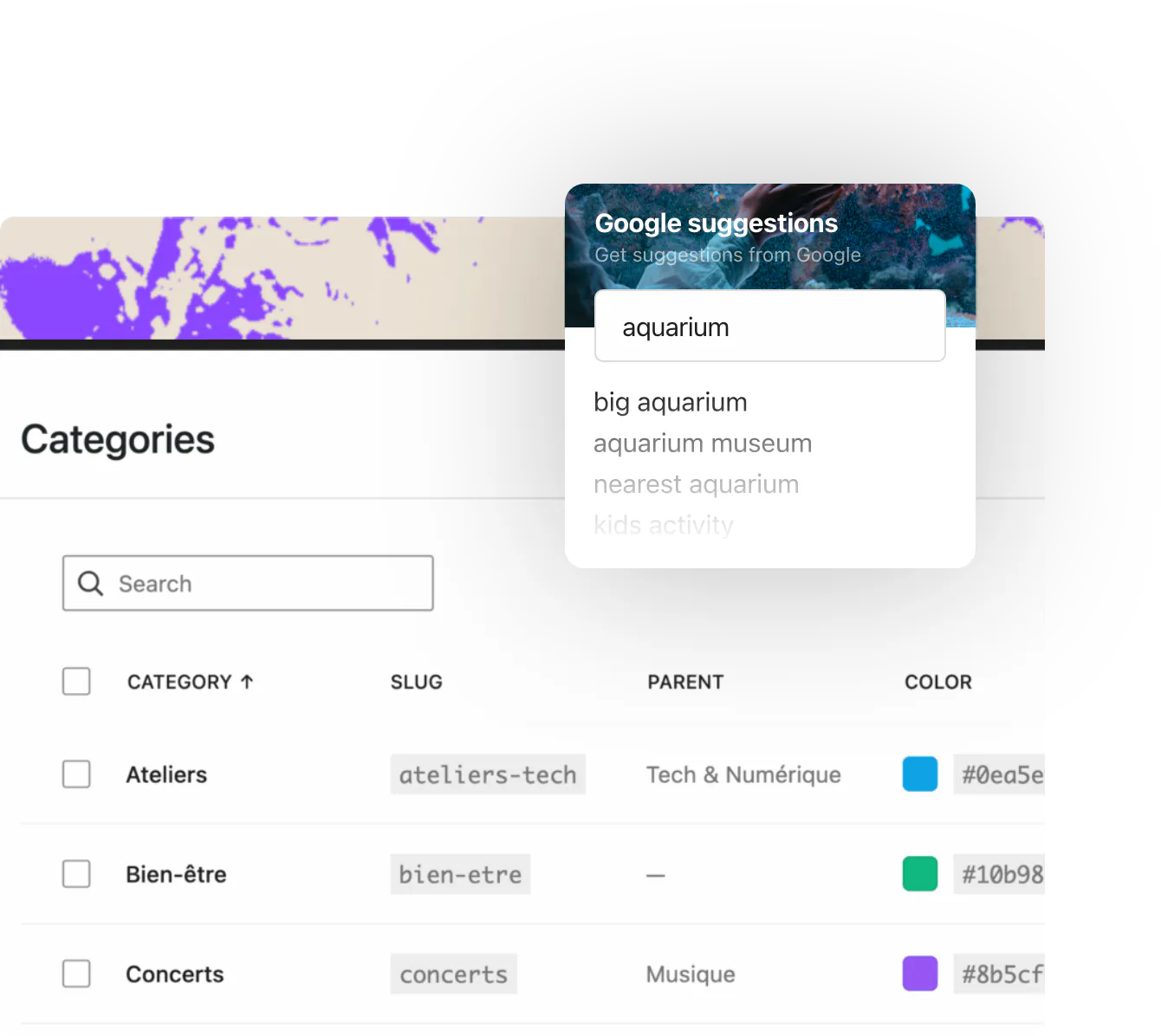
SEO & performance
Build fast, search-friendly event pages designed to rank on Google.
Sync, notifications & automation
Keep attendees informed with automated updates, notifications and integrations.
Migration and imports
Migrate from the other tools in one click, recurrence rules included.

Sell tickets, manage registrations and streamline event check-in with a complete WordPress ticketing solution.
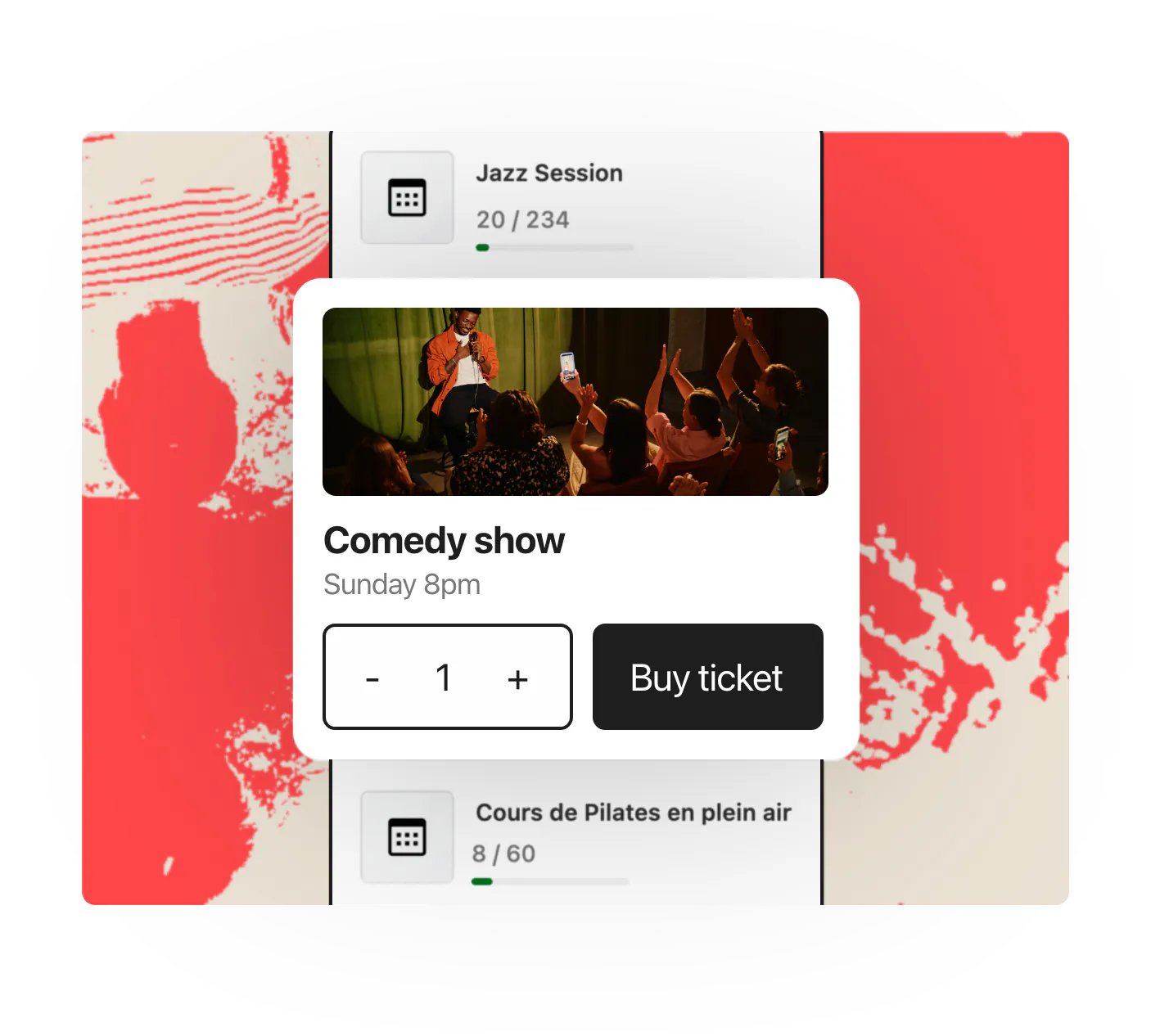
Ticketing, e-tickets & check-in
Sell tickets online, issue e-tickets and check attendees in with ease.
Appointment booking
Let visitors book appointments, sessions and time slots directly online.
Registrations & attendees
Manage registrations, attendee details and event capacity in one place.
HappenBoard in numbers
21
server-rendered blocks
11
ready-made patterns
5
one-click importers
4
calendar views
5
Site Editor templates
Built for the way
you run events
Conferences & Festival
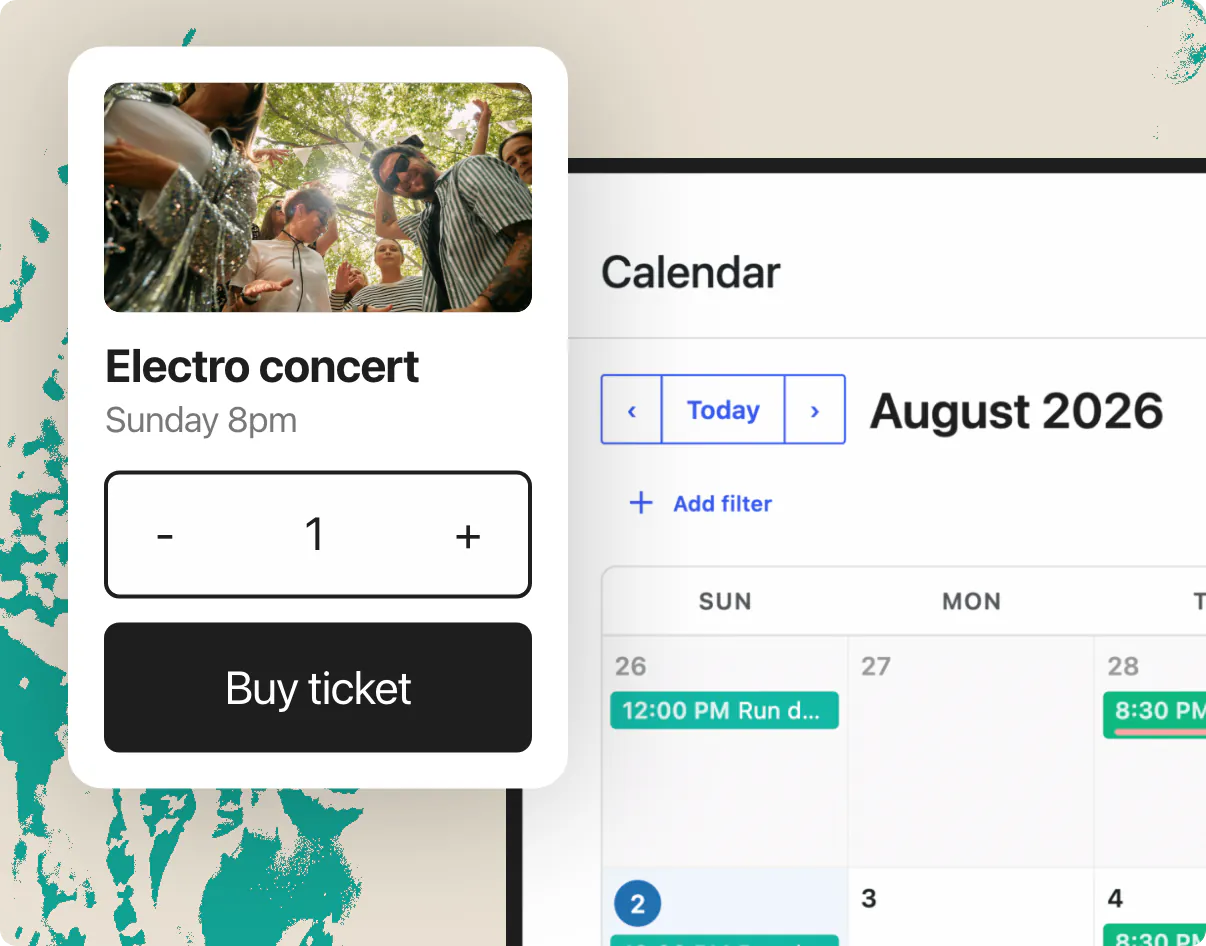
A timetable people can actually read
Multi-day programmes with a timetable people can actually read, speakers and sponsors on the page, and tickets sold from your own site.
Club & Associations
Set the rhythm once, let members sign up
The weekly training, the monthly meeting, the annual general assembly: set the rhythm once and let members sign themselves up.
Tourist offices & Councils
One public calendar for the whole area
Everything happening locally on one public calendar that works on any device, for any visitor, and that search engines can read.
Theatres & Cultural venues
Announce the run once, keep every date
A season is a series, not forty copies of the same event. Announce the run once and keep control of every single date.
Coaches & Consultants
Classes and appointments, on your own site
Classes on the calendar, appointments in the diary, both booked and paid from the same site, with no third-party widget in the way.
You ask.
We answer!
We’re featured in





Who owns my data?
You do. Events are standard WordPress posts, attendees export to CSV, JSON or vCard, calendars export to iCal, and GDPR export and erase tools are built in. Nothing is locked in and nothing leaves your site without your opt-in.
Do recurring events really work?
HappenBoard uses the same RRULE standard as Google Calendar, stores every occurrence in an indexed table, and keeps series in sync when you edit them. Pro adds per-occurrence exceptions: skip one date, move another, restore a third.
Can I migrate from The Events Calendar or Events Manager?
Yes, in one click from the admin or with WP-CLI. HappenBoard imports events, venues, organizers and recurrence rules from The Events Calendar, Events Manager, Sugar Calendar, EventKoi and Amelia, plus any .ics file.
Will it work with my theme?
HappenBoard is built from standard blocks that follow your theme’s global styles. Block themes work out of the box, and the main blocks are also available as Elementor widgets.
Can I sell tickets with HappenBoard?
With HappenBoard Pro, yes. Charge through Stripe Checkout or through WooCommerce and any payment gateway it supports. Ticket types have their own price and their own number of seats.
Is HappenBoard Free?
Yes. The Free plugin includes the full calendar, recurring events, RSVPs with capacity limits, appointment booking, migration and exports. HappenBoard Pro adds paid tickets, QR check-in, calendar sync, automations and more.
Works with






Ready, set…
Live!
1
Install
Install the free plugin. No account, no API key, no credit card.
2
Import or create
Bring your events over in one click, recurrence included, or create your first event in the editor you already know.
3
Publish and sell
Drop the calendar on a page, open RSVPs, and add Pro for Stripe or WooCommerce when tickets go on sale.
Works with your theme, blocks and all
Turn your calendar into a box office
Publish events and take RSVPs for free, today.
Add Pro when you sell tickets.