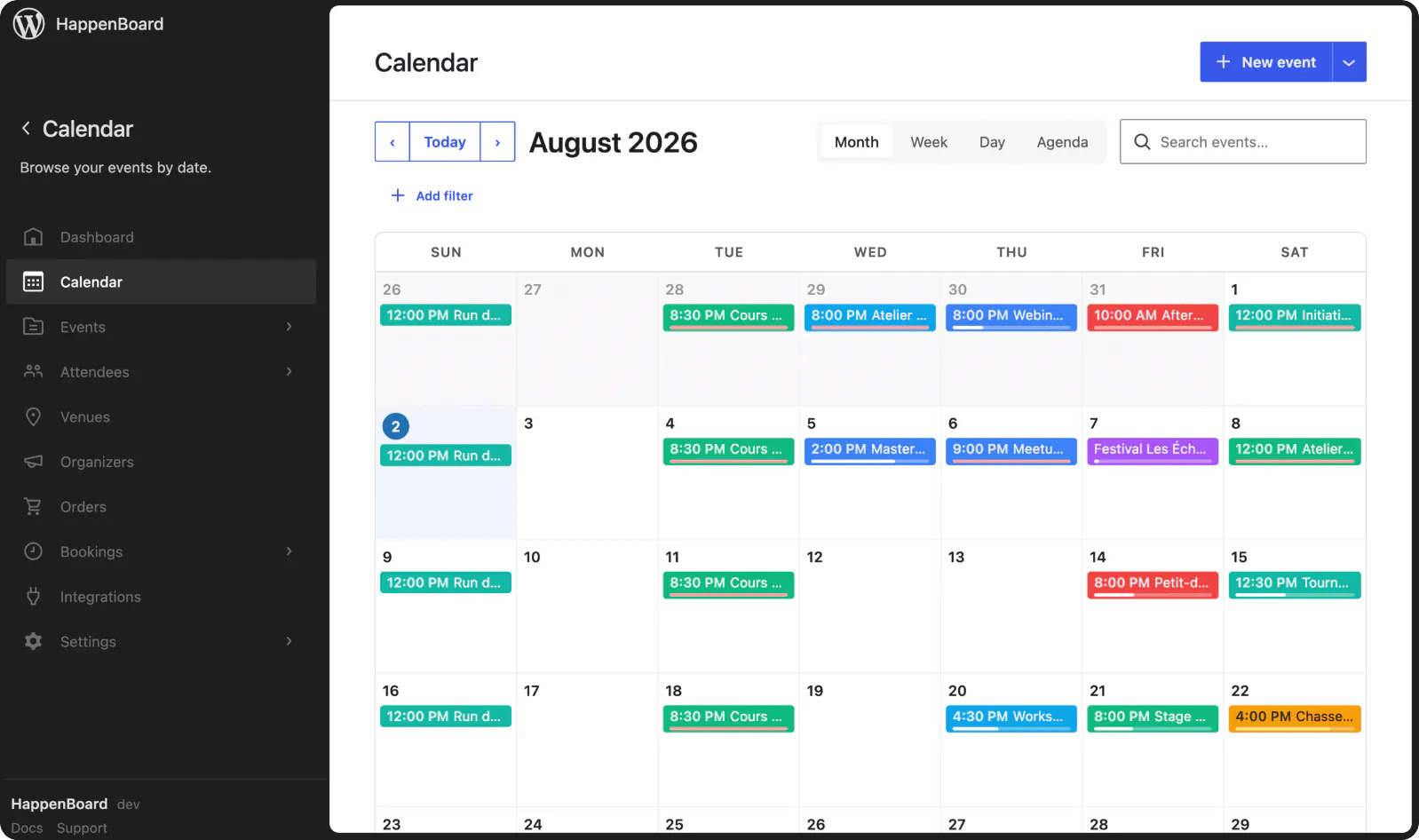
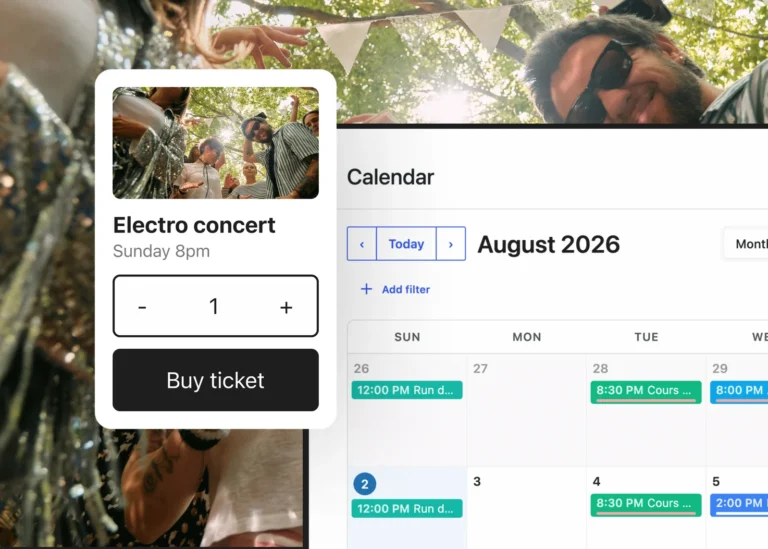
Show where your events take place
Venue pages and a WordPress event map on OpenStreetMap, with no API key. Pro adds a clustered map and a distance search.


Your WordPress event map in three steps
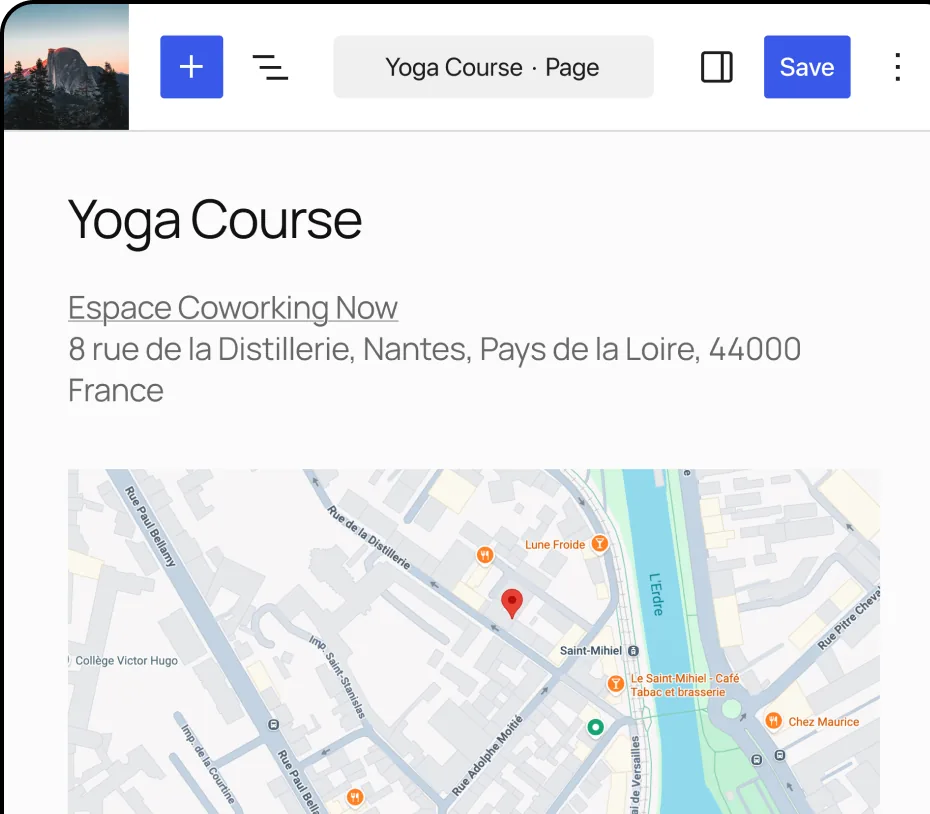
Enter a venue once and pick it on each event: the address and map follow. The venue page lists what is coming up there.
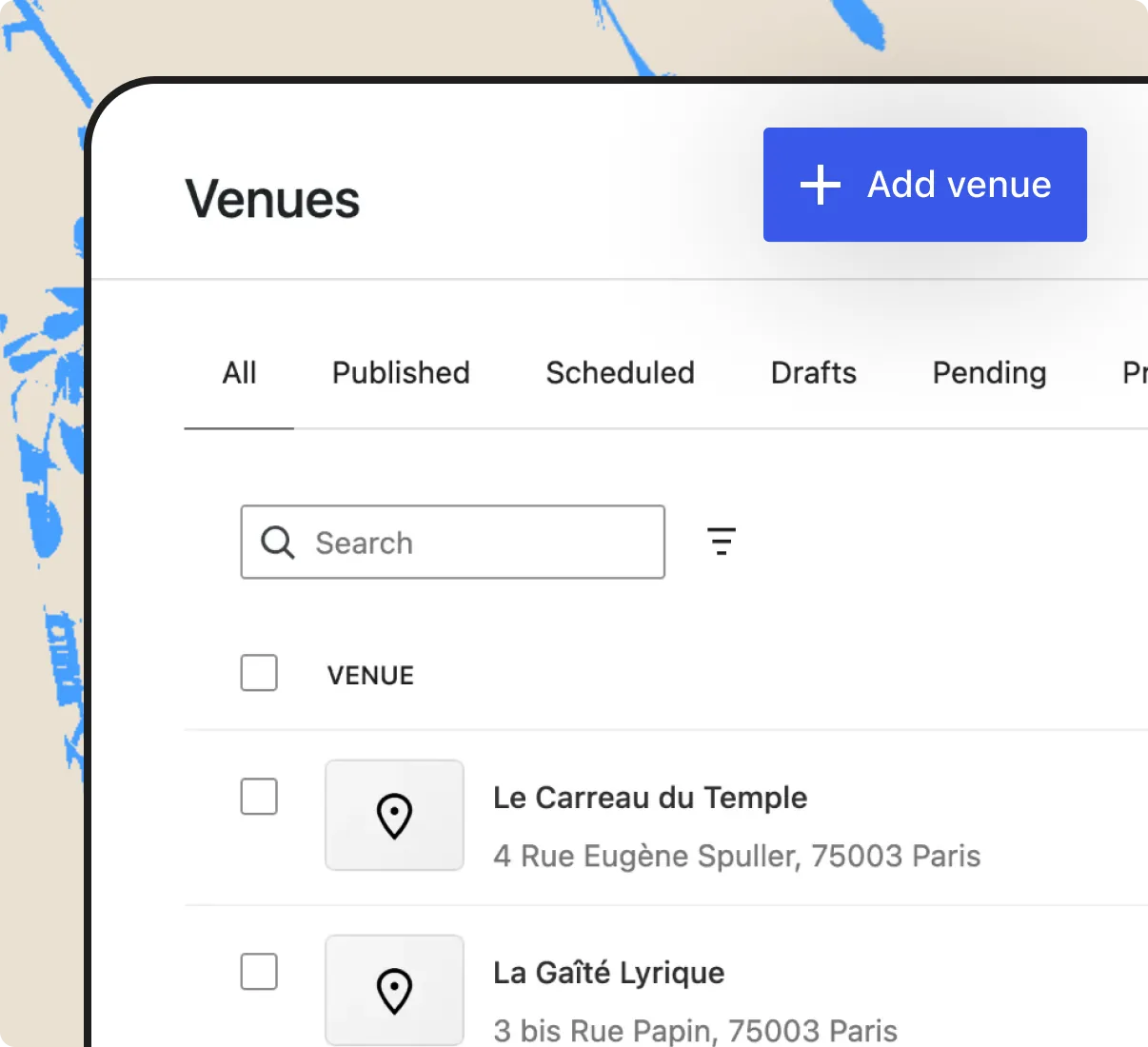
1. Add
Create a venue with its address and coordinates.
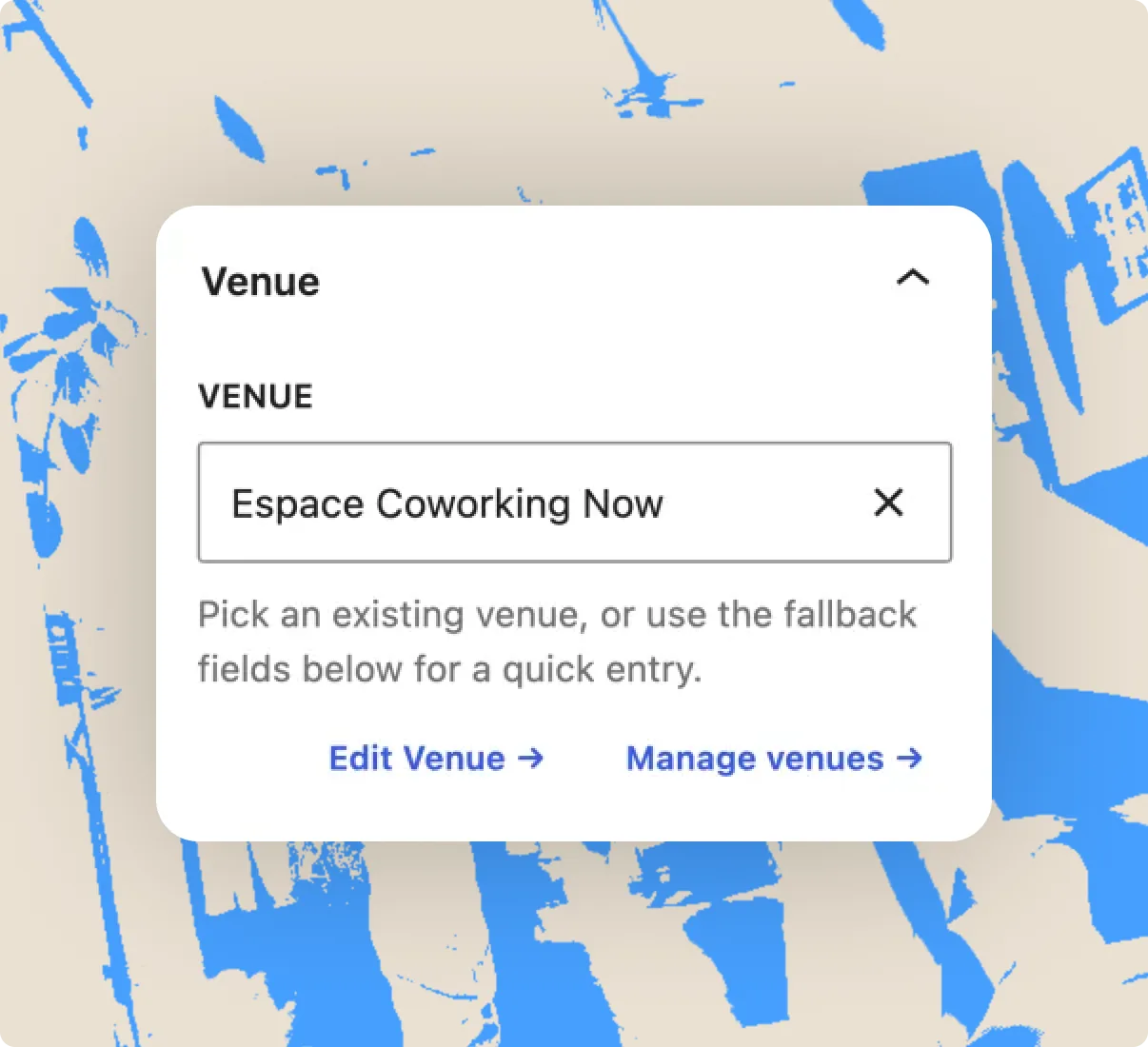
2. Link
Pick the venue in the event editor.
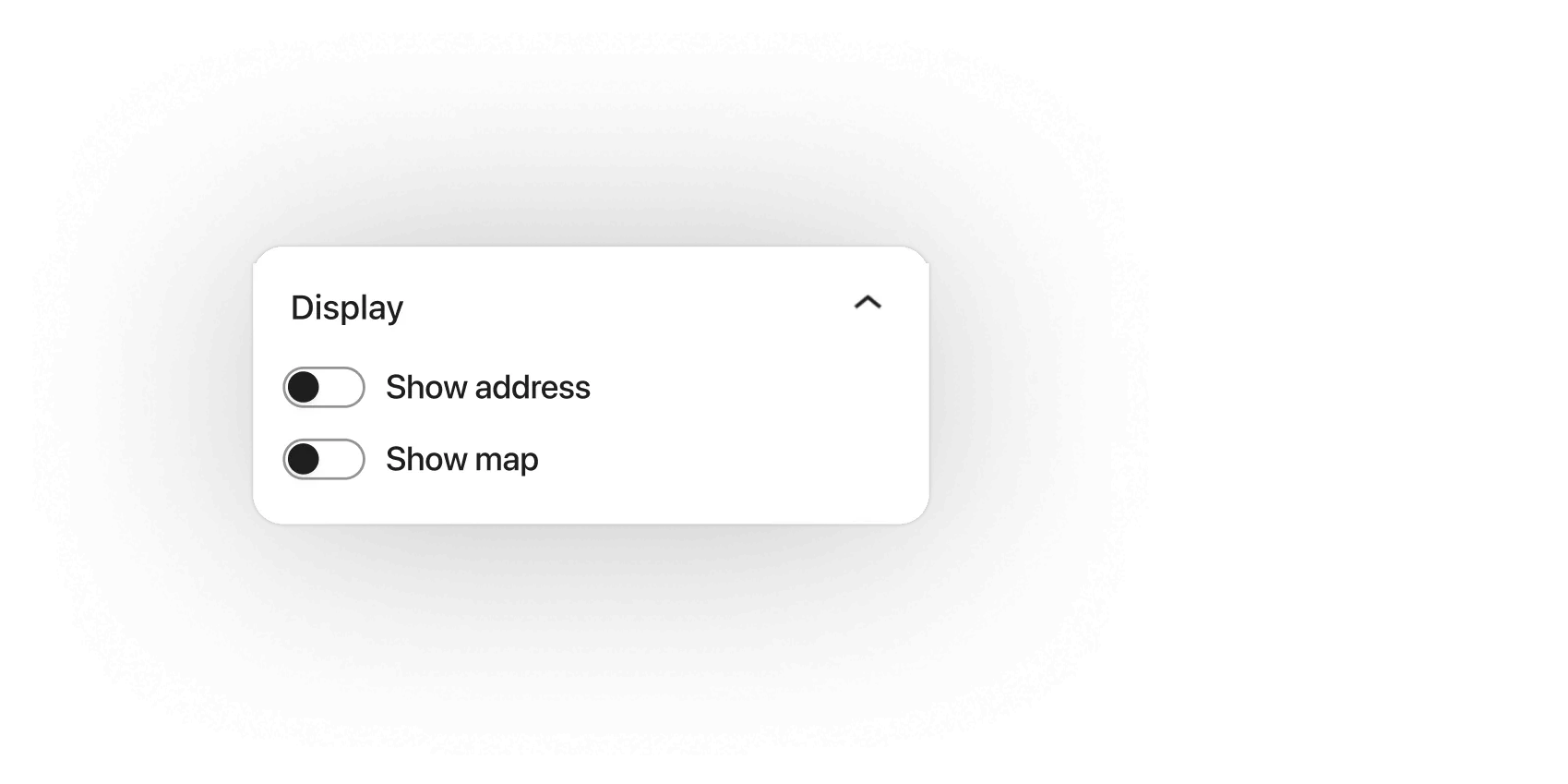
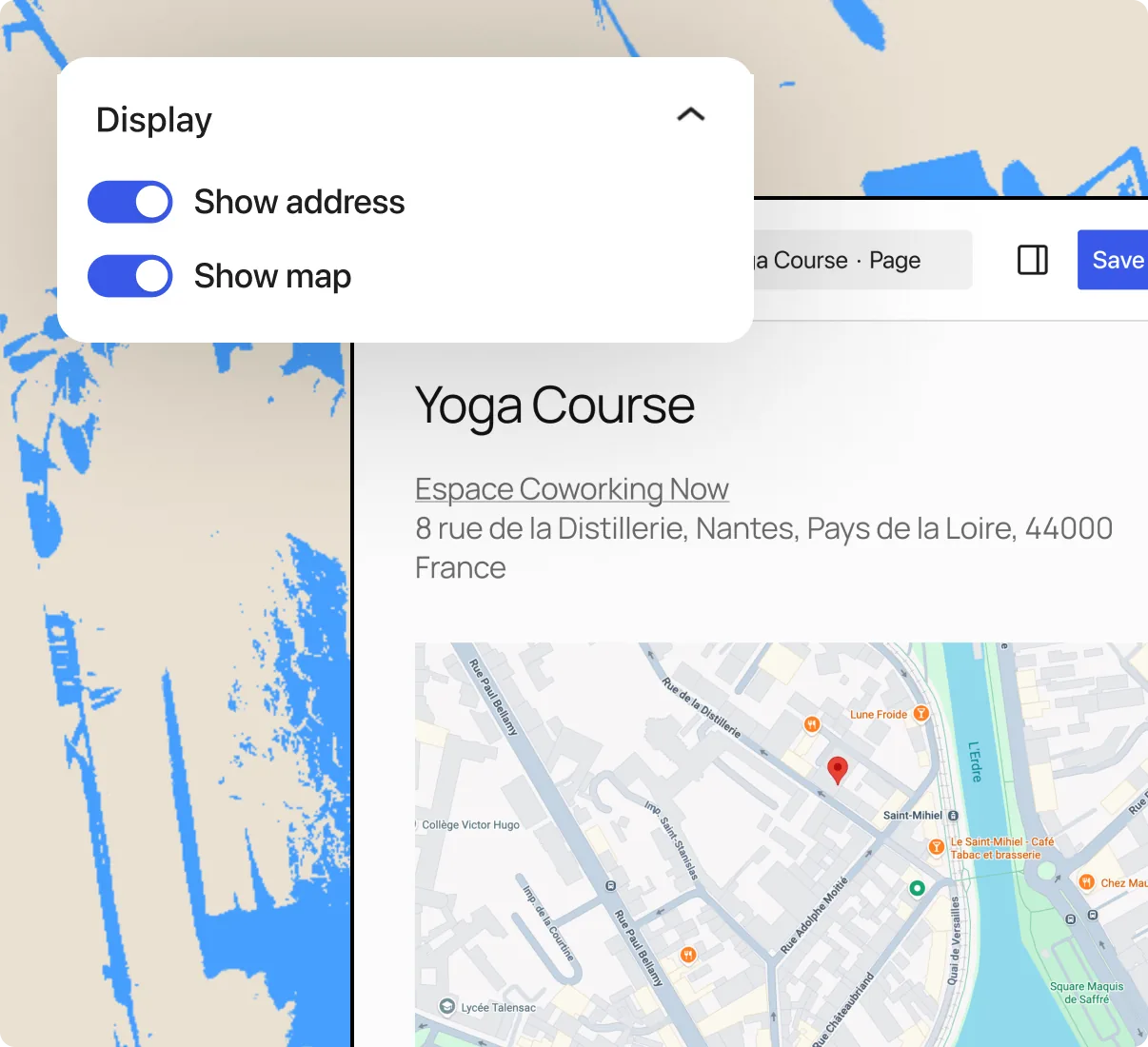
3. Show
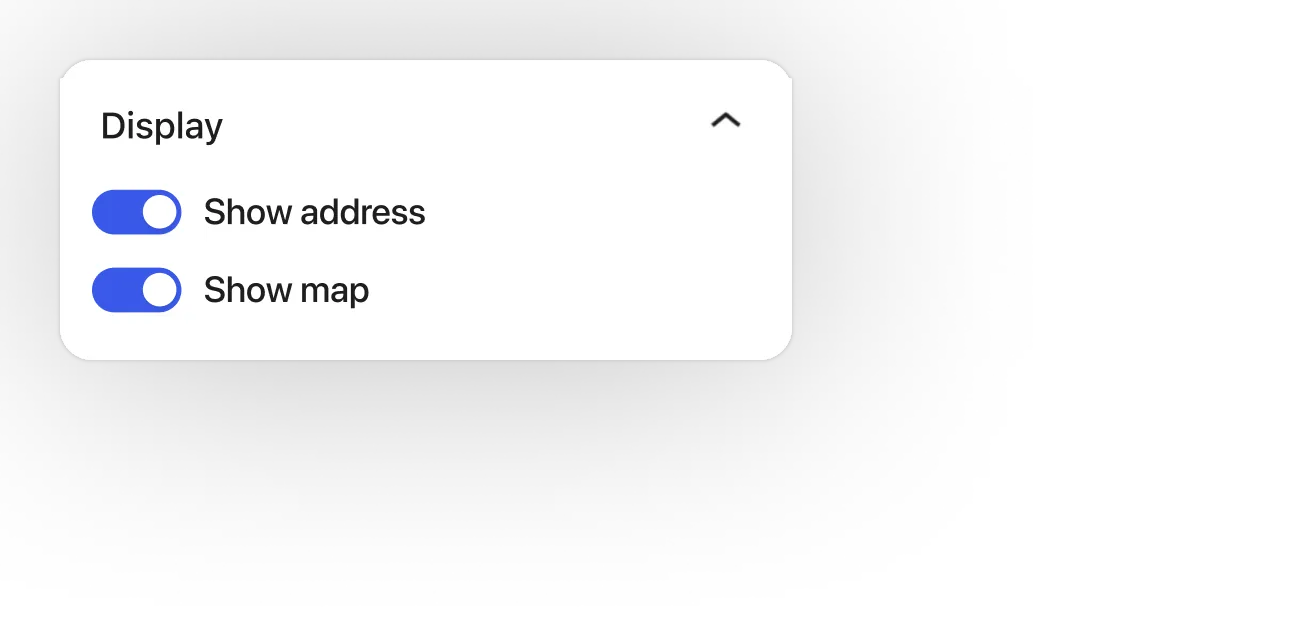
Turn on the map in the Event Venue block.
All venue and map features

A page for every venue
Each venue gets its own page with the address, a map link, phone, website and upcoming events. Organizers get one too, with their bio and contact details.

OpenStreetMap or Google Maps
Venue maps use OpenStreetMap by default, with no API key and four map layers. Switch to Google Maps with your own key, or to a custom map address.

Map Design Studio (Pro)
Pro restyles your maps in Light, Dark, Sepia, Minimal, Satellite or Brand, which takes the accent colour of your theme. You can also paste your own map style.

Clustered events map (Pro)
Show up to 200 events on one map, with nearby pins grouped into clusters. Pins and clusters work with the keyboard, and a list view gives the same events as text.

Events Near Me (Pro)
Visitors type a city or venue name, or use their location to find events within 5 to 500 km. Results are sorted by distance or date.

Category pages and filters
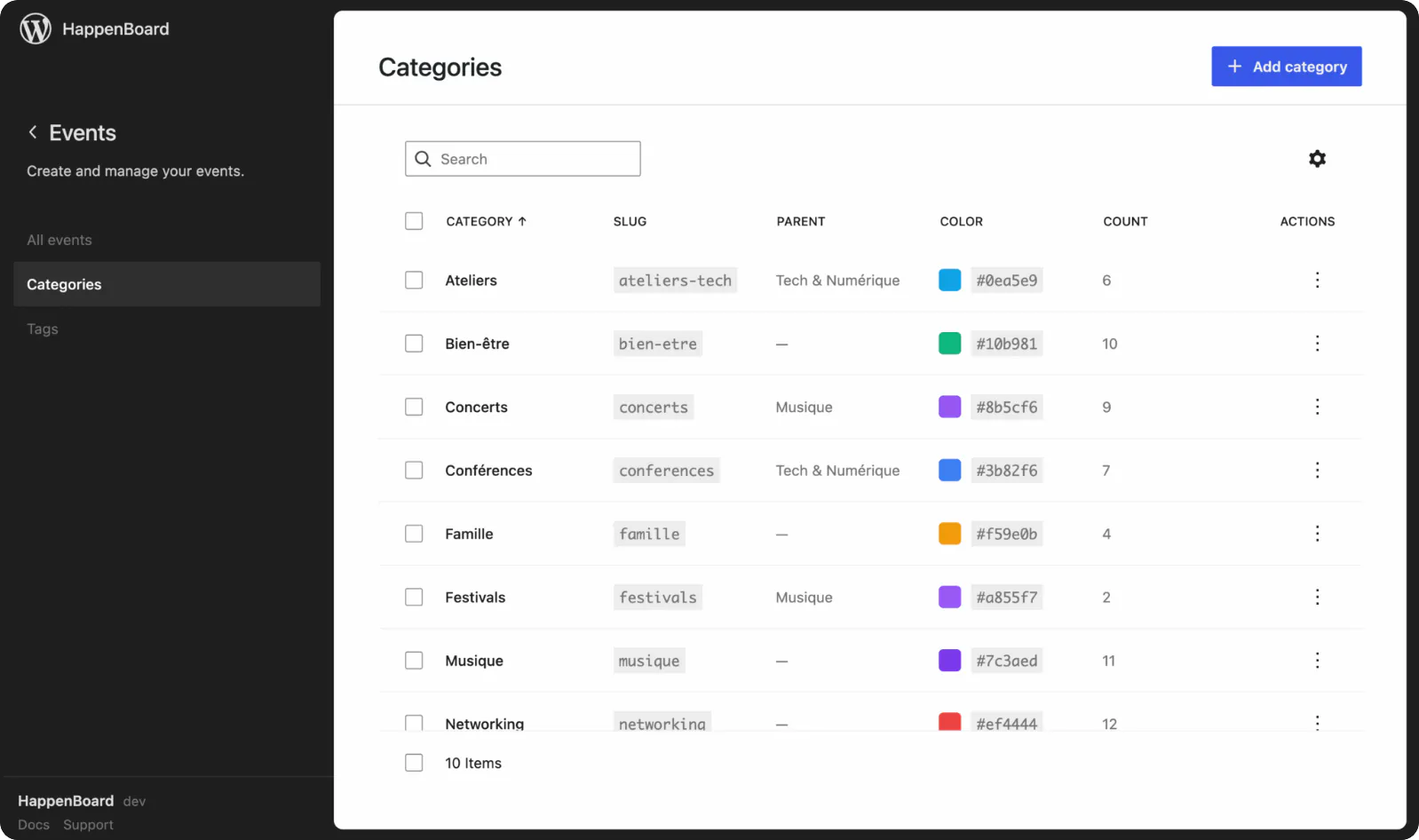
Each event category and tag has its own page of events. With Pro, the Events Filter Bar lets visitors narrow lists by search, category, tag, venue, organizer and date.
Integrates with all your essential apps
















HappenBoard in action
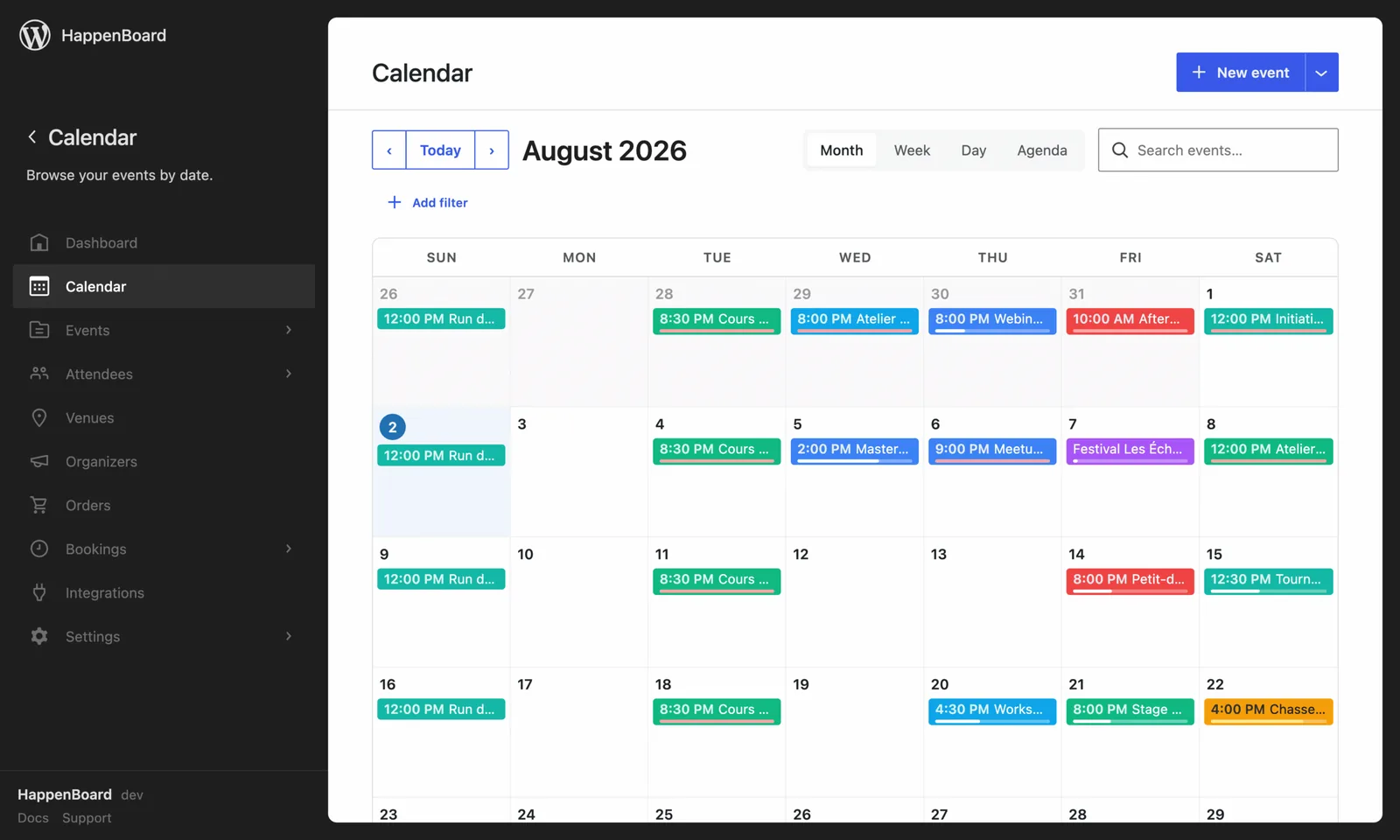
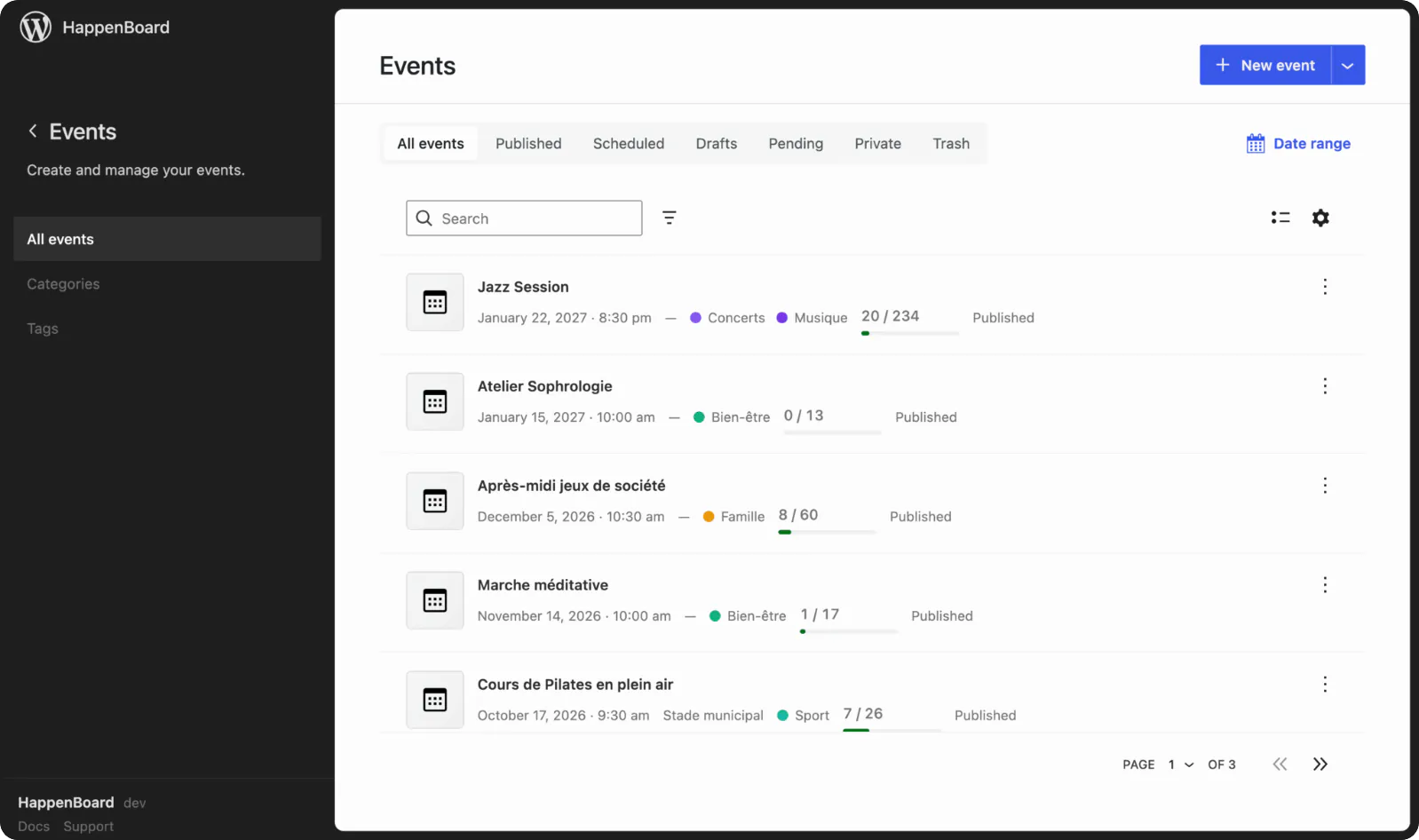
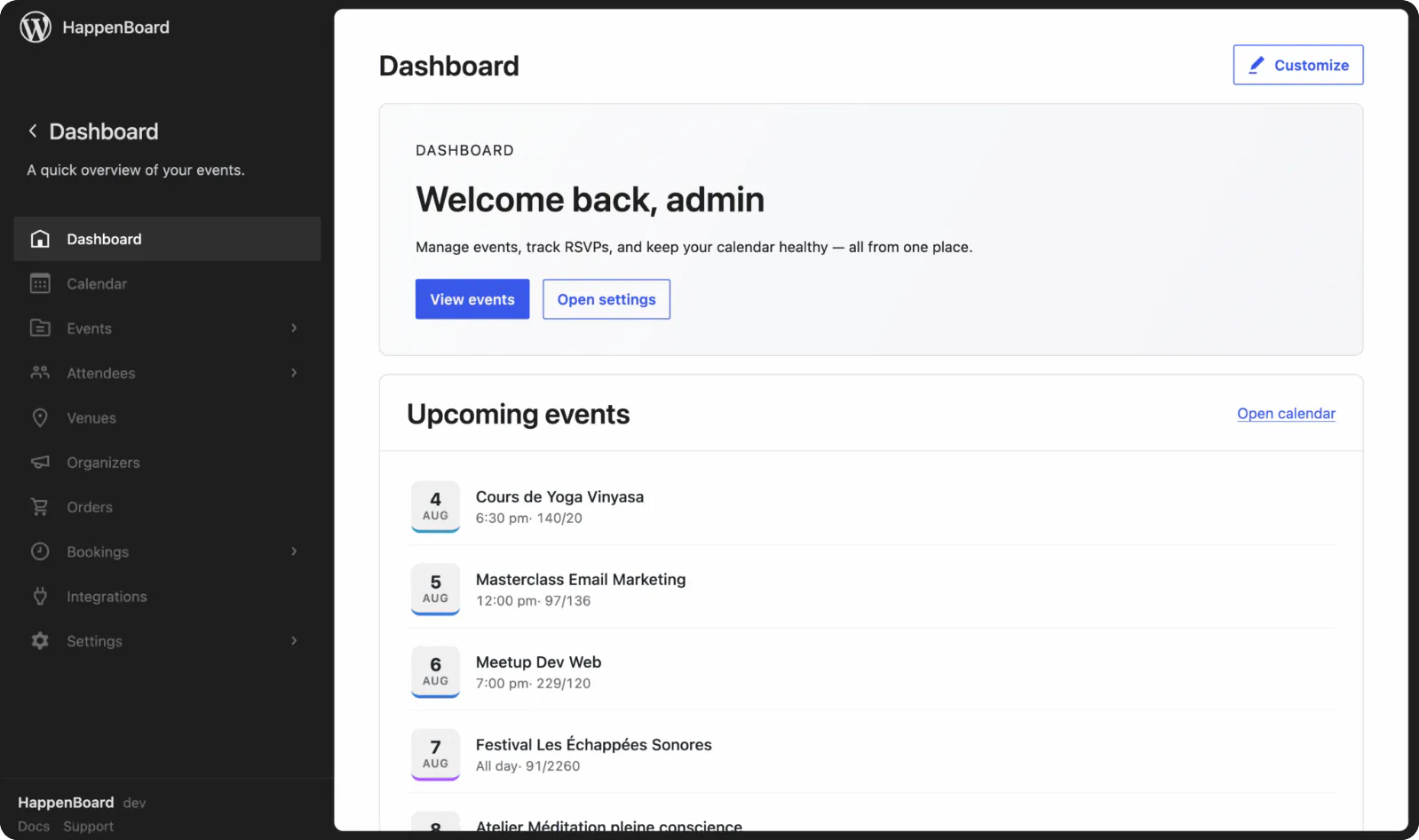
A quick tour of HappenBoard in your WordPress admin.


Why map your events with HappenBoard?
1
No API key to set up
Venue maps run on OpenStreetMap by default, so there is no account or API key to create. You can switch to Google Maps with your own key whenever you like.
2
Maps that work with a keyboard
Free venue maps carry a title for screen readers. On the Pro clustered map, each pin and cluster is a keyboard button with a spoken label, and a List view gives the same events as text.
3
Addresses that search engines can read
Each event page describes its venue in schema.org event data, with the full address and map coordinates, in the format search engines read for events.
Already on another events plugin?






Preview first, then import, even with the old plugin deactivated. Repeat rules from The Events Calendar, Events Manager 7 and Sugar Calendar come across, and you can export your events to CSV at any time.
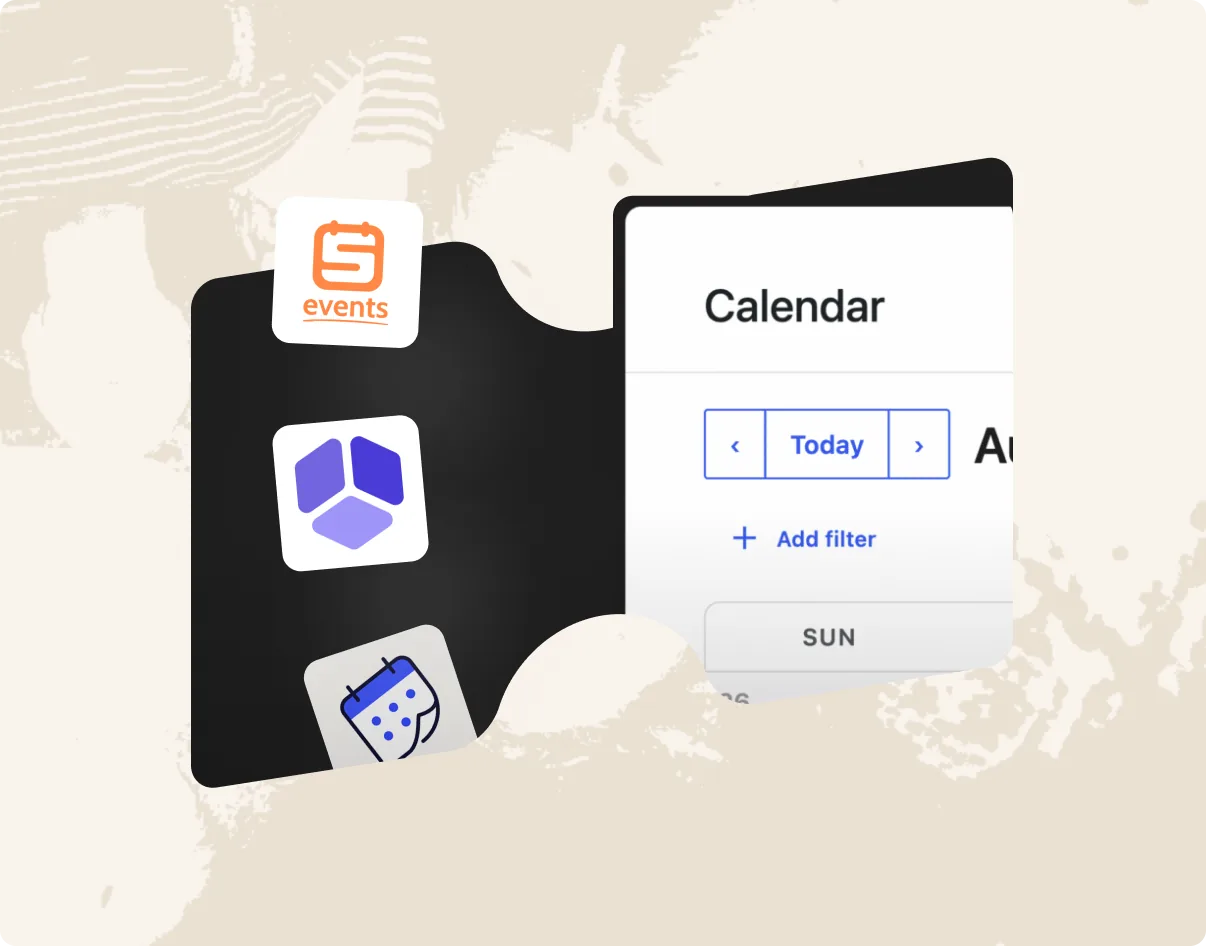
Tailor HappenBoard to your business needs with flexible integration options.
You ask.
We answer.
We’re featured in





Do I need a Google Maps API key?
No. Maps use OpenStreetMap by default, with no key. Google Maps is an option once you add your own API key, and each Event Venue block can use a different provider from the site default.
Does HappenBoard find coordinates from the address?
No, there is no address lookup. You type the latitude and longitude in the venue form, for example copied from OpenStreetMap. A venue’s map shows once it has coordinates.
Can visitors find events near them?
Yes, with the Events Near Me block in HappenBoard Pro. Visitors type a city or venue name, or use their location to search within 5 to 500 km. Distances are in kilometres, and a typed place is matched as text, not turned into a position.
Which events appear on the clustered map?
Upcoming events, or those in the date range you choose, up to 200, with one pin per event. An event needs a linked venue with coordinates: events with only a typed address are left off the map.
Can an event have more than one venue or organizer?
No. Each event has one venue and one organizer, picked from your lists or typed in. Online and hybrid events can add a meeting link (Zoom, Google Meet or another service), shown by the Event Venue block.
Can I show the weather for an outdoor event?
Yes, for free. The Event Weather block uses Open-Meteo: the forecast up to 16 days ahead, a typical day further out, and the observed weather once the date has passed. It stays off until you turn it on, and only coordinates and dates are sent.