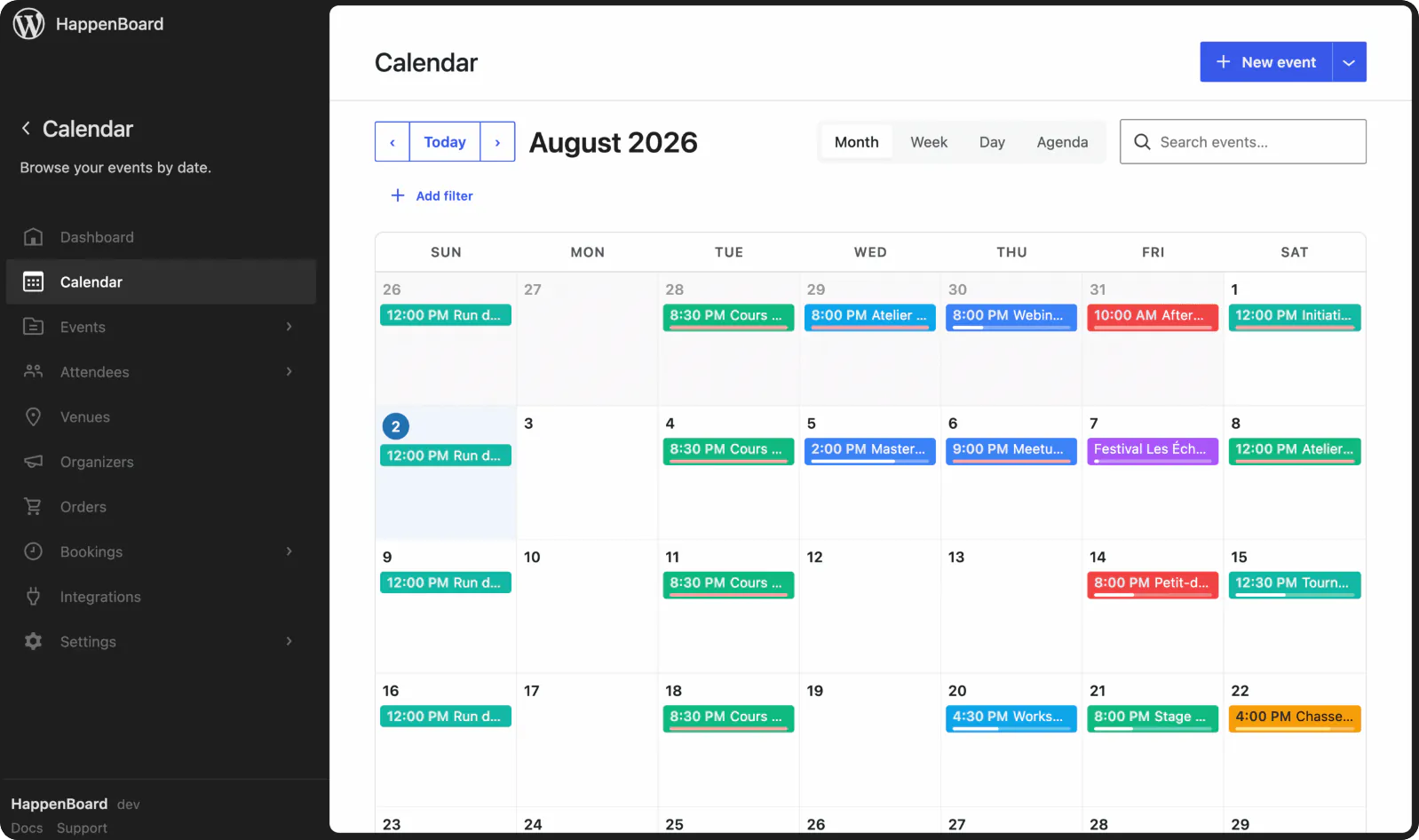
Announce the run once, keep every date
A season is a series, not forty copies of the same event. Announce the run once and keep control of every single date.
Features for theatres and cultural venues
Recurring events
Easily create events that repeat daily, weekly, monthly or yearly.
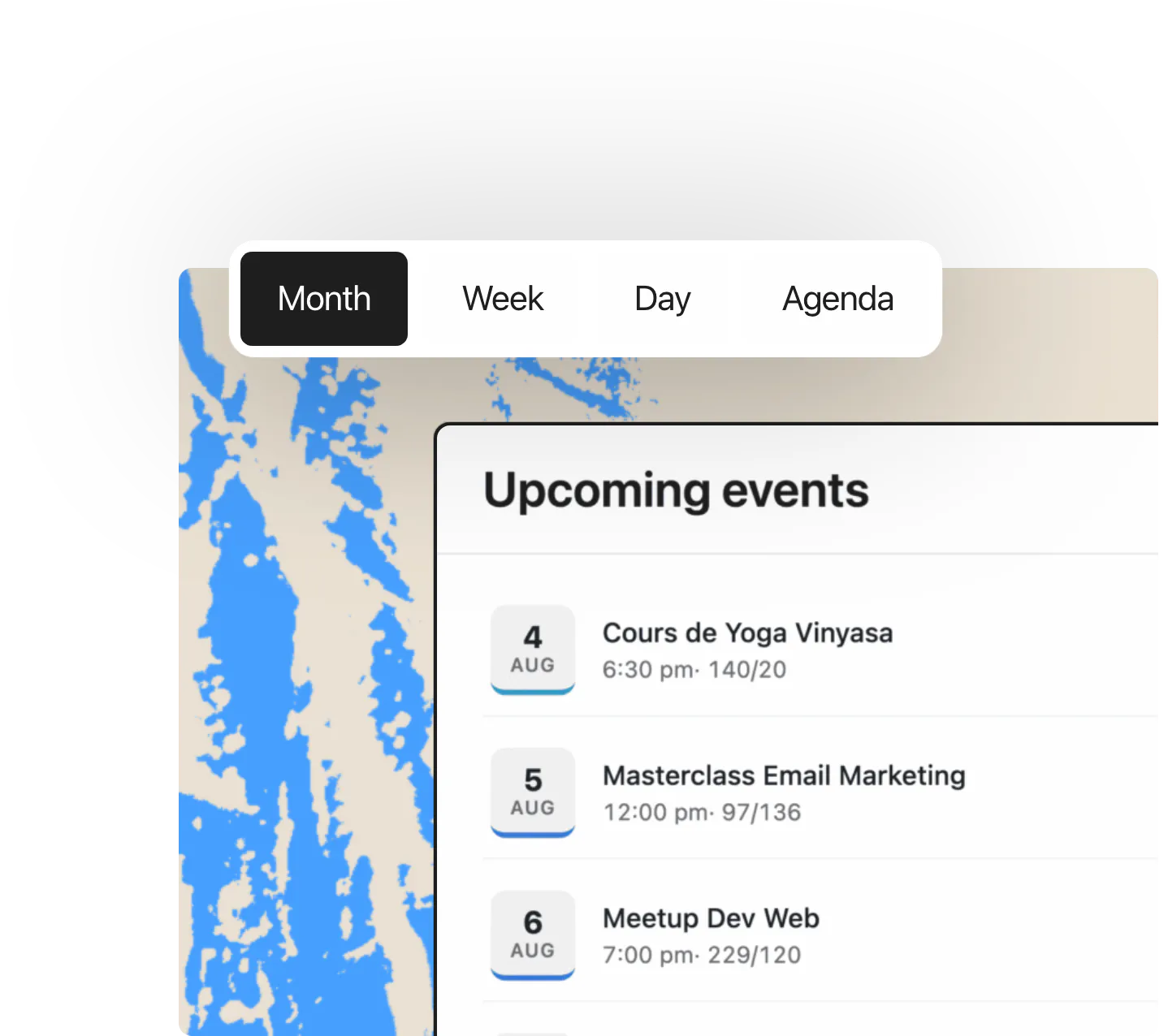
SEO & performance
Build fast, search-friendly event pages designed to rank on Google.
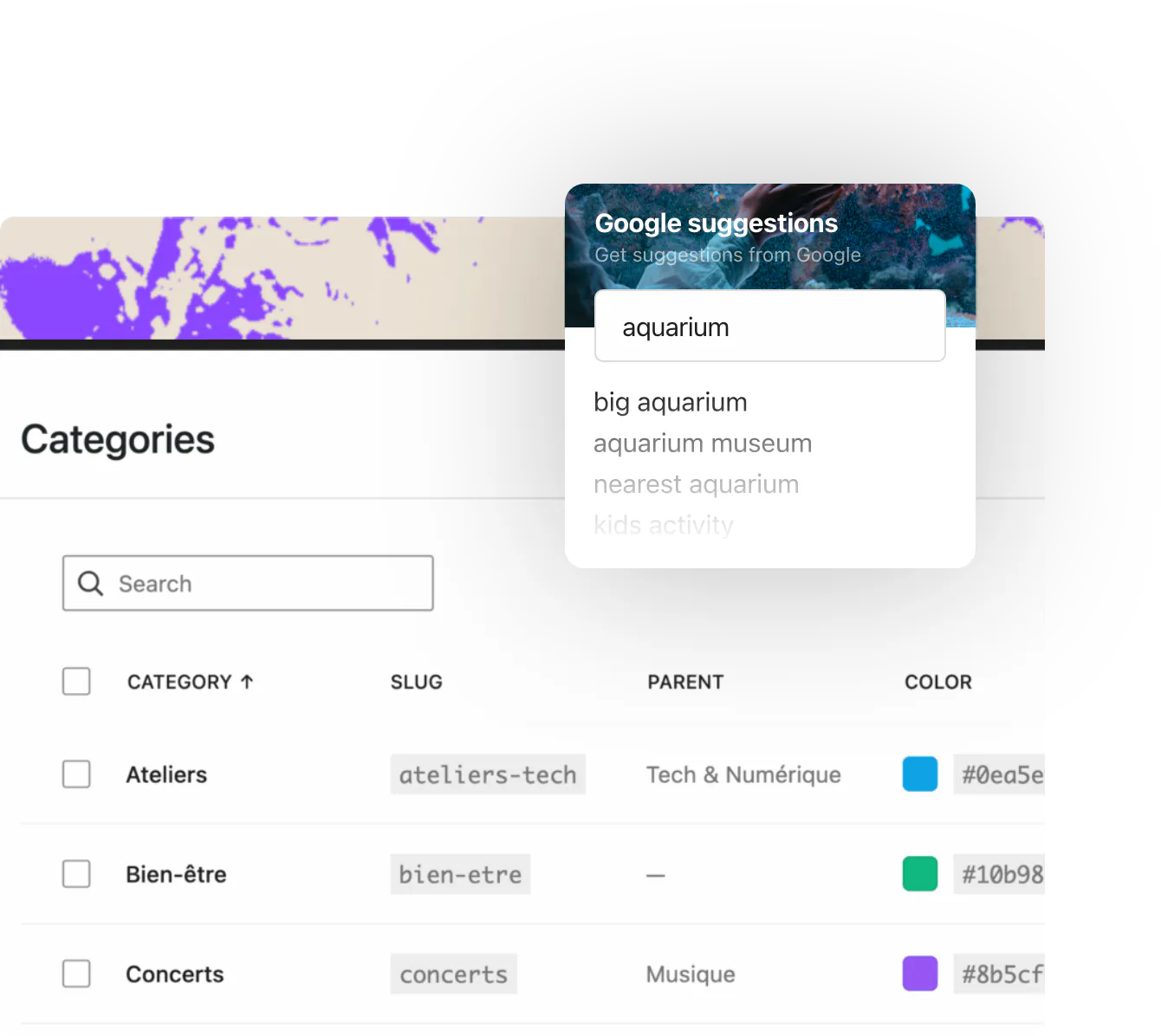
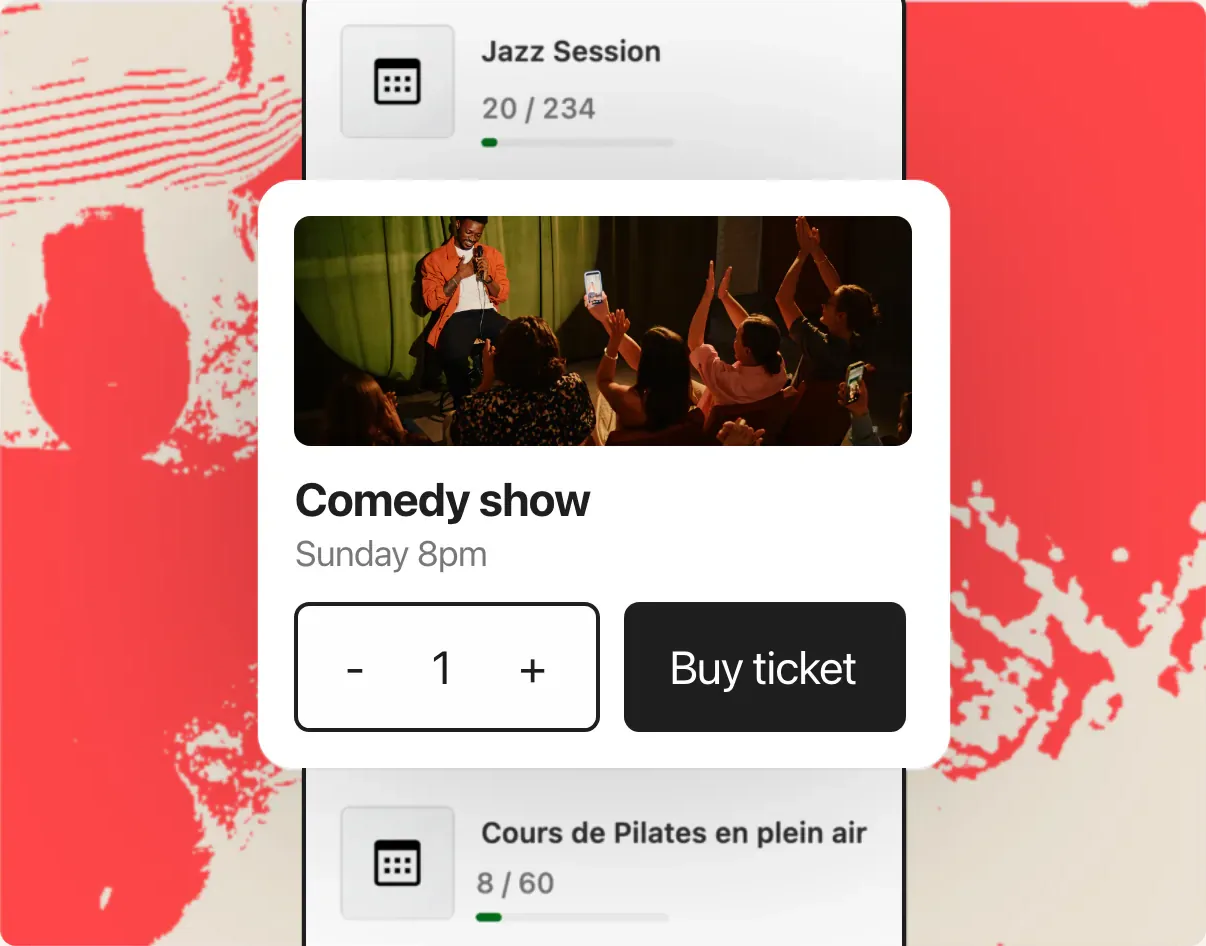
Ticketing, e-tickets & check-in
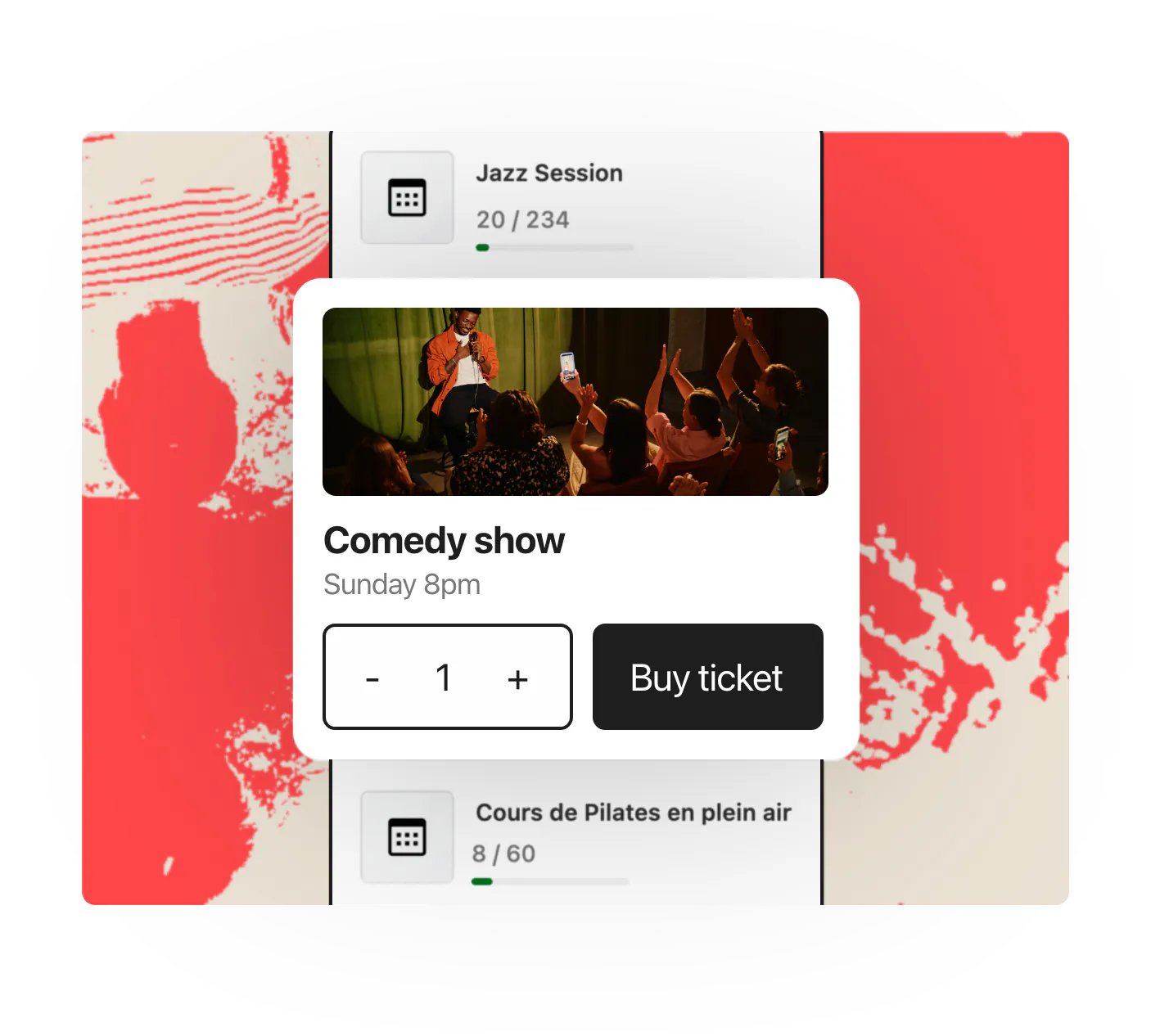
Sell tickets online, issue e-tickets and check attendees in with HappenBoard Pro.
HappenBoard in numbers
21
server-rendered blocks
11
ready-made patterns
5
one-click importers
4
calendar views
5
Site Editor templates
Already on another events plugin?






One click, recurrence rules included, even if the old plugin is already deactivated. You can export again at any time: your data stays yours.
You ask.
We answer!
We’re featured in





Who owns my data?
You do. Events are standard WordPress posts, attendees export to CSV, JSON or vCard, calendars export to iCal, and GDPR export and erase tools are built in. Nothing is locked in and nothing leaves your site without your opt-in.
Do recurring events really work?
HappenBoard uses the same RRULE standard as Google Calendar, stores every occurrence in an indexed table, and keeps series in sync when you edit them. Pro adds per-occurrence exceptions: skip one date, move another, restore a third.
Can I migrate from The Events Calendar or Events Manager?
Yes, in one click from the admin or with WP-CLI. HappenBoard imports events, venues, organizers and recurrence rules from The Events Calendar, Events Manager, Sugar Calendar, EventKoi and Amelia, plus any .ics file.
Will it work with my theme?
HappenBoard is built from standard blocks that follow your theme’s global styles. Block themes work out of the box, and the main blocks are also available as Elementor widgets.
Can I sell tickets with HappenBoard?
With HappenBoard Pro, yes. Charge through Stripe Checkout or through WooCommerce and any payment gateway it supports. Ticket types have their own price and their own number of seats.
Is HappenBoard Free?
Yes. The Free plugin includes the full calendar, recurring events, RSVPs with capacity limits, appointment booking, migration and exports. HappenBoard Pro adds paid tickets, QR check-in, calendar sync, automations and more.
Works with