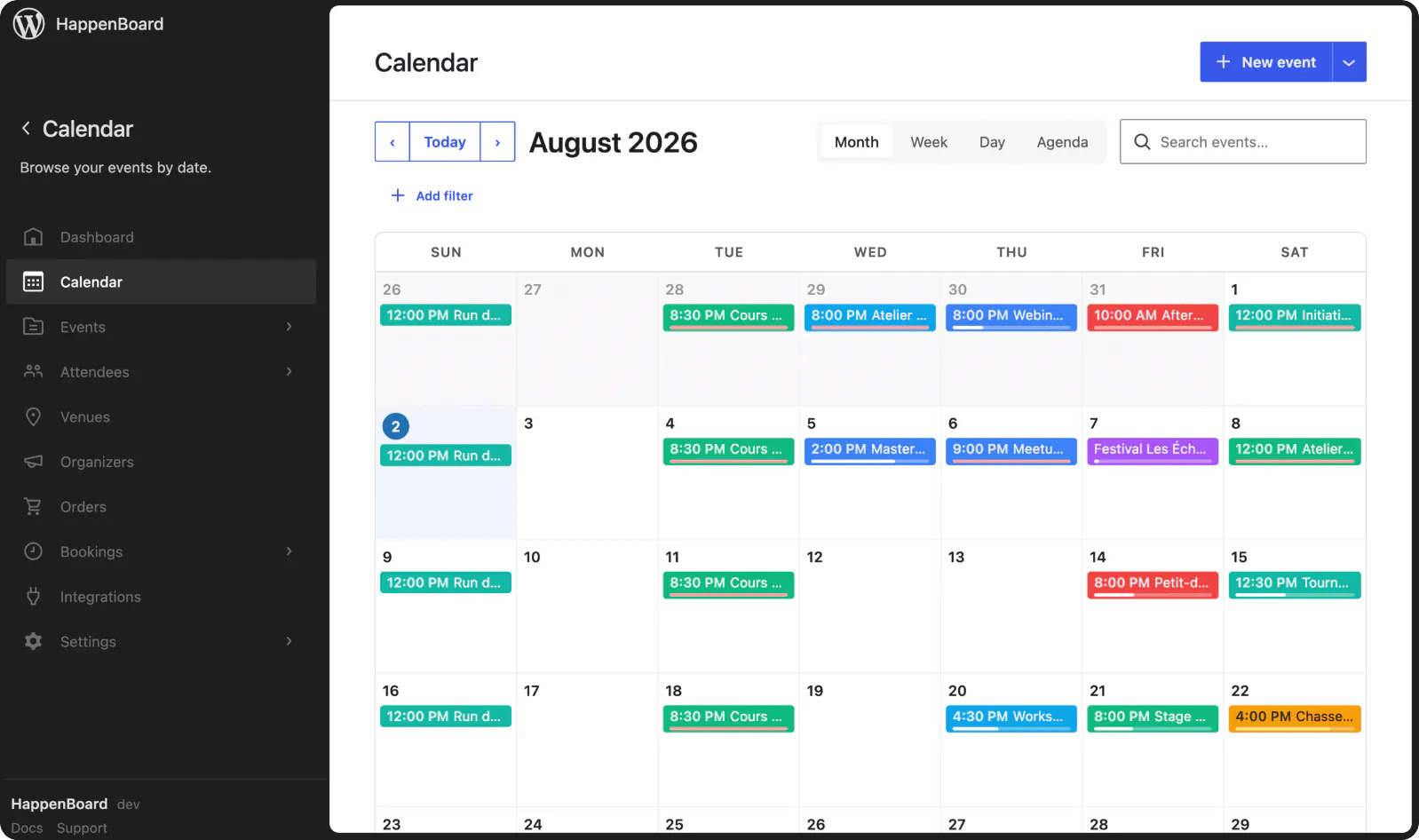
Your conference, from ticket sale to front door
HappenBoard is a WordPress event plugin for conferences and festivals. Publish the programme and take free registrations, then, with Pro, sell tickets, email PDF e-tickets and scan QR codes at the door.


What changes with a WordPress event plugin for conferences
Ticket sales, the programme and the door list move to one place: your own WordPress site.
Before HappenBoard
Tickets sold on another platform
Buyers leave your site to pay, and every order and attendee sits in a separate account that you export from before each event.
A programme stuck in a PDF
A session moves, the PDF is out of date again, and attendees zoom into a printed grid on their phone to find the next talk.
Queues at the entrance
Staff tick names on a printed list, search for late buyers by hand, and nobody can tell who is already inside.
Badges built from merged spreadsheets
Speakers, sponsors and press arrive by email. The night before, someone merges three lists to print the name badges.
With HappenBoard
Tickets sold on your own site
With Pro, create ticket types with a price, a seat limit and sale dates. Buyers pay by card on Stripe Checkout or in your WooCommerce shop.
A timetable that works on a phone
Pro’s Schedule block puts sessions in one column per day, shows overlapping talks side by side, and turns into a list on small screens.
QR check-in from a phone
With Pro, each seat gets a QR code in a PDF ticket. Staff scan it from the WordPress admin, and a ticket for another event is refused.
Guests and badges from one list
With Pro, import speakers and press from a CSV file as complimentary guests, then print A4 name badges with a QR code, 12 per page.
Works with






Conference features, from programme to door
Ticketing, e-tickets & check-in
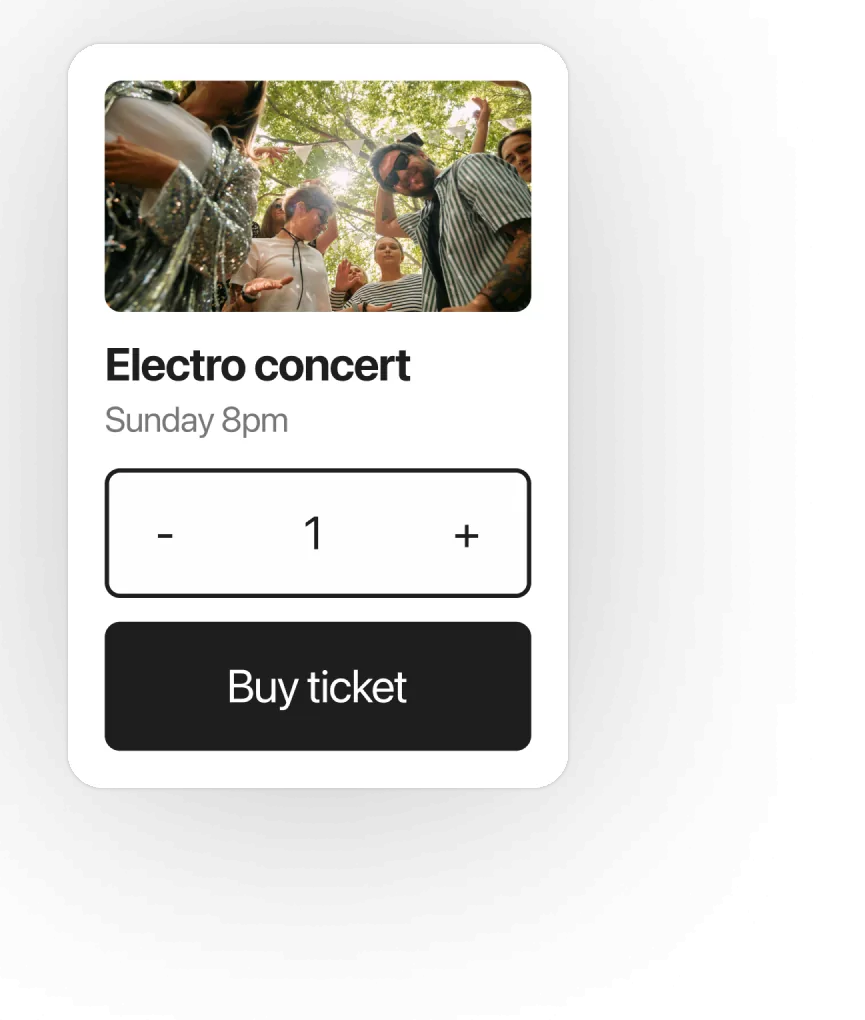
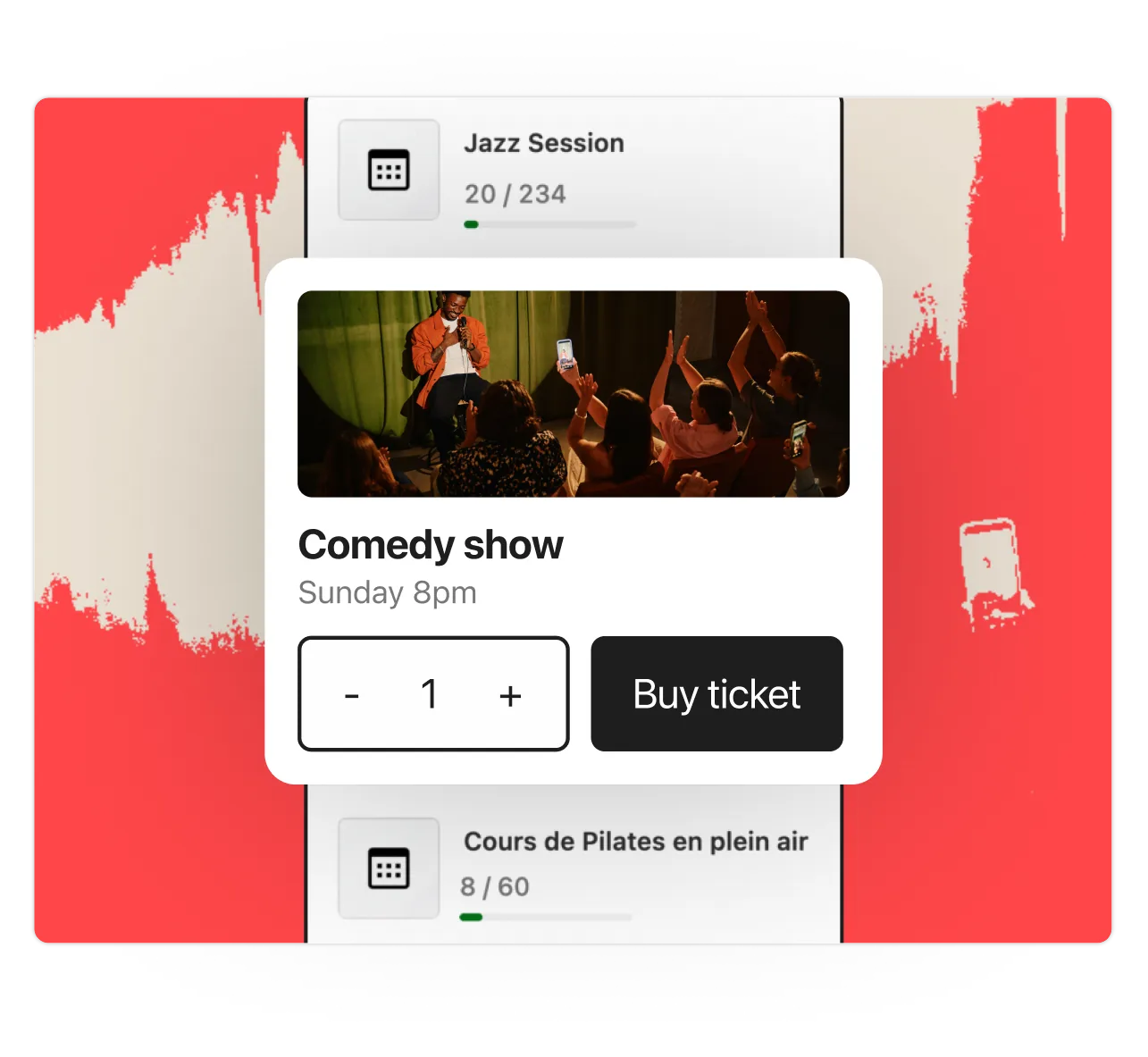
Sell passes, email PDF tickets and scan them at the door.
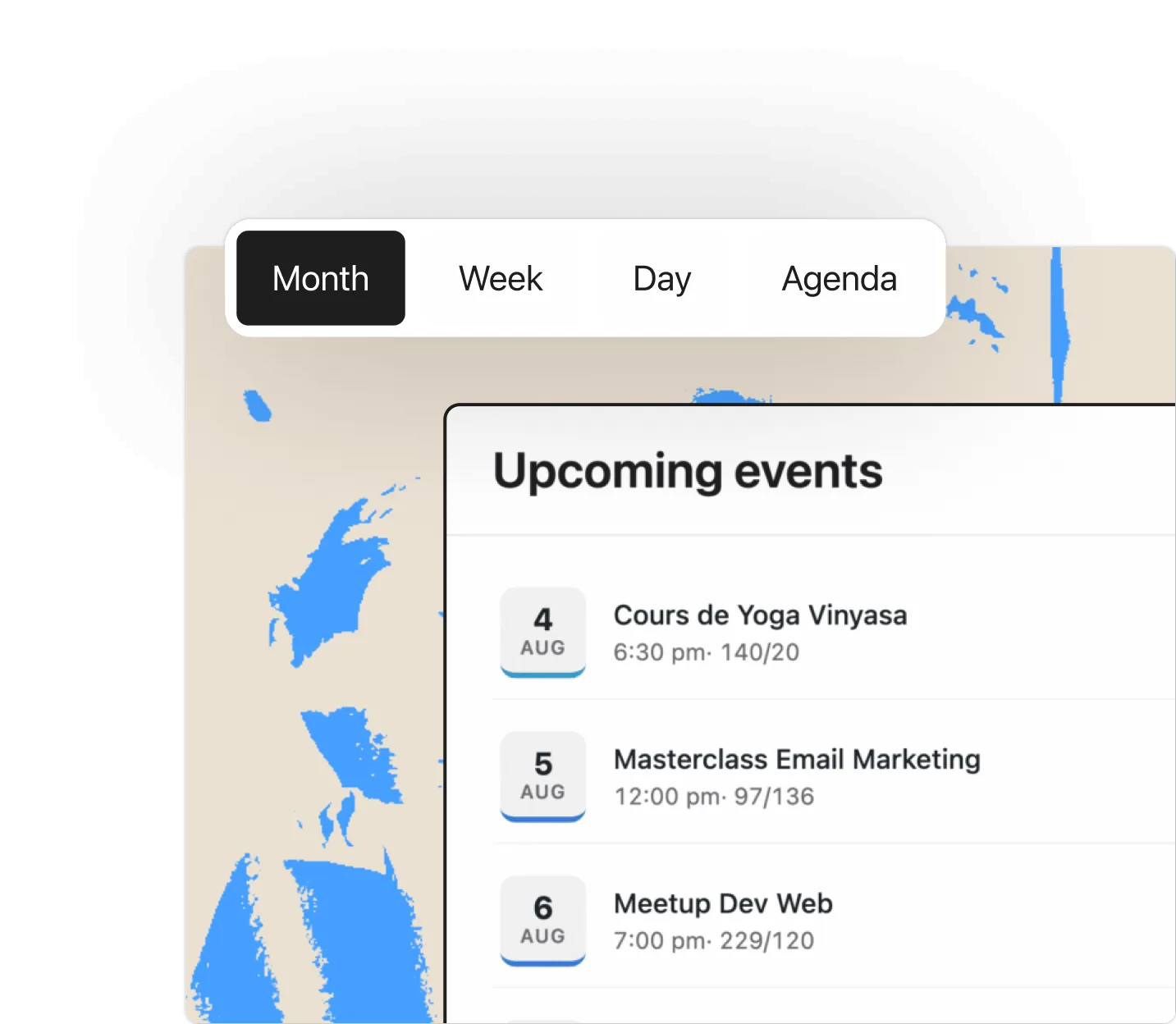
Event calendar & views
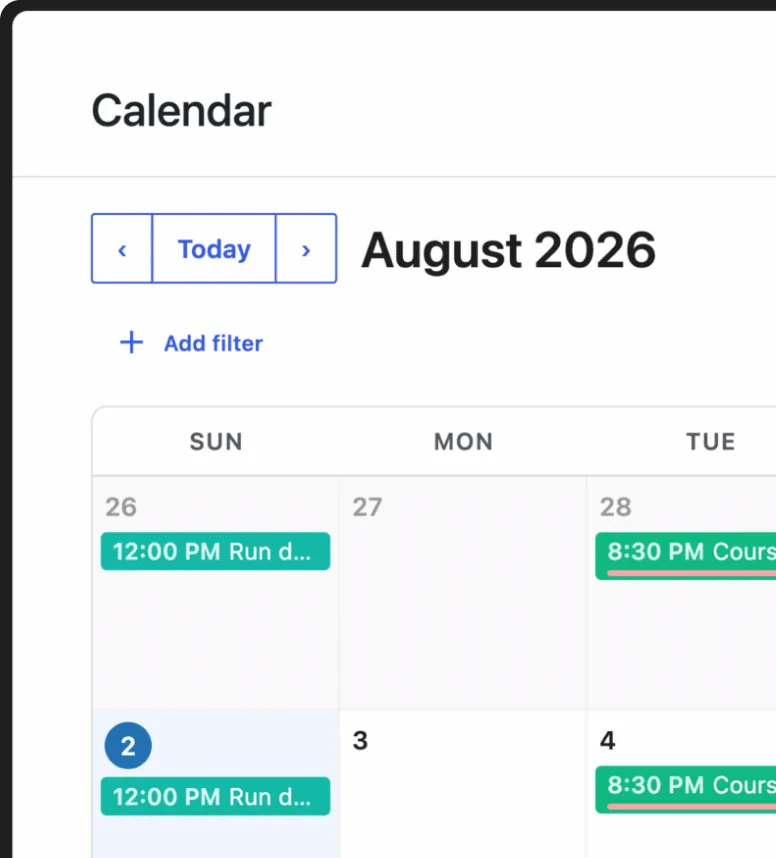
Publish the programme day by day, with speakers and sponsors.
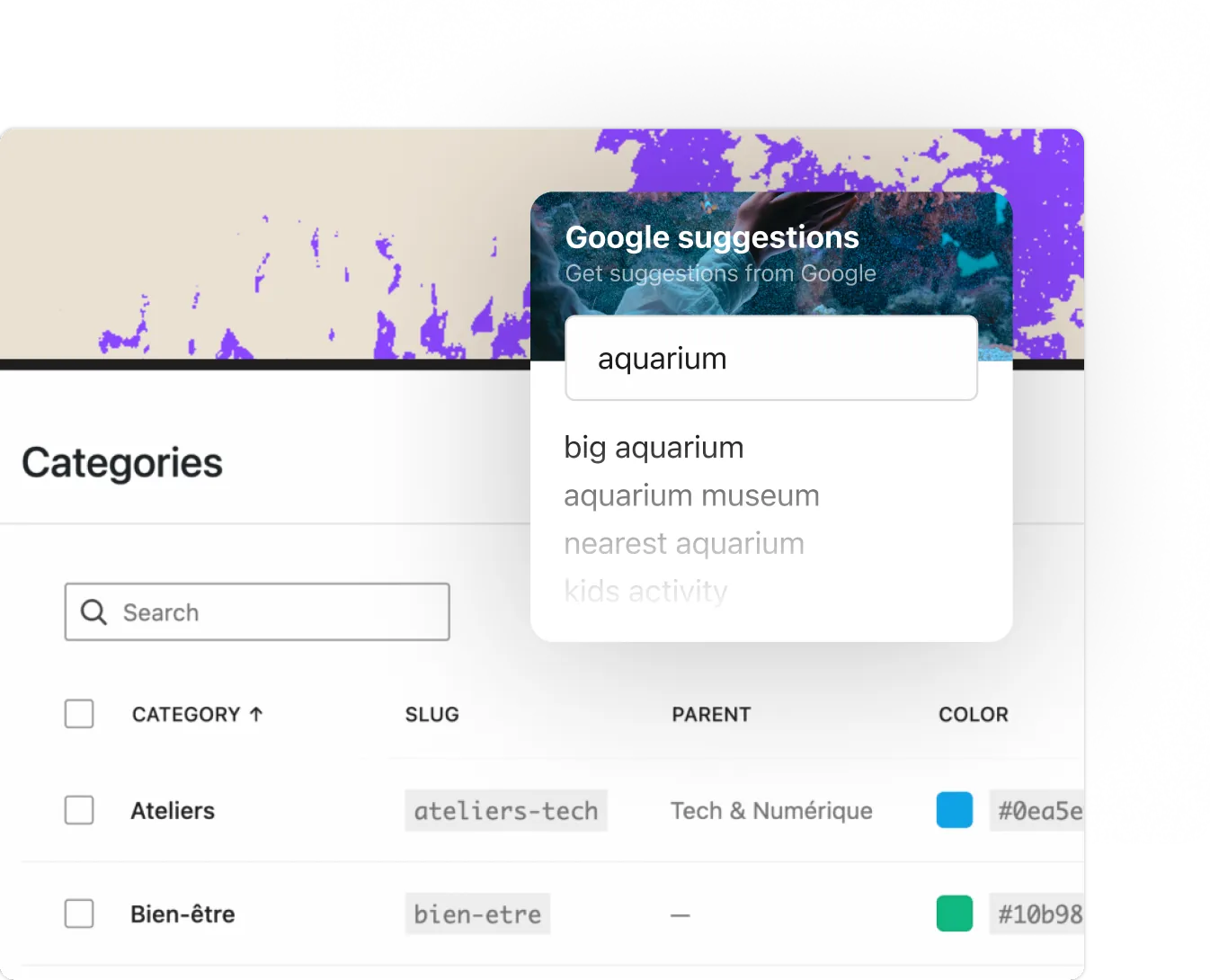
SEO & performance
Give search engines each event’s dates, venue and seats left.
Conference ticketing in numbers
12
name badges per A4 page (Pro)
1
QR code per seat (Pro)
31
minutes seats are held at checkout (Pro)
16
currencies with Stripe (Pro)
0%
HappenBoard fee on ticket sales
Why choose HappenBoard for your conference?
1
Made for multi-day events with many sessions
An event can run over several days and appears on each of them in the calendar. Free blocks and patterns add a countdown, a speakers strip and sponsor tiers, and online or hybrid sessions show their Zoom, Meet or Teams link.
2
Orders and attendees stay on your own site
Attendees are stored in your own WordPress database. With Pro, card payments go to your own Stripe account with no fee added by HappenBoard, and the Orders screen handles partial refunds and CSV exports.
3
Connects to the tools your team already uses
With Pro, new registrations and check-ins can post to a Slack channel, start MailerPress automations such as a follow-up after the event, or reach any other service through signed webhooks.
Already on another events plugin?






Preview first, then import, even with the old plugin deactivated. Repeat rules from The Events Calendar, Events Manager 7 and Sugar Calendar come across, and you can export your events to CSV at any time.
You ask.
We answer.
We’re featured in





Can I sell several ticket types, such as early bird and VIP?
With Pro, yes. Each ticket type has its own price, number of seats and sale dates, so an early bird ticket stops selling on the day you choose. Free tickets are issued at once, with no payment.
How does check-in at the door work?
With Pro, every seat gets a QR code in the confirmation email and on a PDF ticket. Staff open the Check-in tab in the WordPress admin on a phone or tablet and scan with the camera. A ticket for another event is refused, and the last check-in can be undone. Scanning needs an internet connection.
Can I show the programme as a timetable?
Pro’s Schedule block puts sessions in one column per day, shows overlapping talks side by side and turns into a list on small screens. Its columns are days, not rooms or tracks. The free Calendar and Events List blocks also show the programme.
Can I offer discount codes?
Through WooCommerce, yes: ticket sales there use WooCommerce coupons and taxes. The built-in Stripe checkout has no coupon field.
Which HappenBoard plan does a conference need?
HappenBoard Free covers the programme, free registrations with a seat limit and reminders. Paid tickets, QR check-in, name badges and the Schedule block need Pro. See the prices.
Works with