Event pages search engines can read
Every published event gets WordPress event schema built from its details, on server-rendered pages. Included in Free.


WordPress event schema, written for you
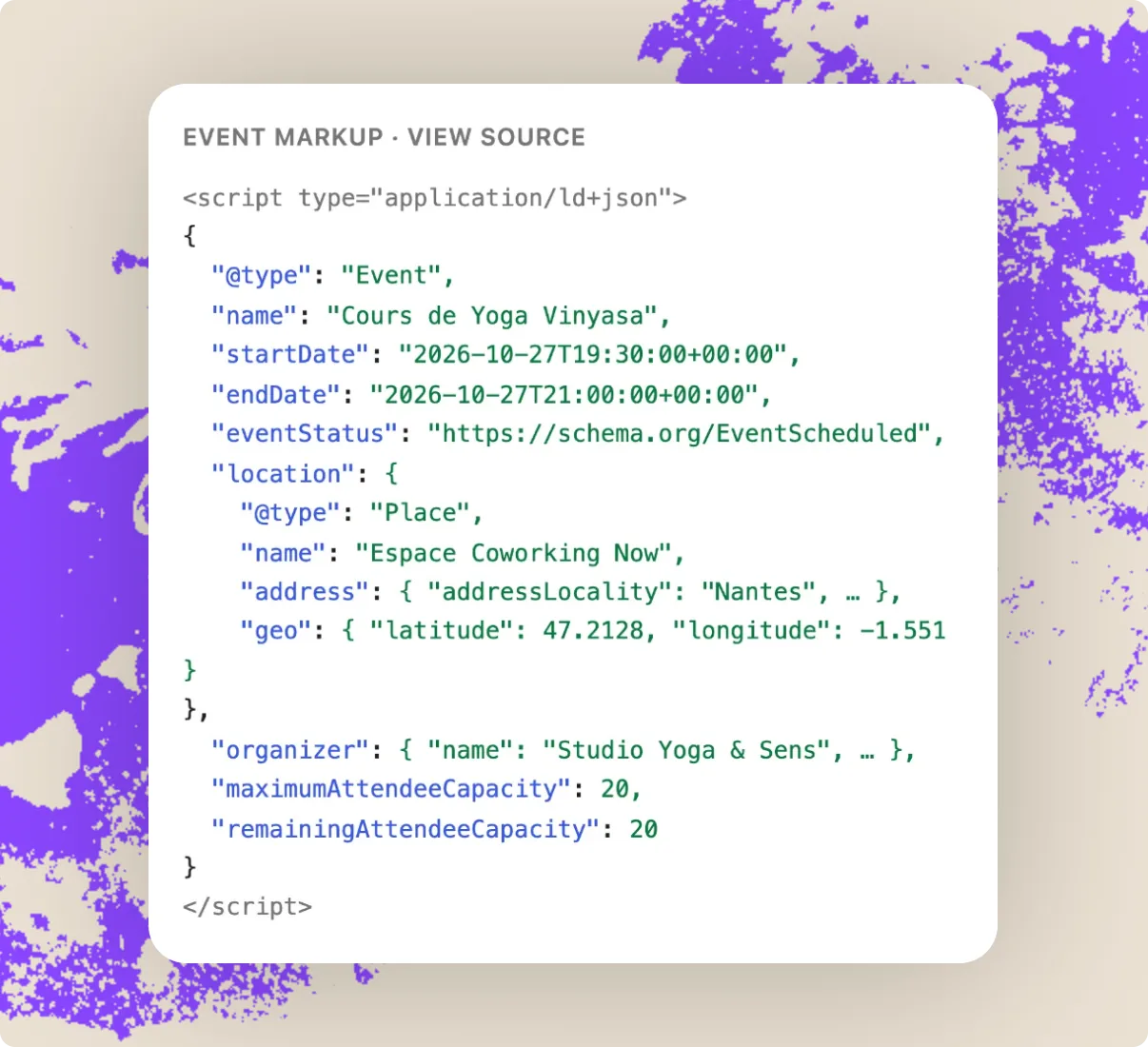
HappenBoard builds the markup from the event’s dates, venue, organizer and seats, and updates it when you edit them.
1. Publish
Each published event page carries its Event markup.
2. Describe
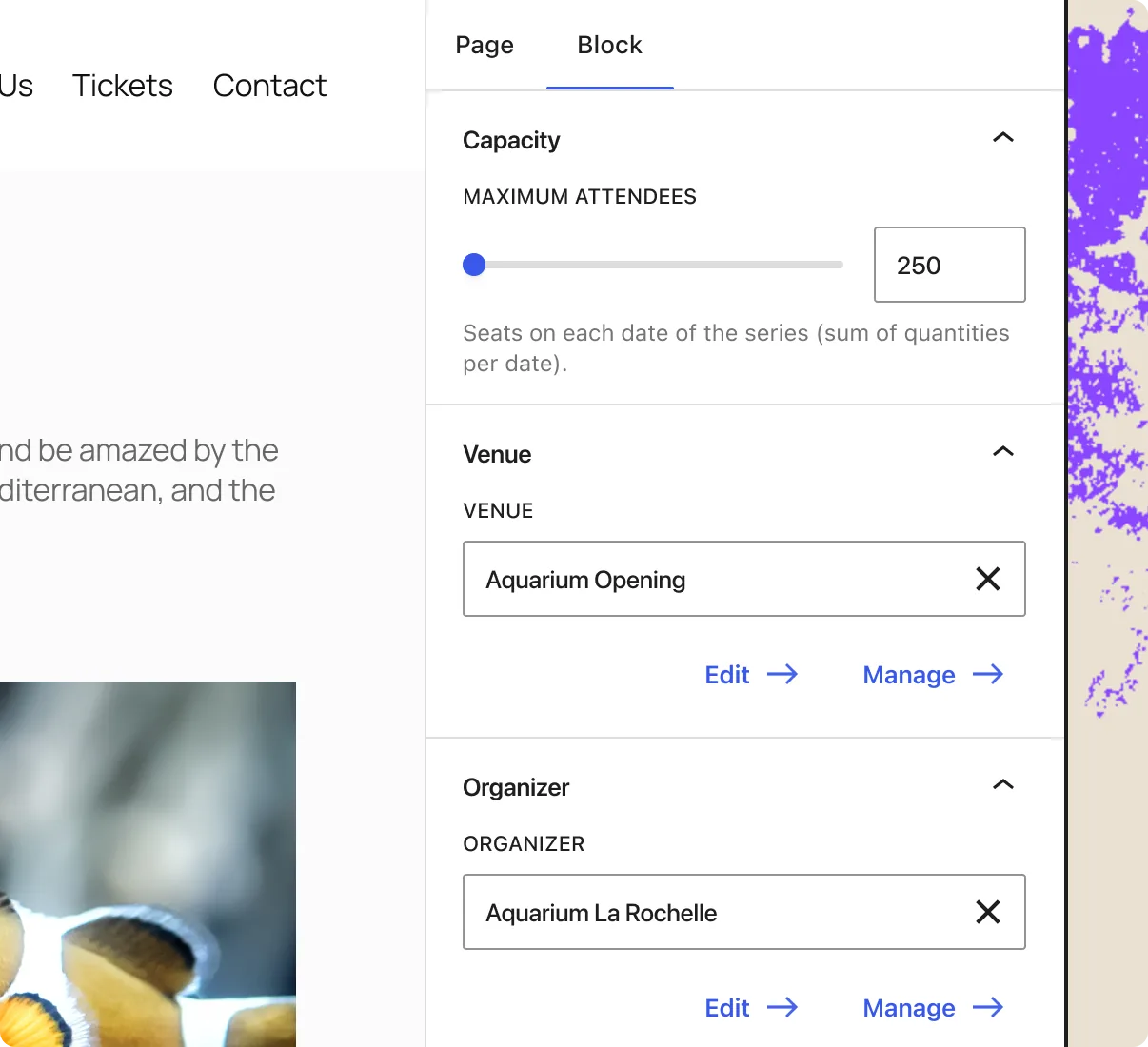
Venue, organizer, seats and offers fill in the details.
3. Fine-tune
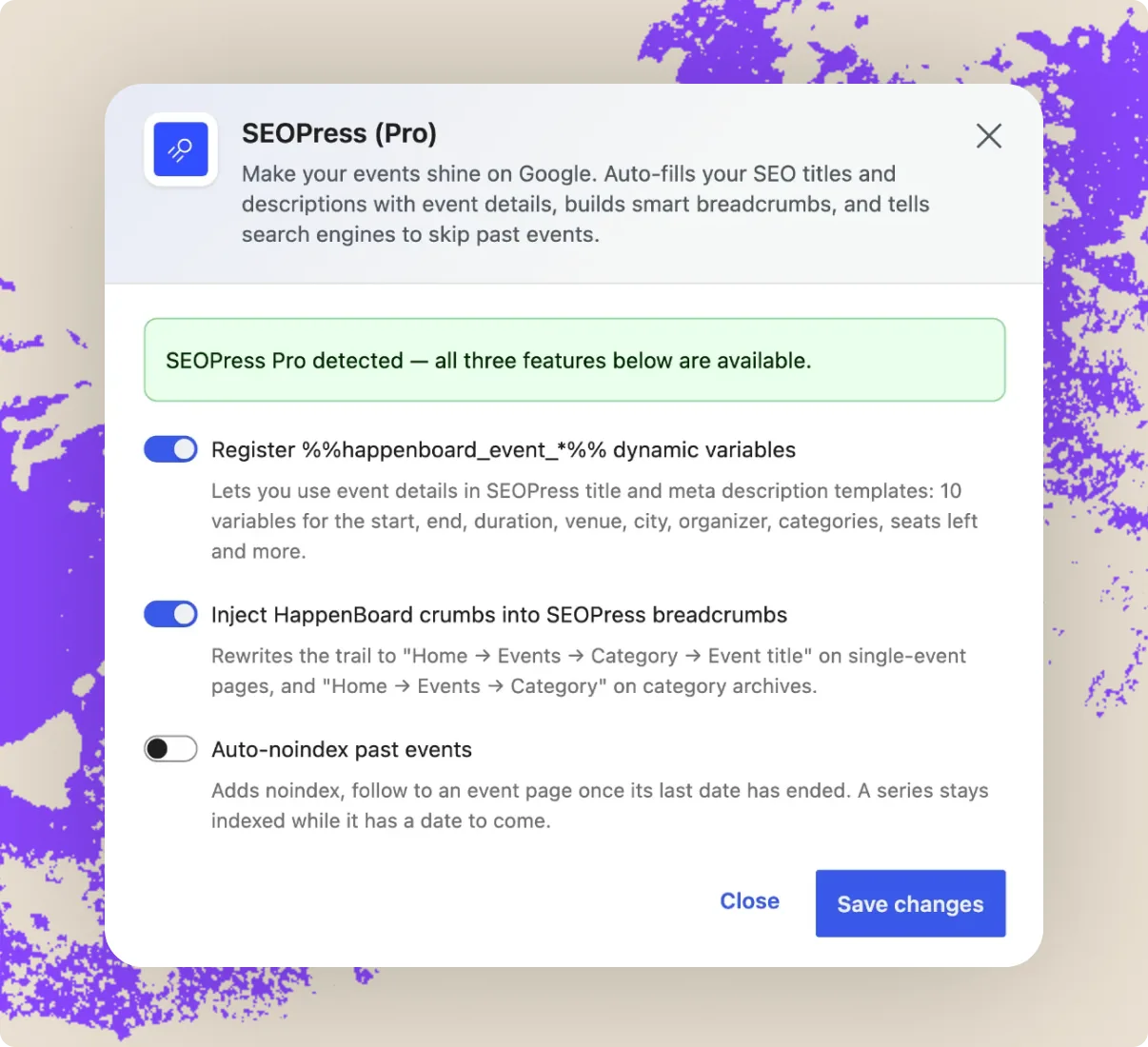
With Pro and SEOPress, use event details in titles.
All SEO and performance features

Event schema on every event
Name, dates, status, language, description, images, venue address and coordinates, online link, organizer, capacity and seats left, in JSON-LD.

Prices and availability
An event without tickets gets a free offer, marked sold out once full. With Pro, each ticket on sale adds its price, currency, stock and sale dates.

Room for your SEO plugin
HappenBoard prints no title, meta description, canonical or Open Graph tags and leaves sitemaps alone, so your SEO plugin stays in charge.

SEOPress variables (Pro)
Ten event variables for SEOPress titles and descriptions, such as start date, venue city or seats left, plus event breadcrumbs (SEOPress Pro) and noindex of past events.

Light, server-rendered pages
All 31 blocks render in PHP as plain HTML. 13 of the 21 Free blocks load no script, none needs jQuery, and each script loads only with its block.

Clean, stable addresses
Change the /events/ base under Settings → Permalinks and old addresses redirect with a 301. Calendar and archive pages use plain, crawlable links.
Integrates with all your essential apps
















HappenBoard in action
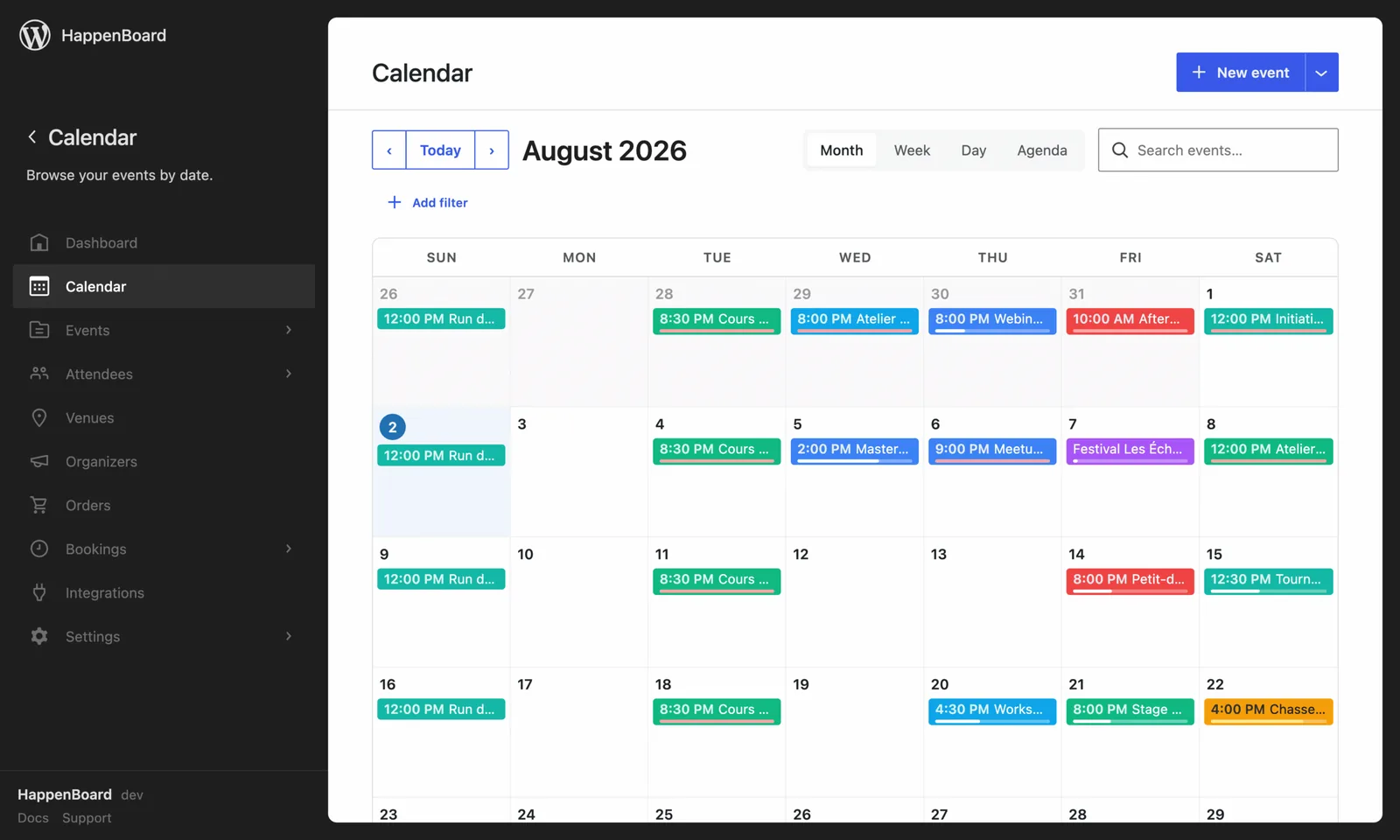
A quick tour of HappenBoard in your WordPress admin.


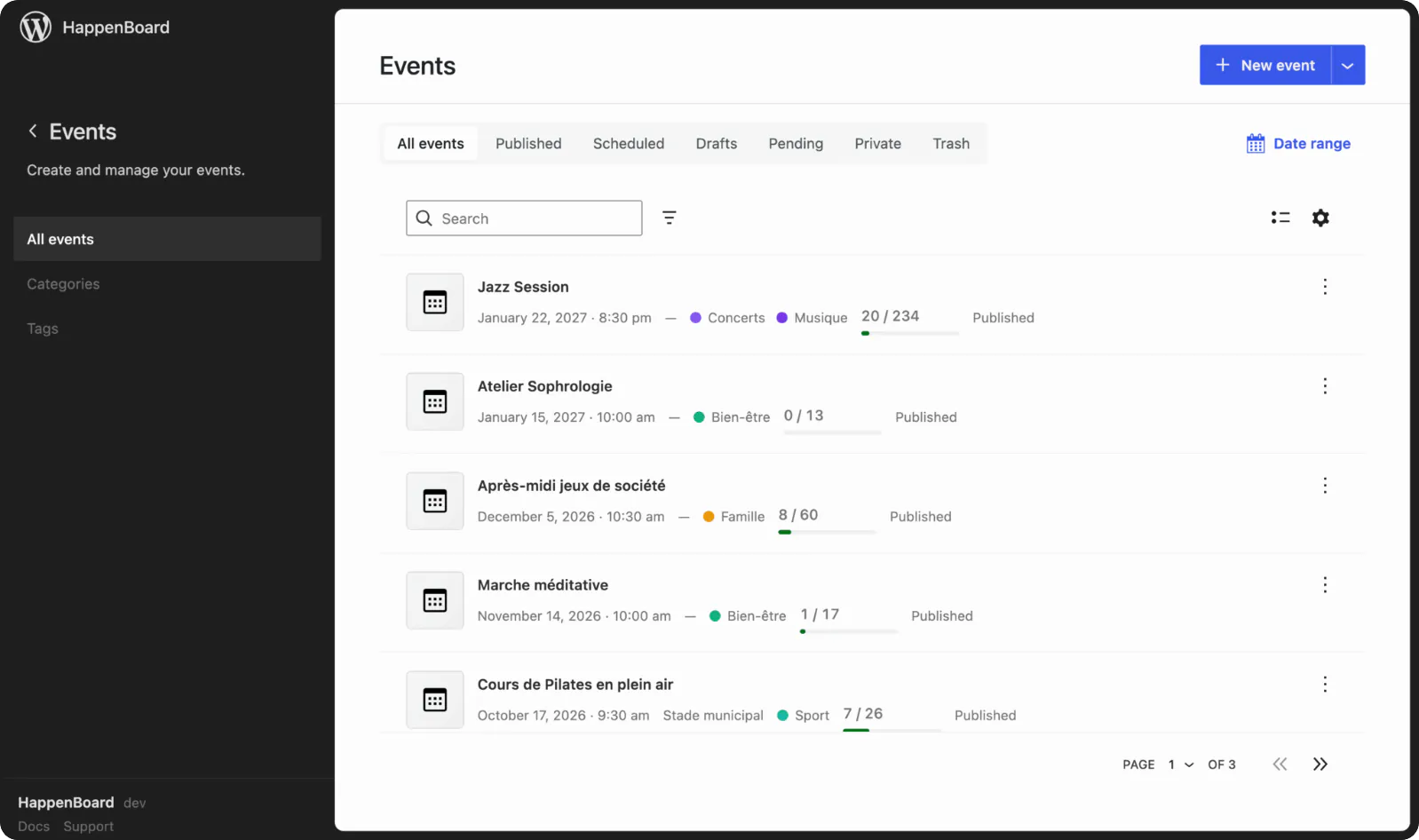
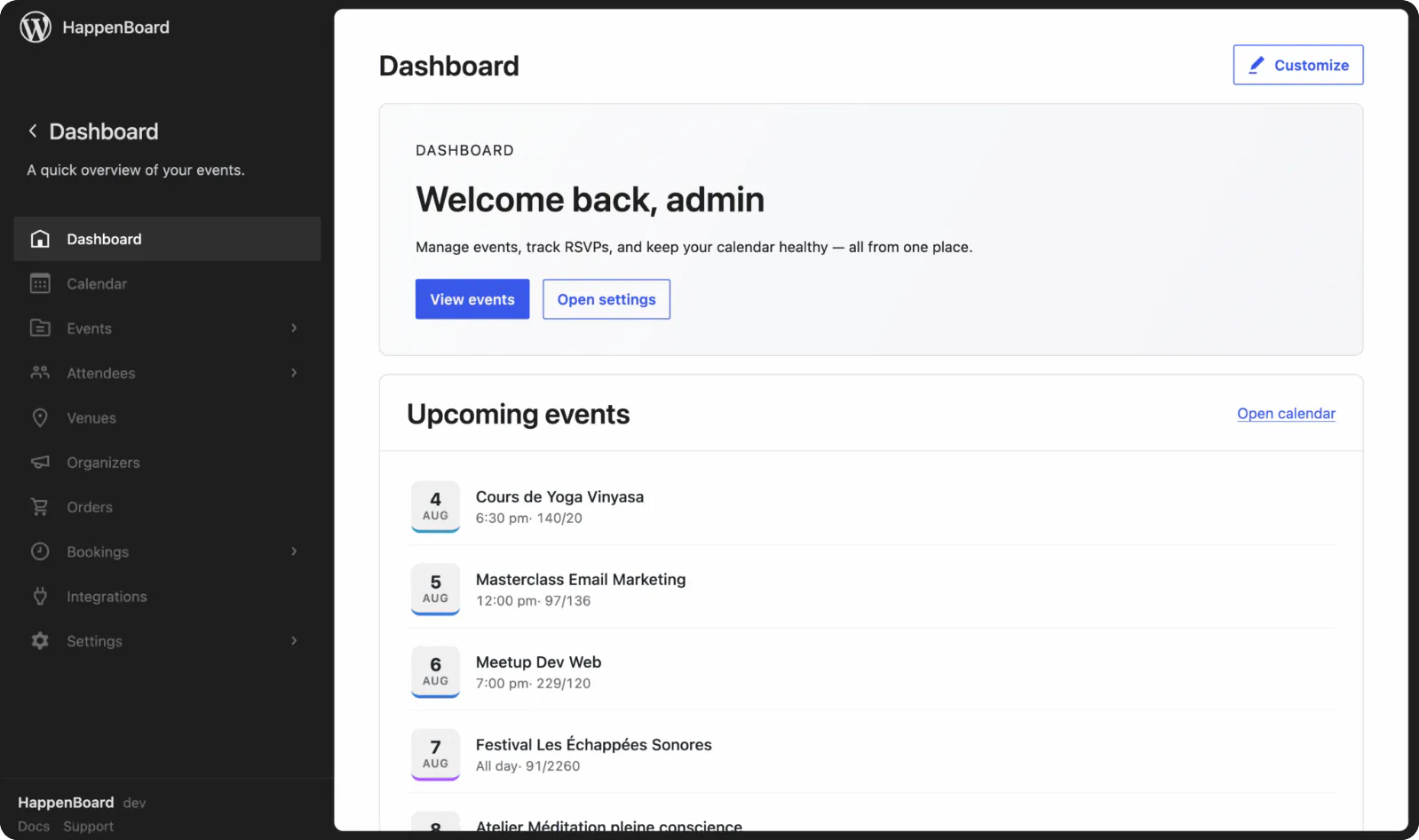
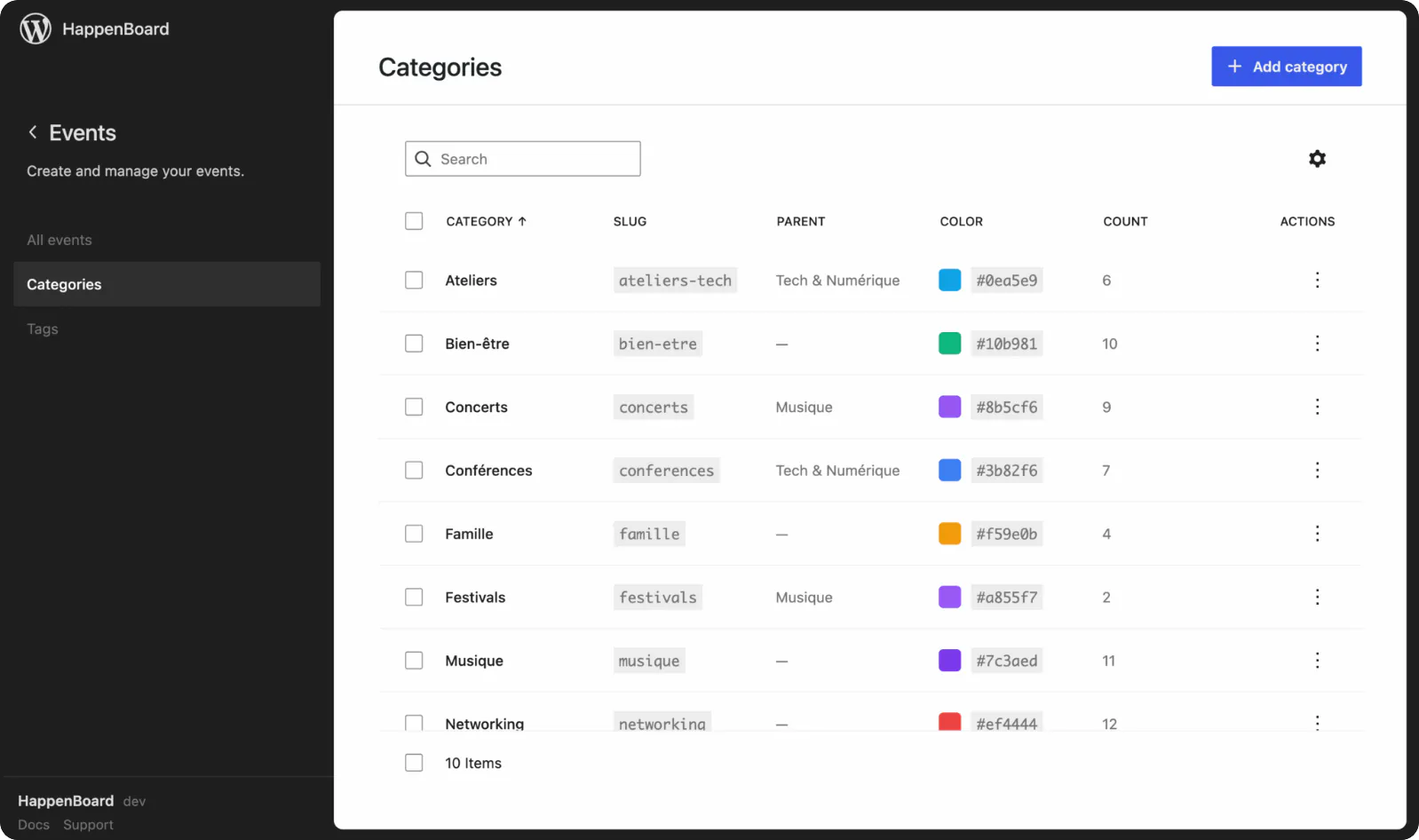

Why choose HappenBoard for event SEO?
1
Markup that follows your edits
The schema is built from the event itself each time the page is built: change the venue, the dates or the seats, and the markup follows. On a series, it describes the date in progress or the next one, never a skipped date.
2
Light pages that work with your cache
Blocks send finished HTML, and a script loads only where its block appears. RSVP and booking forms hold nothing personal and fetch their anti-spam token when used, so your page cache can serve them to every visitor.
3
One job each with your SEO plugin
HappenBoard handles the Event markup and nothing else: titles, descriptions, canonical and social tags stay with your SEO plugin. If you build an Event schema by hand in SEOPress for a post, HappenBoard steps back to avoid a duplicate.
Already on another events plugin?






Preview first, then import, even with the old plugin deactivated. Repeat rules from The Events Calendar, Events Manager 7 and Sugar Calendar come across, and you can export your events to CSV at any time.
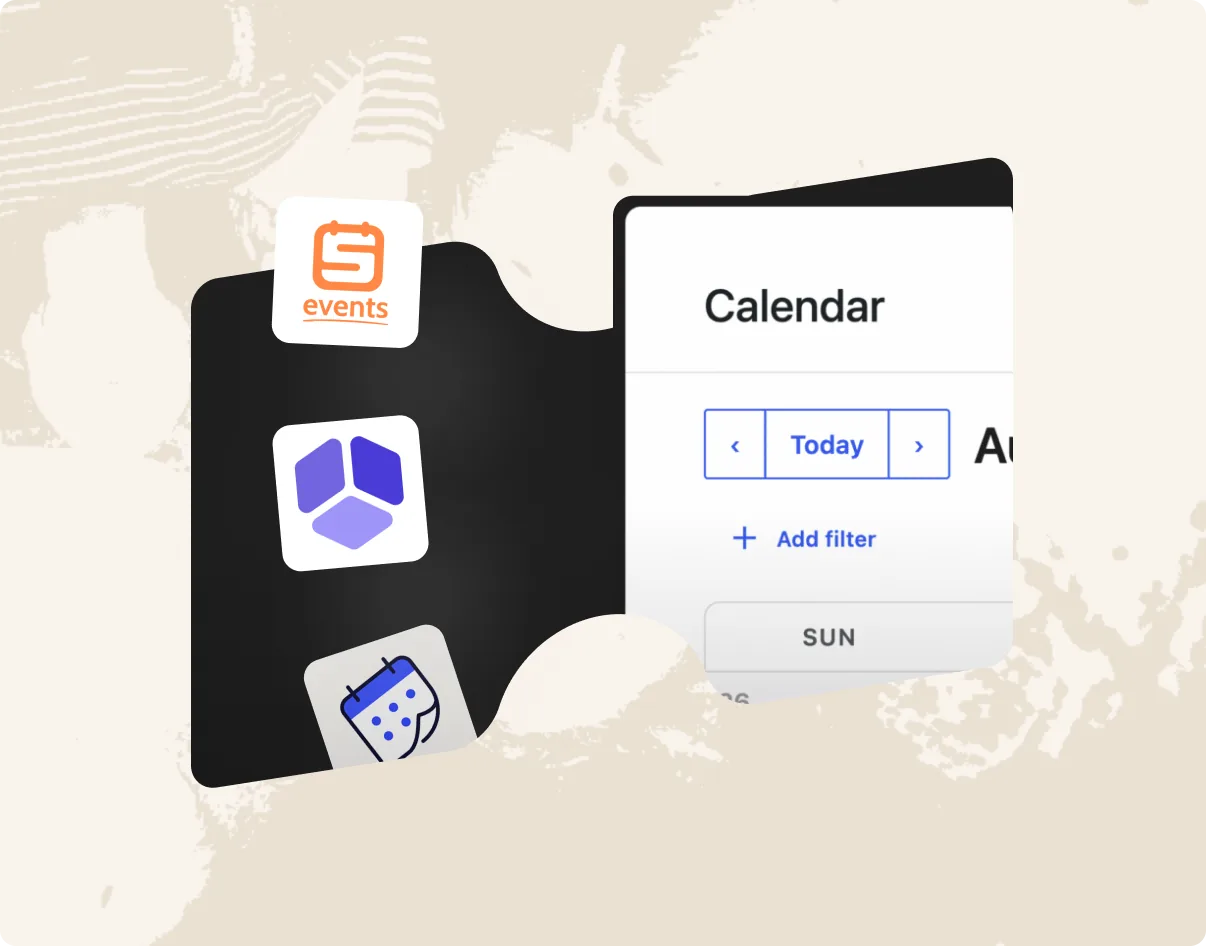
Tailor HappenBoard to your business needs with flexible integration options.
You ask.
We answer.
We’re featured in





Does HappenBoard add Event schema automatically?
Yes, in HappenBoard Free. Every published event page carries Event markup in JSON-LD: dates, the venue with its address and coordinates or the online link, organizer, images, seats left and offers. Drafts and private events get none.
Will my events show as rich results in Google?
HappenBoard prints the Event markup that Google reads for event results. Whether Google shows a rich result is up to Google, and depends on your content and your site. You can test any event page with Google’s Rich Results Test.
Does it work with Yoast SEO, Rank Math or SEOPress?
HappenBoard prints no titles, meta descriptions, canonical or Open Graph tags and does not touch sitemaps, so these stay with your SEO plugin. The only built-in integration is with SEOPress: with HappenBoard Pro you get event variables, breadcrumbs (SEOPress Pro) and noindex of past events.
Does HappenBoard work with caching plugins?
Yes. RSVP and booking forms hold nothing personal and fetch their anti-spam token when a visitor starts using them, so cached pages work for everyone. A page that shows a form to a signed-in visitor asks caches not to store it.
Can I change the /events/ part of my event addresses?
Yes, under Settings → Permalinks. Addresses under the old base redirect to the new one with a 301, and Site Health warns you when a page or another plugin uses the same base.
Will HappenBoard slow down my site?
Blocks render on the server as plain HTML, and a script loads only on a page that shows its block: 13 of the 21 Free blocks have none. No block uses jQuery, and the map and PDF libraries of Pro load only when they are needed.