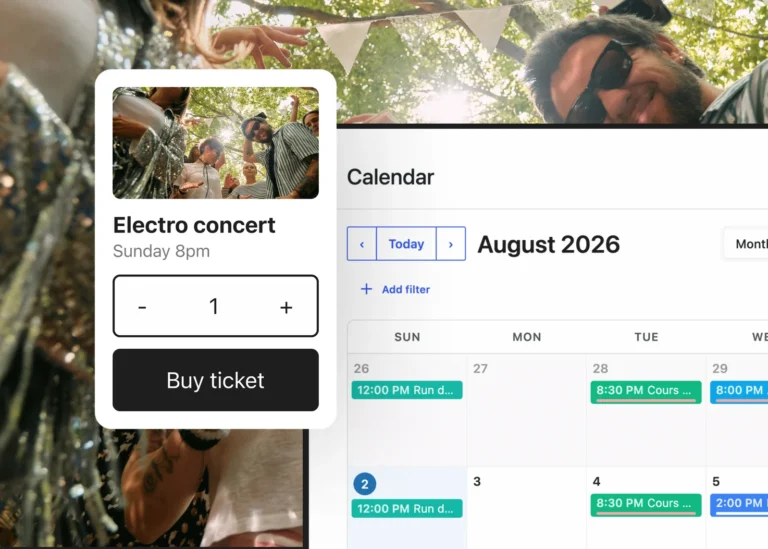
Switch plugins without starting over
Migrate WordPress events from The Events Calendar, Events Manager, Sugar Calendar, EventKoi, Amelia or an .ics file.










Migrate WordPress events in three steps
HappenBoard reads the old plugin’s data from the database and never changes it. The plugin can even be deactivated.
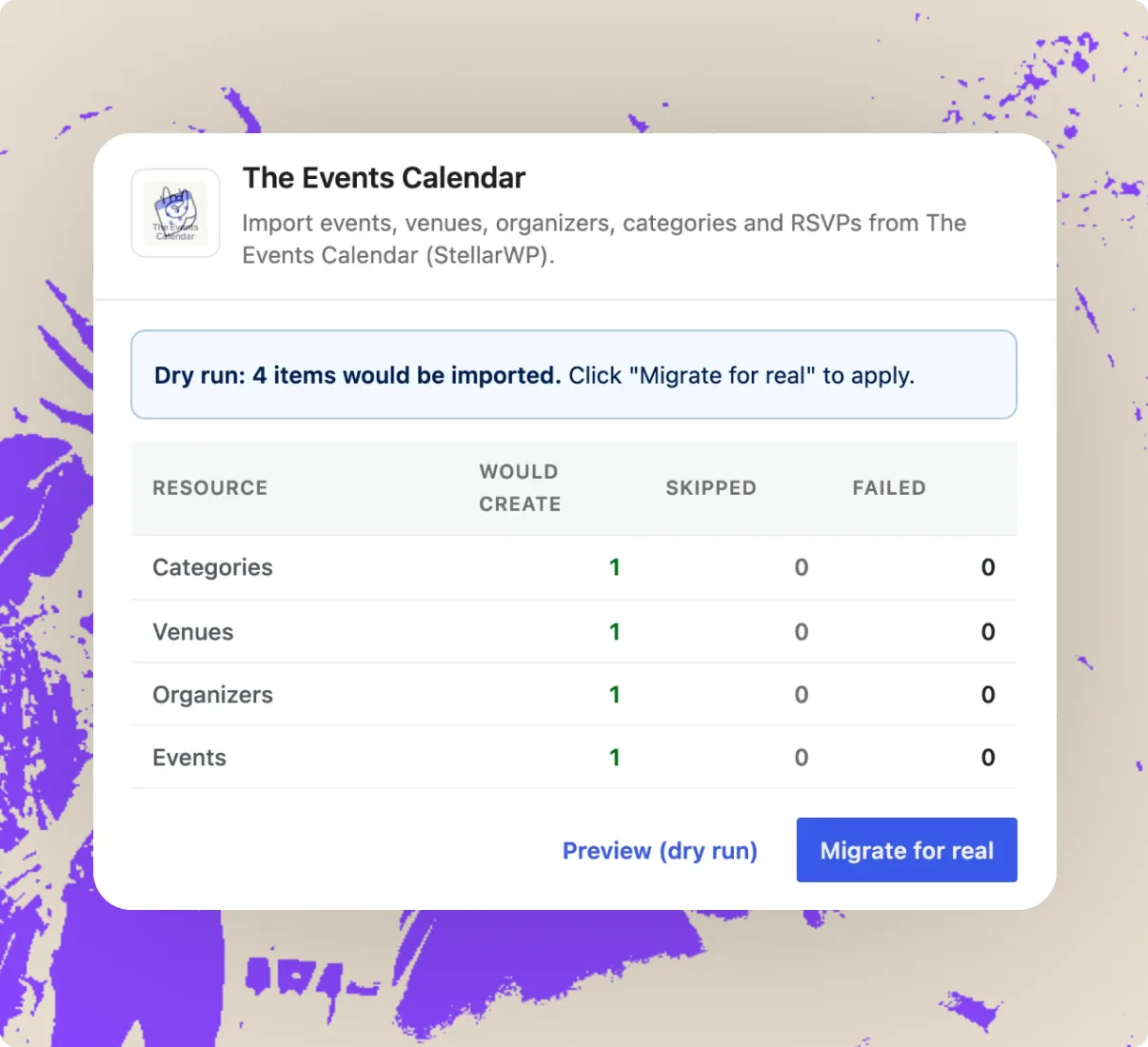
1. Preview
A dry run counts what would be created, and writes nothing.
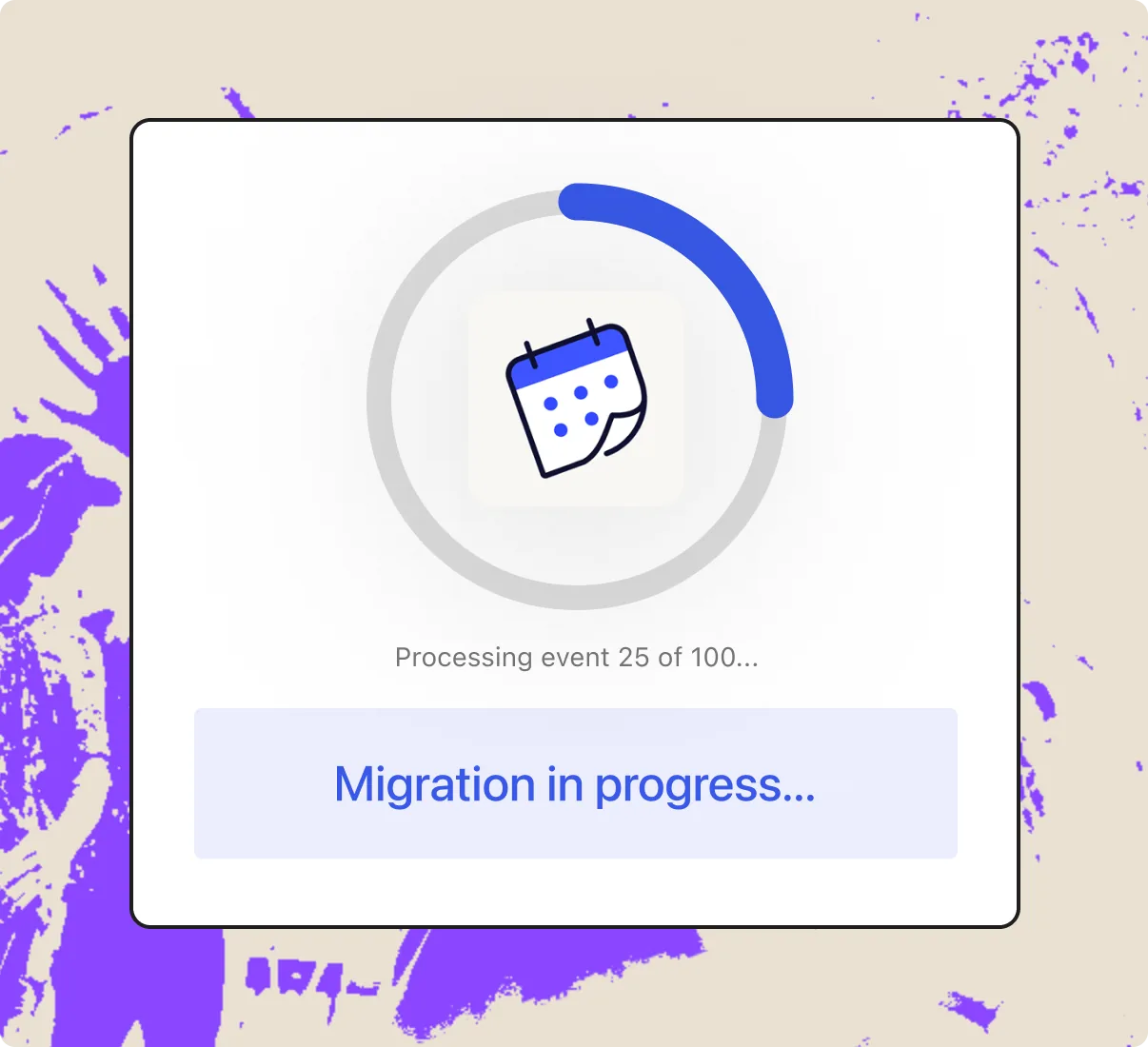
2. Migrate
Events are copied 50 at a time, with a progress bar.
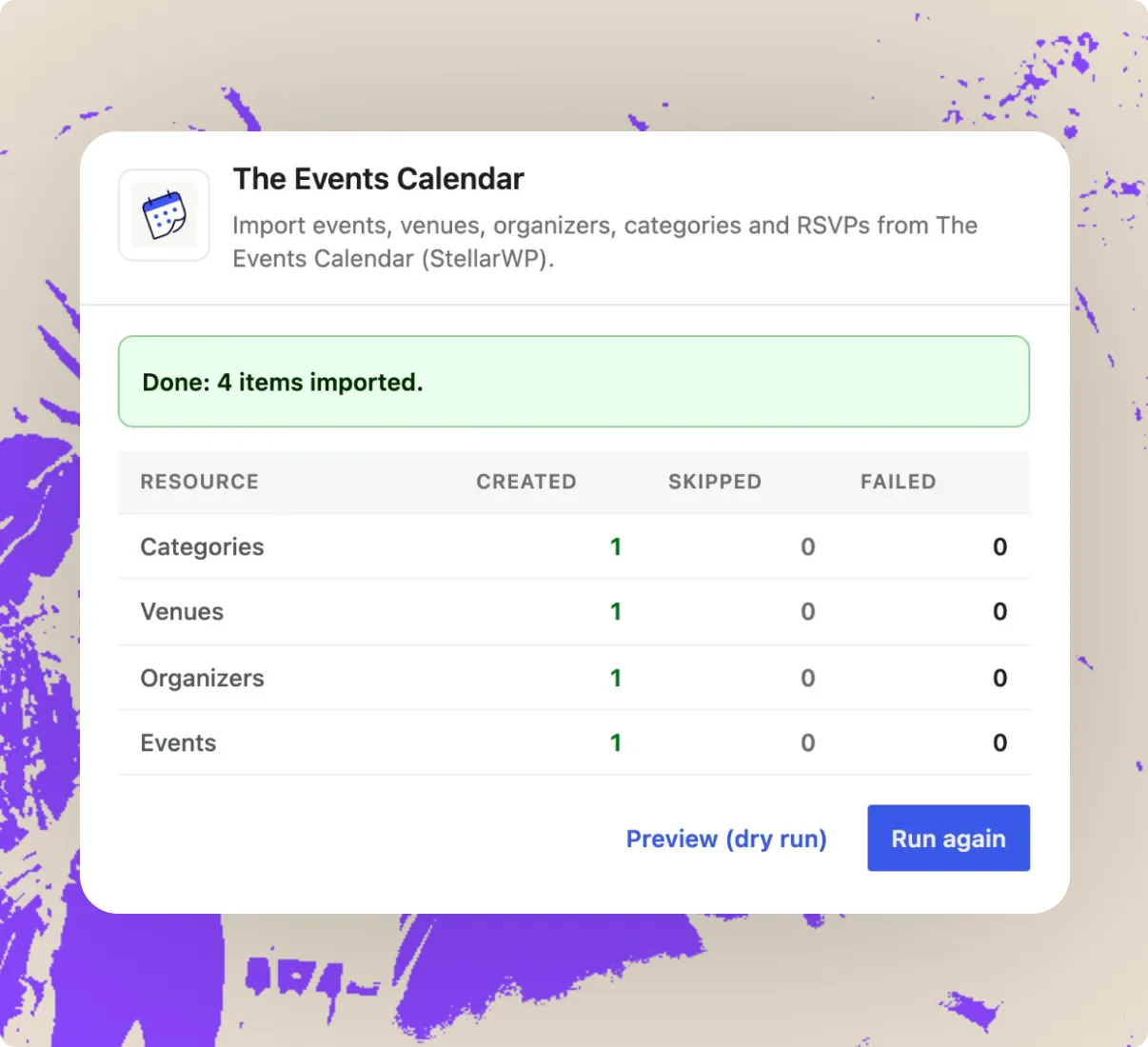
3. Check
See what was created, skipped or failed, type by type.
All import sources

The Events Calendar
Events, venues, organizers, categories, the first repeat rule, and RSVP, PayPal and Tickets Commerce attendees. Tickets and prices are not copied.

Events Manager
Events, locations as venues, categories, and bookings with their status. Repeat rules come from Events Manager 7. No organizers, tickets or prices.

Sugar Calendar
Events, categories and repeat rules (daily to yearly, with interval and end). Weekday patterns, venues and attendees are not copied.

EventKoi
Events, calendars as categories, the first physical location as a venue, and RSVPs with their guests. Series come in on their first date, without images.

Amelia (events)
Events only, one per period, with capacity, location and tags as categories, plus their bookings. Appointments, services and prices are not imported.

Any .ics calendar file
Titles, descriptions, dates, repeat rules, skipped and moved dates, categories and time zones. Location and organizer come in as plain text.
Integrates with all your essential apps














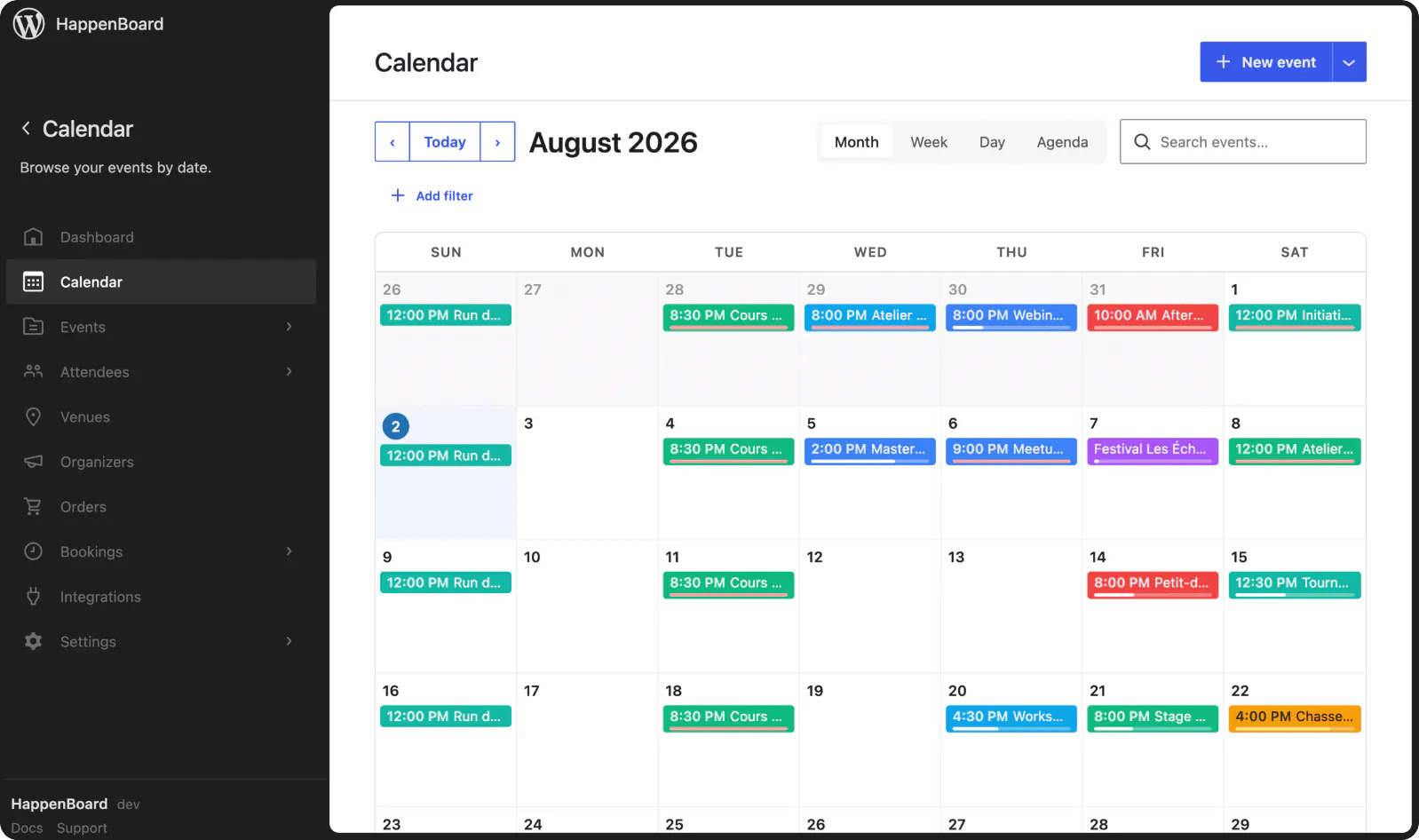
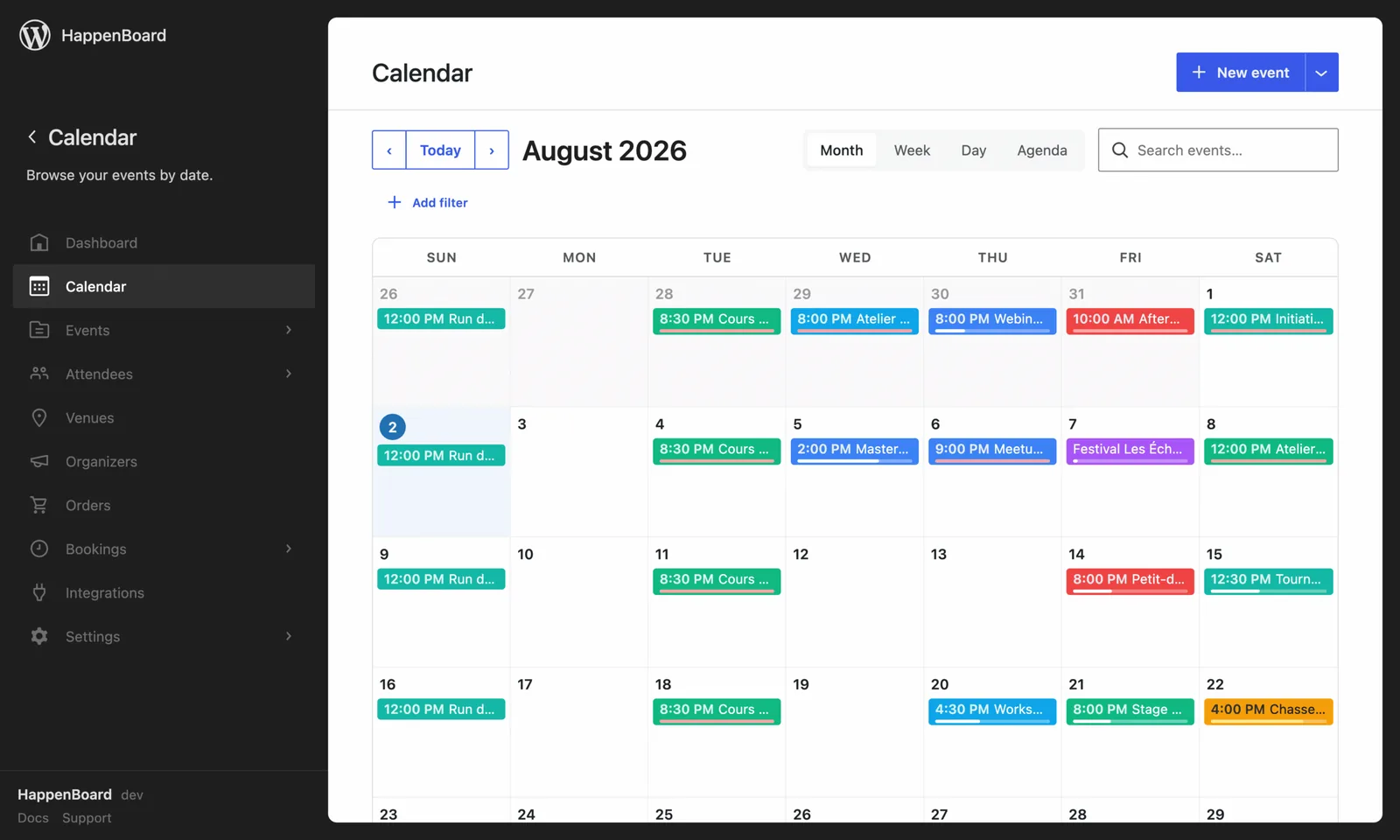
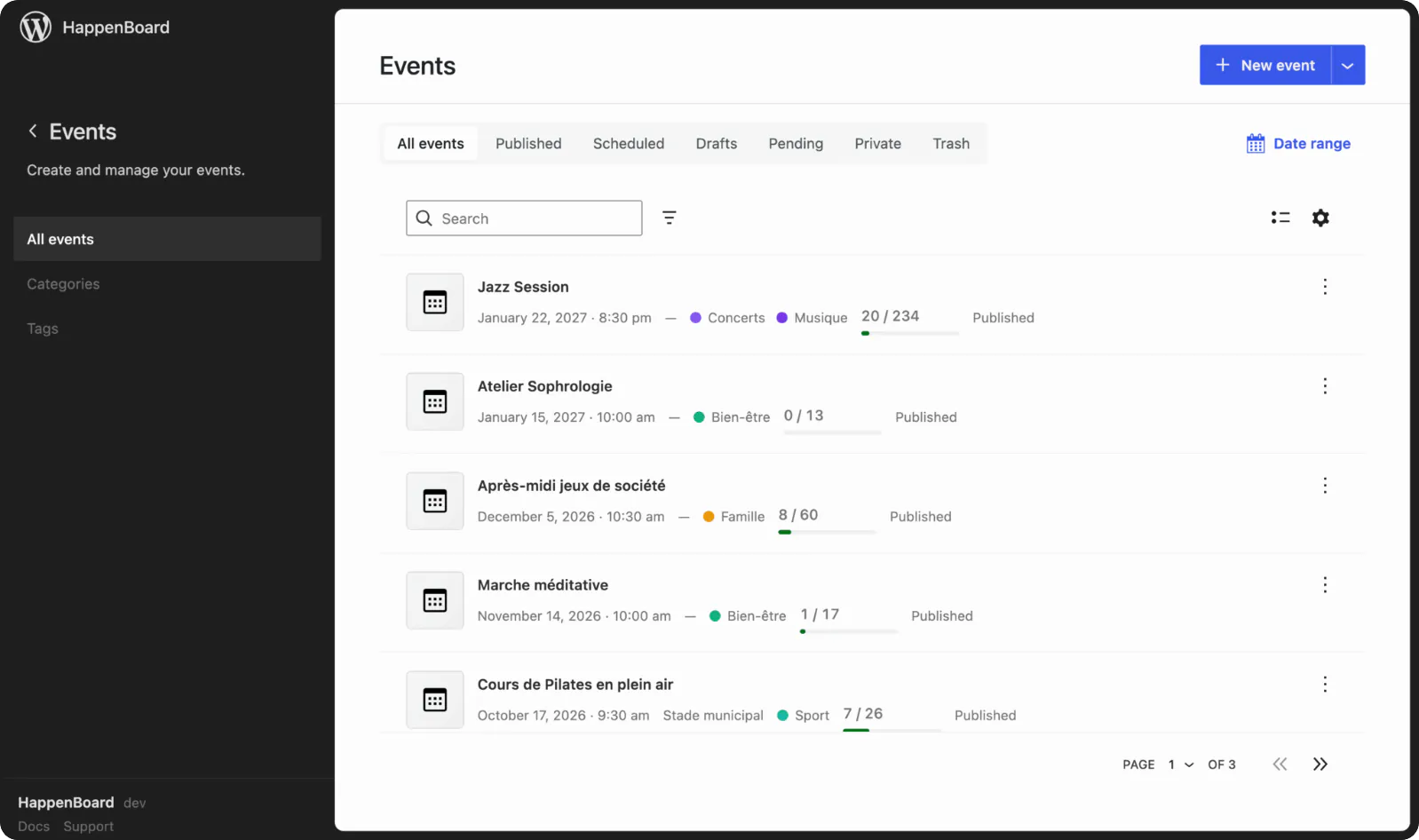
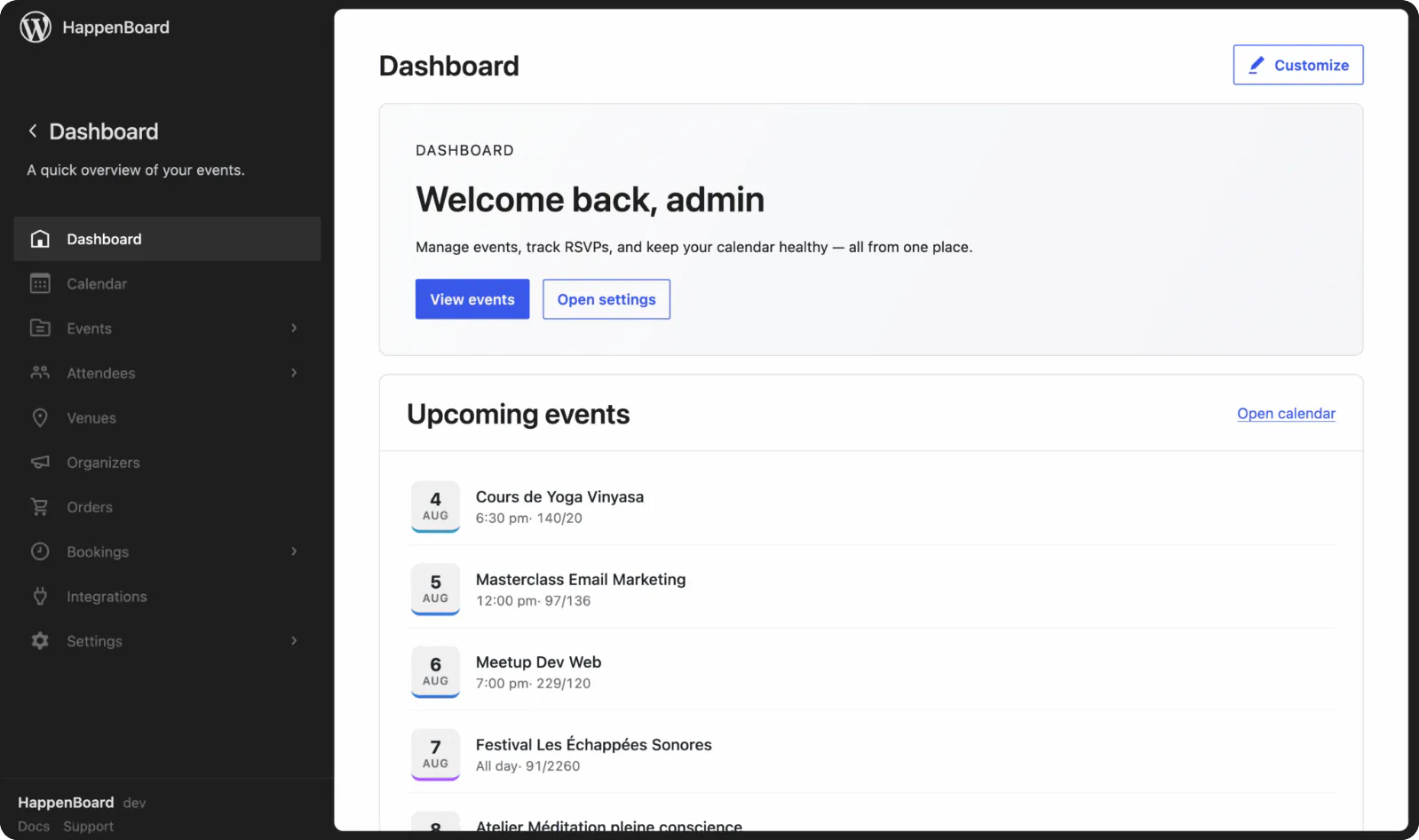
HappenBoard in action
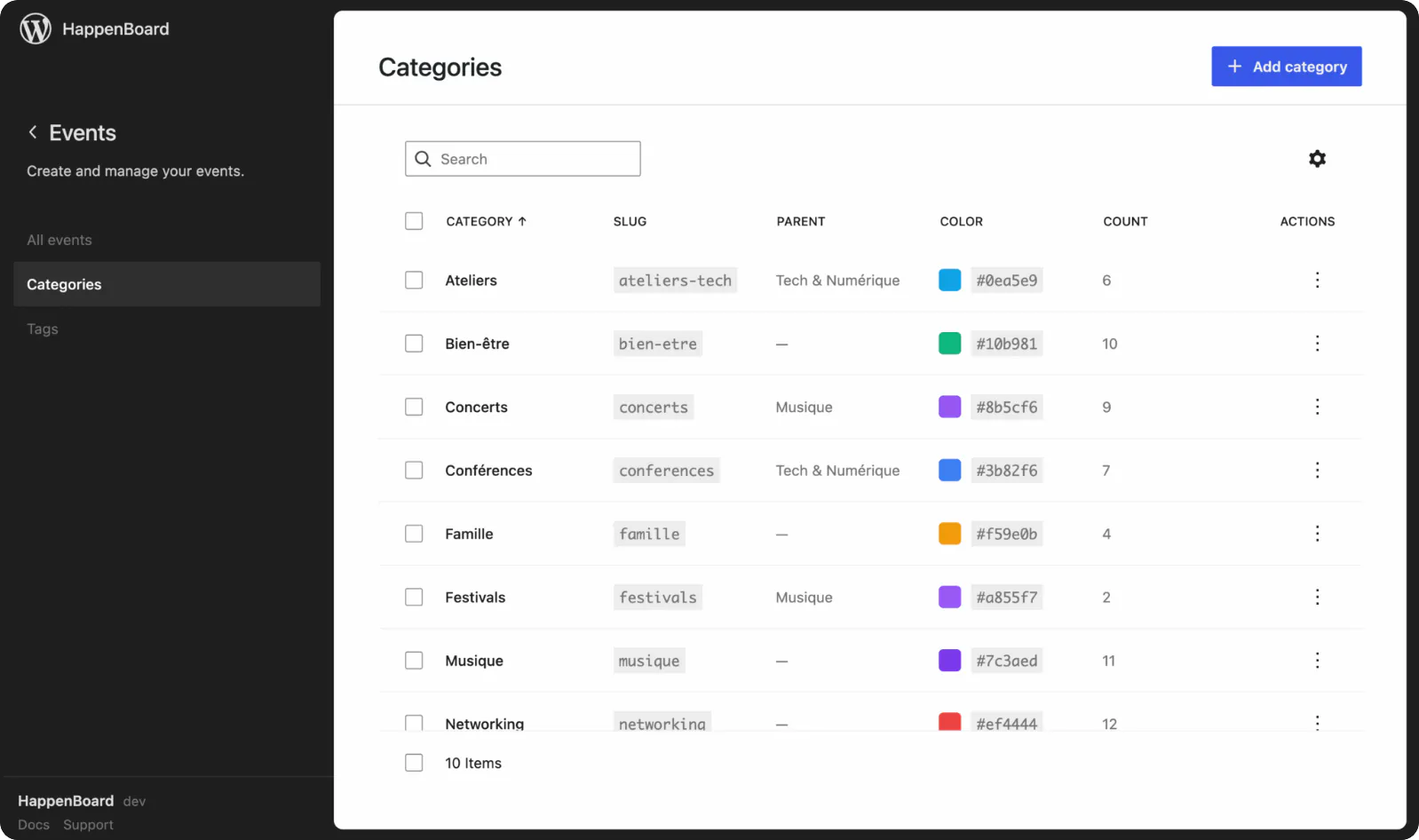
A quick tour of HappenBoard in your WordPress admin.


Why move your events to HappenBoard?
1
Your old plugin’s data stays as it is
HappenBoard only reads the old plugin’s data, straight from the database. Deactivate the plugin first if you like: its events are still found. HappenBoard never deletes it, so you can compare both before you switch your pages.
2
Run it again, without duplicates
Every imported event, venue and organizer remembers its source, so a second run skips it. Add a few events in the old plugin, run the migration again, and only the new events come across. A run that stops early resumes with the Continue button.
3
Your data stays portable after the move
Events export to a 19-column CSV file, attendees to CSV, JSON or vCard, and the public iCal feed carries your dates. Your events are standard WordPress posts, kept when you delete the plugin.
Already on another events plugin?






Preview first, then import, even with the old plugin deactivated. Repeat rules from The Events Calendar, Events Manager 7 and Sugar Calendar come across, and you can export your events to CSV at any time.
Tailor HappenBoard to your business needs with flexible integration options.
You ask.
We answer.
We’re featured in





Does the old plugin need to stay active?
No. HappenBoard reads its data straight from the database, so you can deactivate it before you migrate. Do not delete it with an option that wipes its data: HappenBoard needs that data to find your events.
Will my old event addresses redirect to the new ones?
No, HappenBoard creates no redirects from the old plugin’s addresses. Imported events get new addresses built from their titles, under /events/ by default, and the original author and publish date are not kept. Add redirects for your busiest pages with your SEO or redirection plugin.
Are tickets, prices and orders imported?
No. No source brings tickets, prices or orders, because HappenBoard Free has no price field. With HappenBoard Pro, you create your ticket types again. Attendees do come across from The Events Calendar, Events Manager, EventKoi and Amelia, and none of them gets an email.
What happens to recurring events?
Repeat rules come from The Events Calendar (the first rule of a series), Events Manager 7 and Sugar Calendar. Dates excluded one by one in The Events Calendar or Events Manager become skipped dates. EventKoi series come in on their first date, and each Amelia period becomes its own event. For The Events Calendar and Events Manager, the result lists every series that lost part of its pattern.
Do I need HappenBoard Pro to migrate?
No, migration is part of HappenBoard Free. With Pro, a migration from The Events Calendar also brings the Additional Fields of Events Calendar Pro, as custom fields with their values.
My plugin is not on the list. Can I still import?
Yes, if it exports a calendar file. Import the .ics file on the same screen, or add events from a spreadsheet with the CSV import under Settings → Tools. Importing the same .ics file again updates its events instead of duplicating them.