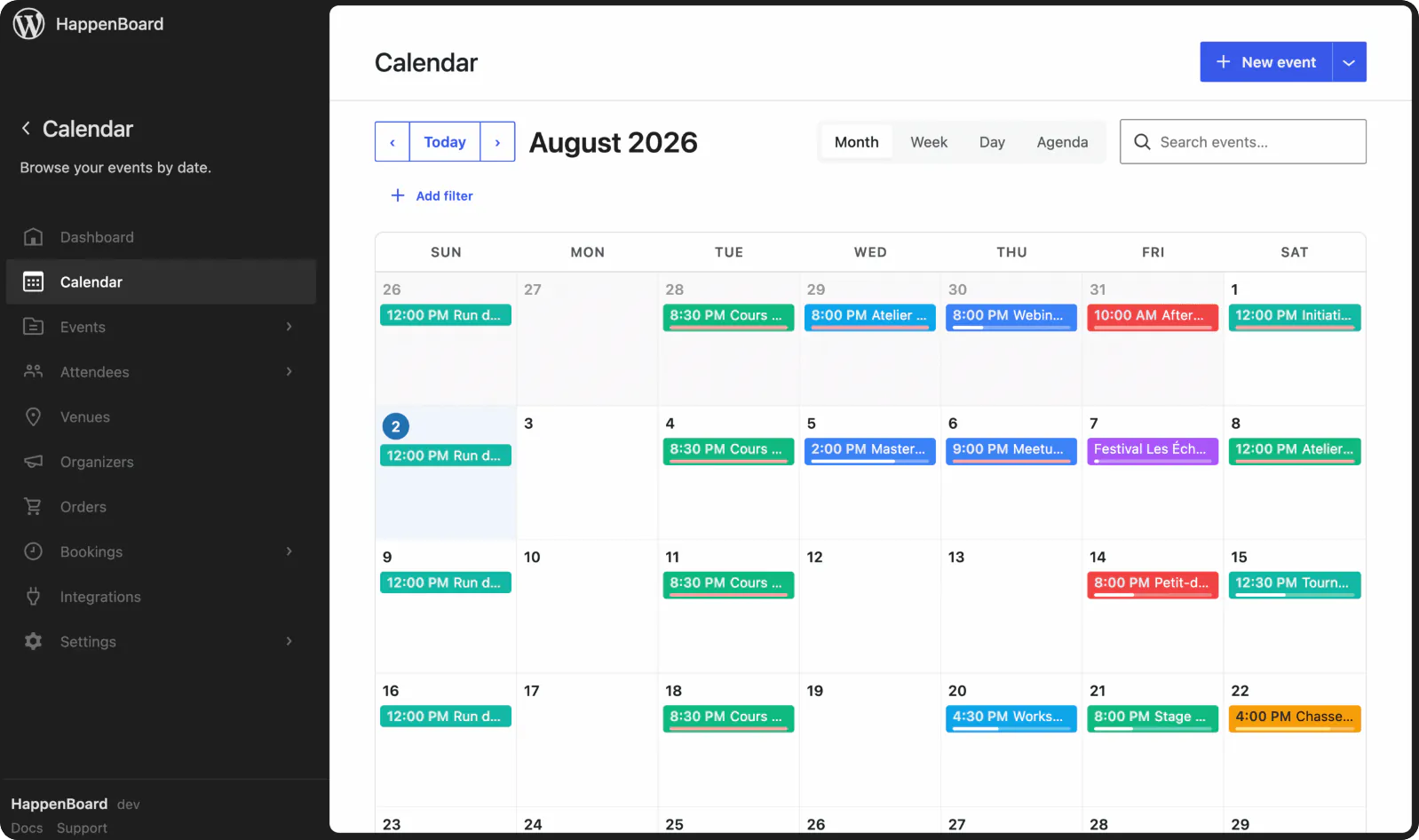
Sell event tickets directly from your site
Accept credit and debit card payments with HappenBoard Pro’s Stripe integration. Add your keys, create your tickets and start selling.

Sell tickets, without the extra hassle
Professional ticketing tools without the complexity. Sell more tickets and deliver better experiences for your attendees.
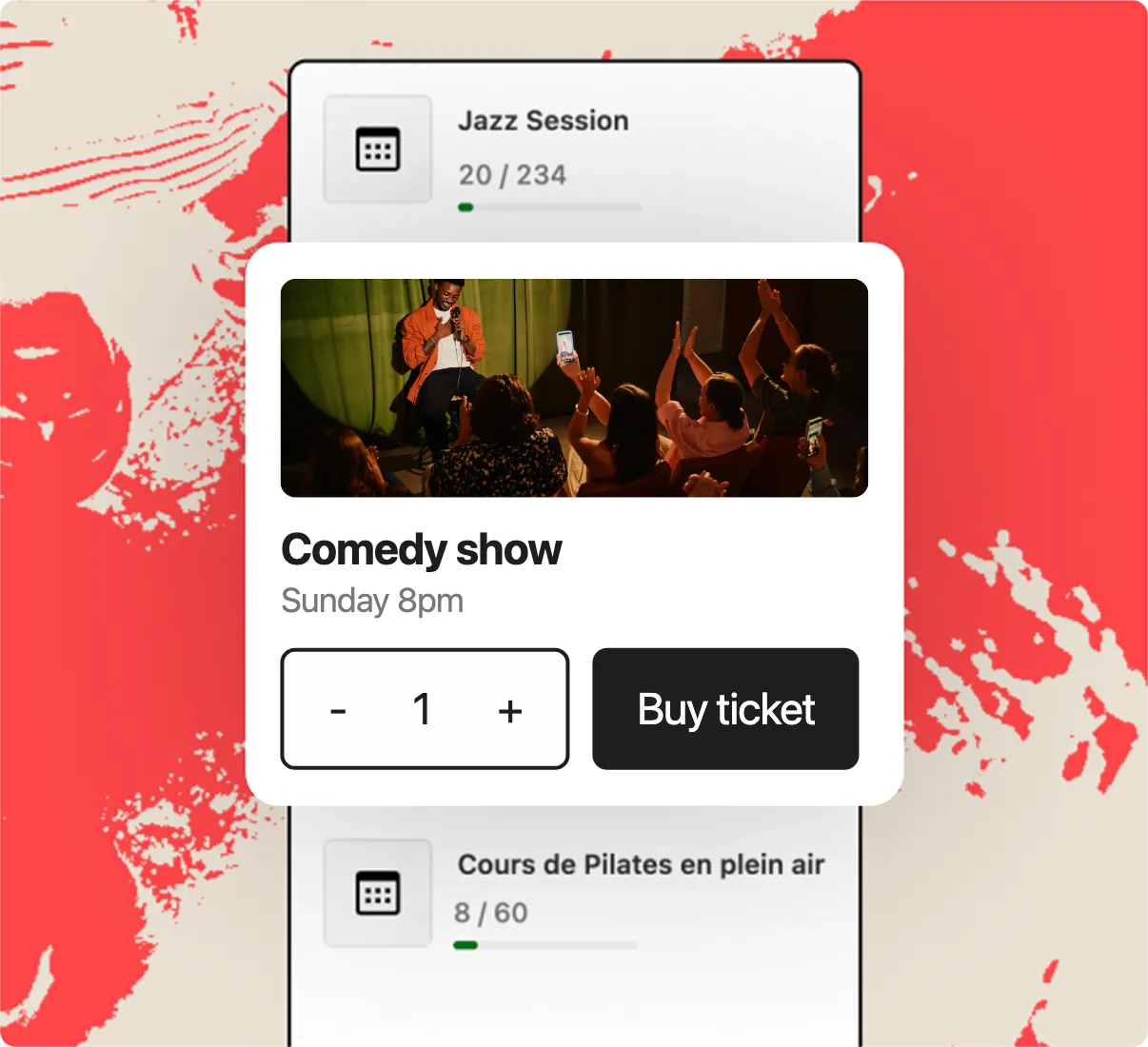
1. Set up
Create ticket types, prices and capacity.
2. Sell
Let attendees buy tickets through your website.
3. Manage
Track orders, attendees and ticket status from WordPress.
All Pro selling features

Quick checkout, seats held
Buyers pick tickets on your event page, pay on Stripe’s secure checkout and come straight back, with their seats held meanwhile.

Secure Stripe integration
Accept credit and debit cards through your own Stripe account, in the currency you choose, with a test mode to try it all first.

Complete order management
View and refund orders, manage attendees, check ticket status and export attendee lists right from WordPress.

Instant confirmation and e-tickets
Each buyer gets a confirmation email with a QR code and a printable PDF e-ticket, ready to scan at the door.

Multiple ticket types and pricing
Offer early-bird, VIP or general admission tickets, each with its own price, capacity and sale dates, all included in HappenBoard Pro.

WooCommerce integration
With HappenBoard Pro, sell tickets through your WooCommerce store and take payment with the gateways it already uses, while e-tickets and check-in work just the same.
Integrates with the apps you already use






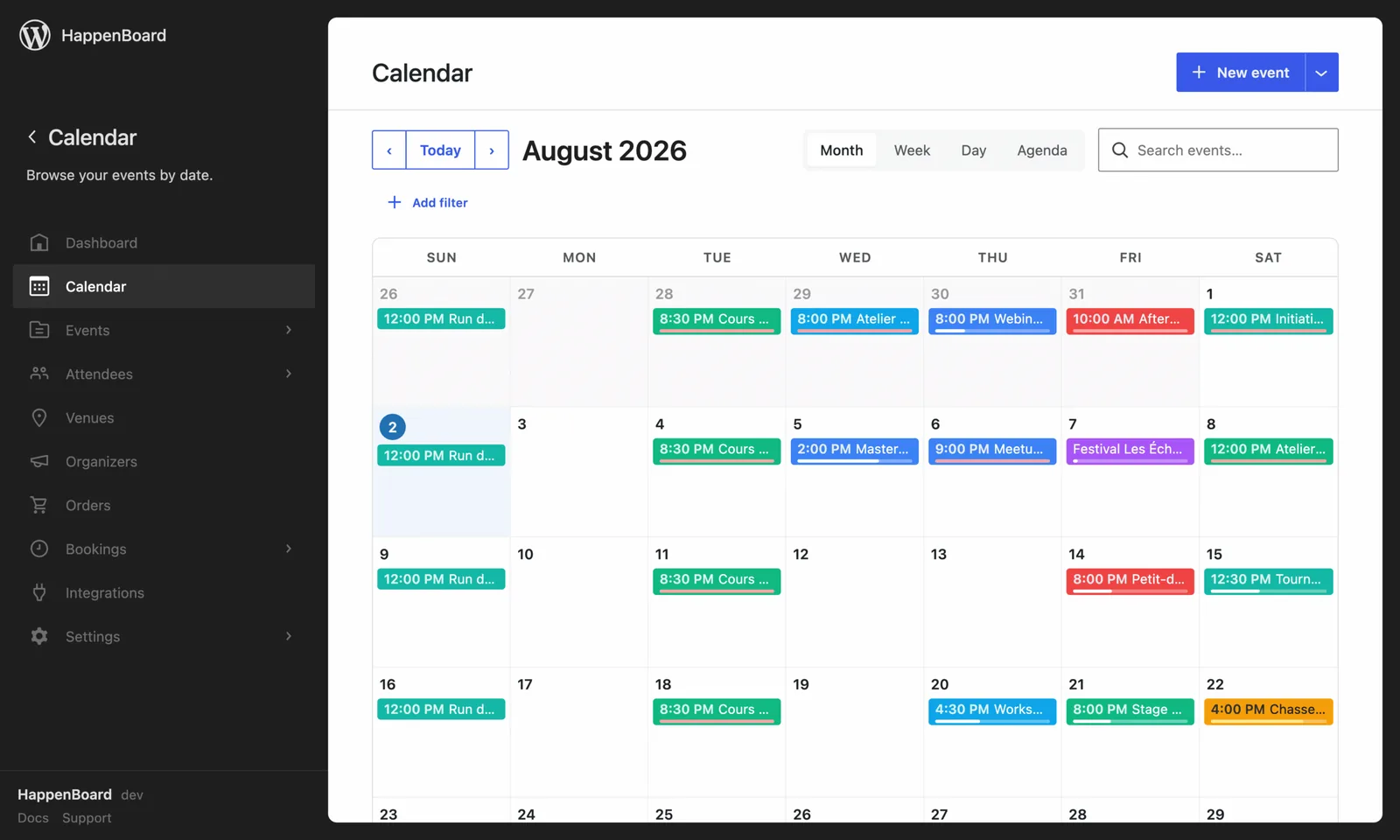
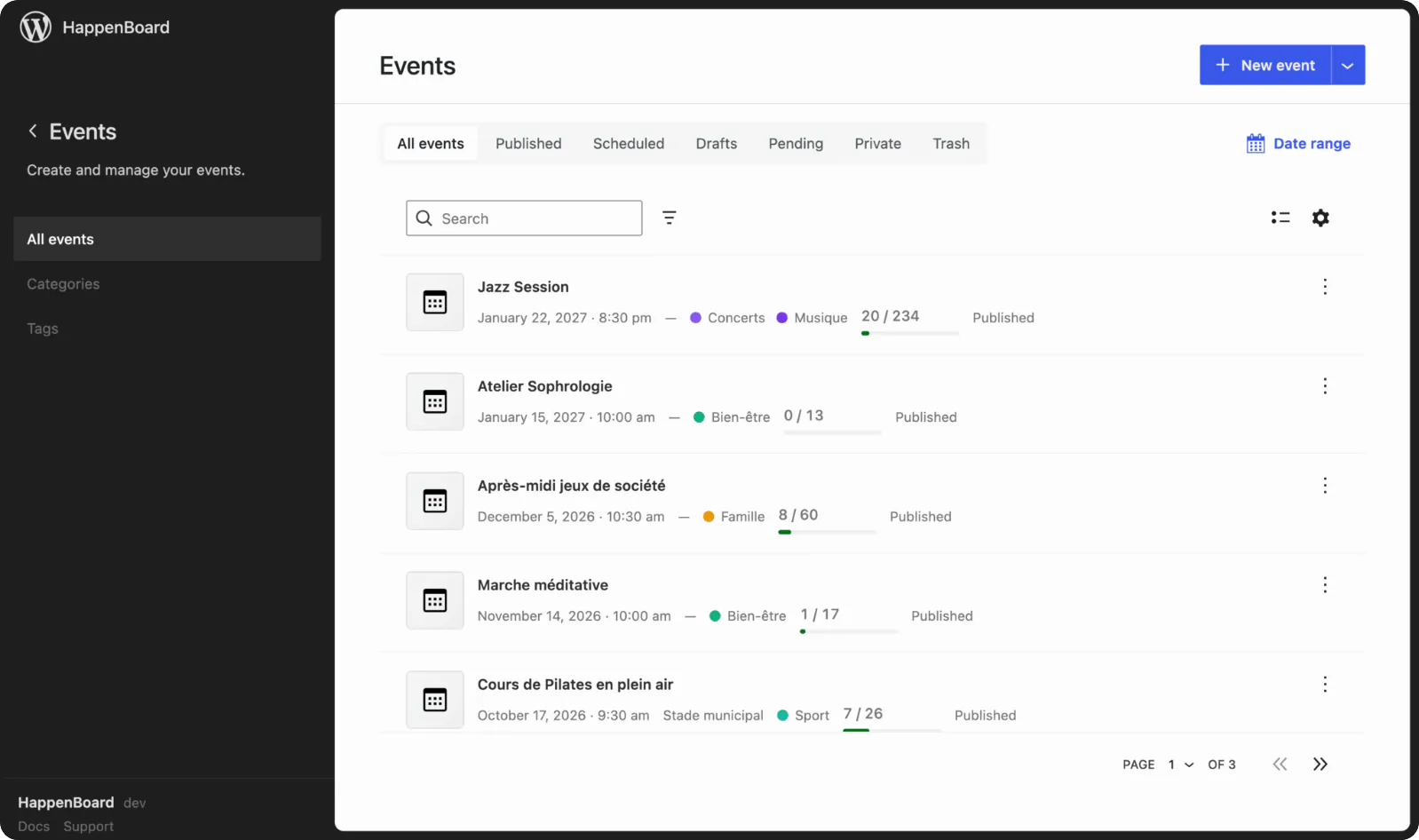
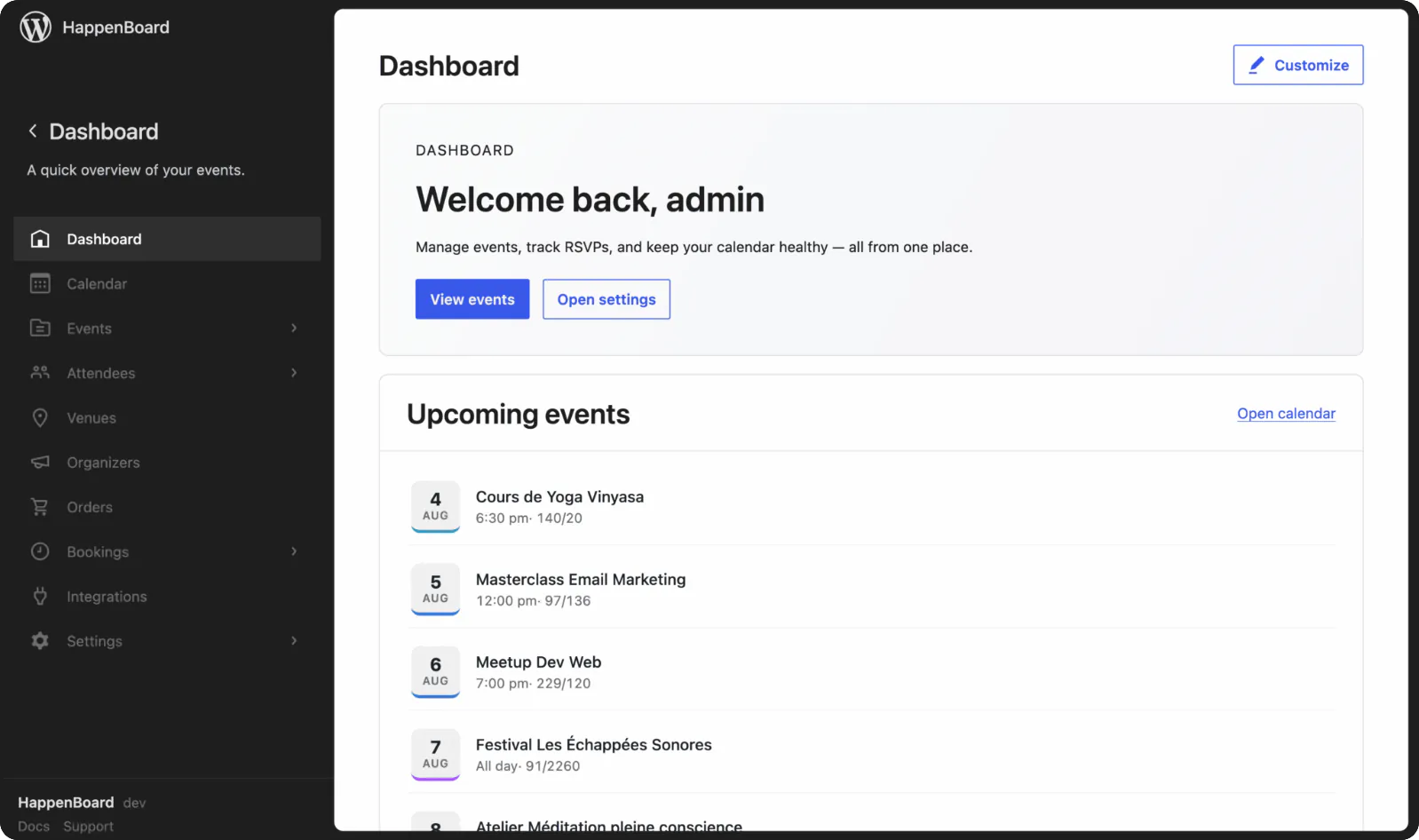
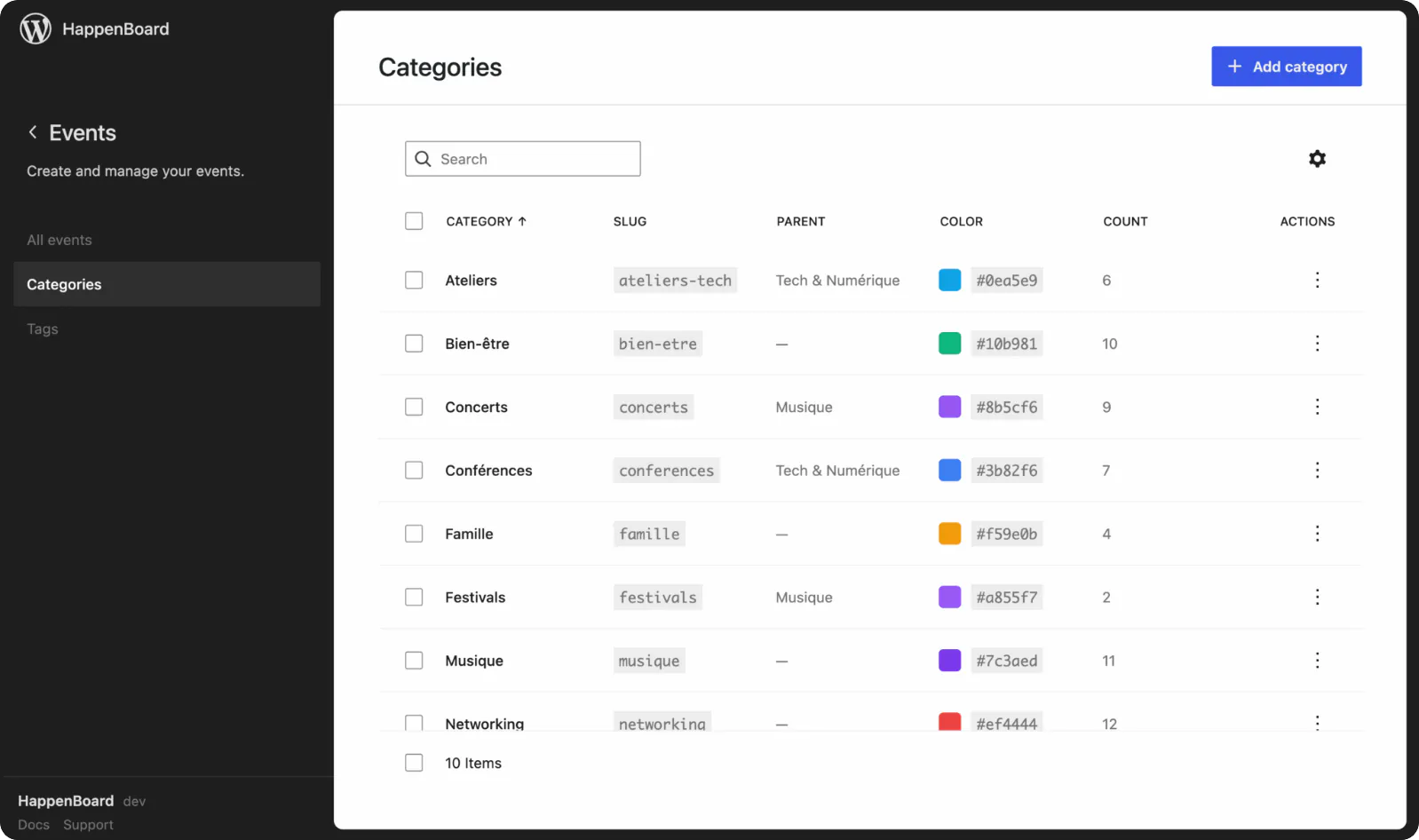
HappenBoard in action
Discover seamless ticketing solutions that simplify your event management.


Why sell tickets with HappenBoard?
1
Stop losing money to ticket platforms
Ticket platforms charge hefty fees. HappenBoard takes no cut: buyers pay into your own Stripe account, so you keep more revenue.
2
Give your attendees a sweeter experience
Your attendees want a quick, hassle-free ticket buying process. They choose tickets on your event page, pay in a secure checkout and get their e-ticket by email.
3
Maintain full control over your brand
With ticketing built into your WordPress site, the event pages, the emails and e-tickets in your colors and the attendee data all stay yours.
Already on another events plugin?






One click, recurrence rules included, even if the old plugin is already deactivated. You can export again at any time: your data stays yours.
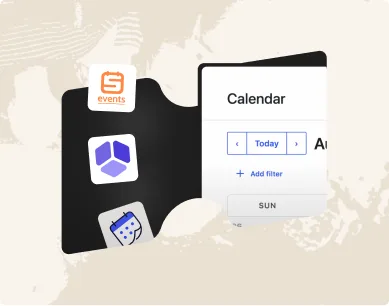
Tailor HappenBoard to your business needs with flexible integration options.
You ask.
We answer!
We’re featured in





What payment methods can I accept?
HappenBoard Pro takes payment through Stripe Checkout, so attendees pay with all major credit and debit cards (Visa, Mastercard, American Express and more). You choose your currency from 16, including USD, EUR, GBP, CAD, AUD and JPY. If you run WooCommerce, Pro can also sell tickets through your store, with any payment gateway it already uses. Free tickets need no payment at all.
Do I need a Stripe account?
To sell paid tickets through Stripe, yes: you connect your own Stripe account and payments go straight to it. Free tickets need no payment account, and WooCommerce stores can use their own payment gateways instead.
What are the fees for using event ticketing?
HappenBoard takes no commission on your ticket sales. You only pay the processing fees of your payment provider: Stripe, or the gateway of your WooCommerce store.
Can I sell free tickets (no charge)?
Yes. Attendees book a free ticket in a few clicks, with the same capacity limits, confirmation emails and e-tickets as paid ones.
How do attendees receive their tickets?
By email, right after their order: the confirmation includes their order details and a printable PDF e-ticket with a QR code, which you scan at the door with the check-in screen.
Can I set a maximum number of tickets per event?
Yes. Each ticket type has its own number of seats, and the capacity is checked before payment, so you never sell more tickets than the room holds.