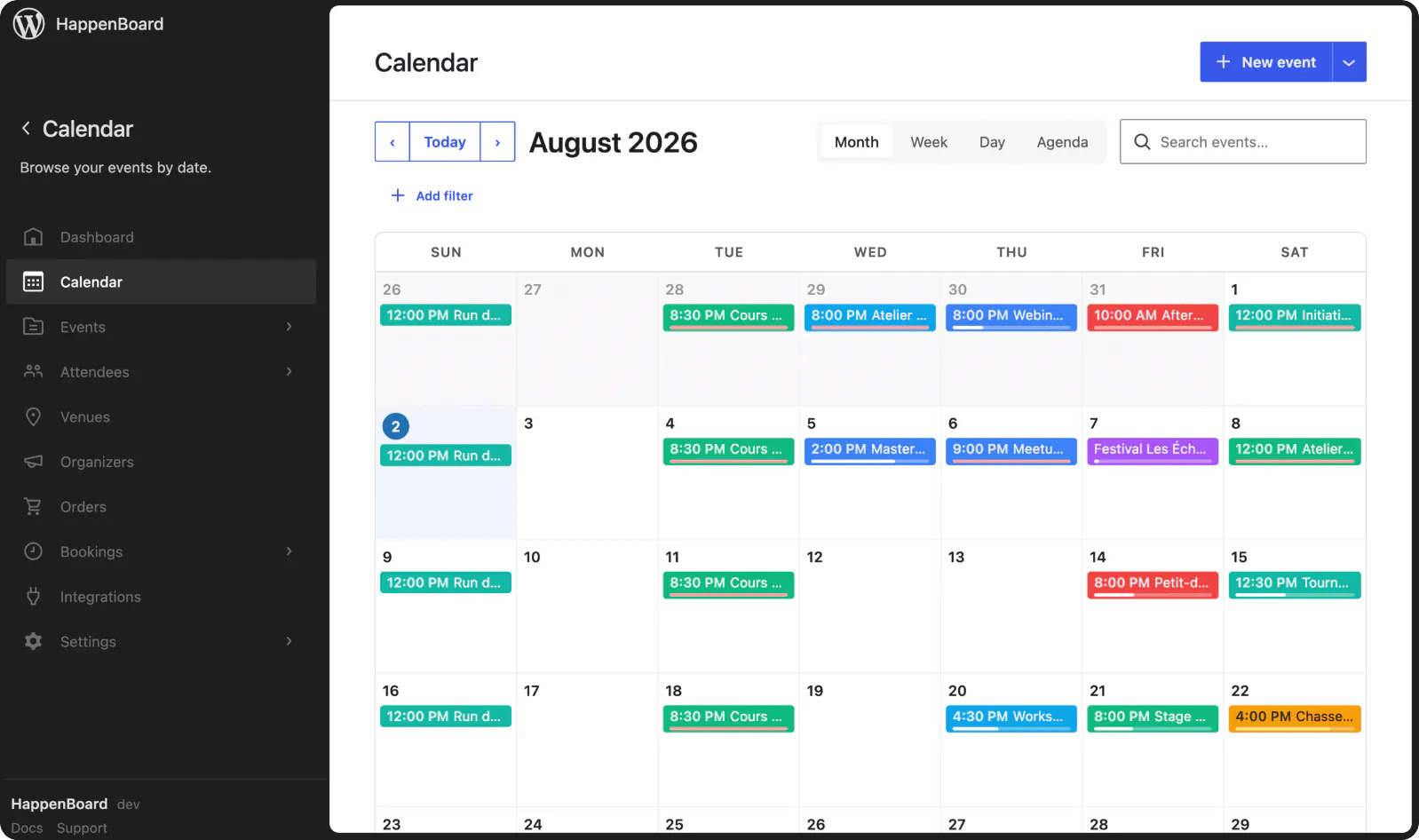
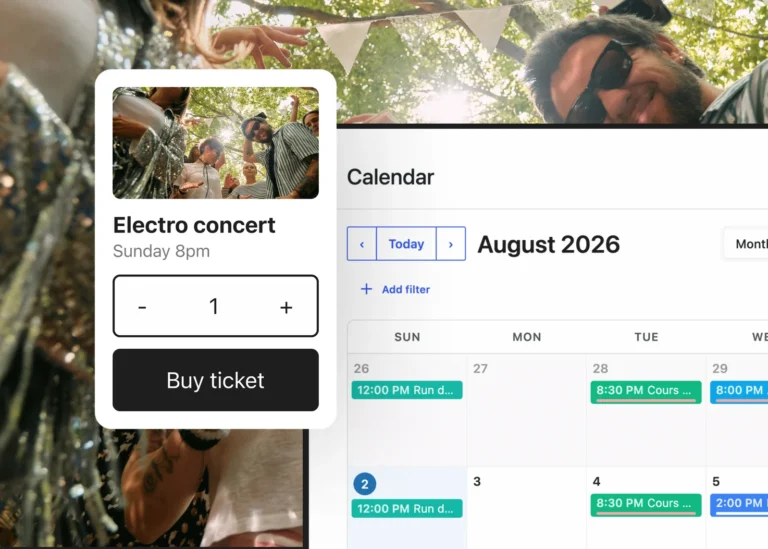
Google Calendar sync for WordPress
Emails and an iCal feed are free. Pro adds two-way Google Calendar and Outlook sync, webhooks, Slack and WhatsApp.


Google Calendar sync, emails and alerts
Publish an event in WordPress and let HappenBoard update your calendars, remind attendees and tell your team.
1. Connect
Link Google Calendar or Outlook through your own app.
2. Publish
Save an event and it is sent to your calendar.
3. Automate
Reminders, webhooks and Slack messages go out on their own.

All sync and automation features

Google and Outlook sync
With Pro, published events go to Google Calendar or Outlook when you save them. Changes made there come back every 15 minutes, and new entries arrive as drafts.

Free iCal feed and .ics files
A public iCal feed lists the next 12 months of events for any calendar app. Each event also has its own .ics file and Add to Calendar links.

Automatic attendee emails
Free sends confirmations with a calendar file, reminders 24 hours ahead by default, and a notice when a date moves or is cancelled, all with your logo and colours.

Signed webhooks
Pro posts new RSVPs, cancellations, status changes and check-ins as signed JSON to the address you choose, and makes up to 6 attempts if a delivery fails.

Slack and WhatsApp messages
Pro posts new RSVPs and check-ins to a Slack channel, and sends attendees WhatsApp confirmations, cancellations and reminders through your Twilio account.

MailerPress automations
Pro gives MailerPress 5 triggers, from RSVP received to after the event, for your follow-up emails. Attendees can also be added to a MailerPress list.
Integrates with all your essential apps












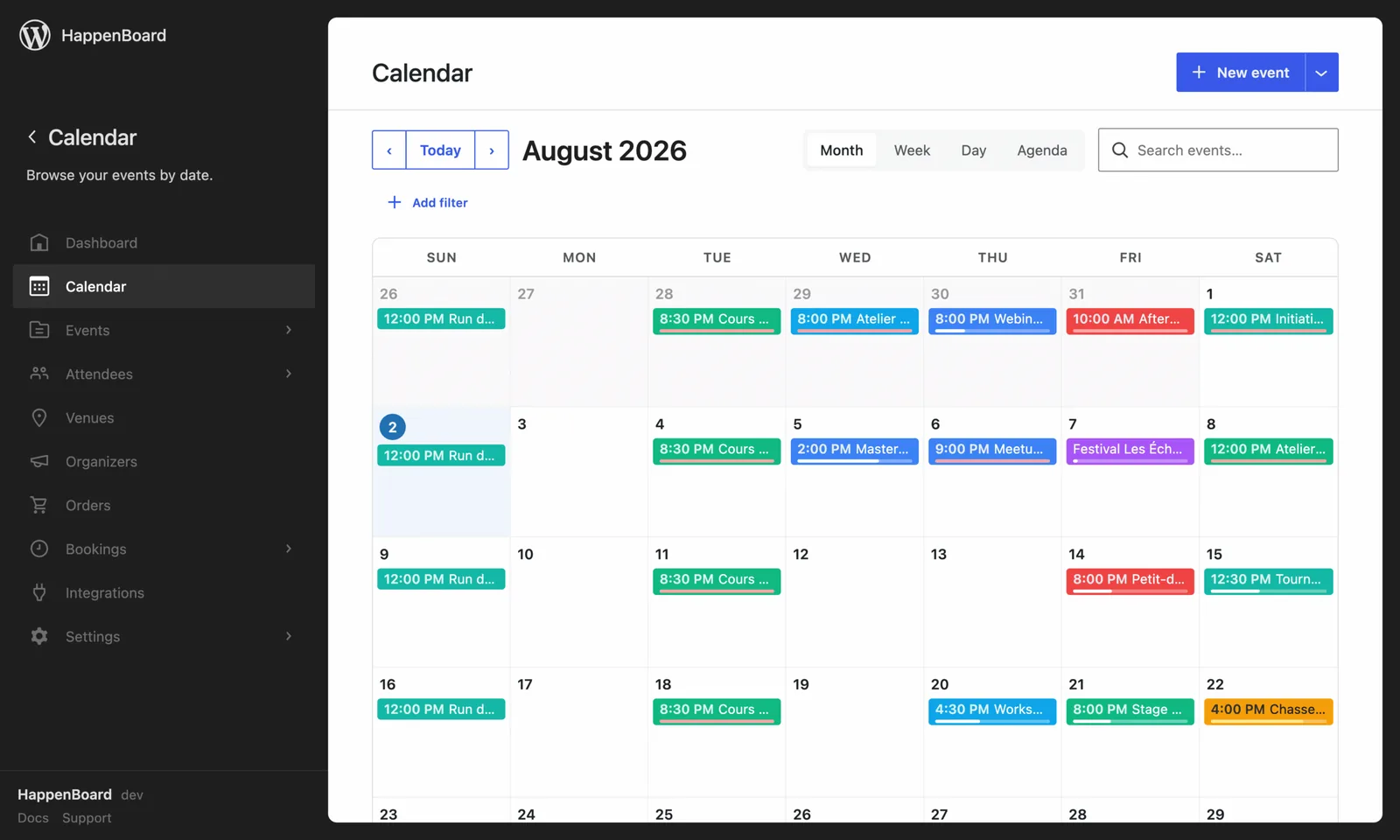
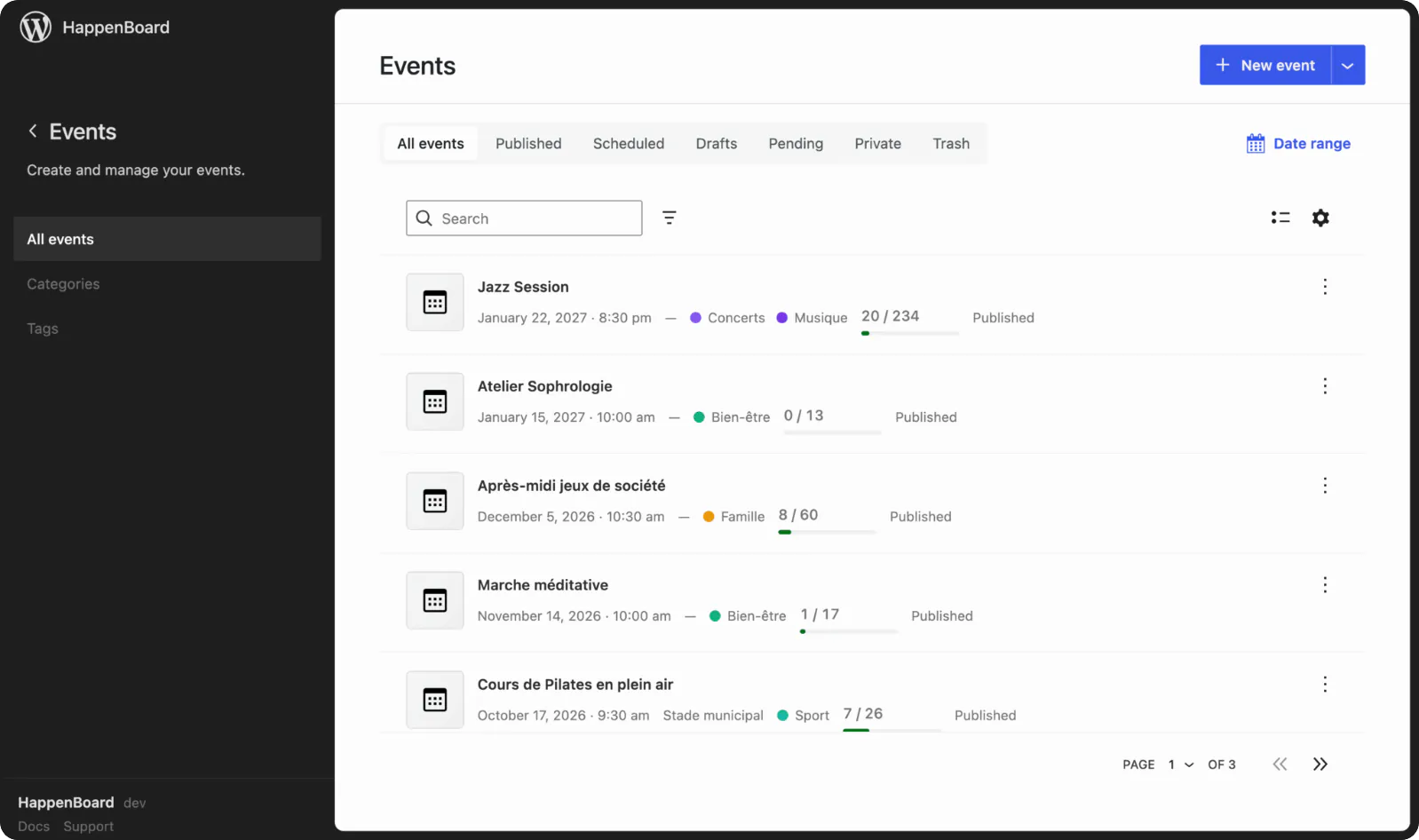
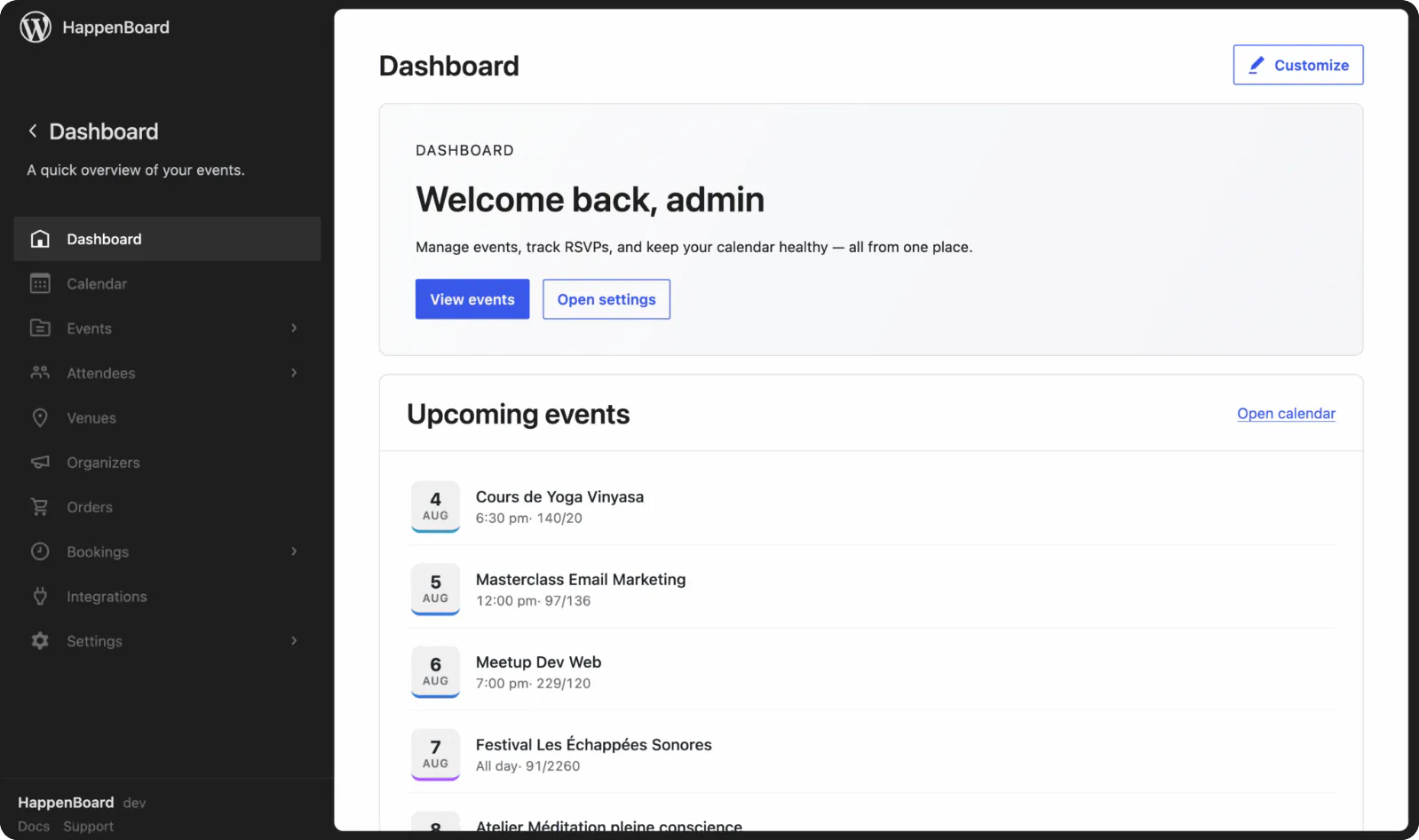
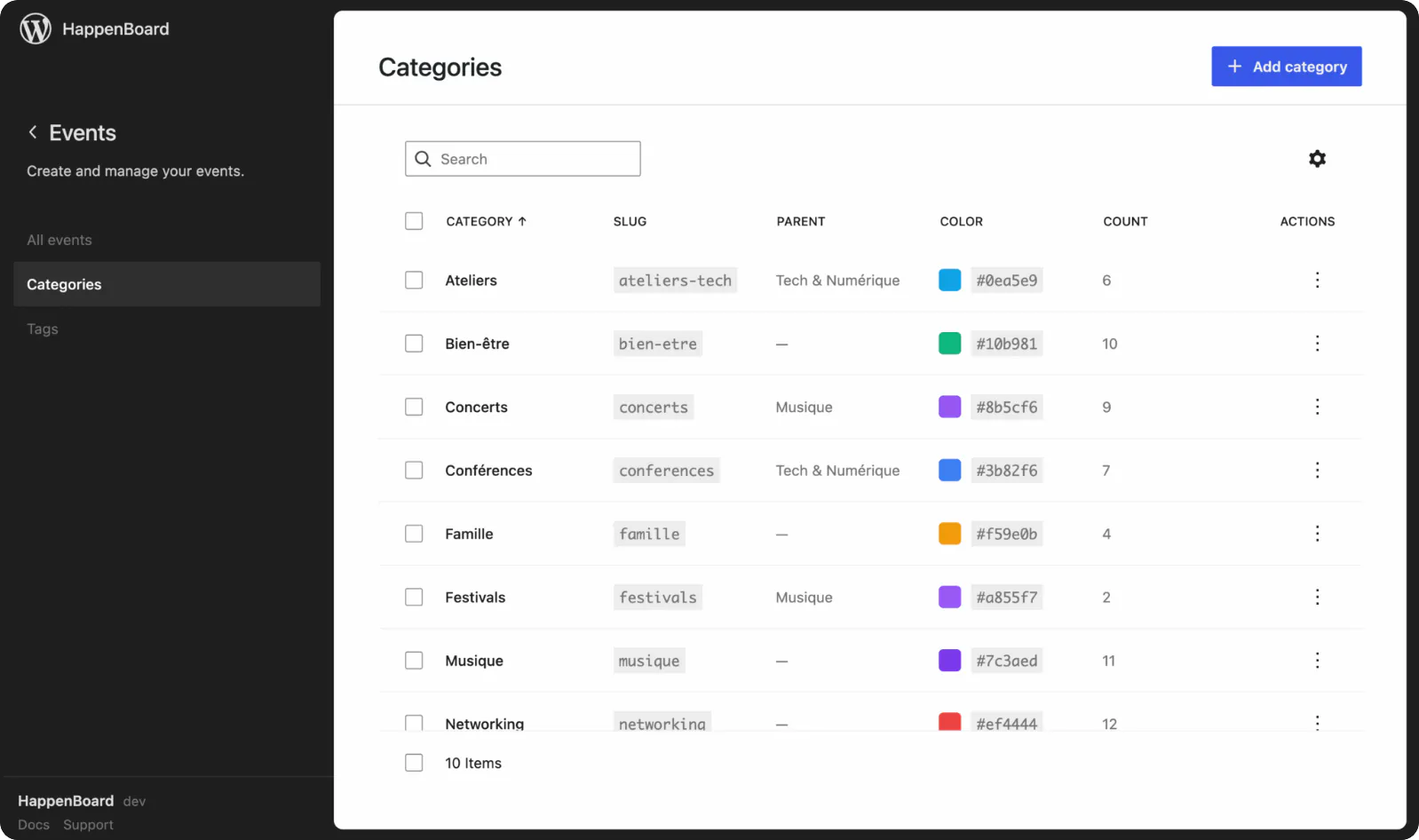
HappenBoard in action
A quick tour of HappenBoard in your WordPress admin.


Why automate your events with HappenBoard?
1
No copying between calendars
Publish once in WordPress. With Pro, the event appears in Google Calendar or Outlook, edits travel both ways, and when both sides change, the latest edit wins.
2
Attendees stay informed
Confirmation and reminder emails go out on their own, in the language of the event on WPML or Polylang sites. When a date moves or is cancelled, attendees are told by email.
3
Connected through your own accounts
Sync uses your own Google Cloud or Microsoft app, and its tokens are stored encrypted. Webhooks are signed, so the receiving app can check they came from your site.
Already on another events plugin?






Preview first, then import, even with the old plugin deactivated. Repeat rules from The Events Calendar, Events Manager 7 and Sugar Calendar come across, and you can export your events to CSV at any time.
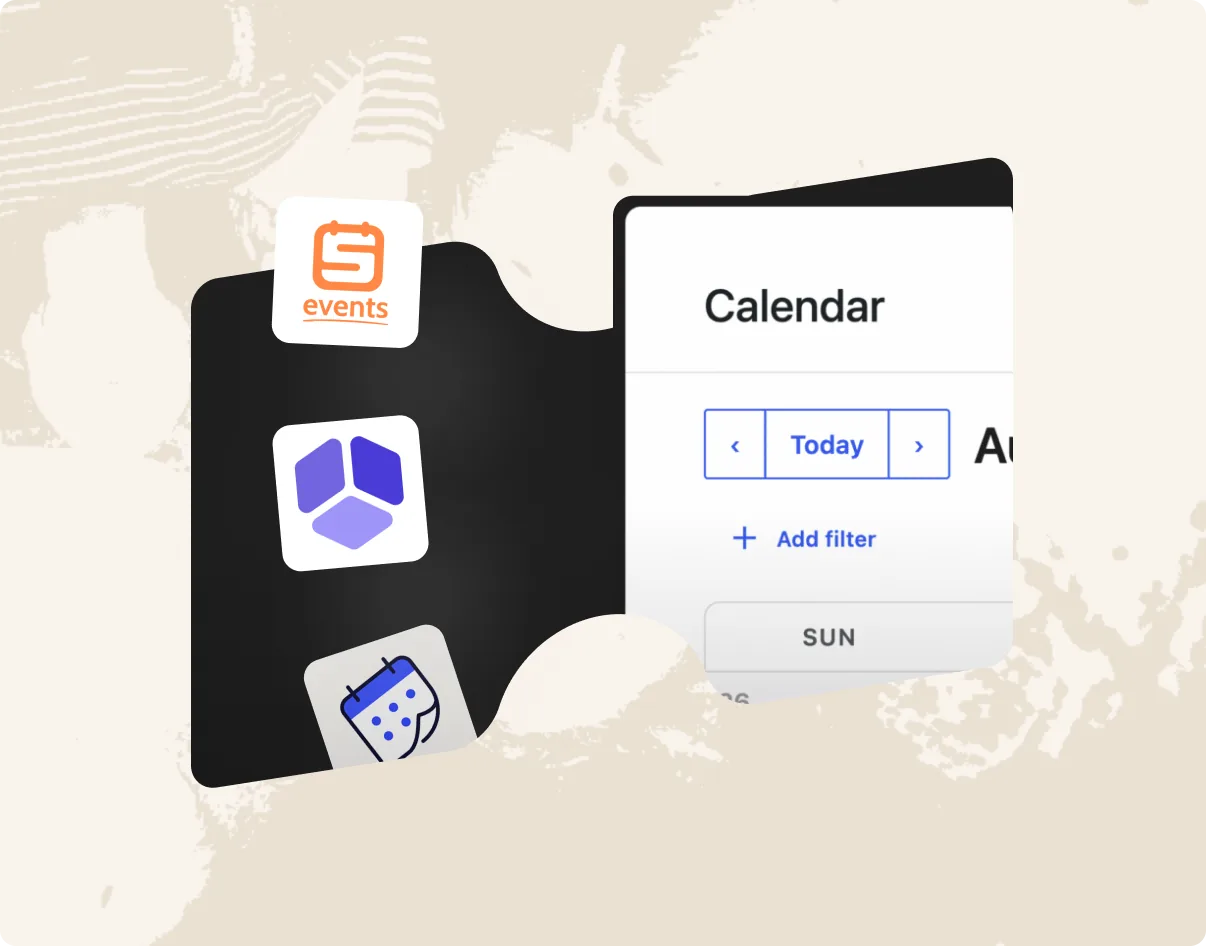
Tailor HappenBoard to your business needs with flexible integration options.
You ask.
We answer.
We’re featured in





Which sync and notification features are free?
The iCal feed, the .ics files, the Add to Calendar block and every attendee and booking email are free. Google Calendar and Outlook sync, webhooks, Slack, WhatsApp and MailerPress need HappenBoard Pro.
Does it sync with Apple Calendar?
Not directly. Apple Calendar can subscribe to your iCal feed, and visitors can add a single event with the .ics file from the Add to Calendar block.
What happens when an event is edited in Google Calendar?
HappenBoard checks Google Calendar and Outlook every 15 minutes. Edits update the event in WordPress, new entries arrive as drafts for you to review, and private entries are never imported. If both sides changed, the latest edit wins.
Where is the iCal feed?
At /wp-json/happenboard/v1/ical/feed.ics on your site. It lists the public events of the next 12 months; add ?months=24 to cover more, up to 60 months. The feed covers the whole site and can’t be filtered by category.
Can I send data to Zapier, Make or my CRM?
Yes, with Pro webhooks, if the tool accepts them. Pick the events to send, such as a new RSVP or a check-in, and HappenBoard posts them as JSON to your address. Each request is signed, and a Test button checks the connection.
Can attendees get WhatsApp or SMS messages?
WhatsApp, yes, with Pro and your own Twilio account, for attendees who gave a phone number in a custom field. HappenBoard does not send SMS.