Recurring events for WordPress
Weekly classes, monthly meetups, the first Friday of each month. Write the rule once and every date gets its own link and seats.


Recurring events without copy and paste
One event holds the whole series. Edit its title, time or venue once and every date follows, each with its own page link.
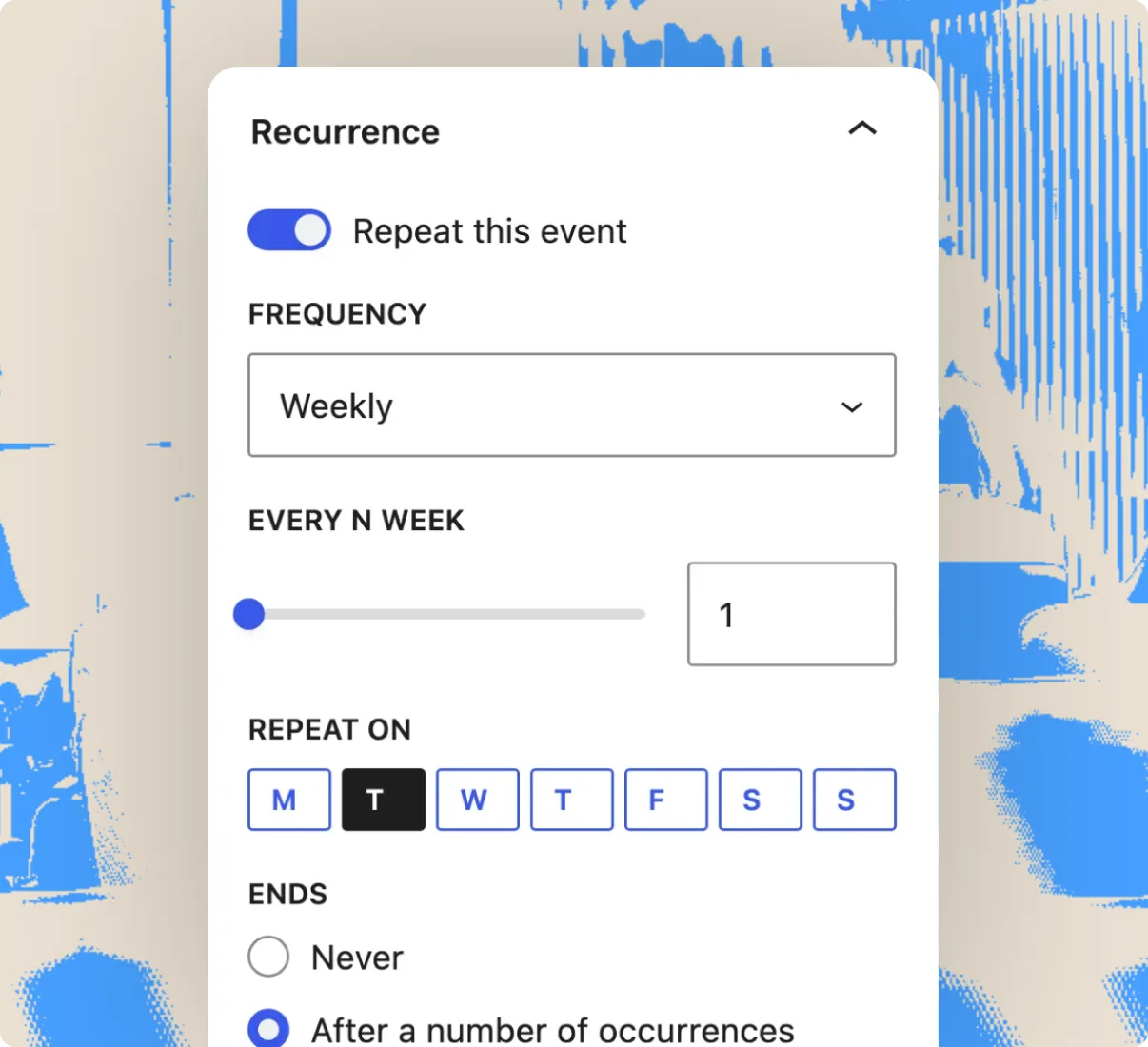
1. Set the rule
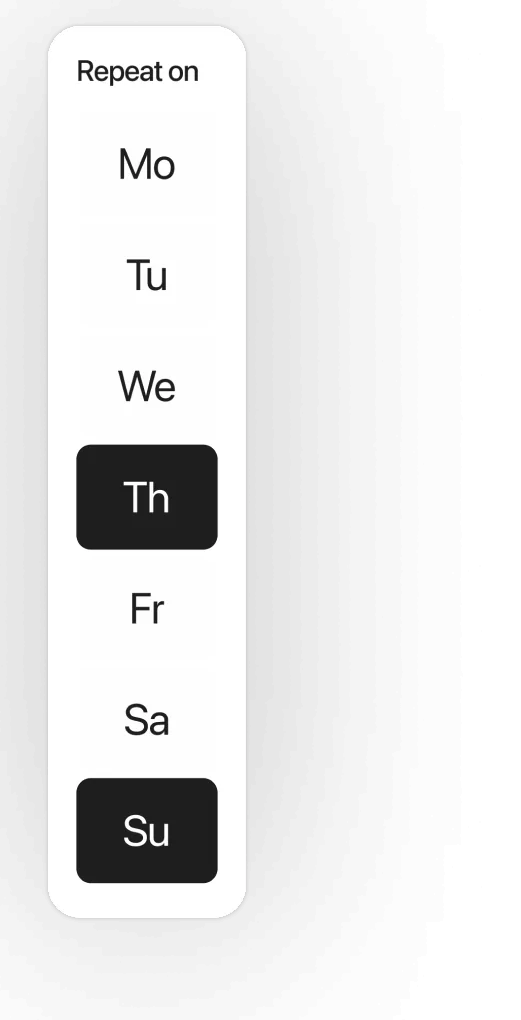
Daily, weekly, monthly or yearly, with or without an end.
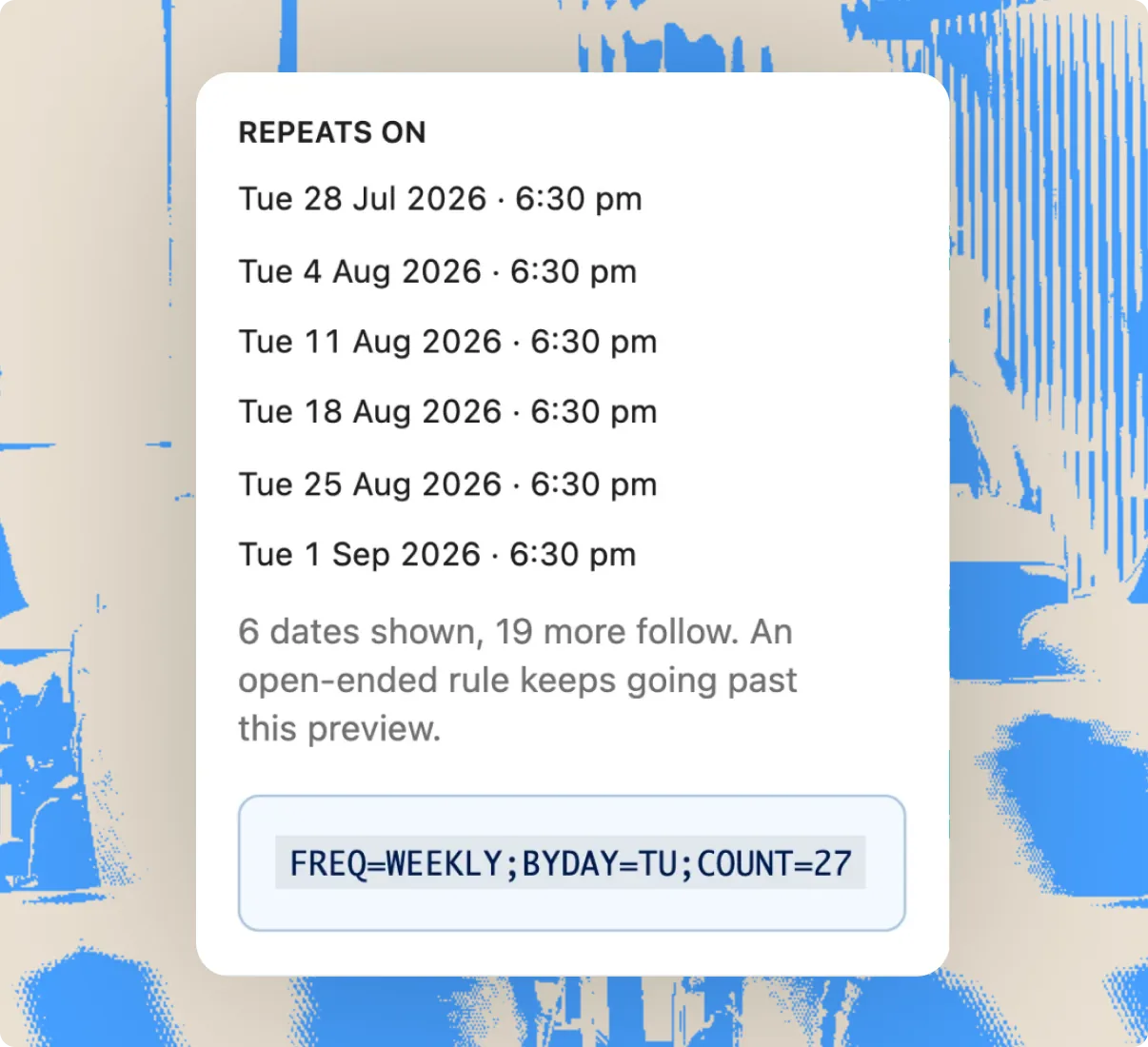
2. Preview
Check the next dates while you edit the rule.
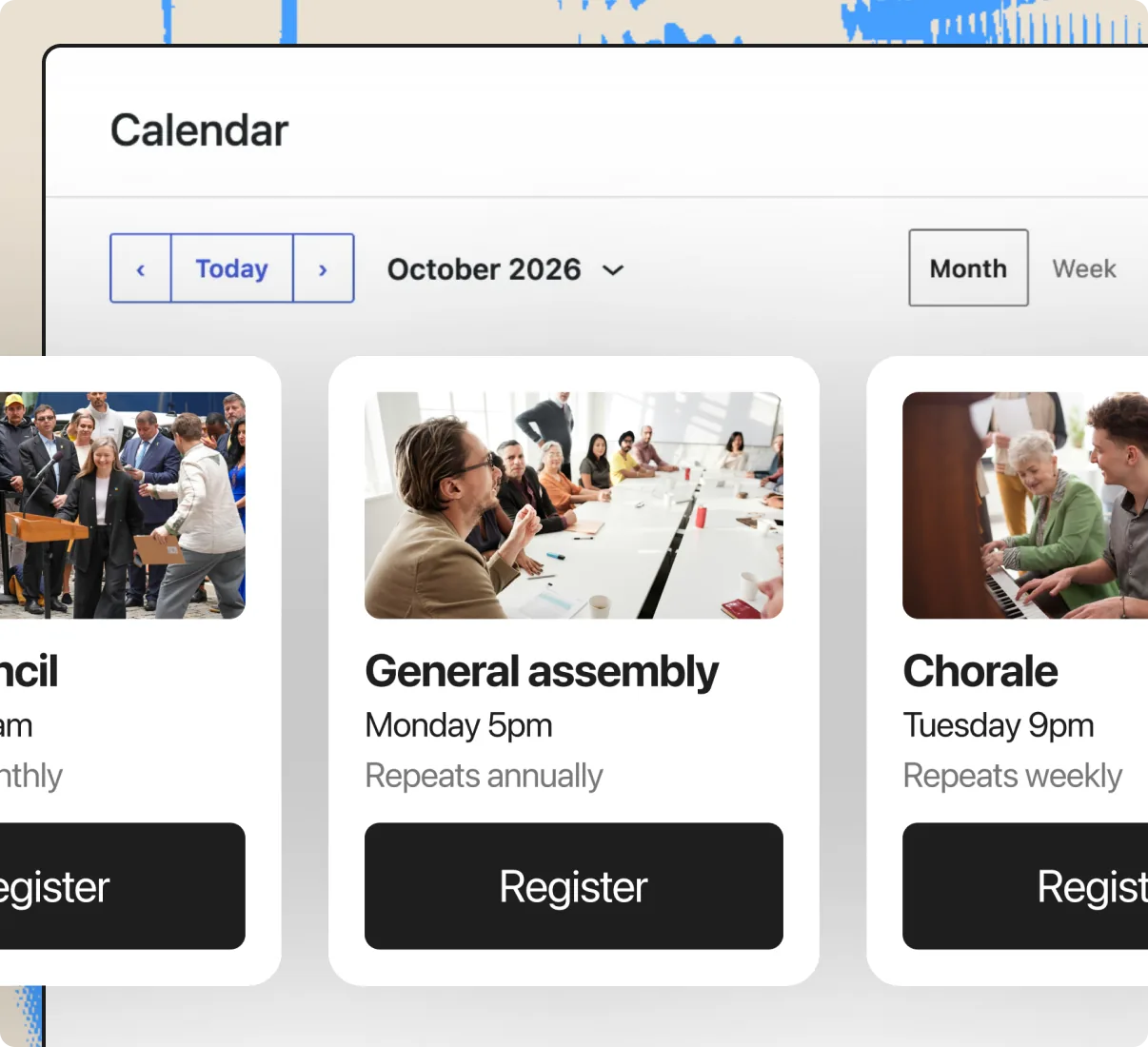
3. Publish
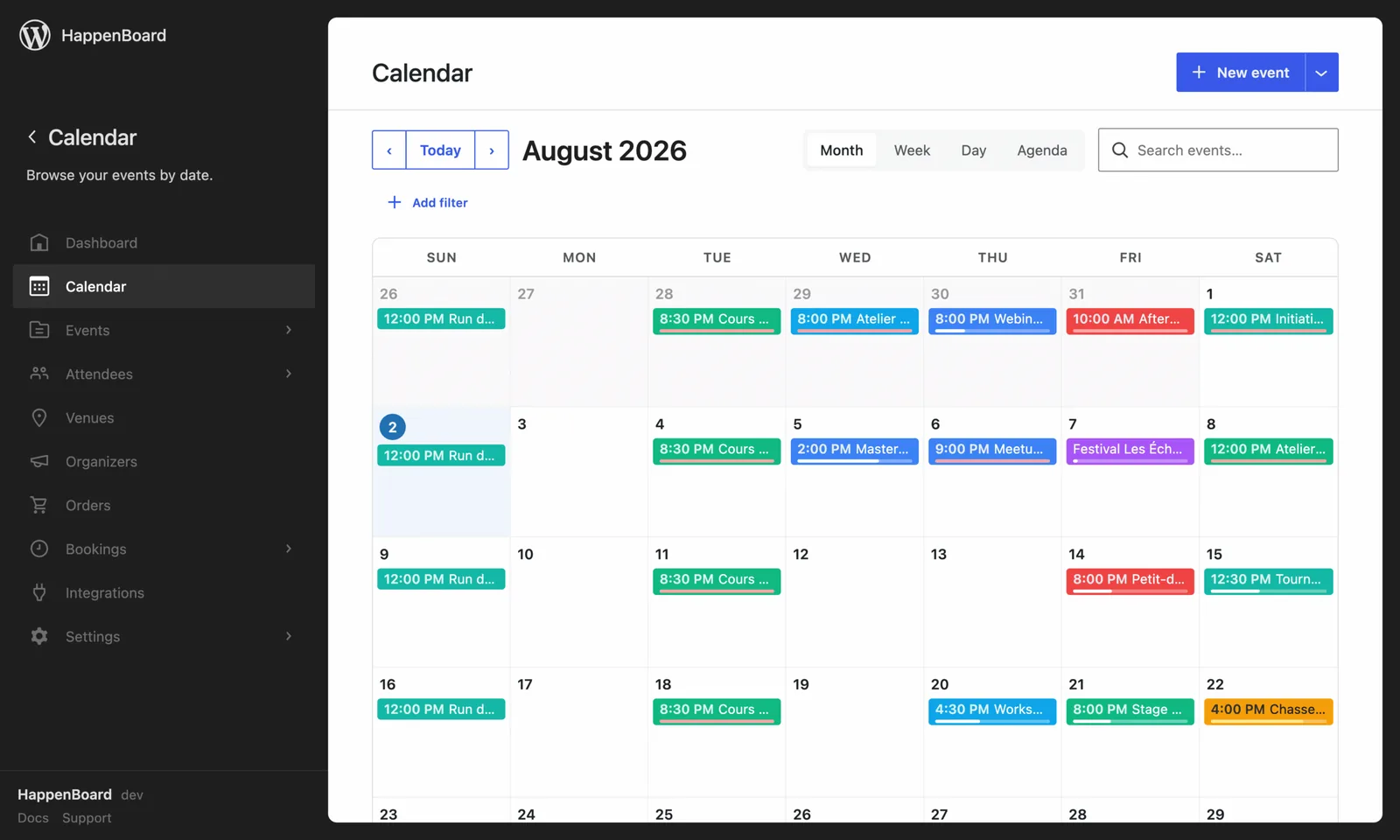
Every date shows in your calendars and lists.
All recurring event features

Repeat rules people use
Every 1 to 30 days, weeks, months or years, on chosen weekdays, on the 15th or on the last Friday of the month. End never, after a number of dates or on a date.

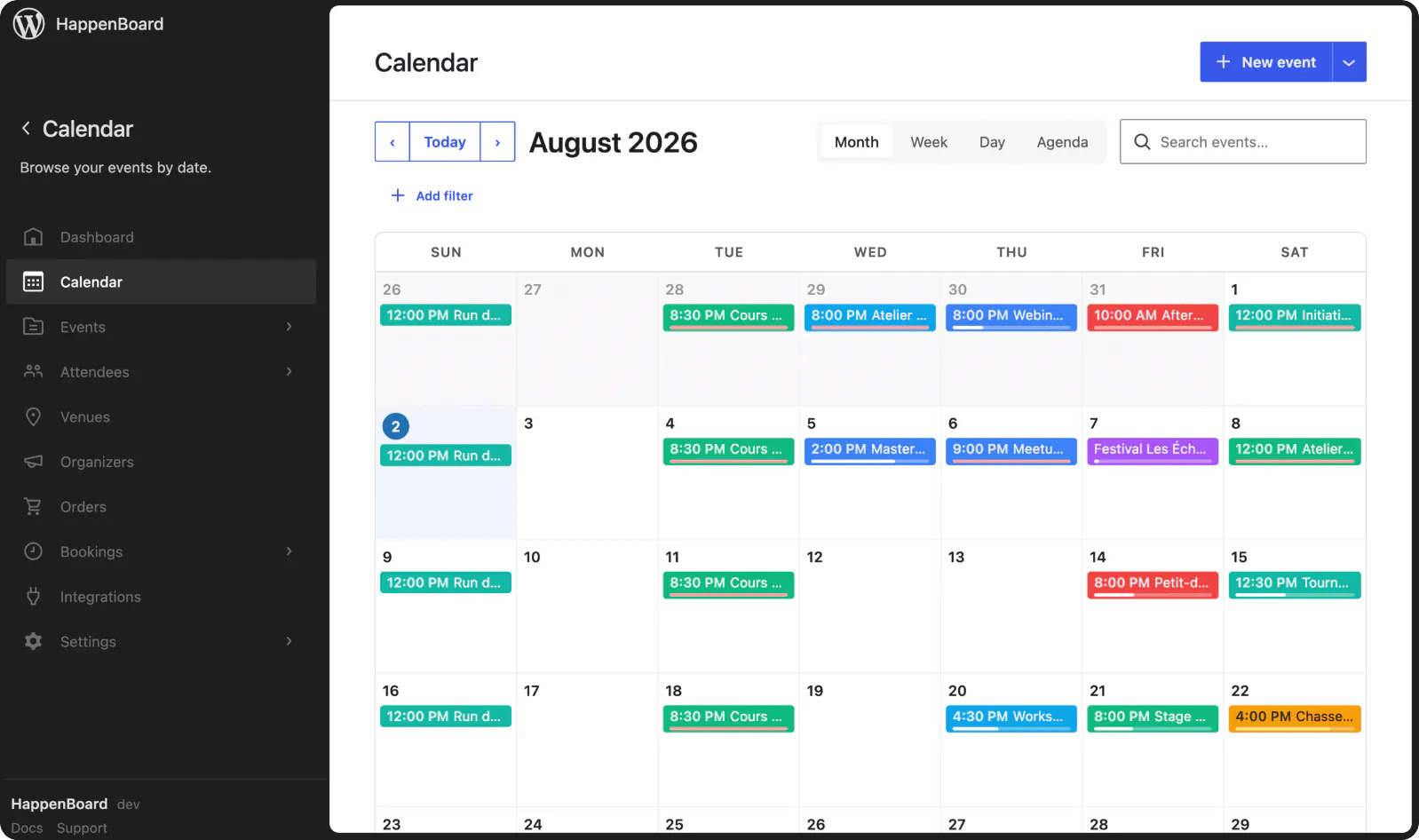
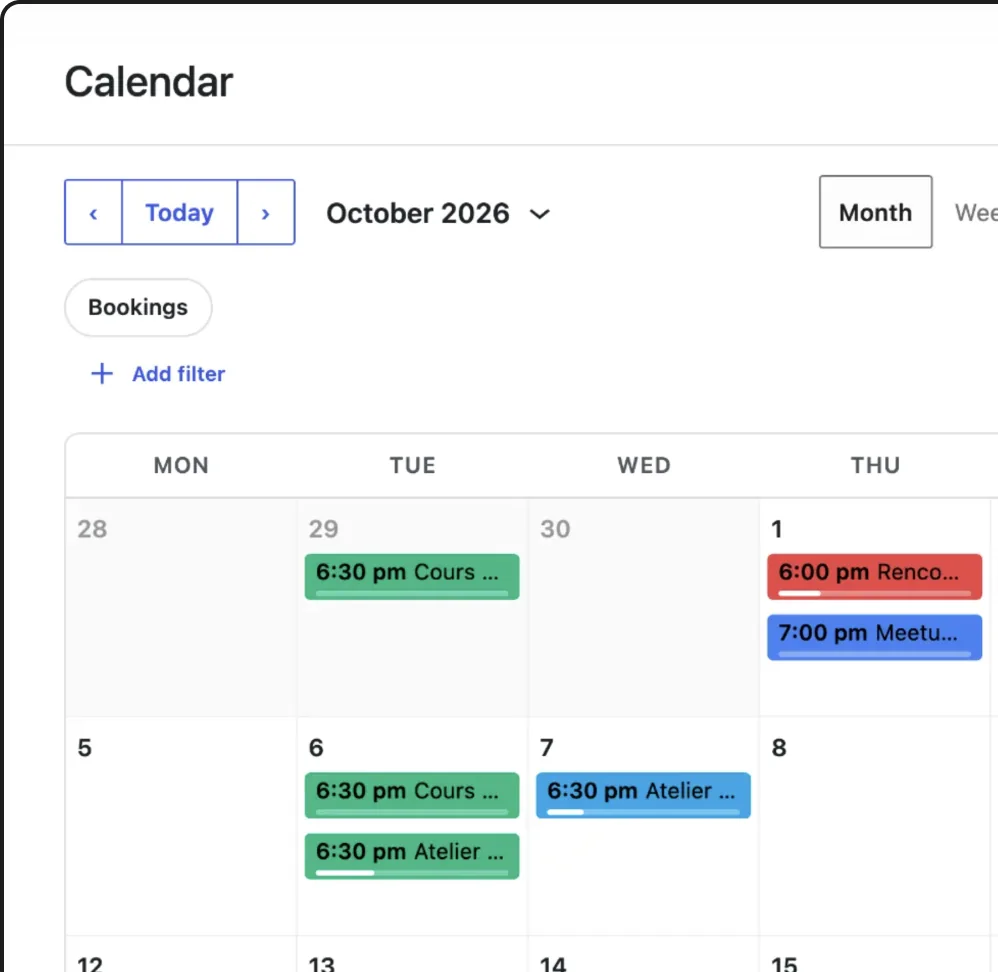
Every date in your calendar
Calendar, list and grid blocks show each date on its own, linked to its own address. An All dates page lists what is coming, under a summary in plain words.

Registrations per date
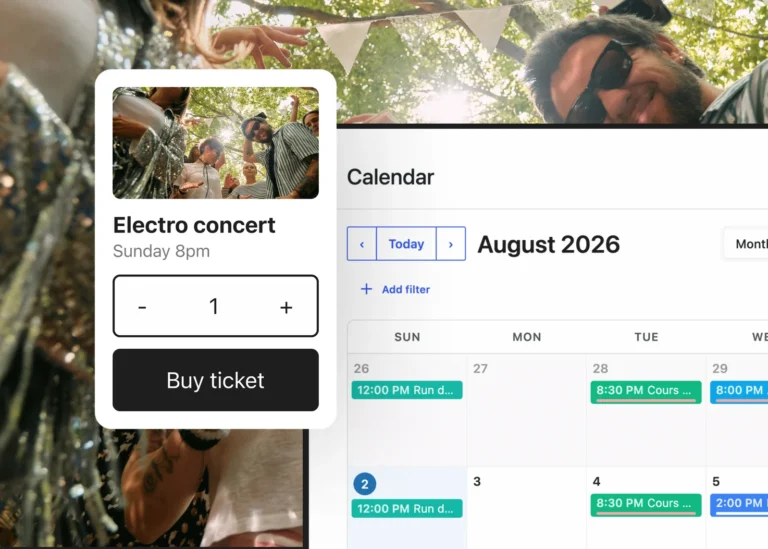
Attendees pick a date in the RSVP form and the seat limit applies to each date. Full dates stay listed but can’t be chosen.

Local time, all year
Dates are built in your site’s time zone, so a 7 pm class stays at 7 pm after the clocks change. Long series roll forward on their own.

Attendees told of changes
When an edit moves or removes a date, its attendees get an email with the new time and a calendar file, or a link to the other dates.

Edit a single date with Pro
Skip one date, restore it or move it to a new time from the admin calendar, from its menu or by dragging, without touching the rest of the series.
Integrates with all your essential apps
















HappenBoard in action
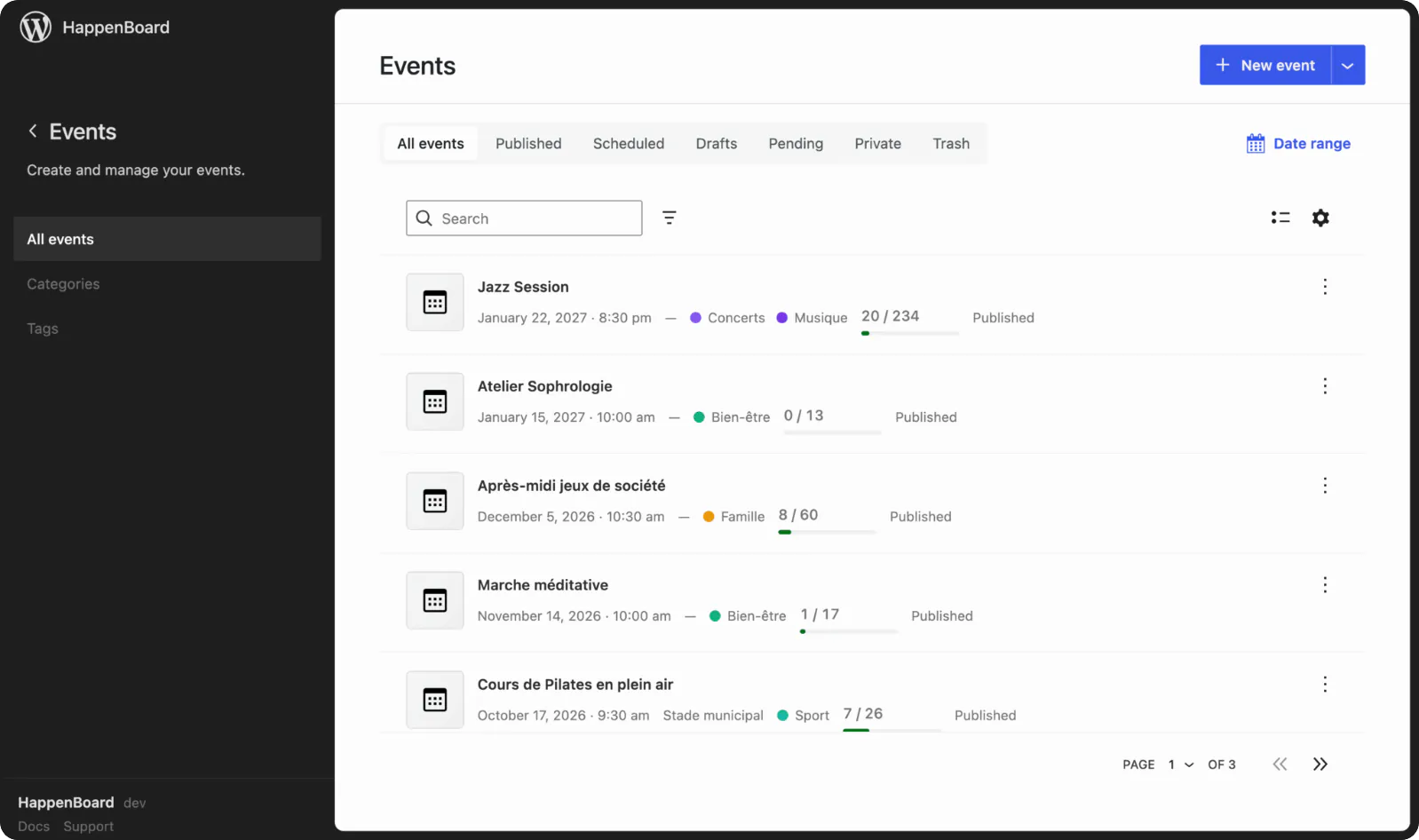
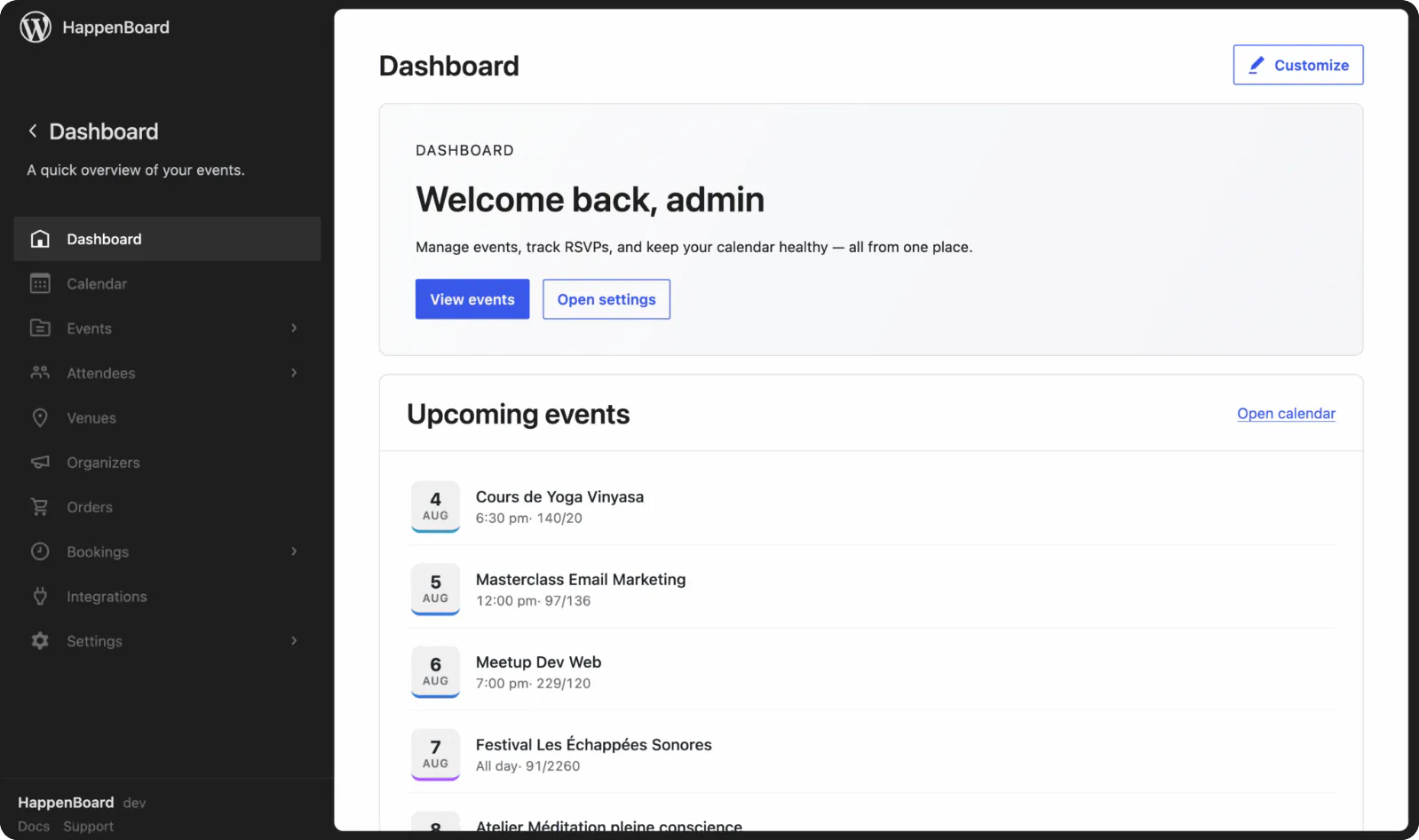
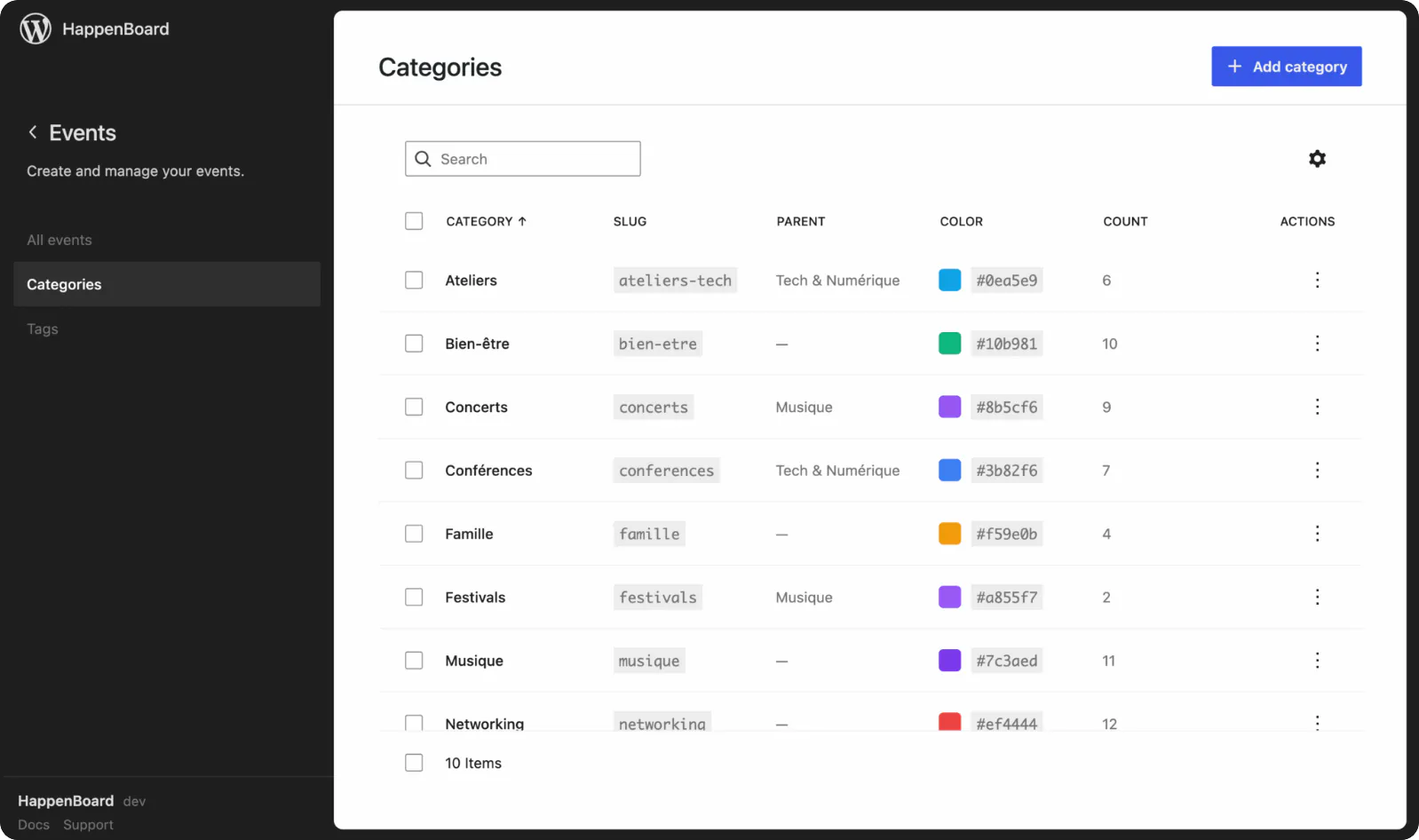
A quick tour of HappenBoard in your WordPress admin.



Why run recurring events with HappenBoard?
1
Included in every plan
Repeat rules, the date preview, the All dates page and registrations per date come with HappenBoard Free. Pro is needed only to edit a single date and to count ticket seats per date.
2
One event to update, not hundreds
The series is a single event in WordPress. Change the description or the venue once and every date shows it, while each date keeps its own link and its own seats.
3
Built on the iCalendar standard
Rules are stored in the standard RRULE format, and the iCal feed lists each date as its own event, with skipped dates left out.
Already on another events plugin?






Preview first, then import, even with the old plugin deactivated. Repeat rules from The Events Calendar, Events Manager 7 and Sugar Calendar come across, and you can export your events to CSV at any time.
Tailor HappenBoard to your business needs with flexible integration options.
You ask.
We answer.
We’re featured in





Are recurring events free in HappenBoard?
Yes. Repeat rules, the live preview, the All dates page, registrations per date and the iCal export are in the free plugin. HappenBoard Pro adds editing a single date of a series: skip it, restore it or move it.
Which repeat patterns can I set?
Daily, weekly, monthly or yearly, every 1 to 30 periods. Weekly rules take the weekdays you choose; monthly rules take a day of the month, the last day, or a weekday such as the second Tuesday. Hourly repeats are not supported.
How far ahead are dates created?
HappenBoard stores up to 1,000 dates per event and a daily task adds new ones as time passes, so a series with no end keeps going. You can also end a series after a number of dates or on a set day.
Can I cancel or move one date of a series?
With HappenBoard Pro, yes: skip, restore or reschedule a date from the admin calendar. A skipped date disappears from your site and stays struck through in the admin. A single date can change its time, not its own title, venue or capacity.
Can attendees register for one date?
Yes. On a recurring event each registration is for one date, and the capacity applies to each date. The RSVP form lists the dates and disables full ones. You can move an attendee to another date from the Attendees screen.
Do recurring events sync with Google Calendar or Outlook?
The free iCal feed and .ics downloads list each date as its own event and leave skipped dates out. HappenBoard Pro sends the repeat rule and skipped dates to Google Calendar, and the repeat rule alone to Outlook. Moved dates are sent to neither.