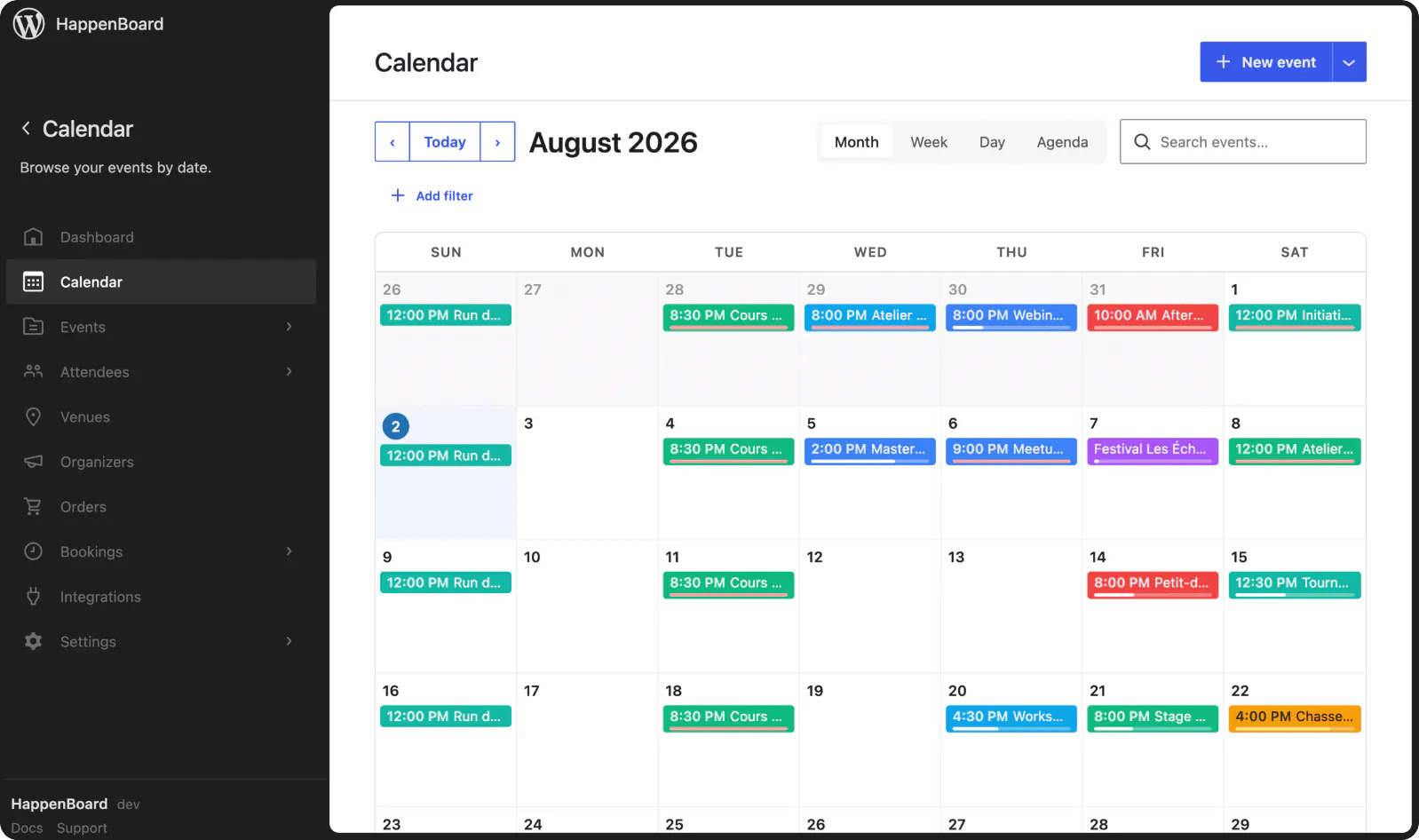
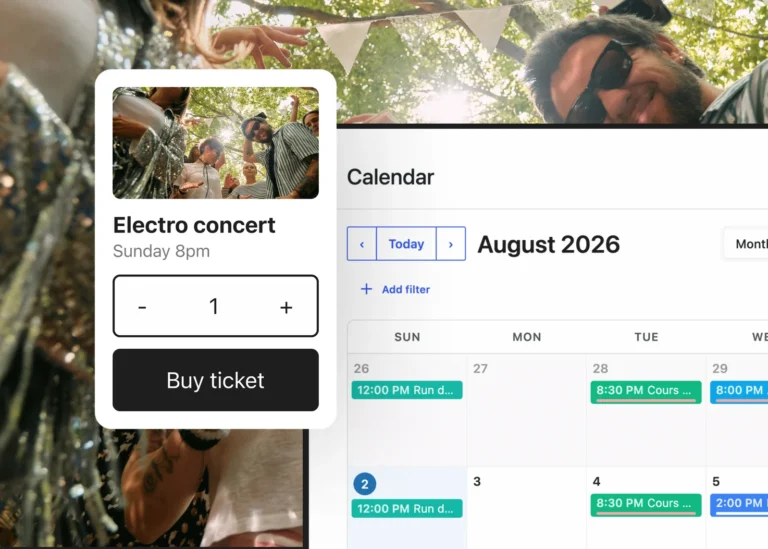
Event registration for your WordPress site
Visitors sign up on your event page in one step. You set the seats, and HappenBoard sends the emails and keeps the list.





Run event registration from WordPress
An RSVP form on every event page, a seat limit checked at each sign-up, and confirmation and reminder emails sent for you.
1. Set up
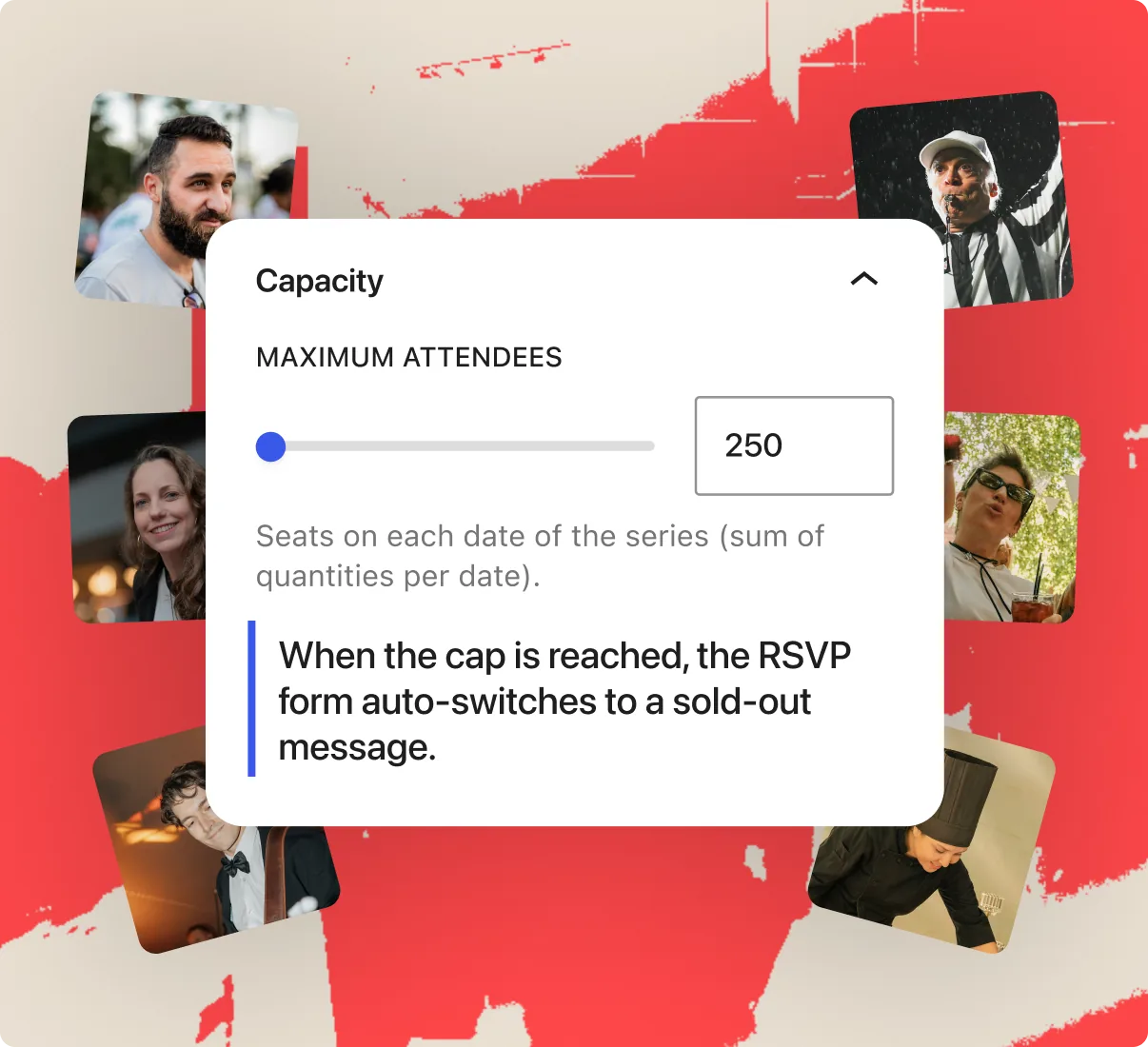
Set the seats, or leave the event unlimited.
2. Collect
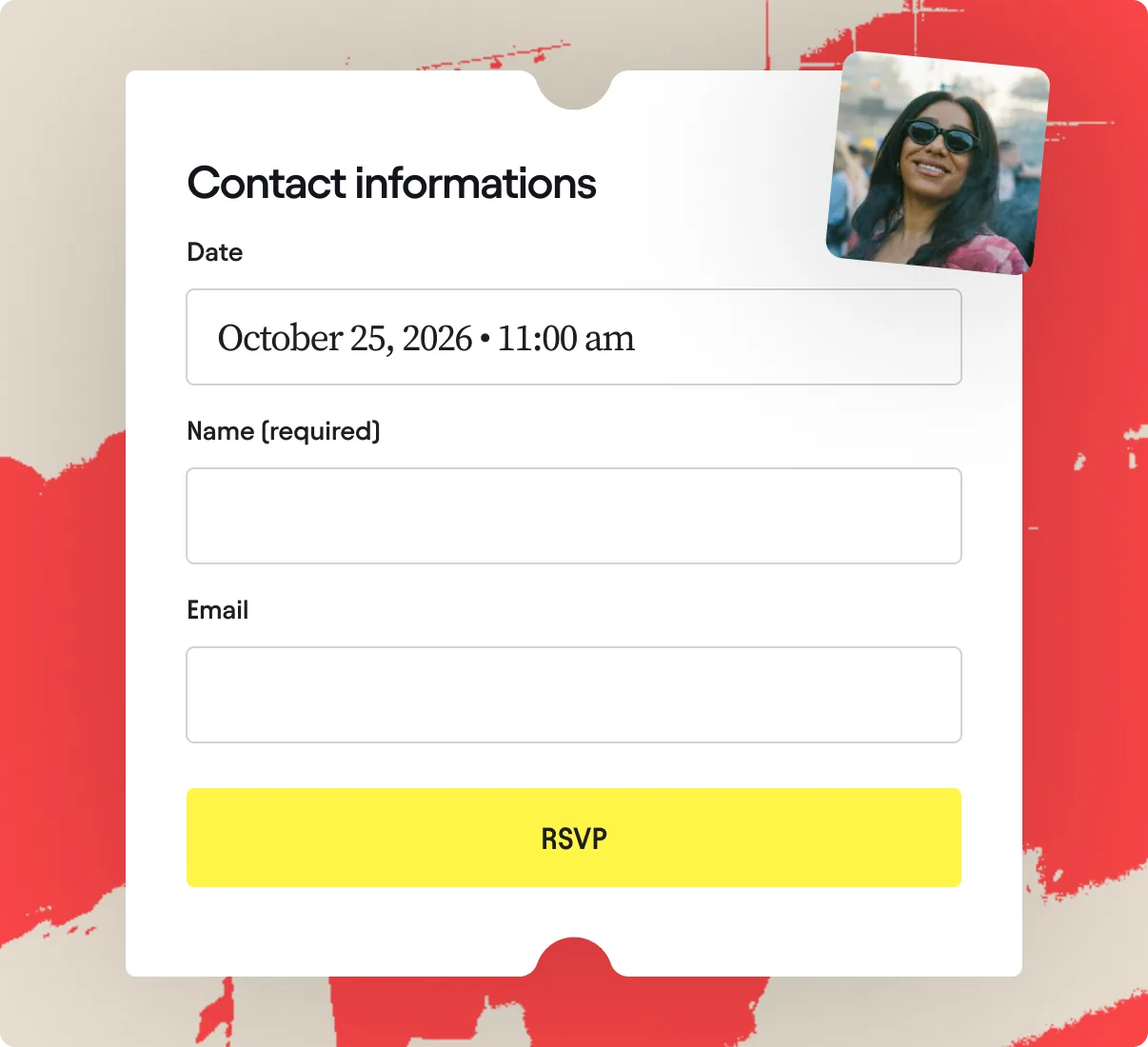
Visitors register with a name and an email.
3. Manage
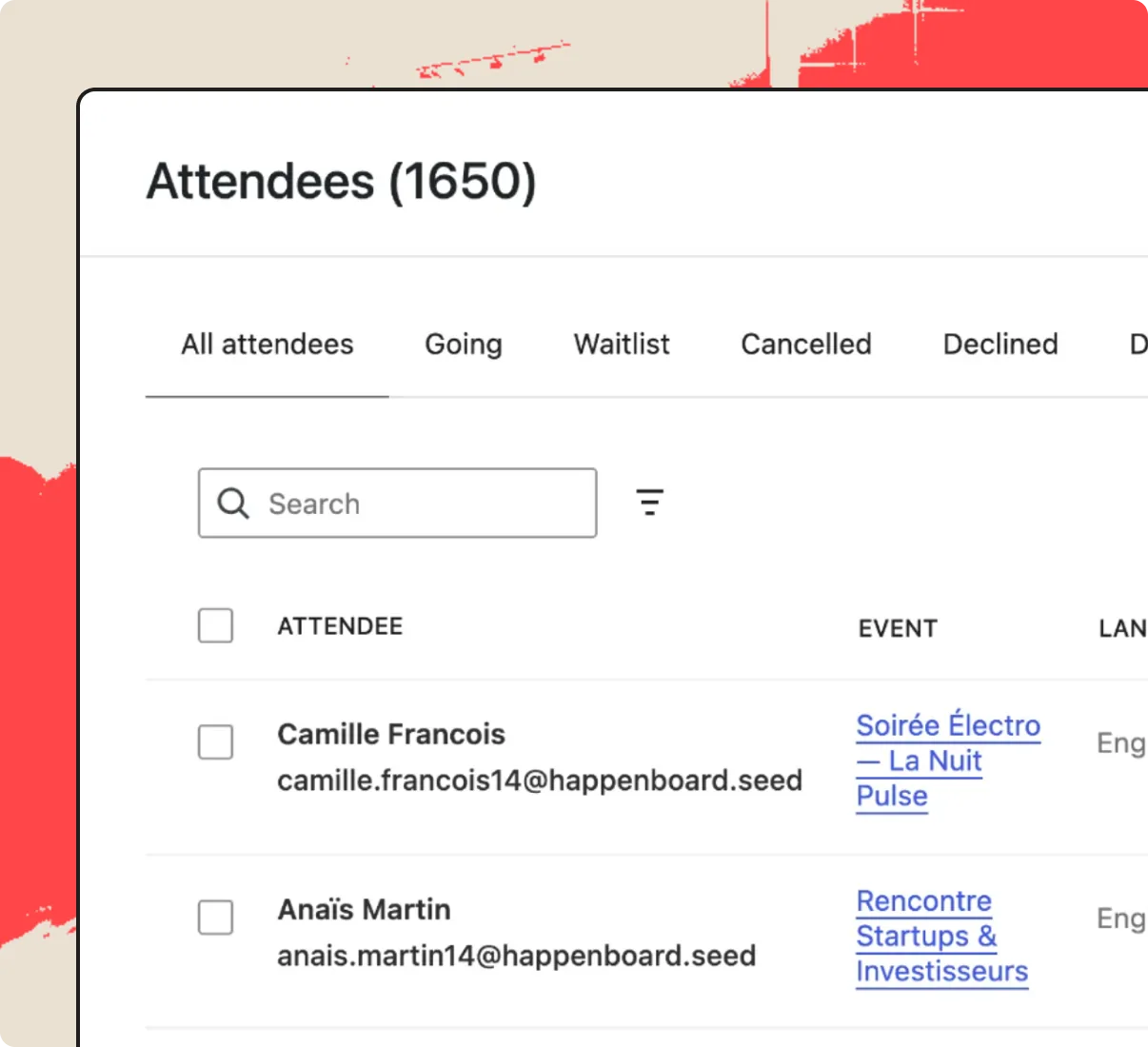
Edit, move and export attendees from one screen.
All registration features

An RSVP form on each event
Placed on the event page for you, it asks for a name and an email, plus up to 20 seats per sign-up if you allow it, and sends without a page reload.

Capacity per event or per date
Set a seat limit for the event, applied to each date of a recurring one. The form shows the seats left, closes when full and takes one sign-up per email.

Confirmation and reminders
A confirmation with a calendar file, a reminder 24 hours before (or any delay from 1 to 168 hours), and a link attendees use to cancel on their own.

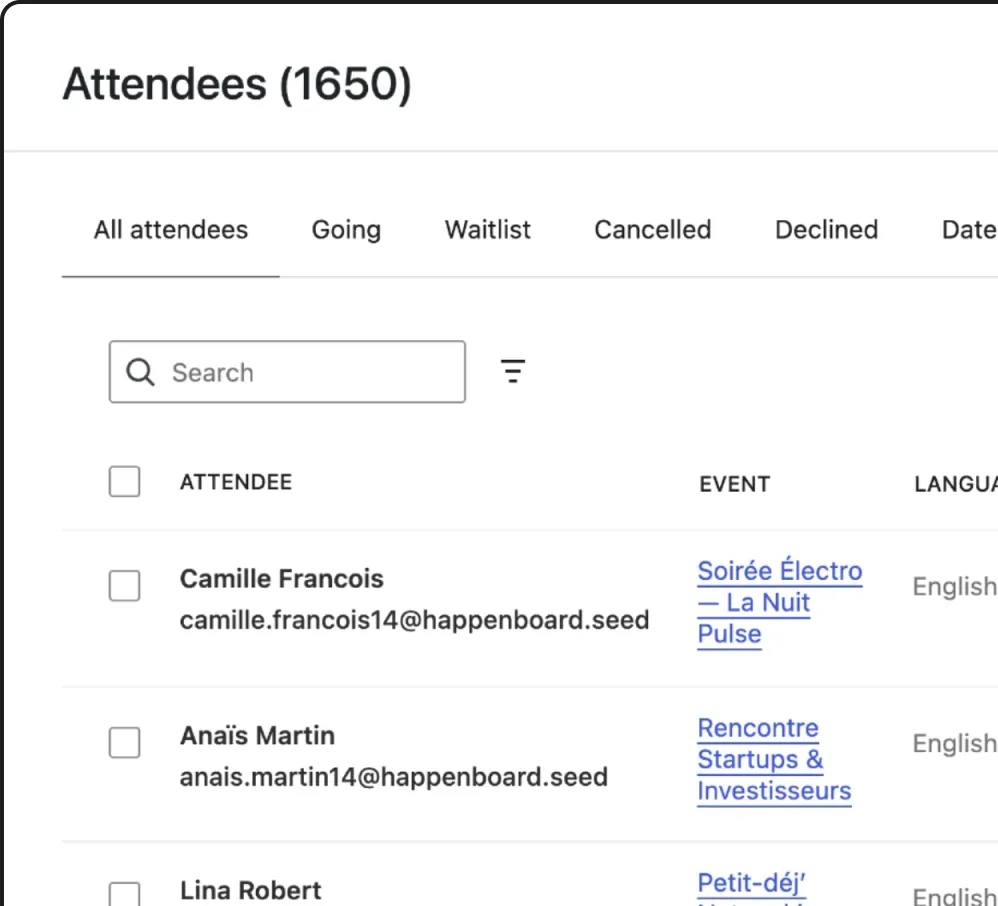
All attendees on one screen
Search and filter by event, date or status, edit names and seats in a side panel, and export to CSV, JSON or vCard, up to 10,000 rows at once.

Spam protection built in
A hidden honeypot field, a signed time check and rate limits protect the form. Add Cloudflare Turnstile or Akismet when you need more.

More with HappenBoard Pro
Add your own questions to the form, send a QR code and PDF ticket with each confirmation, print name badges and import attendees from CSV.
Integrates with all your essential apps
















HappenBoard in action
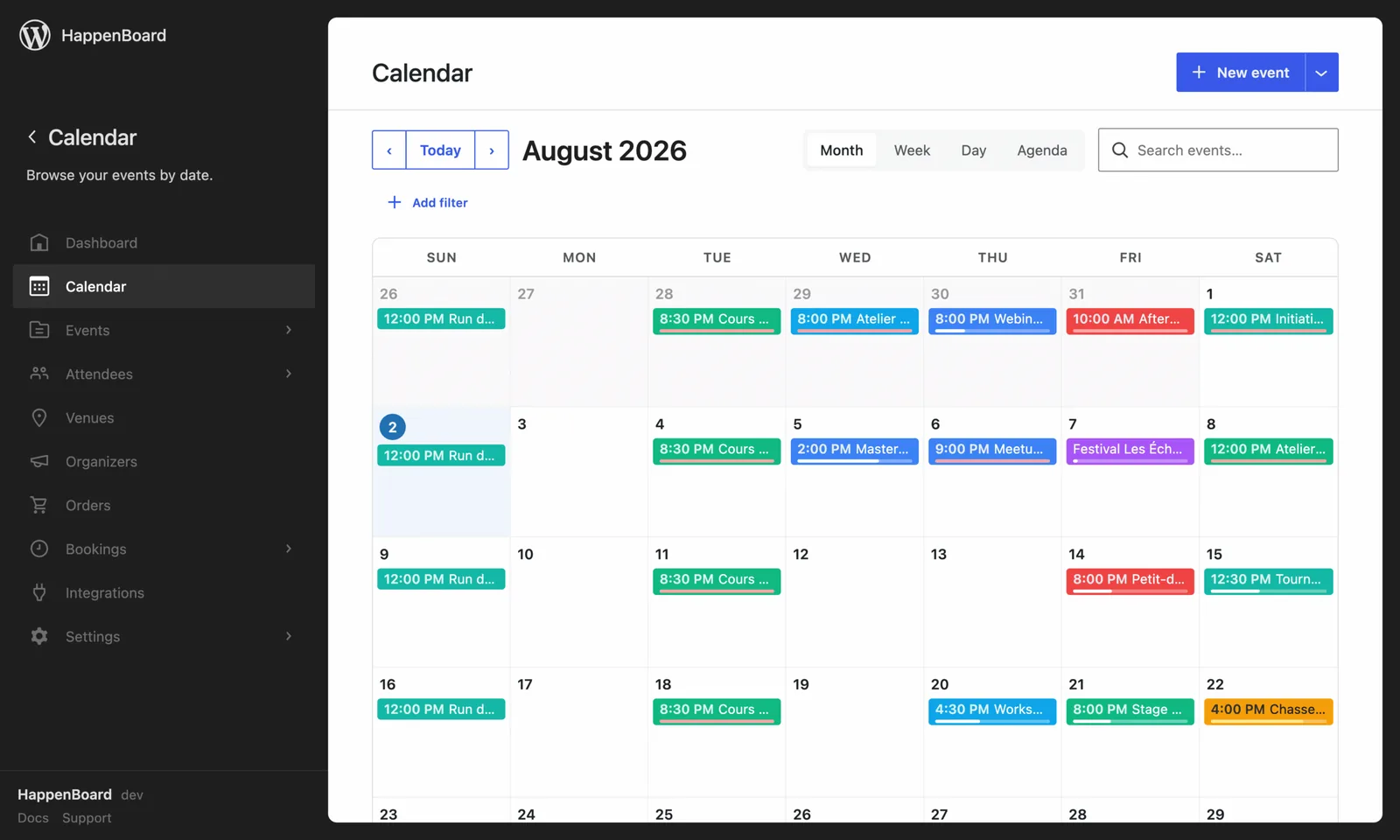
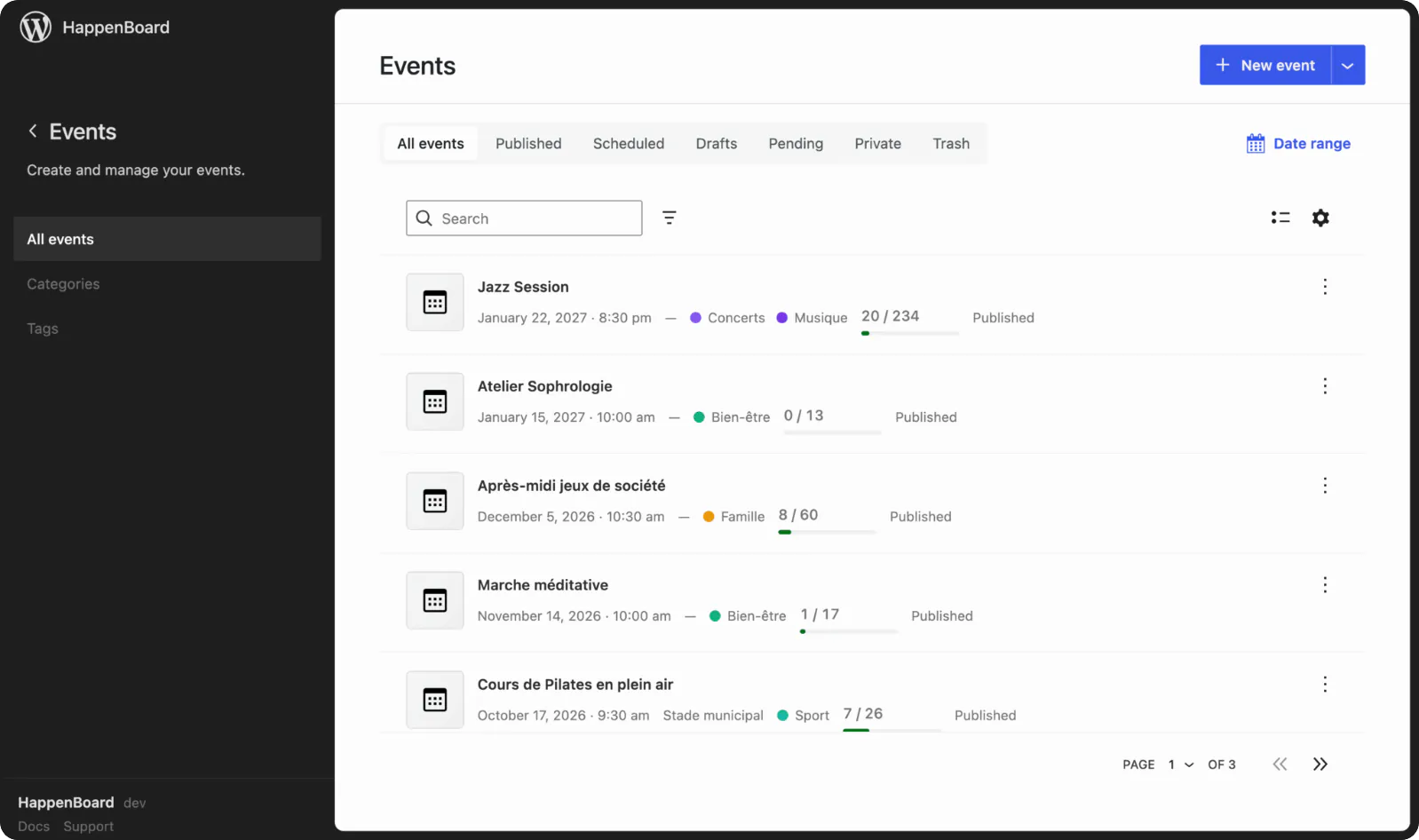
A quick tour of HappenBoard in your WordPress admin.


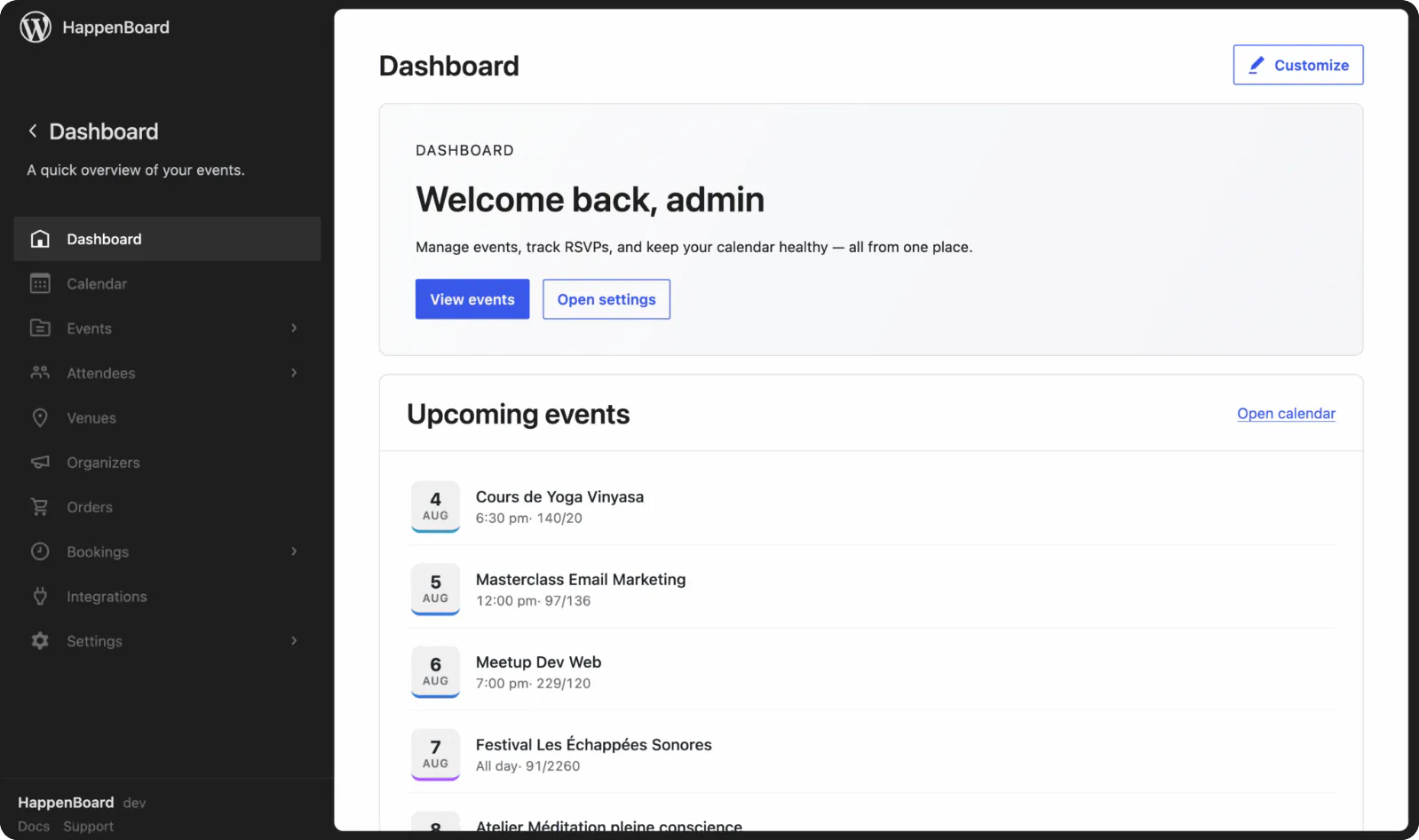
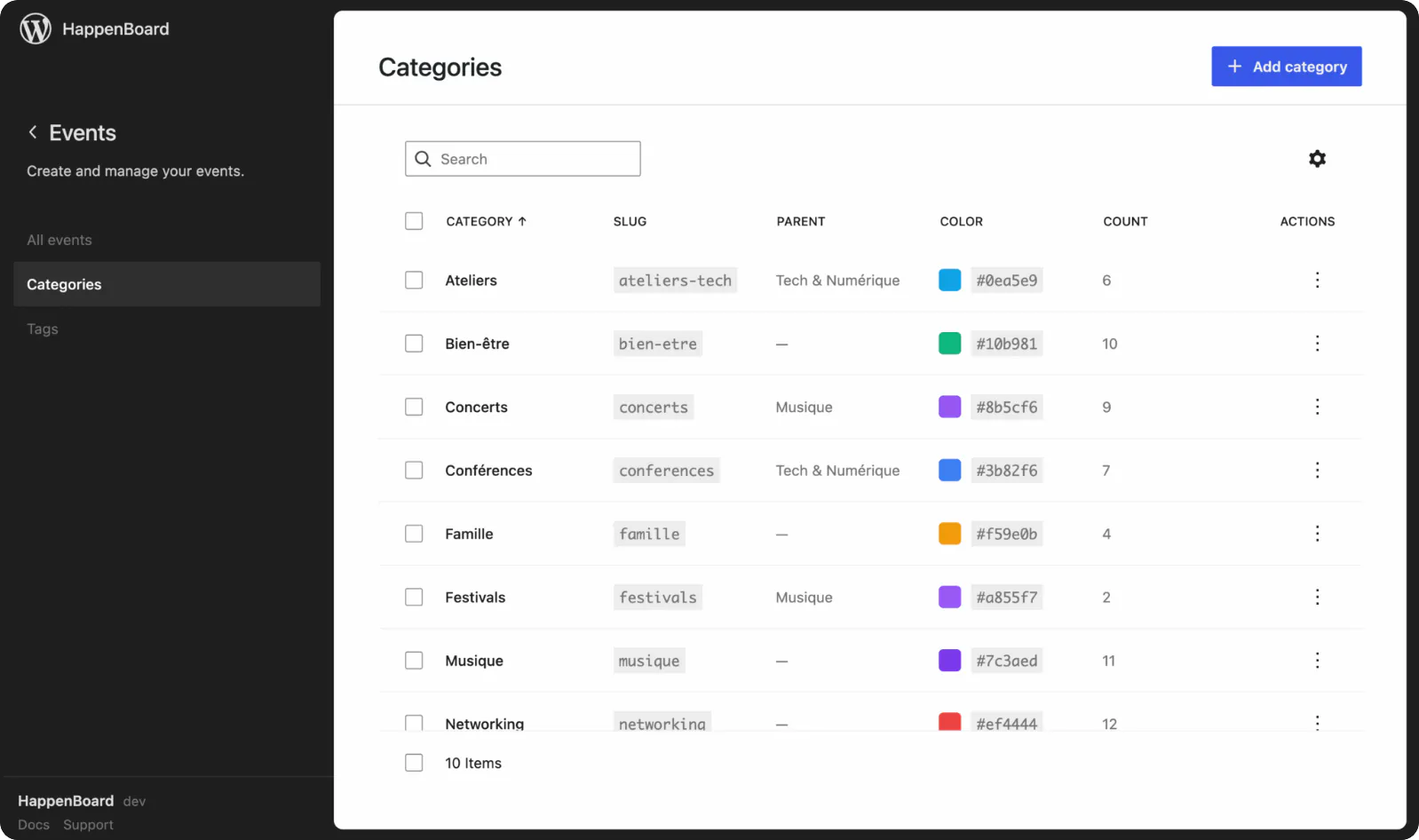

Why take registrations with HappenBoard?
1
Keep sign-ups on your own site
Visitors register on your event page, not on a third-party platform. Names and emails stay in your WordPress database, and you can export them at any time.
2
Let the emails handle the follow-up
Each attendee gets a confirmation and a reminder with your colour and logo. If plans change, they cancel from the email and their seats free up for someone else.
3
Add Pro for check-in and custom fields
Registrations, capacity, emails, the attendee list and exports are in the free plugin. Pro adds custom form fields, check-in QR codes, name badges and an activity timeline per attendee.
Already on another events plugin?






Preview first, then import, even with the old plugin deactivated. Repeat rules from The Events Calendar, Events Manager 7 and Sugar Calendar come across, and you can export your events to CSV at any time.
Tailor HappenBoard to your business needs with flexible integration options.
You ask.
We answer.
We’re featured in





Is event registration free with HappenBoard?
Yes. The RSVP form, capacity limits, confirmation and reminder emails, the attendee list and exports are all in the free plugin. HappenBoard Pro adds custom form fields, QR codes and PDF tickets, name badges, CSV import and an activity timeline.
Can I limit the number of seats?
Yes. Set a capacity on the event, or 0 for no limit. It counts seats, not sign-ups, so someone who registers 3 seats uses 3. On a recurring event the limit applies to each date. When no seat is left, the form says the event is sold out.
Is there a waitlist?
There is a Waitlist status, but no automatic waitlist: a full event refuses new sign-ups and nobody is promoted on their own. You move attendees on or off the waitlist from the Attendees screen, and someone you move off it gets an email saying a place opened up.
Can I add my own questions to the form?
With HappenBoard Pro, yes: text, multi-line text, number, email, URL, date, checkbox, select and radio fields, required or shown only when another answer matches. The free form asks for a name, an email and, if you allow it, a number of seats.
How do attendees cancel?
The confirmation, the reminder and any new-date email include a cancellation link. It opens a page that asks them to confirm, then cancels the registration and frees their seats. You can also cancel anyone from the Attendees screen.
How are spam and personal data handled?
The form has a hidden honeypot field, a signed time check and rate limits, with Cloudflare Turnstile and Akismet as options. Attendee data works with the WordPress personal data export and erase tools: erasing anonymises the record and keeps the seat count.