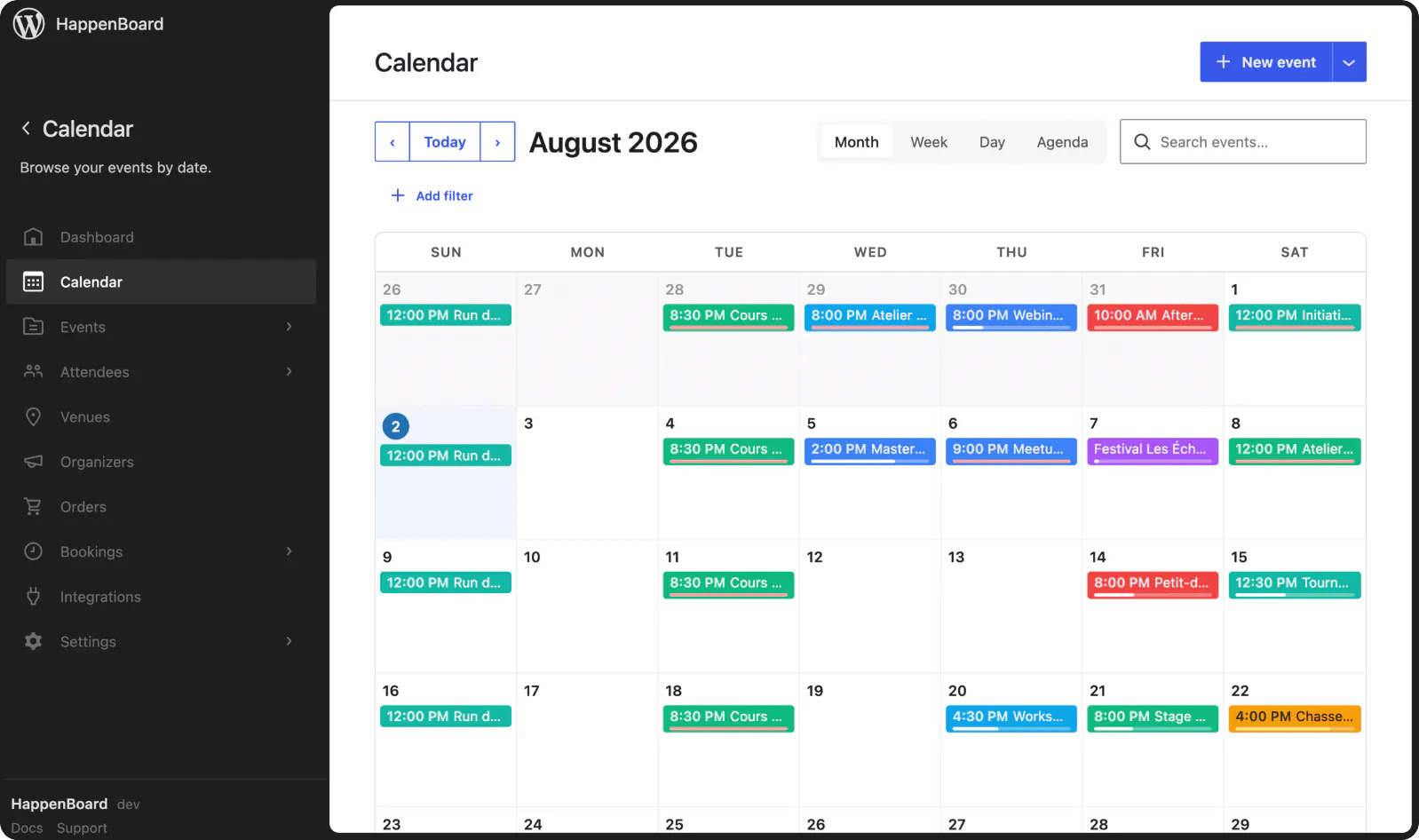
You see clients.
HappenBoard takes the bookings.
A free WordPress booking plugin for coaches, therapists and consultants. Clients pick a time within your weekly hours, get a confirmation and two reminders, and move or cancel on their own. Pro adds card payment with Stripe.


Coaching sessions booked on your site, not in your inbox
What changes when clients book and reschedule their sessions on your own WordPress site.
Before HappenBoard
Times agreed by email and text
Each session takes several messages to find a time and one more to confirm it. Your diary ends up spread across your inbox and your phone.
Clients forget or cancel late
Nobody reminds them, so some forget. Others cancel by message an hour before, and the slot stays empty.
Payment chased after the session
You ask for payment once the session is over, then send reminders when it does not arrive.
Group sessions need another tool
A workshop needs a sign-up form, a head count and reminders, often in three different places.
With HappenBoard
Clients book a free slot themselves
Your booking page shows only the times you are free, in the client’s own time zone. They pick one and get a confirmation with a calendar file.
Reminders, and changes without you
Reminder emails go out 24 hours and 1 hour before. Clients move or cancel from the link in their emails, up to the cutoff you set.
Payment when they book, with Pro
Pro takes card payment through Stripe at booking, in full or as a deposit. A session that needs your approval is charged only once you approve it.
Group sessions in the same plugin
Open several seats per slot, or publish a workshop as an event with a sign-up form, a seat limit and reminders.
Works with






Inside the WordPress booking plugin for coaches
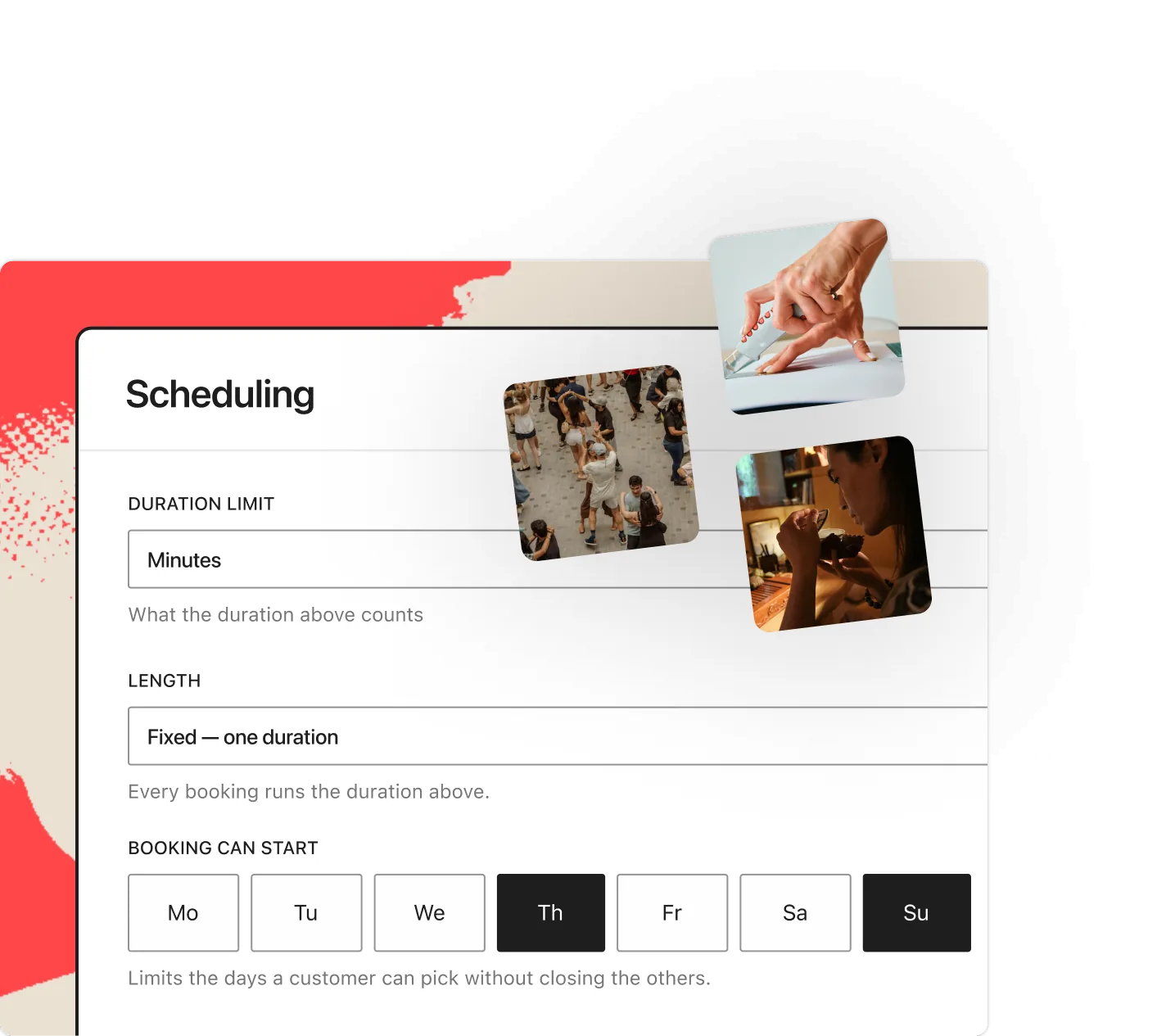
Appointment booking
Hours, buffers and minimum notice decide what clients can book.
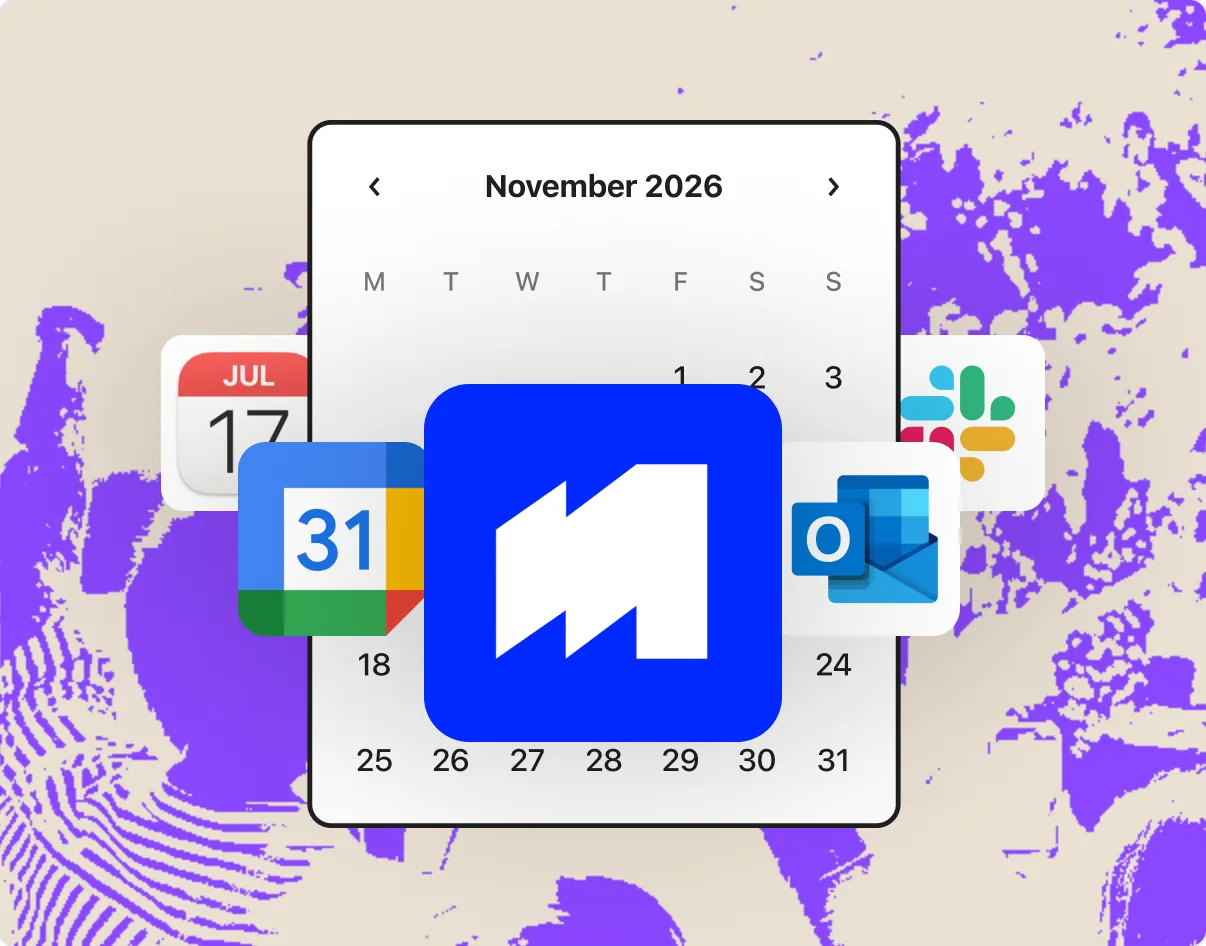
Sync, notifications & automation
Pro hides the busy times of your Google or Outlook calendar.
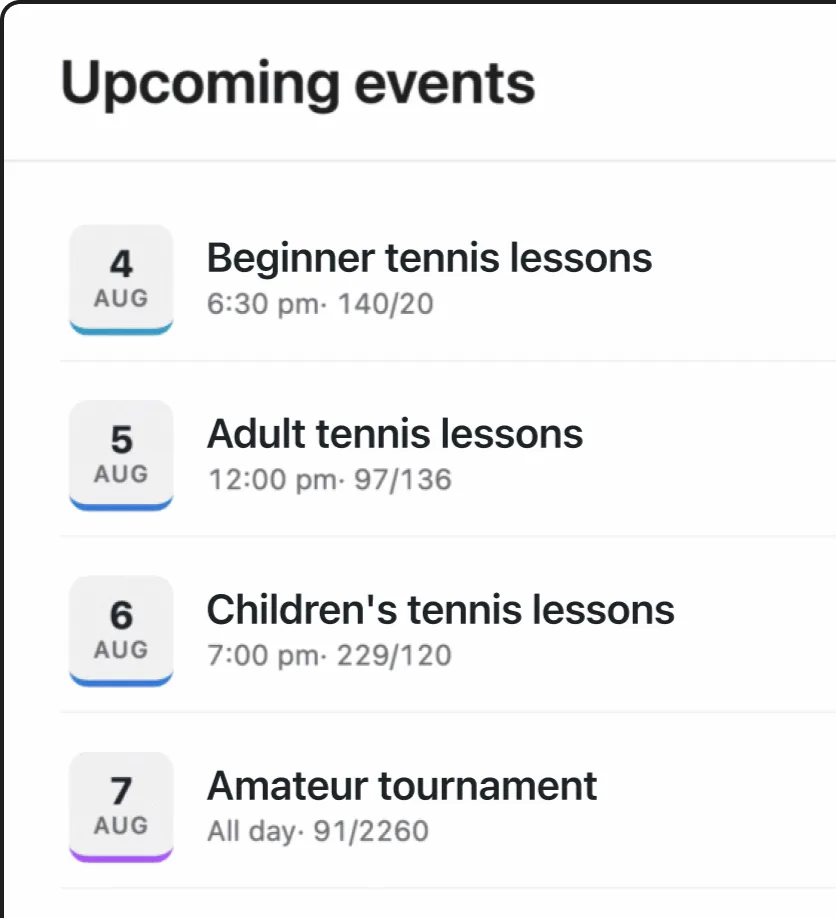
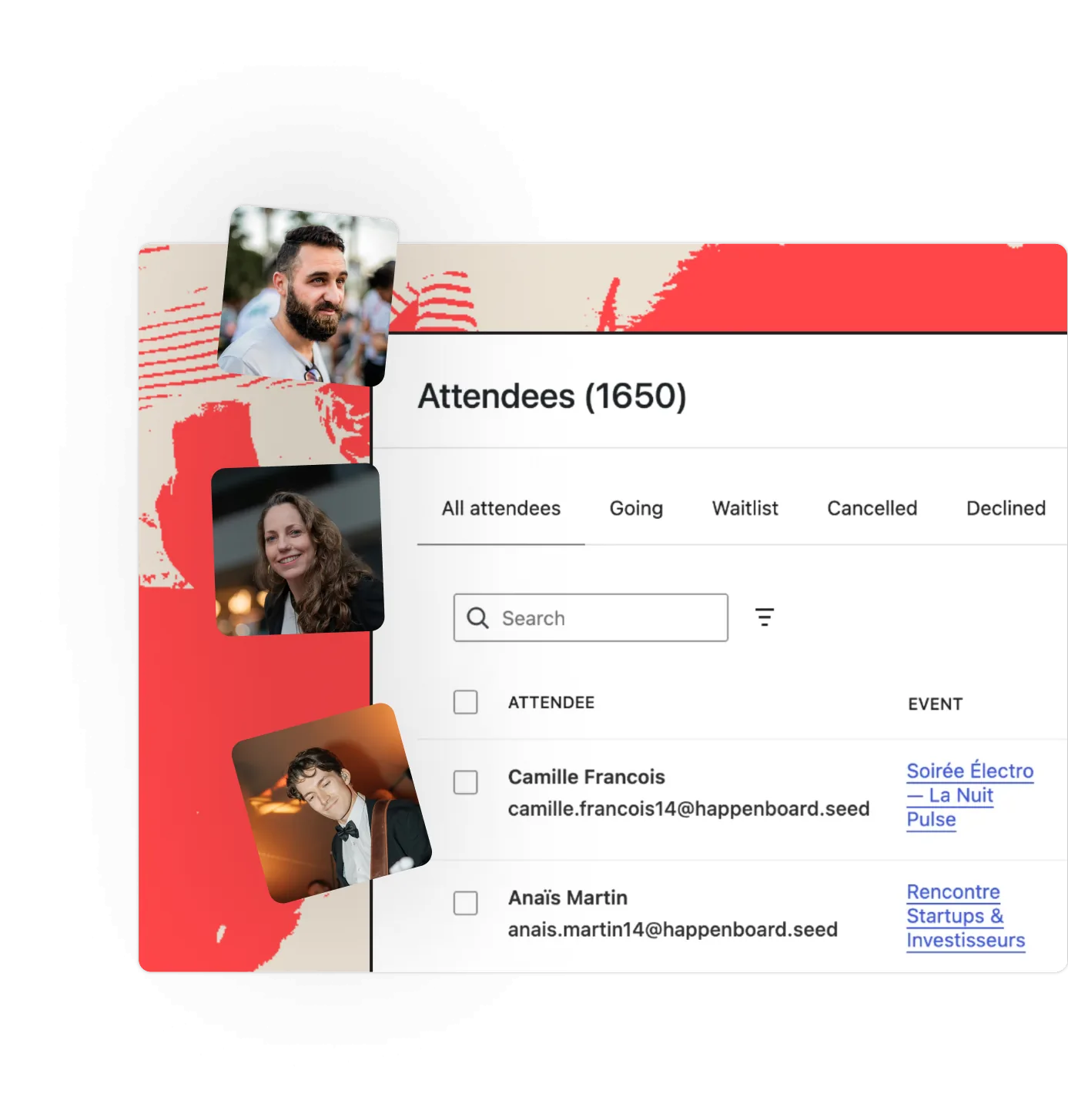
Registrations & attendees
Publish workshops as events, with free sign-ups and a seat limit.
Client bookings in numbers
2
reminders before each session
6
booking type templates
60
days ahead clients can book, by default
8
client emails written for you
50
price rules per booking type (Pro)
Why HappenBoard suits a coaching practice
1
Booking comes in every plan
Booking types, weekly hours, days off, several hosts, the booking page, reminders and client self-service are all in HappenBoard Free. Pro adds Stripe payments and deposits, price rules, shared rooms and Google or Outlook busy times.
2
Your client records stay on your own site
Bookings are stored in your WordPress database, not on an outside booking service. Forms block spam without a captcha by default, and the WordPress export and erase tools cover bookings for GDPR requests.
3
From one coach to a team of practitioners
Add each practitioner as a host with their own hours. Clients choose who they see, or bookings go round-robin to the least busy host. A host is never booked twice at once, and sees only their own schedule.
Already on another events plugin?






Preview first, then import, even with the old plugin deactivated. Repeat rules from The Events Calendar, Events Manager 7 and Sugar Calendar come across, and you can export your events to CSV at any time.
You ask.
We answer.
We’re featured in





Can therapists and wellness practitioners use it?
Yes. Create a booking type for each kind of session, such as a first consultation and a follow-up, with its own length and a buffer for notes between clients. Turn on approval to confirm each request yourself. HappenBoard stores the booking with the client’s name and email; it is not a patient record system.
Can clients pay when they book?
With Pro, Stripe takes the full price or a deposit per seat, with the rest paid on site. When a booking needs your approval, the card is held and charged only once you approve. HappenBoard Free shows the price and marks it to pay on site.
Will it sync with my Google or Outlook calendar?
With Pro, each host connects their Google or Outlook calendar from their profile, and the busy times there are removed from the booking page. HappenBoard reads that calendar but does not write bookings into it; clients get a calendar file with each confirmation.
Can clients cancel or move a session themselves?
Yes. The link in their emails lets them cancel or move to another free time, up to the cutoff you set on the booking type. The host and the site admin are emailed about the change.
Which HappenBoard plan does a practice need?
HappenBoard Free covers booking types, weekly hours, several hosts, reminders and client self-service. Pro adds Stripe payments and deposits, price rules, shared rooms and Google or Outlook busy times. See the prices.
Works with