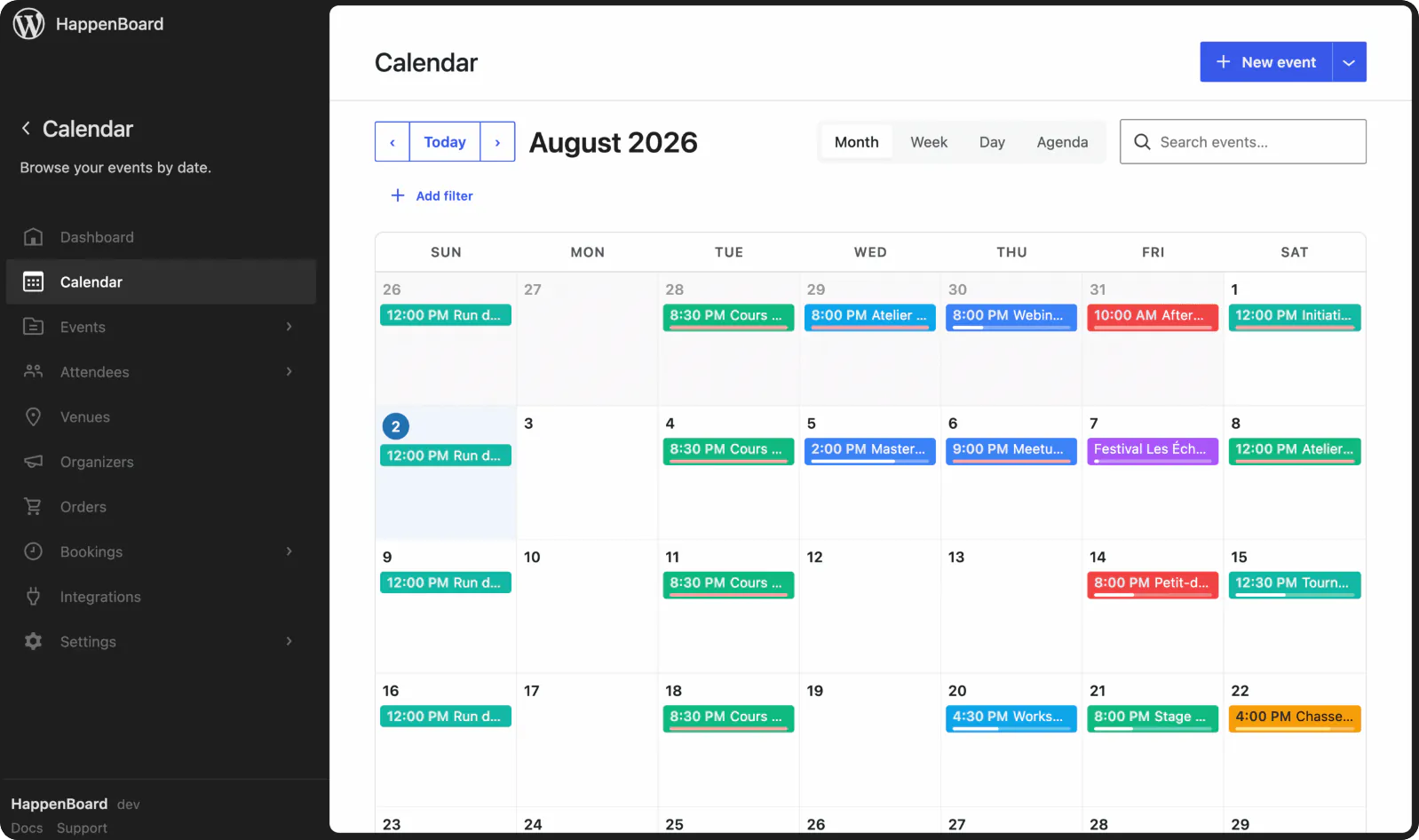
Fill every class, never past the last mat
A free WordPress plugin for gyms and fitness studios. Publish each class once as a weekly series, let members book a spot on the date they come, and take personal training bookings. Pro adds payments.
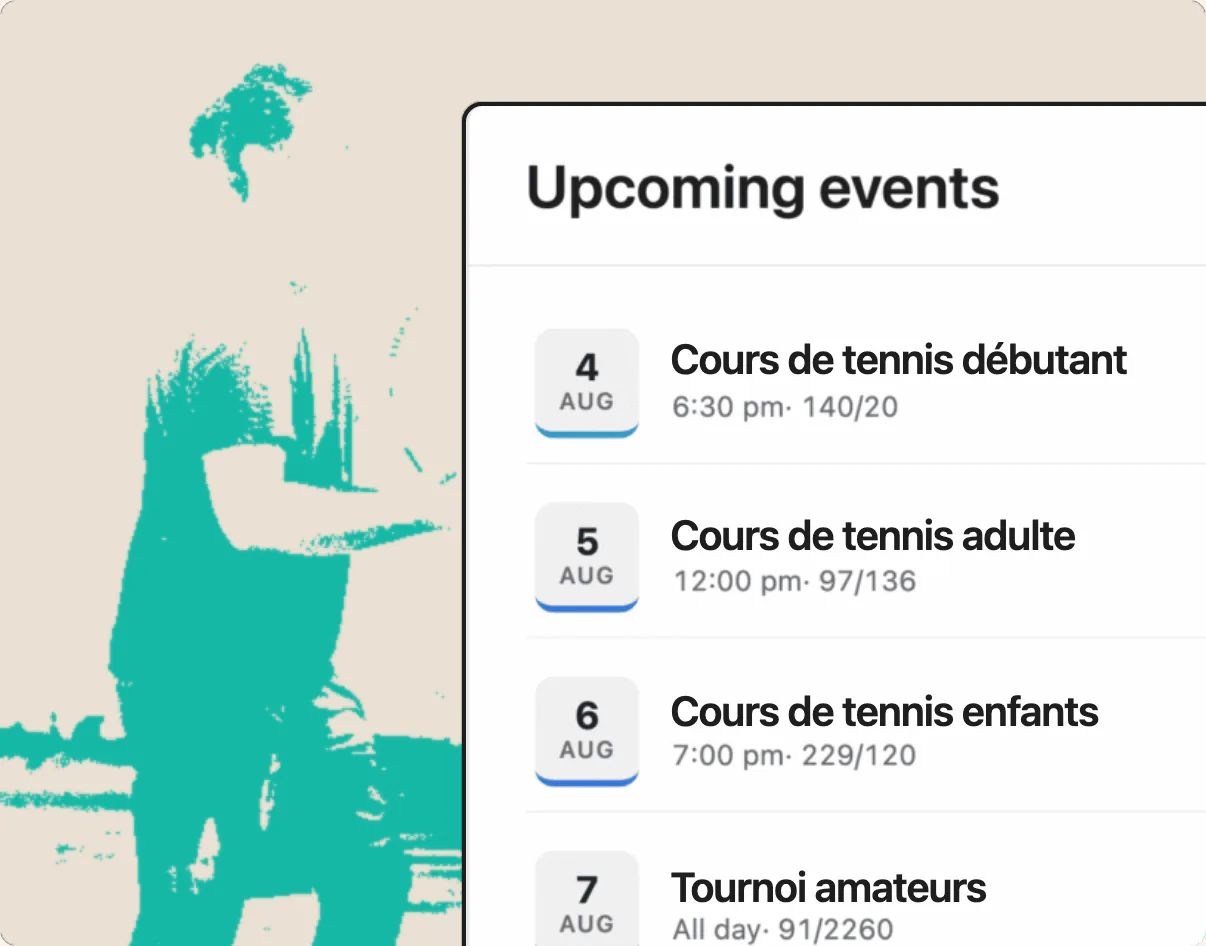
Class bookings that no longer live on a whiteboard
What changes when members book classes and sessions on your own WordPress site.
Before HappenBoard
Class lists kept at the desk
Members sign up at reception or by message, and staff copy the names onto a list before every class.
Too many people for the room
Nothing stops a twenty-first booking for a class of twenty. Some members turn up to a full studio.
Empty spots nobody hears about
Members who cannot come rarely say so. Their spot stays empty while others would have taken it.
Personal training booked by text
Each trainer keeps their own diary, and clients message back and forth to find a time.
With HappenBoard
One weekly class, sign-ups per date
Publish Tuesday yoga once with a repeat rule. Members pick the date they come on the sign-up form, and each date keeps its own list.
A spot limit for every class
The capacity applies to each date. The form shows the spots left and marks full dates; you move people on or off a waitlist by hand.
Reminders with a cancel link
Members get a confirmation with a calendar file and a reminder 24 hours before. The cancel link in these emails frees the spot.
Trainers with their own booking hours
Each trainer has weekly hours and buffers. Clients book a free session on your site and move it themselves, up to the cutoff you set.
Works with






A WordPress class booking plugin for gyms
Recurring events
Every Monday at 6 pm: one rule, and members book per date.
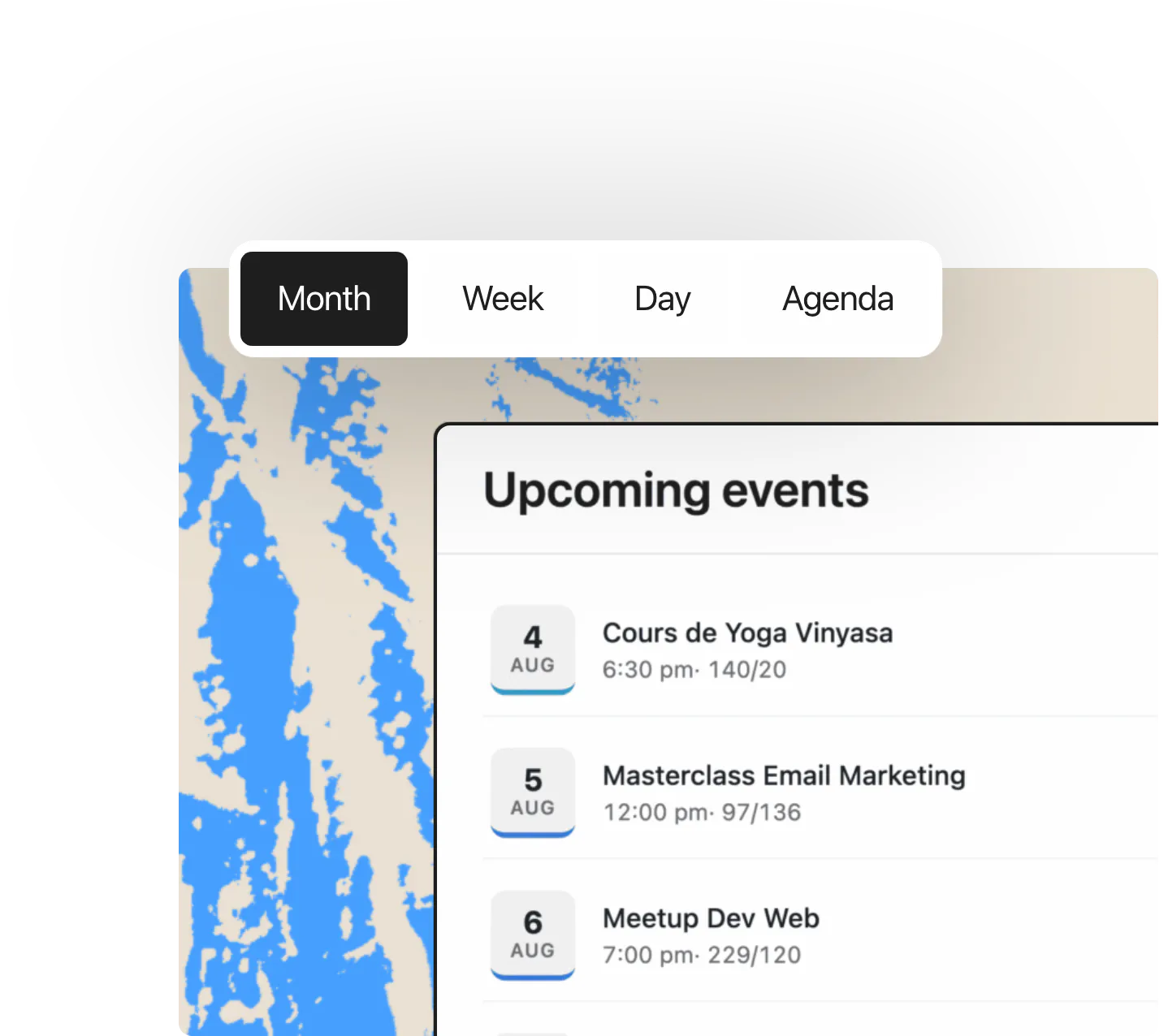
Event calendar & views
Pro’s Schedule block shows the week’s classes, one column per day.
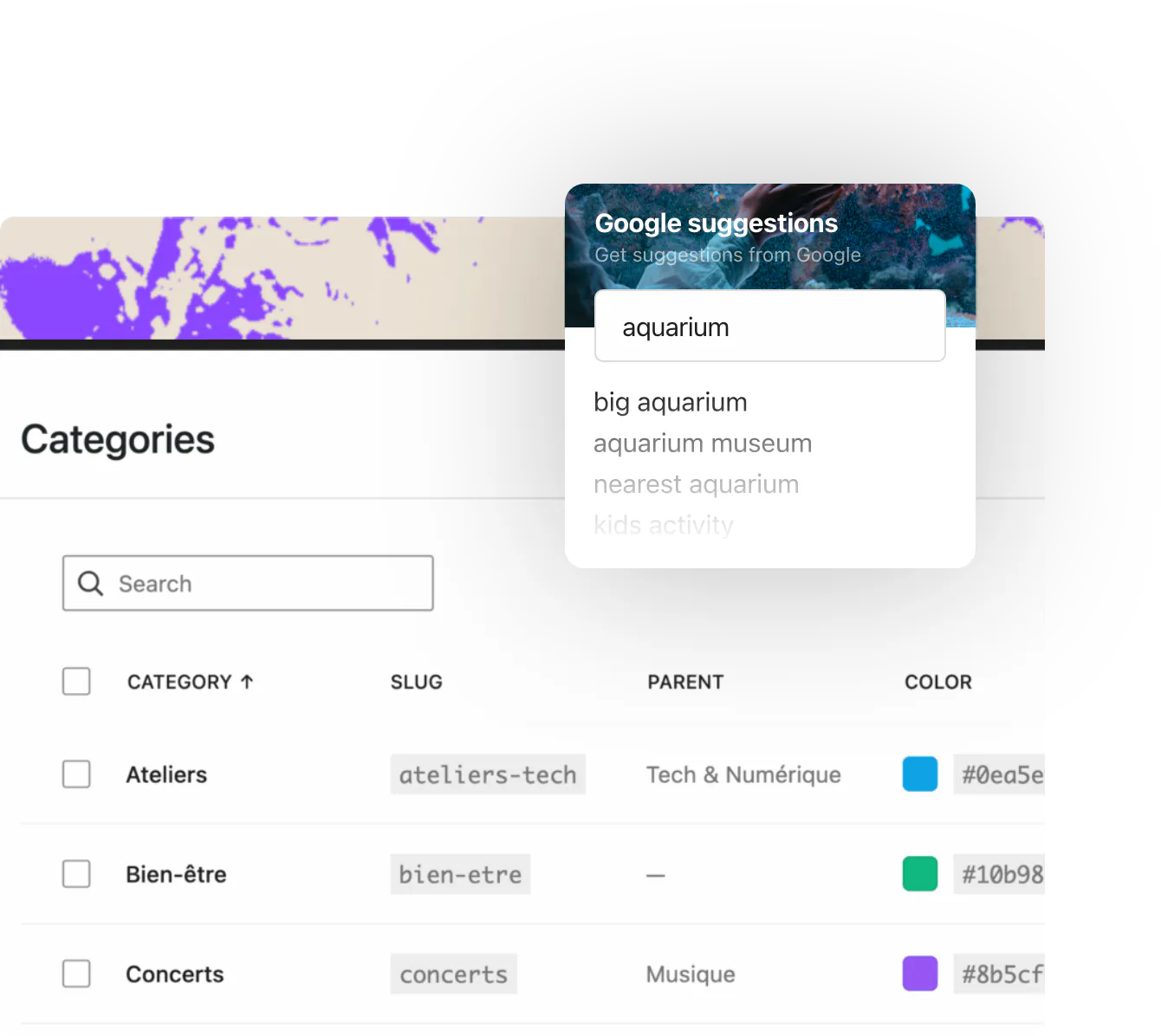
Ticketing, e-tickets & check-in
Pro sells paid classes and workshops, with spots counted per date.
Class bookings in numbers
24
hour reminder before each class
2
reminders before each training session
4
calendar views
31
minutes a spot is held at checkout (Pro)
0%
HappenBoard fee on ticket sales
Why HappenBoard suits a gym or studio
1
Classes and bookings in every plan
Weekly classes, sign-ups per date, spot limits, reminders and personal training bookings with several trainers are in HappenBoard Free. Pro adds paid tickets, card payment for bookings, deposits and price rules for off-peak hours.
2
Rooms and courts shared without clashes
With Pro, a studio, a court or a piece of equipment becomes a shared resource with a quantity and its own hours. A time slot disappears from every booking type once its resource is taken.
3
Members keep track of their classes
Signed-in sign-ups are linked to the member’s account. Members save classes with the Save Event Button and find them in My Schedule, and the My Bookings block lists their sessions with a Cancel button.
Already on another events plugin?






Preview first, then import, even with the old plugin deactivated. Repeat rules from The Events Calendar, Events Manager 7 and Sugar Calendar come across, and you can export your events to CSV at any time.
You ask.
We answer.
We’re featured in





Can I set a maximum number of people per class?
Yes, in the free plugin. The capacity counts spots and, on a weekly class, applies to each date. The sign-up form shows the spots left and refuses new sign-ups once a date is full.
Can members pay for a class online?
With Pro. Add a ticket with a price to the class: members pay by card on Stripe Checkout, or through WooCommerce and its payment gateways. For one-to-one sessions, Pro takes the full price or a deposit when the client books.
Can I rent out a court, a studio or equipment by the hour?
Yes. Create a booking type for the rental with its length and opening hours. With Pro, the court or studio becomes a shared resource, so it is never booked twice across your booking types.
Do members get reminders?
Yes. Class sign-ups get a reminder 24 hours before by default, and you can choose from 1 to 168 hours. Booked sessions get two reminders, 24 hours and 1 hour before. With Pro, reminders can also go out on WhatsApp through Twilio.
Which HappenBoard plan does a gym need?
HappenBoard Free covers weekly classes with spot limits, reminders and personal training bookings. Choose Pro to take payments for classes or sessions, set off-peak prices and share rooms or courts between booking types. See the prices.
Works with