Manage your WordPress events from Claude or ChatGPT
Connect your AI assistant to HappenBoard with one address. It lists your events, creates one, finds free booking slots or registers an attendee when you ask in a chat. Free and built in.
Your calendar, one sentence away
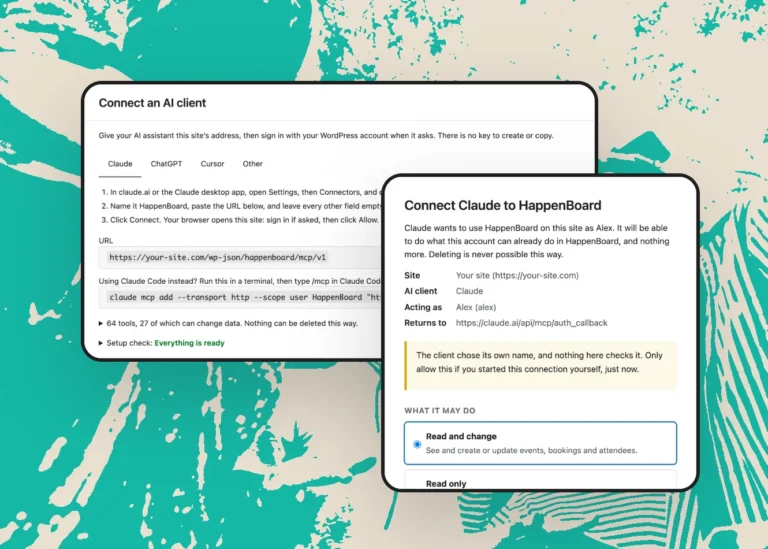
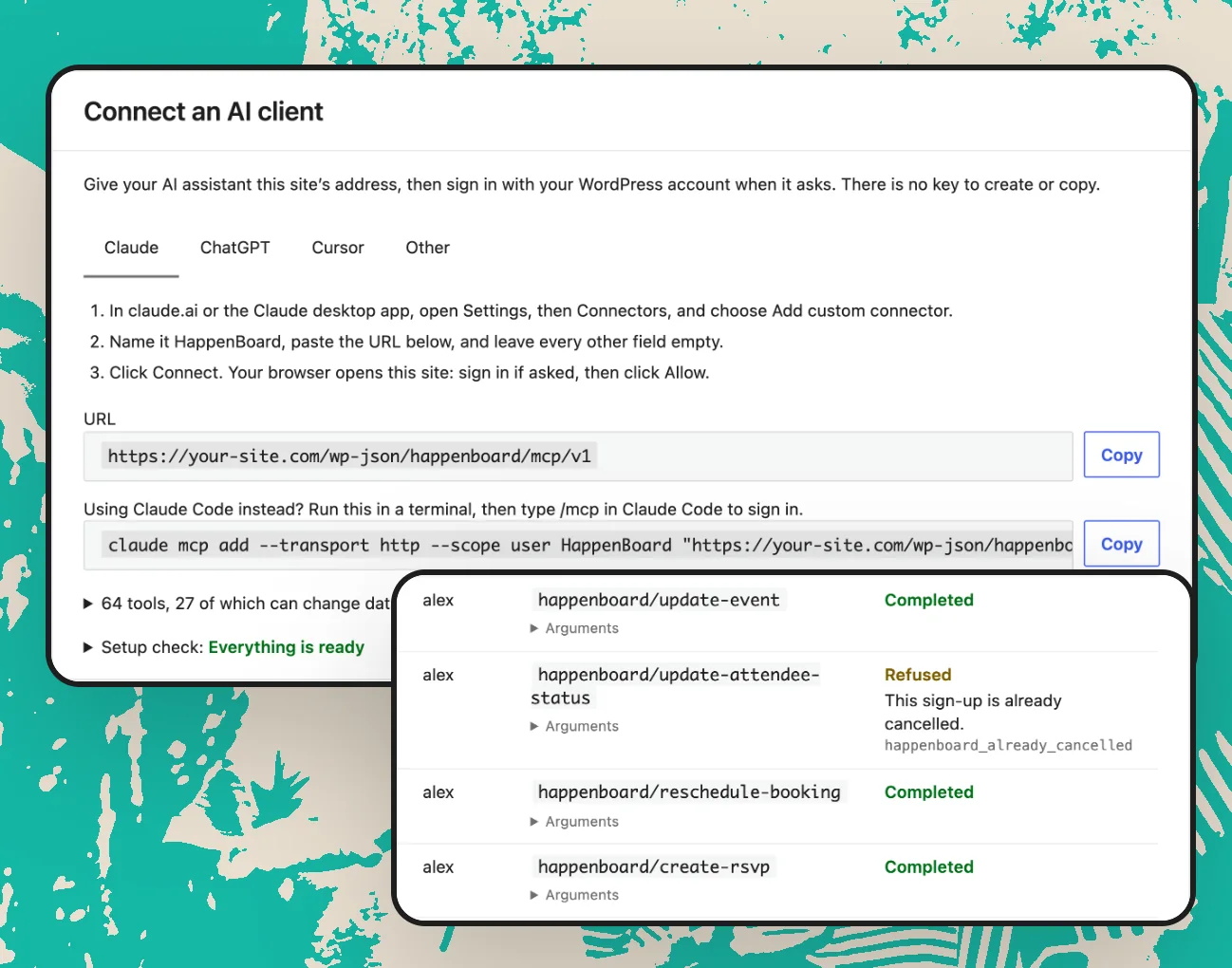
Paste one address into your assistant, sign in with your WordPress account and click Allow. There is no key to copy.
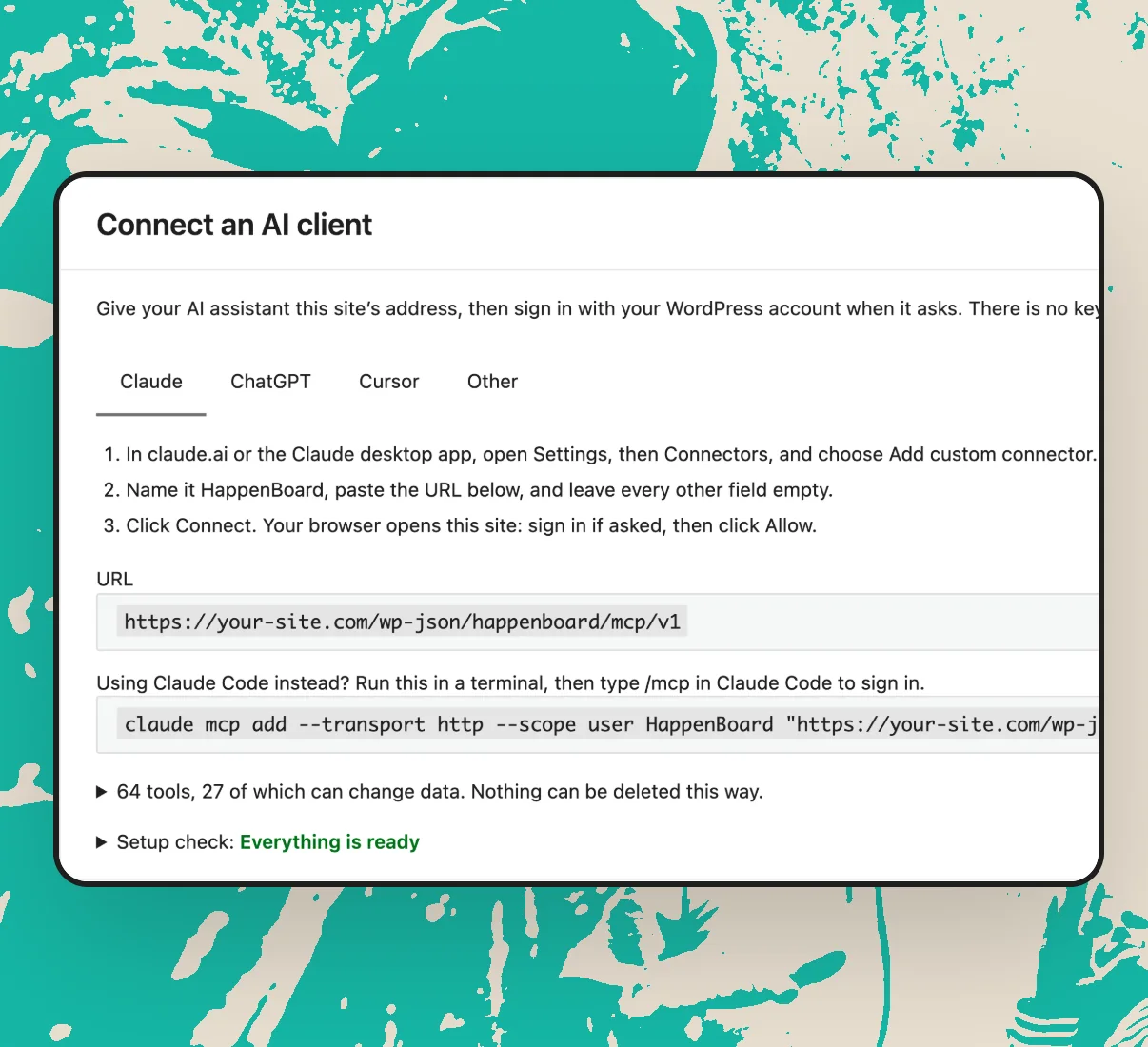
1. Connect
Paste your site’s MCP address into Claude, ChatGPT or Cursor.
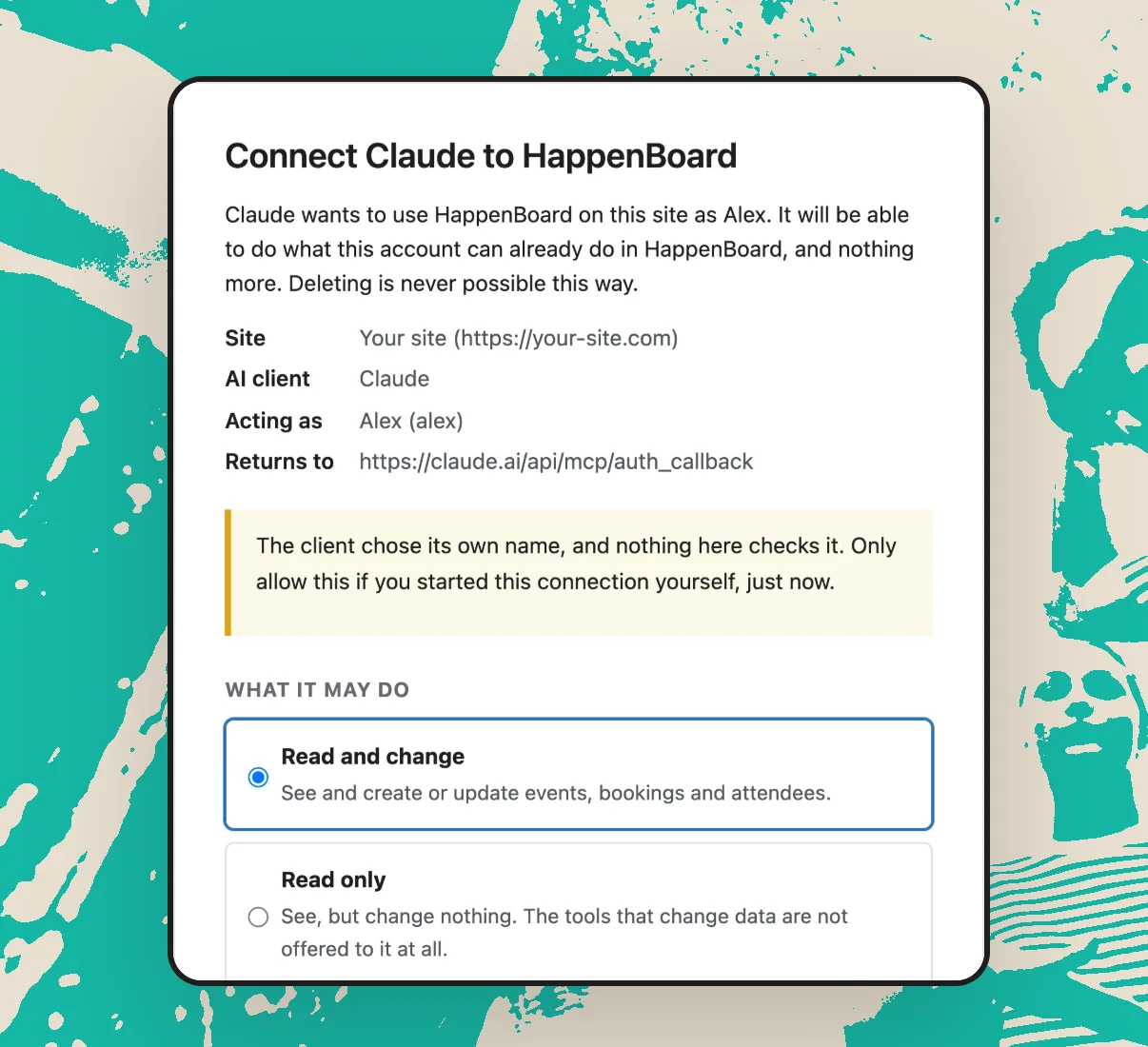
2. Allow
Sign in and choose Read only or Read and change.
3. Ask
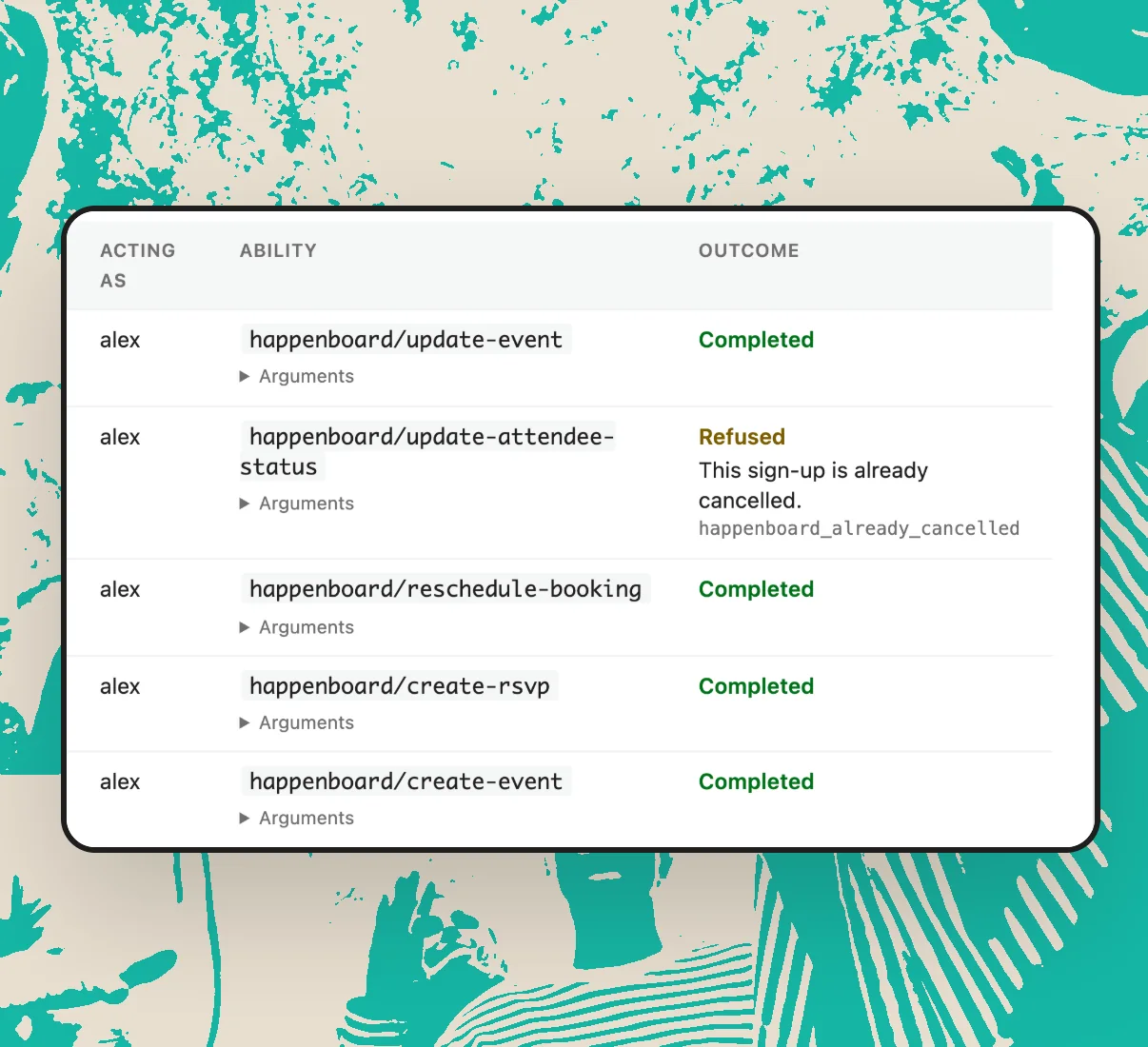
Ask in a chat. Every change is logged in WordPress.
All AI agent features

Built-in MCP server
HappenBoard runs its own MCP server, the standard way AI assistants connect to other tools. Claude, ChatGPT, Cursor and any assistant that supports remote MCP servers can connect.

Sign in, no key to copy
Assistants sign in through your browser with your WordPress account. On a site without HTTPS, Claude Code and Cursor can use an application password instead.

Read only or read and change
You choose what each assistant may do when you connect it. A read-only connection is refused any change, even if it asks for a tool by name.

Events, bookings and attendees
Tools cover events, venues, organizers, categories, booking types, free slots, bookings and attendee lists. Pro adds tickets, orders, check-in and custom fields.

Agent activity log
Every change an assistant makes or tries to make is listed with the account it used and the outcome. Entries are kept for 90 days.

AI event assistant
Pro also fills in the event form from one sentence, with your own Anthropic account. You check every field, then save.
Integrates with all your essential apps















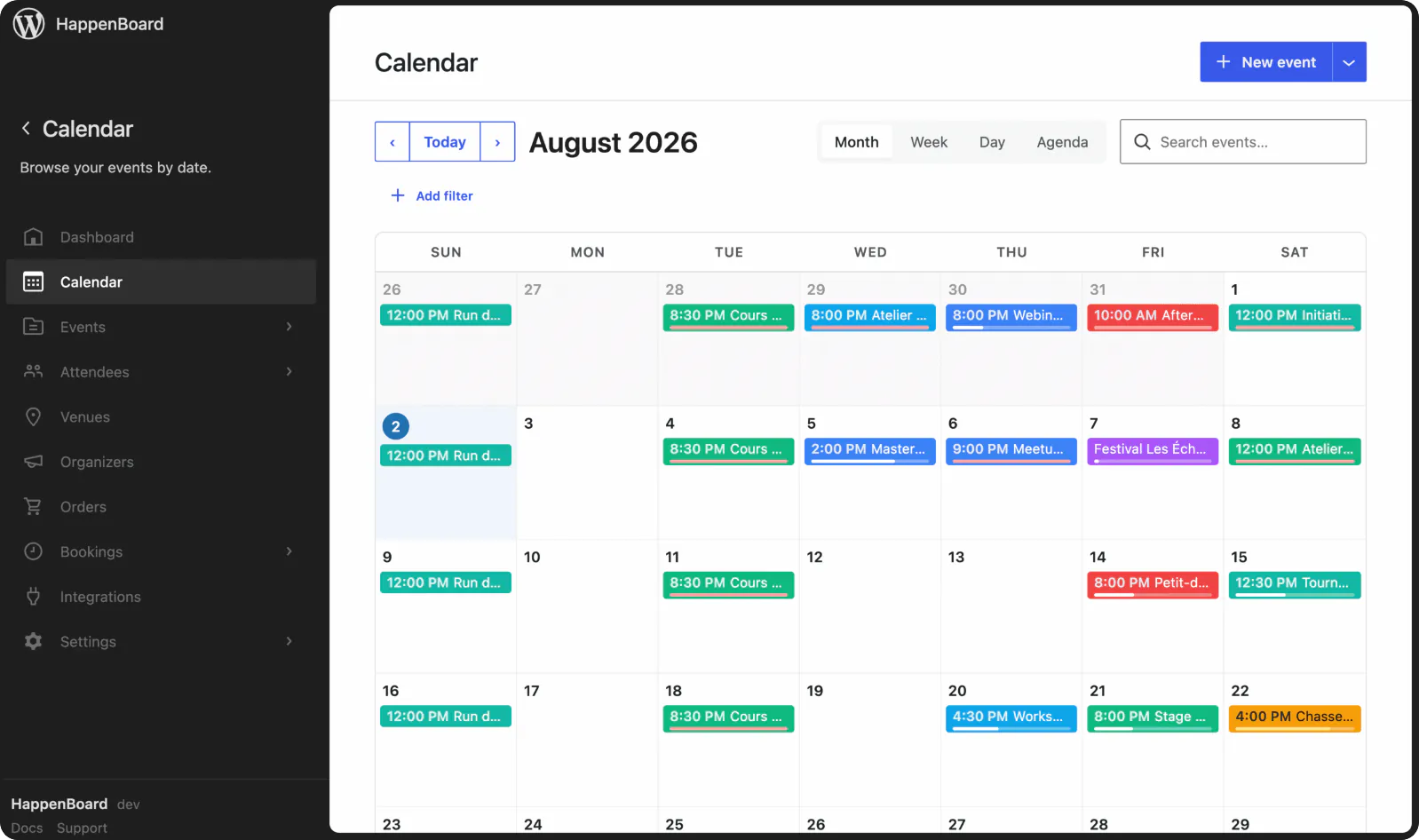
HappenBoard in action
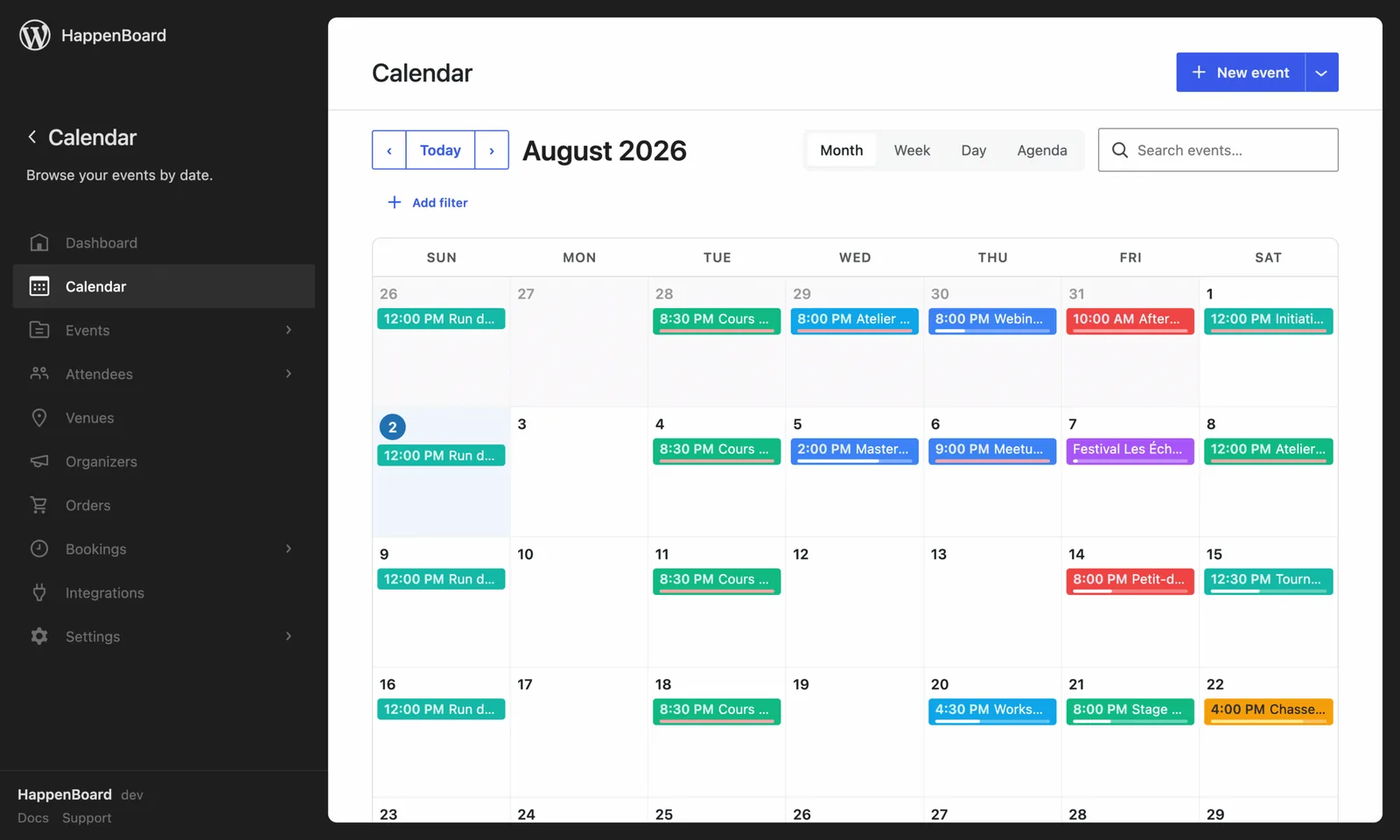
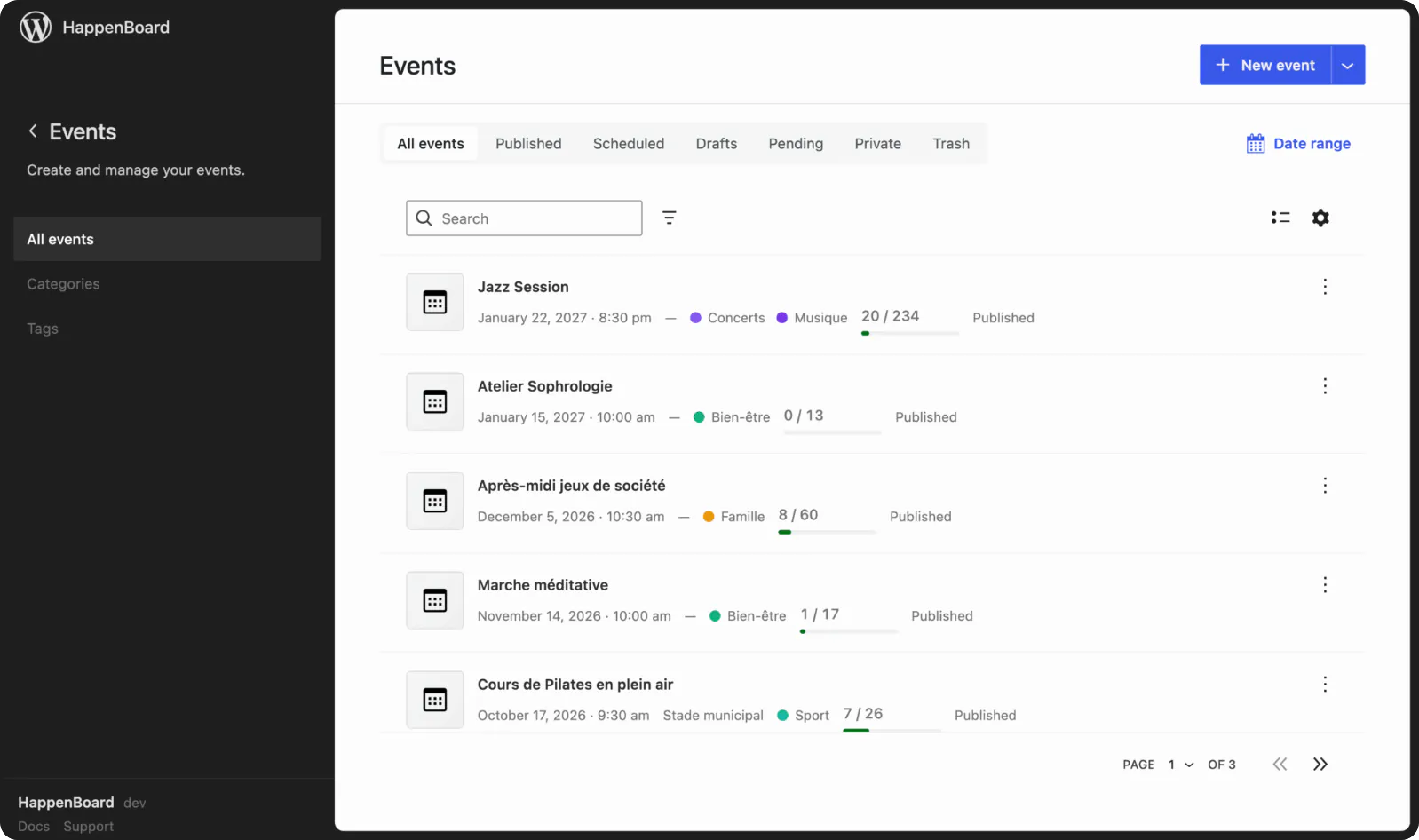
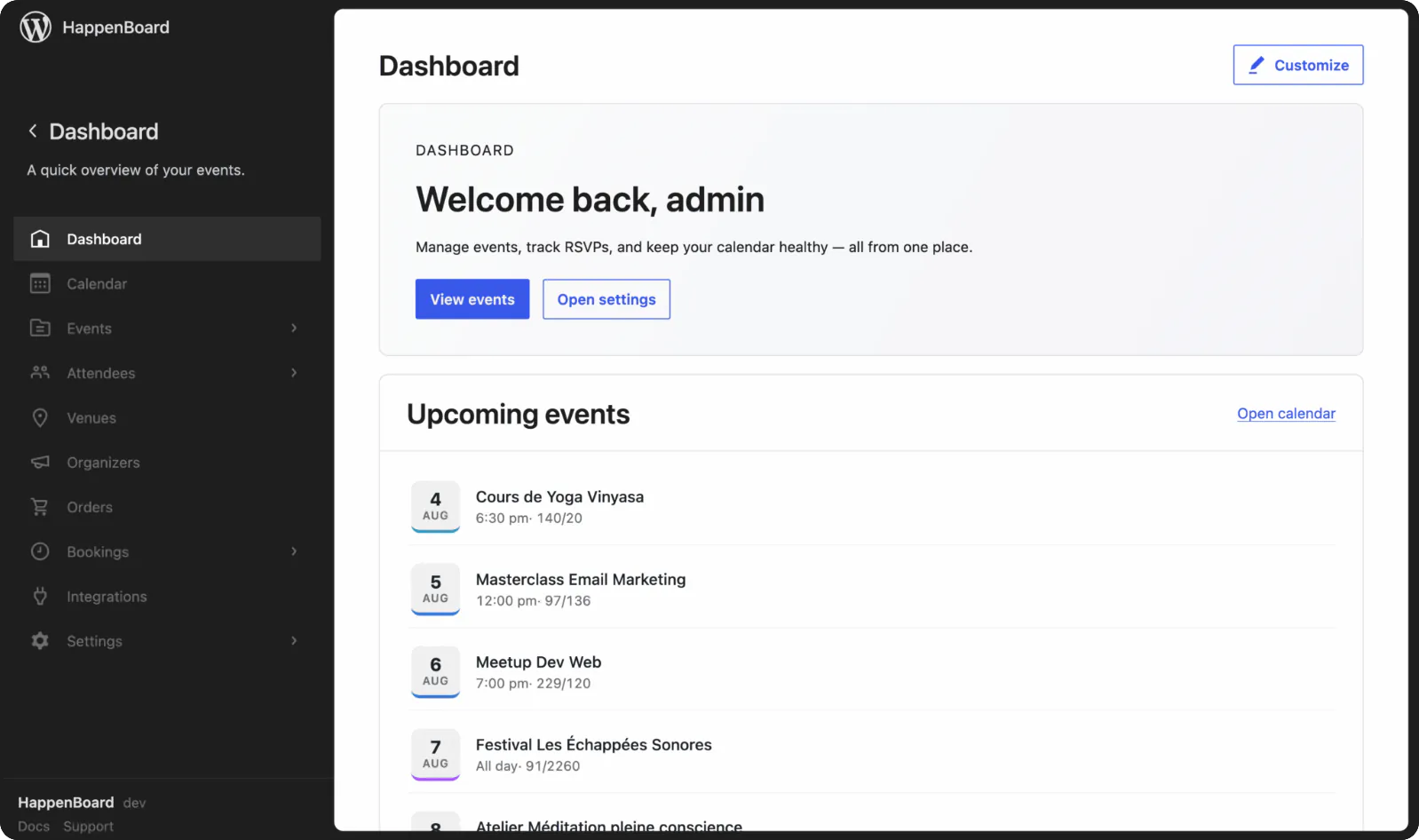
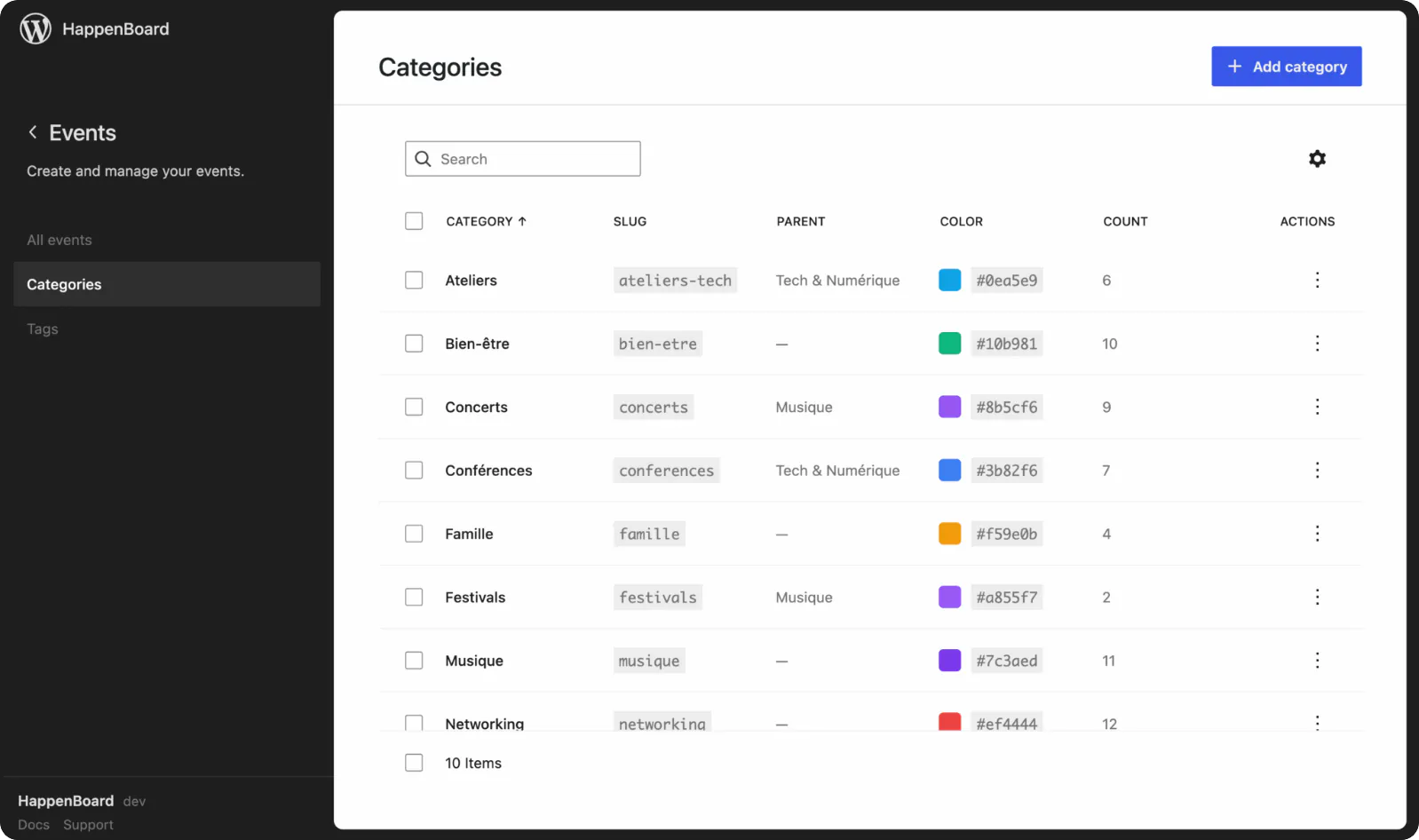
A quick tour of HappenBoard in your WordPress admin.



Why connect an AI assistant to HappenBoard?
1
Nothing gets deleted
An assistant can never delete. Removing an event, a venue or a booking type, cancelling a booking or importing a CSV file stays in WordPress, in your hands.
2
The same rules as your team
An assistant acts as the WordPress account that connected it, with the same role. An account that cannot export attendees sees their names, not their emails.
3
Off until you turn it on
AI agents are off when you install HappenBoard. One switch turns them on, Disconnect cuts an assistant off at once, and rate limits apply to every account.
Already on another events plugin?






Preview first, then import, even with the old plugin deactivated. Repeat rules from The Events Calendar, Events Manager 7 and Sugar Calendar come across, and you can export your events to CSV at any time.
Tailor HappenBoard to your business needs with flexible integration options.
You ask.
We answer.
We’re featured in





Is it free?
Yes. The MCP server and the tools for events, bookings and attendees are in the free plugin. HappenBoard Pro adds tools for tickets, orders, check-in and custom fields, and the AI event assistant.
Which AI assistants can connect?
Claude (claude.ai, the desktop app and Claude Code), ChatGPT, Cursor and any other assistant that supports remote MCP servers, sometimes called Streamable HTTP.
What does my site need?
WordPress 6.9 or later and any permalink structure other than Plain. claude.ai, the Claude desktop app and ChatGPT connect from their own servers, so they also need a public HTTPS address.
Can an assistant delete my events?
No. Deleting events, venues, organizers or booking types, cancelling a booking and importing a CSV file are left out. It can change an attendee’s status, as the Attendees screen does. Choose Read only if it should change nothing.
Does HappenBoard send my data to an AI company?
No. HappenBoard does not run the AI. Your assistant connects to your site and reads what you ask for, under your account, and its provider’s terms apply. Nothing goes through HappenBoard’s servers.
How do I stop an assistant?
Click Disconnect next to it under HappenBoard → Settings → AI agents, or switch AI agents off. Every assistant loses access on its next request, and nothing is deleted.