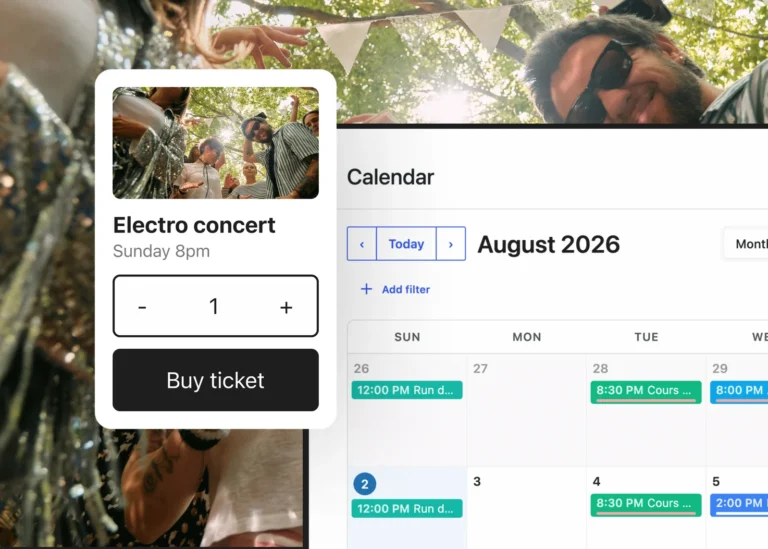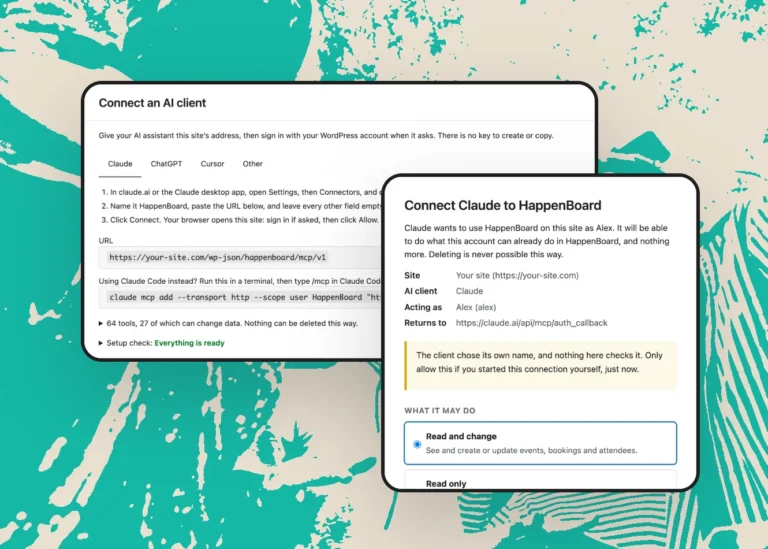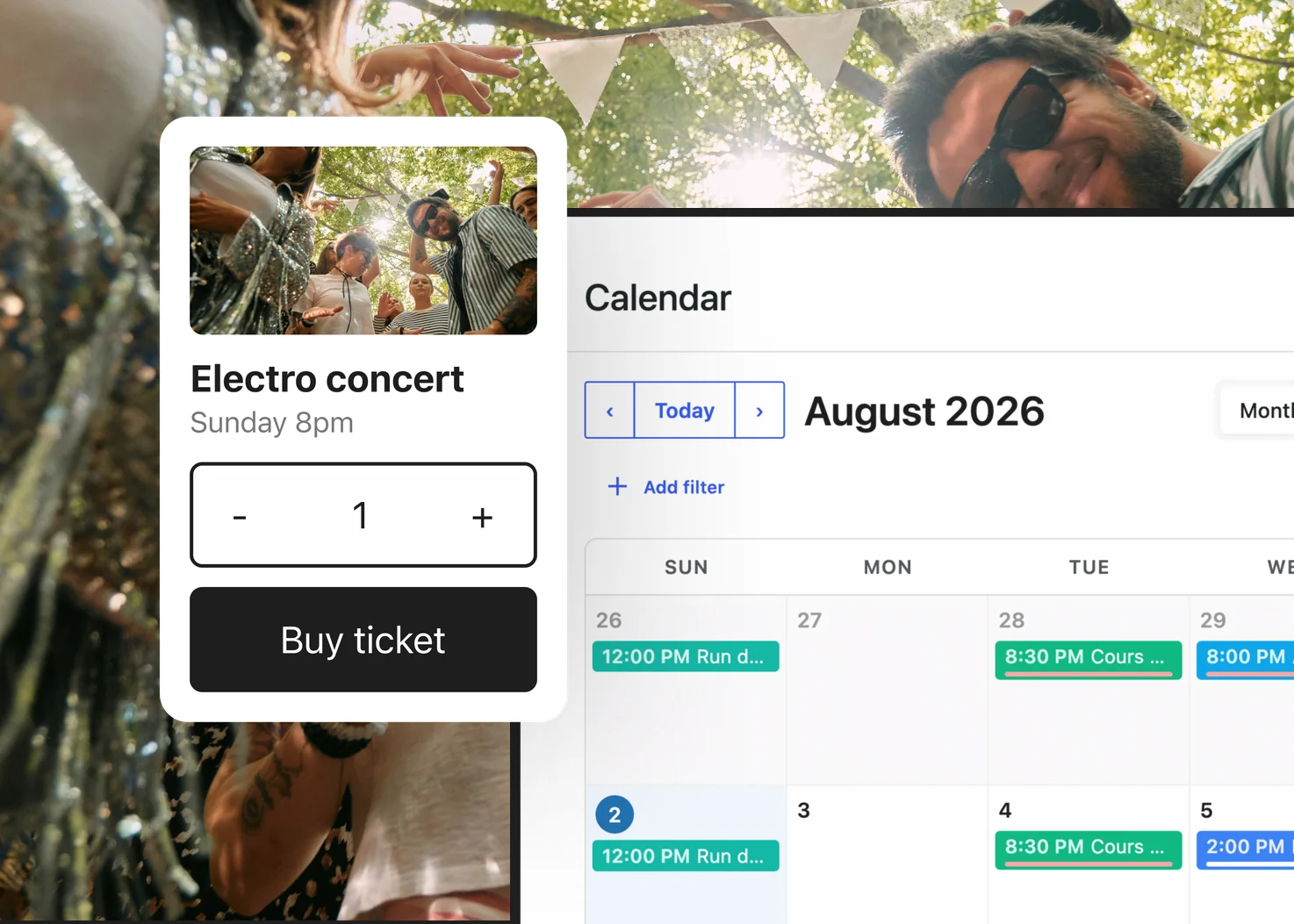
HappenBoard is out on WordPress.org. It is a free events calendar and booking plugin, and HappenBoard Pro adds paid tickets. Here is why we built it.
It started with a frustration
At SEOPress, we have built WordPress plugins since 2017, and many of the sites we work with run events. On those sites, the events plugin was too often the part that worked against WordPress instead of with it. Most of the time, that plugin was The Events Calendar, the leader of the category.
It is a mature plugin, used on a very large number of sites, and it does a lot. But in 2026, the same problems kept coming back.
The problems that kept coming back
Block themes are only partly supported
WordPress has had block themes and the Site Editor for years. With The Events Calendar, you can place the calendar in a Site Editor template, but its calendar views are not blocks. To change what is inside them, you still copy PHP template files into your theme and edit them there.
Polylang is not officially supported
The Events Calendar officially supports WPML. Polylang, which runs on a large share of multilingual WordPress sites, is not something it officially supports, and its support forums have threads about recurring events that stop working once Polylang is active.
Recurring events are fragile
Recurring events are an Events Calendar Pro feature, and they are where we ran into the most bugs. For weekly classes or monthly meetups, that is the one feature you cannot afford to see break.
Other plugins need code written just for it
The Events Calendar replaces several native WordPress behaviours with its own: its own template system, its own views, its own way of querying events. A theme, an SEO plugin or a page builder that wants to work well with it often needs code written just for it. As plugin makers ourselves, we know what that costs.
What we did instead
We started from WordPress itself and kept to it.
- Real blocks, styled by your theme. The calendar, the event lists, the sign-up form and the booking pages are blocks. The Calendar block shows month, week, day and agenda views, and HappenBoard ships 8 Site Editor templates for block themes. Classic themes work too.
- Polylang and WPML. Both are supported. Each language lists its own events, the translations of an event share the same seats, and the iCal feed exists per language.
- Recurring events in the free plugin. Events repeat daily, weekly, monthly or yearly, with rules stored in the iCalendar standard. Each date keeps its local time when the clocks change, and the seat limit applies to each date.
- Standard WordPress content. Events, venues and organizers are standard post types with categories and tags, and they are in the WordPress REST API. Your theme, your SEO plugin and your site search see them like the rest of your content.
HappenBoard in three minutes
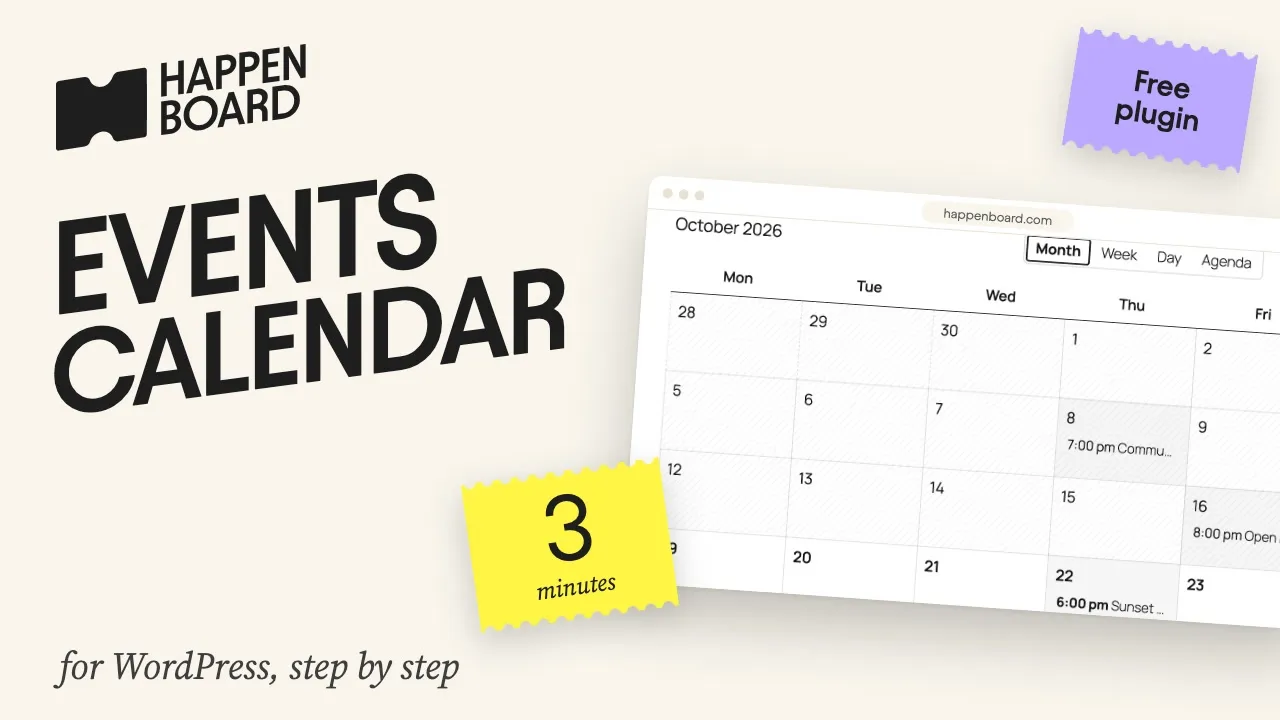
This short video shows how to add an events calendar to a WordPress site with HappenBoard.
Coming from The Events Calendar
HappenBoard Free imports your events, venues, organizers, categories, repeat rules, and RSVP and ticket attendees from The Events Calendar. A dry run shows what will be created before anything is written, and your old data is left as it is. Ticket types and prices are not imported: with Pro, you create them again. The migration guide lists what comes across, and the side-by-side comparison shows how the two plugins differ.
Free, and Pro when you sell
HappenBoard comes in two parts: a free plugin that runs most event sites on its own, and HappenBoard Pro for the day you sell tickets.
In the free plugin, on WordPress.org
- A calendar with month, week, day and agenda views, plus event lists and grids
- Recurring events, with a seat limit for each date
- RSVPs with seat limits and emails to attendees
- Appointment booking: booking types, hosts and their weekly hours
- Import from The Events Calendar, Events Manager, Sugar Calendar, EventKoi and Amelia
With HappenBoard Pro
- Paid tickets, sold with Stripe or WooCommerce
- PDF e-tickets with a QR code, and check-in at the door
- Google Calendar and Outlook sync
- Custom fields, webhooks and event submissions from your visitors
No commission. HappenBoard takes nothing on your ticket sales: you only pay your payment provider. The pricing page compares the plans.
We have looked after SEOPress since 2017, and we will look after HappenBoard the same way. Try it, and tell us what you think: your messages reach the people who write the code.