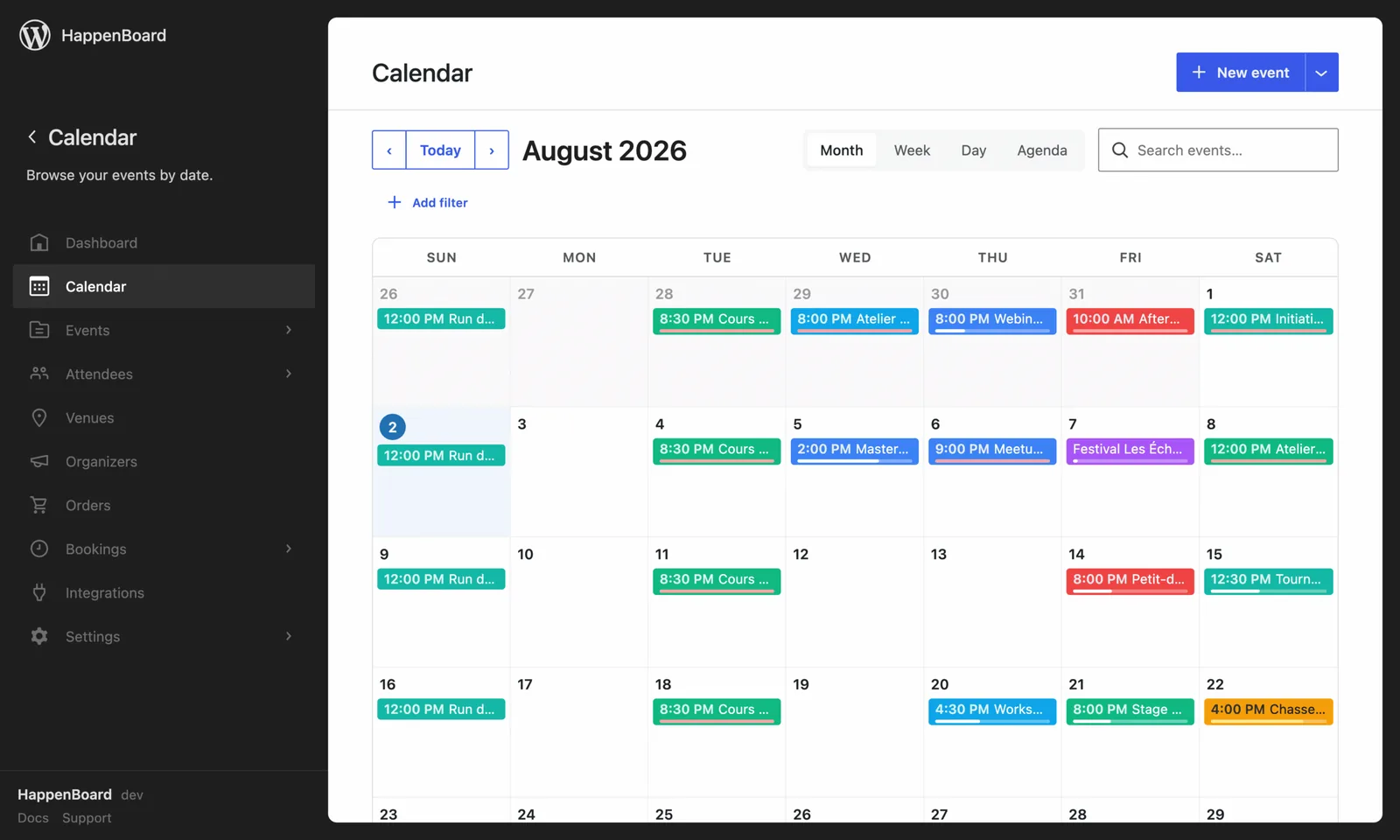
Block spam registrations before they reach your events.
- Uses the Akismet key already configured on your site
- Or its own key if you prefer to keep them separate
- Checked before a sign-up is stored
What you can do with it
- Check each RSVP and each booking against Akismet, the anti-spam service many WordPress sites use for comments.
- Drop the submissions Akismet flags as spam without a word, so bots learn nothing.
- Reuse the key of the Akismet plugin with one click, or type a separate key.
- Run it with Cloudflare Turnstile, or on its own: each one has its own switch.
- With HappenBoard Pro, check the visitor event submission form and free ticket orders the same way.
How to set it up
- Go to HappenBoard → Integrations and click Configure on the Akismet card.
- Turn on Enable Akismet on public forms.
- Click Use Akismet plugin key if the Akismet plugin is set up, or type your key in API key.
- Click Save changes.
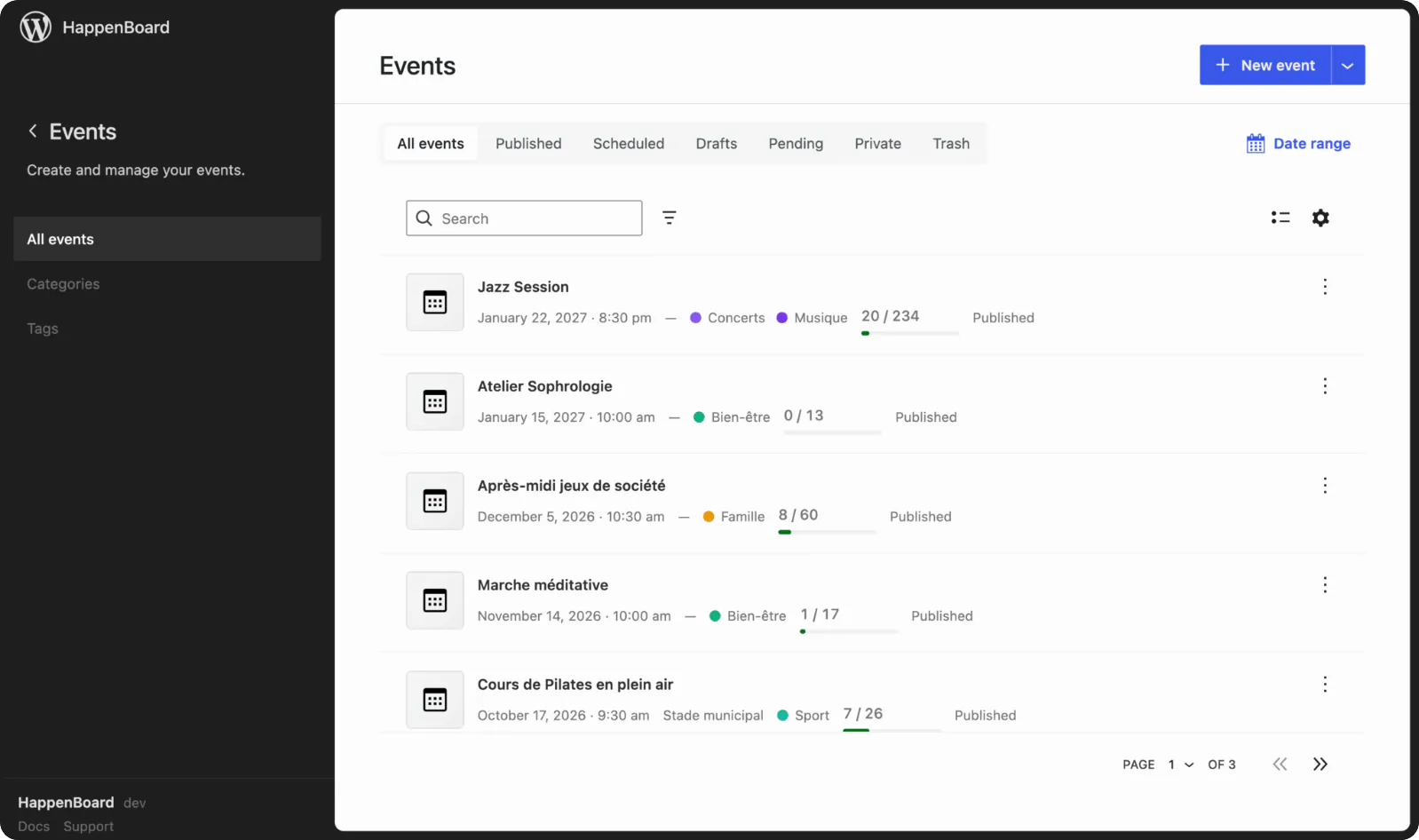
- Send your own form once and check that your name appears on the Attendees screen.
The spam protection guide explains the checks that run before Akismet.
What you need
- An Akismet API key. You can reuse the one of the Akismet plugin.
- HappenBoard, the free plugin.
- An administrator account on your WordPress site.
Free and Pro
Akismet is in the free plugin, like the built-in checks: a hidden trap field, a signed time stamp, rate limits and one sign-up per email address.
HappenBoard Pro extends the same protection to its event submission form and to orders of free tickets.
Good to know
- Akismet is off until you turn it on.
- If Akismet cannot be reached, the submission goes through. The built-in checks still apply.
- Blocked submissions leave no trace: no attendee, no booking, no email.
- Akismet receives the name, email address, IP address, browser details and page address. Mention it in your privacy policy.
- Akismet’s own terms decide whether your site needs a paid plan.