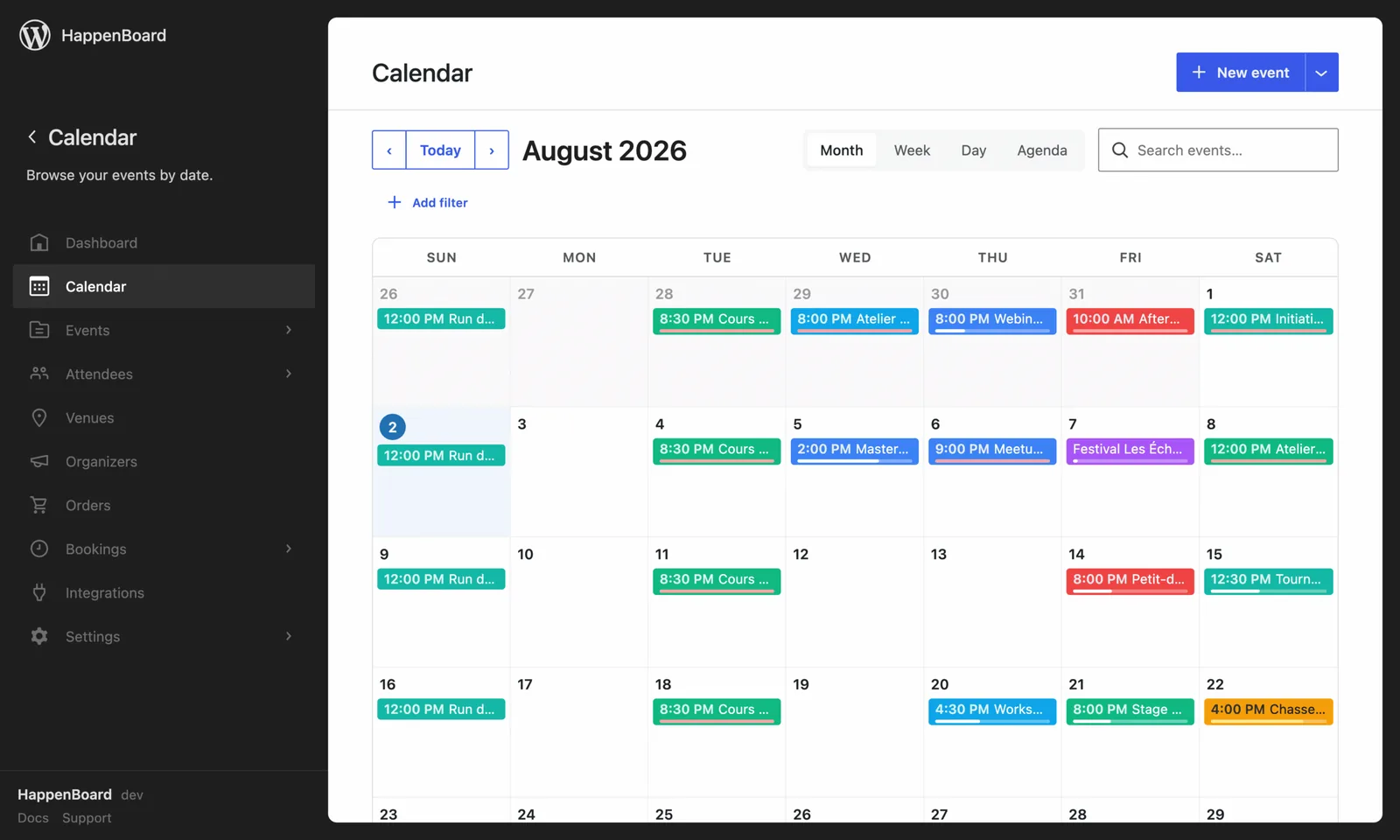
Give your venue maps a look that matches the rest of your site.
- Six ready-made styles: light, dark, sepia, satellite and more
- Or paste your own MapLibre style JSON
- Applies to every venue map at once
What you can do with it
- Restyle the venue map of your event pages with one choice: Light, Dark, Sepia, Minimal, Brand or Satellite.
- Match your theme with the Brand template, tinted with your theme’s accent colour.
- Paste a complete MapLibre style, for example from MapTiler, Stadia or your own tile server.
- Give the same background to the Events Clustered Map block, which shows all your events on one map.
- Keep pages light: the map library loads only on pages with a map, when the map comes near the screen.
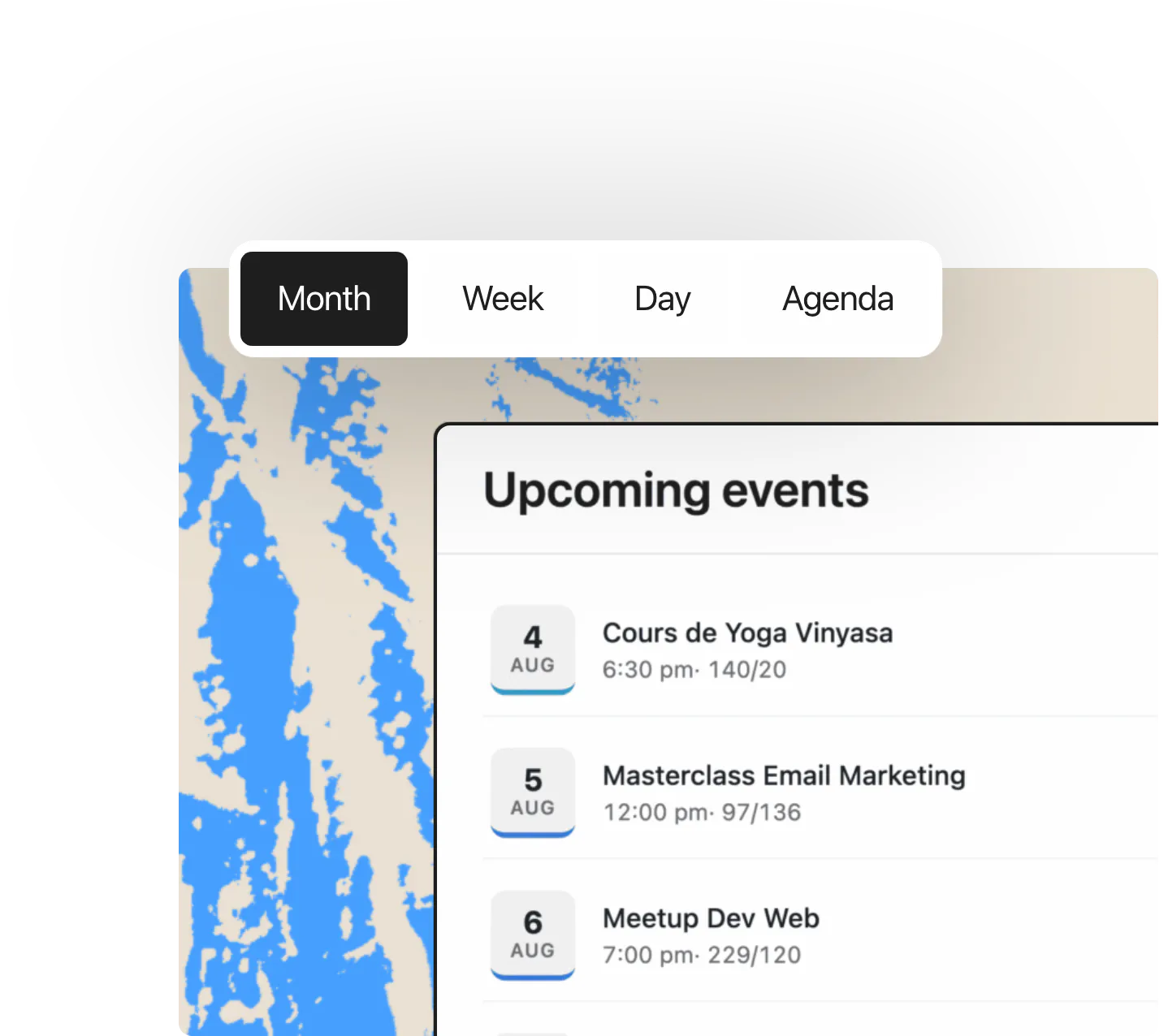
How to set it up
- Install and activate HappenBoard Pro.
- Go to HappenBoard → Integrations and click Configure on the Map Design Studio (Pro) card.
- Under Map template, click the style you want.
- Click Save changes. Every venue map shown by the Event Venue block takes the new look.
The clustered map and Map Design Studio guide describes each template and the clustered map settings.
What you need
- HappenBoard Pro, active next to the free plugin.
- Venues with a latitude and a longitude.
- The Show map option on in your Event Venue block.
- No account or API key, unless you paste a style from a provider that asks for one.
Free and Pro
The free plugin shows venue maps with OpenStreetMap, Google Maps or a custom embed. See the Maps integration.
Map Design Studio and the Events Clustered Map block come with HappenBoard Pro.
Good to know
- Any template other than Off (use Lite iframe) replaces the free map, whichever provider your map settings name.
- The map pictures load from OpenStreetMap, or from Esri for Satellite. A developer can switch the tile source with a filter.
- If a custom style is empty or broken, venue maps fall back to the free plugin’s map, and the page still works.
- The styled map keeps the height and zoom set on the block, and does not zoom when a visitor scrolls over it.
- On the clustered map, the template changes the background. The circles and pins keep their colours.