Send each attendee their confirmation in their own language.
- Free WPML and Polylang support for events and venues
- The language comes from a field on the registration form
- Applies to confirmations, reminders and date changes
What you can do with it
- Translate events, venues, organizers, categories and tags with WPML or Polylang, like any page.
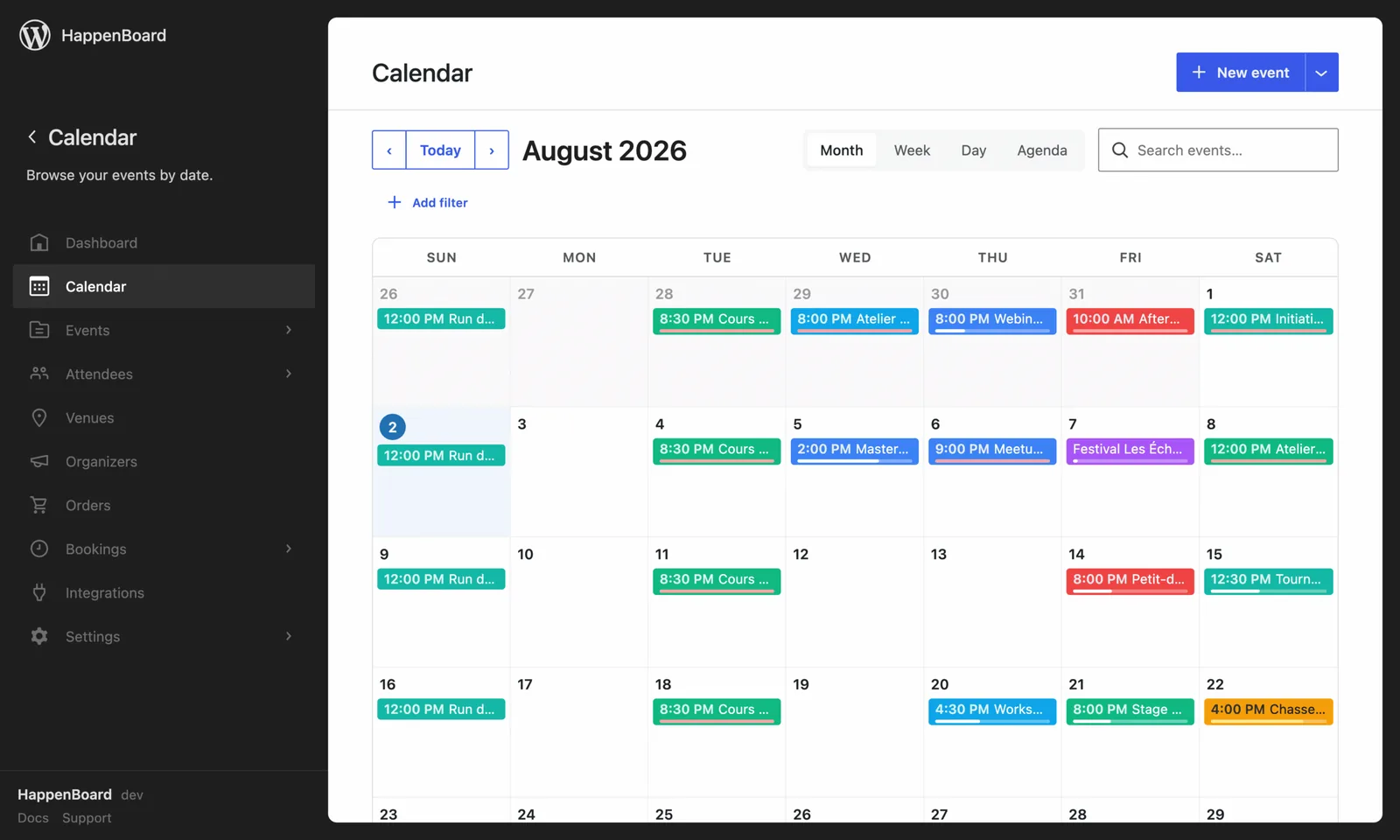
- Show each visitor the events of their language in calendars, lists and grids.
- Share one capacity between the translations of an event, so seats are never counted twice.
- Send RSVP emails in the language of the page the attendee signed up on.
- With Pro, let attendees pick their email language in a field of your sign-up form.
- With Pro, sell the same tickets from the same seats in every language, and admit every translation at one door.
How to set it up
- With WPML or Polylang active, translate your venues and organizers first, then your events.
- For the language field, go to HappenBoard → Settings → Custom fields and add a Select (dropdown) field with the key
language, collected from the attendee registration. - Add one option per language, with a code such as
fras its value. - Go to HappenBoard → Integrations, click Configure on the Multilingual (Pro) card and check that Custom field slug reads
language. - Click Save.
The multilingual guide explains what translations share, and emails in the attendee’s language the values the field understands.
What you need
- WPML or Polylang to translate your events. The language field also works on a site in one language.
- HappenBoard Pro for the language field and the shared tickets.
- The attendee’s language installed in WordPress, so emails can switch to it.
Free and Pro
The free plugin supports WPML and Polylang: translated events, venues, organizers, categories and tags, one shared capacity, and RSVP emails in the language of the page.
HappenBoard Pro adds the language field on the sign-up form, tickets shared across translations, translated custom-field labels and a check-in that admits every language.
Good to know
- Booking types are not translatable, on purpose: one booking type serves every language.
- HappenBoard ships no translation files yet, so its own buttons and labels show in English until a translation is installed.
- Appointment emails follow the language of the booking page, not the language field.
- WhatsApp messages and MailerPress emails do not follow the attendee’s language.
- TranslatePress only shows as active on the card. The features above work with WPML and Polylang.