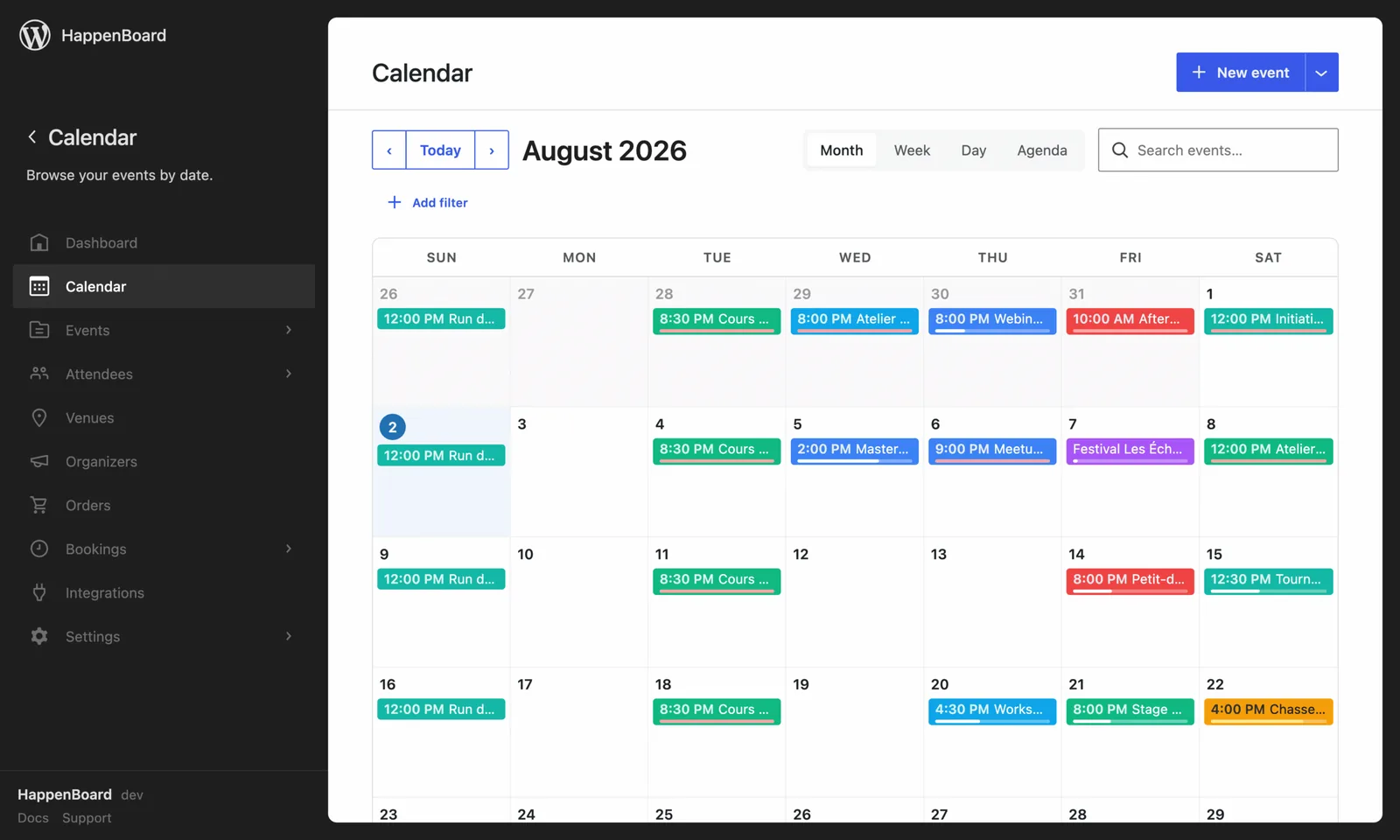
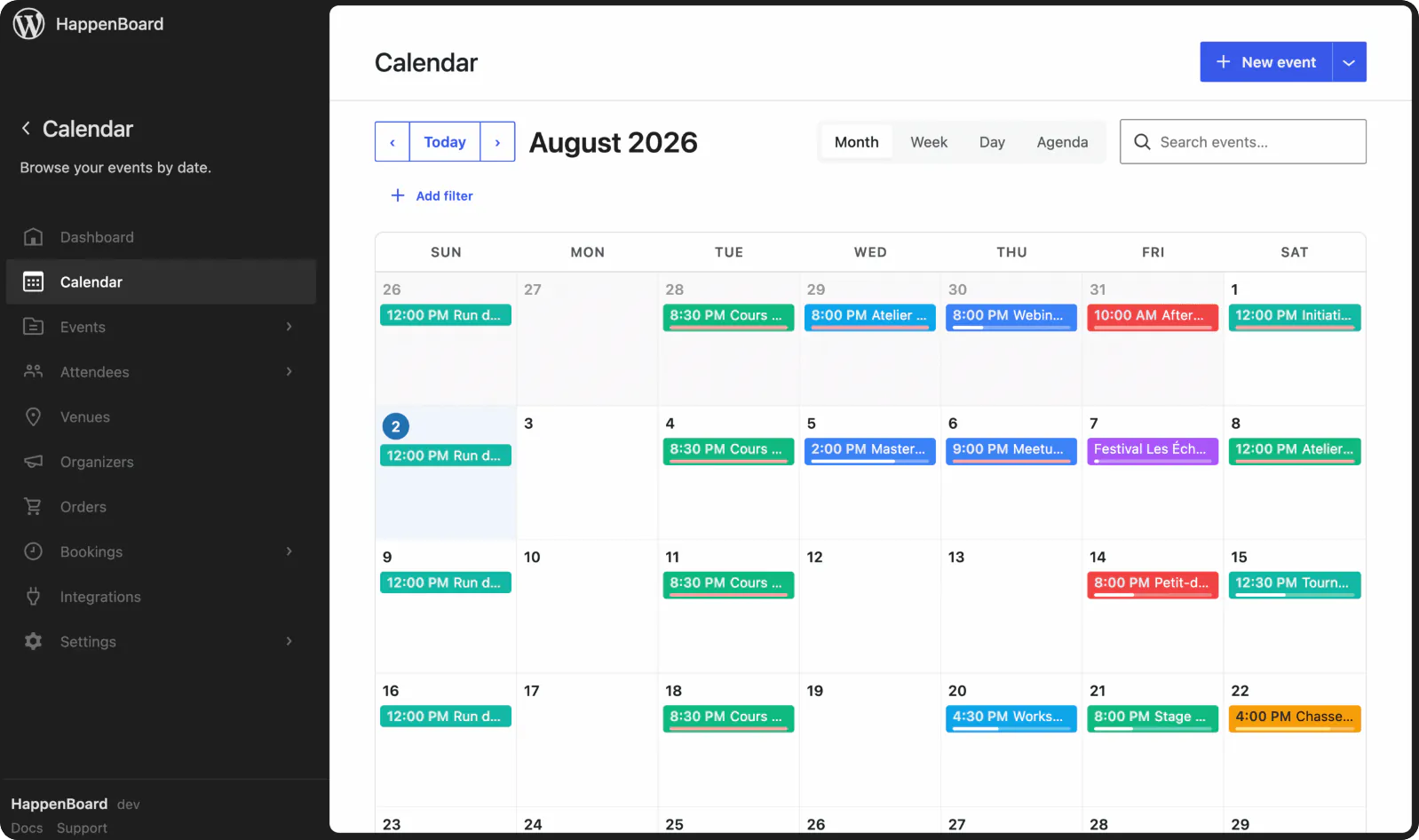
The same two-way sync as Google Calendar, for Outlook and Microsoft 365.
- No more copying events between calendars by hand
- Edits made in Outlook come back into HappenBoard
- Works alongside the Google Calendar sync
What you can do with it
- Send every published event to an Outlook or Microsoft 365 calendar: title, description with a link to your page, place, dates and repeat rule.
- Bring events added in Outlook back to your site as drafts, checked every 15 minutes. A recurring series arrives as one event with its repeat rule.
- Update the matching event on your site when it is edited in Outlook, without publishing or unpublishing it.
- Mark an event as cancelled on the other side when it is trashed on your site or cancelled in Outlook.
- Let each host connect their own Outlook calendar, read only, so their busy times are not offered for booking.
- Run it next to the Google Calendar sync: a published event is then sent to both.
How to set it up
- Go to HappenBoard → Integrations and click Configure on the Outlook Calendar (Pro) card.
- Register an app in Microsoft Entra with the redirect URI the card shows, then create a client secret.
- Give the app the Calendars.ReadWrite, offline_access and User.Read permissions.
- Paste the Application (client) ID and the Client secret, leave Tenant on
commonand click Save credentials. - Click Authorize with Microsoft, pick a Target calendar and turn on Sync events to Outlook.
The Outlook Calendar guide shows each Entra screen and how to renew the client secret.
What you need
- HappenBoard Pro, active next to the free plugin.
- A Microsoft account that can edit the calendar and sign in to the Microsoft Entra admin center.
- A site served over https.
- WordPress scheduled tasks that run, since the checks every 15 minutes rely on them.
Free and Pro
The free plugin publishes an iCal feed that Outlook can subscribe to, read only, and an .ics file for each event.
The two-way sync, the import of Outlook events and the host busy times come with HappenBoard Pro.
Good to know
- Only published events without a password are sent. Events published before you turned the sync on are sent the next time you save them.
- A date you skip or move in a series is not sent: Outlook still shows it at its usual time. Single dates edited in Outlook are not imported.
- The client secret has an expiry date in Entra. Paste a new one with Replace client secret before it runs out, or the sync stops.
- Events marked private in Outlook are never imported. When an event changed on both sides between two checks, the most recent edit wins.
- Apple Calendar has no direct sync. It can subscribe to the iCal feed instead.