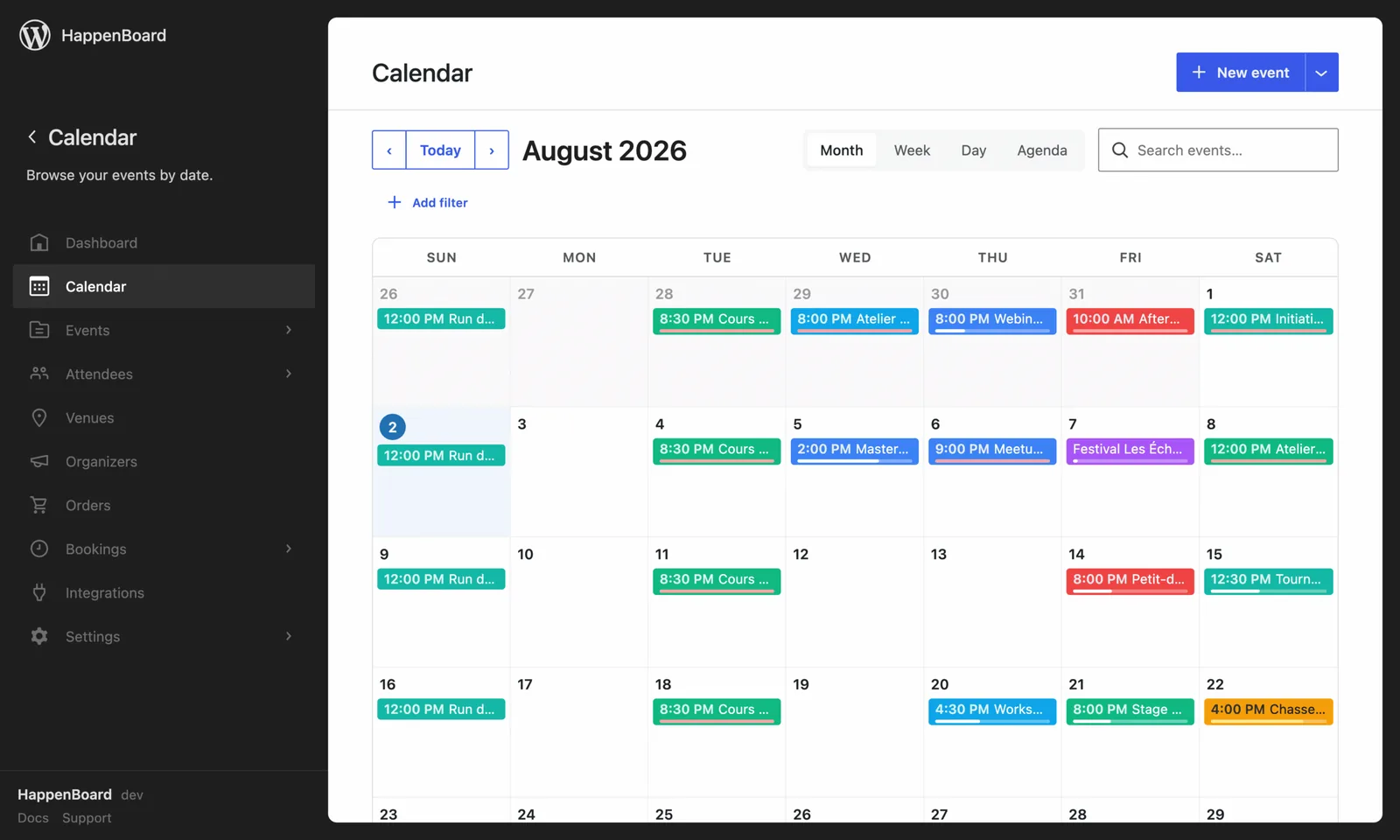
Show the forecast on your event pages, so attendees know what to expect.
- Forecast, past weather or seasonal averages depending on the date
- No API key: the data comes from Open-Meteo
- Cached on your server, so Open-Meteo is called rarely
What you can do with it
- Show the forecast for events in the next 16 days.
- Show the usual weather for that time of year, from ten years of records, for events further away.
- Show the weather observed that day for past events.
- Choose a badge, a compact line or a detailed card, in °C or °F, with rain, wind, humidity, sunrise and sunset if you want them.
- Keep visitors’ details private: your server asks for the data, and only coordinates and dates are sent.
How to set it up
- Go to HappenBoard → Integrations and click Configure on the Weather card.
- Switch on Enable weather and click Save changes.
- Add the Event Weather block to your single event template, so every event gets it.
- Link your events to venues that have coordinates, or type a latitude and longitude in the block.
The weather guide covers the cache and the credit line, and the Event Weather block its display options.
What you need
- HappenBoard, the free plugin.
- Venues with a latitude and a longitude.
- No account or API key. A commercial Open-Meteo key is optional, for sites on a paid Open-Meteo plan.
Free and Pro
Weather is in the free plugin: the Weather card, the Event Weather block and the cache.
HappenBoard Pro adds nothing to the weather. It works the same on both.
Good to know
- Weather is off until you turn it on. Nothing is sent to Open-Meteo before that.
- Turning it on does not add weather to your pages: the Event Weather block does.
- Forecasts are kept 3 hours by default. Past weather and seasonal averages are kept a year.
- Open-Meteo asks to be credited. A credit line is shown under the weather by default.
- With no location, the block shows nothing.